
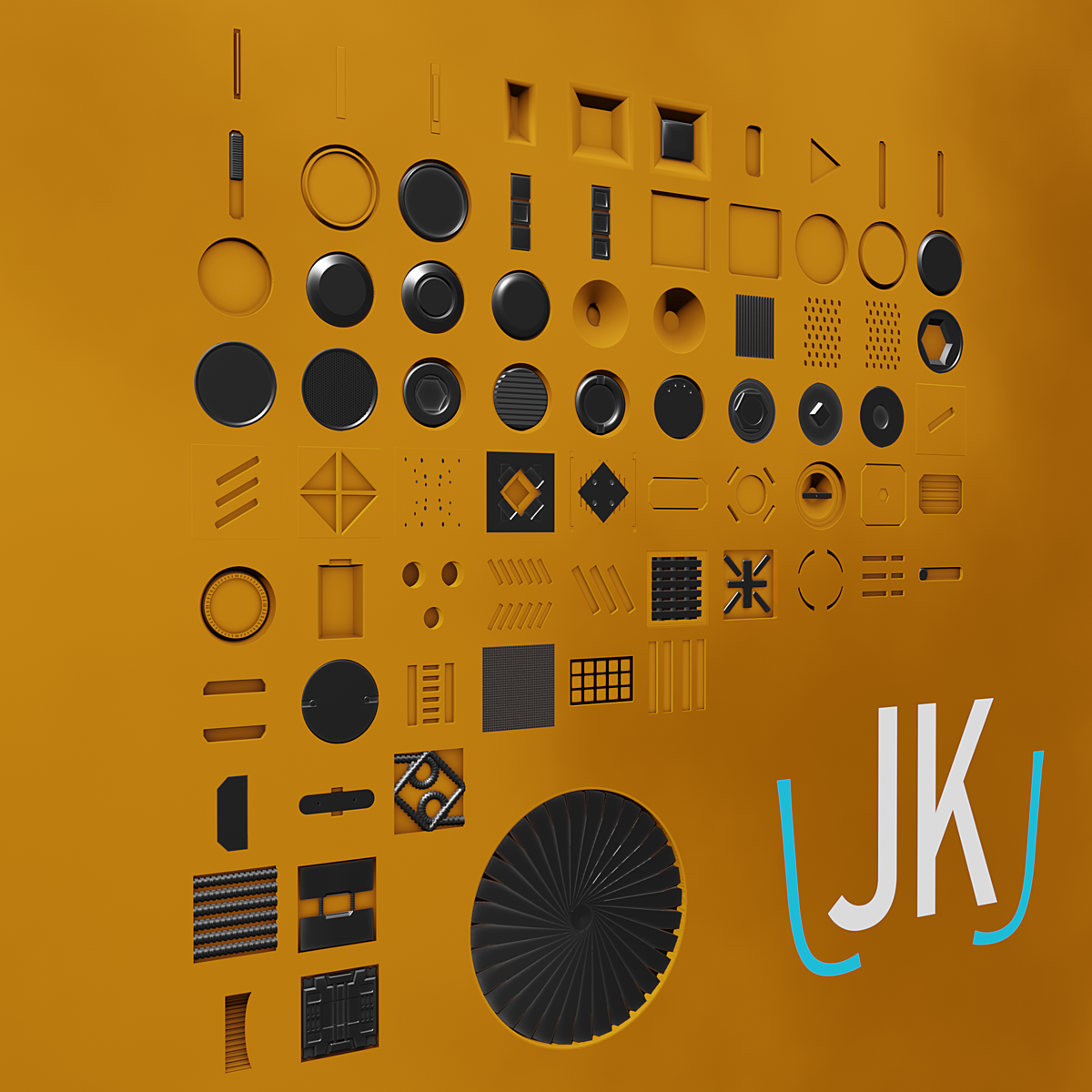
75 Decals For Decalmachine for Blender
decal machine decals
75 Decals For Decalmachine v2.1 – Professional Surface Detail Collection for Blender
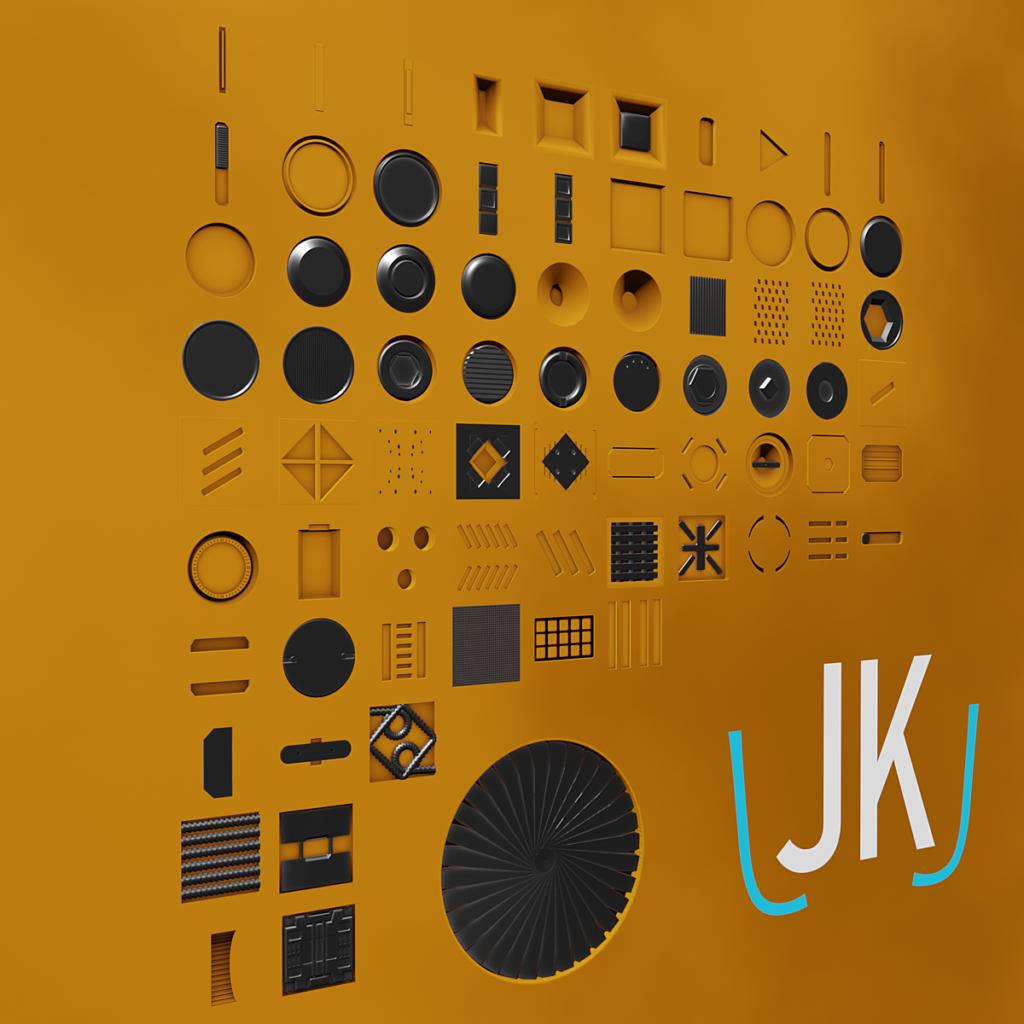
Download 75 Decals For Decalmachine v2.1 for Blender on Windows, Mac, and Linux, a premium collection of high-quality surface decals designed specifically for the Decal Machine add-on. This comprehensive pack provides everything you need to add realistic surface details, wear patterns, and industrial markings to your 3D models with drag-and-drop simplicity .
What’s Included in the Decal Collection:
- 75 High-Resolution Decals: Extensive library of professional surface details including bolts, rivets, vents, warning signs, scratches, dirt, rust, and industrial markings
- Multiple Categories: Organized collections for metal surfaces, concrete textures, sci-fi elements, warning labels, and environmental wear
- PBR Ready: All decals include proper normal, roughness, and metallic maps for physically-based rendering
- Optimized for Decal Machine: Fully compatible with Decal Machine workflow—drag, drop, and position with automatic material assignment
- 4K Resolution: High-resolution textures for crisp details in close-up shots
Key Features:
- Instant Application: Simply drag and drop decals onto your models using Decal Machine’s intuitive workflow
- Non-Destructive: Decals can be adjusted, moved, or removed without affecting your base geometry
- Realistic Wear Patterns: Includes dirt, scratches, rust, and weathering effects for authentic aged surfaces
- Industrial Details: Bolts, rivets, panels, vents, and mechanical elements for hard-surface modeling
- Warning & Safety Markings: Professional industrial and warning labels for realistic machinery and equipment
- Sci-Fi Elements: Futuristic panels, wires, and tech details for sci-fi environments and props
- Universal Compatibility: Works with any 3D model requiring surface detail enhancement
Perfect For:
- Hard-surface modelers adding realistic details to vehicles, machinery, and props
- Environment artists creating detailed architectural and industrial scenes
- Game developers adding surface variation to game assets
- Sci-fi and futuristic modelers needing tech and panel details
- Anyone using Decal Machine who wants to expand their decal library
System Requirements:
- Blender 2.8 and above
- Decal Machine add-on (required for full functionality)
- Windows 10/11 (64-bit), macOS, or Linux
- 4GB RAM minimum (8GB+ recommended)
- 500MB available disk space
Installation:
- Extract the decal textures to your Decal Machine assets folder
- In Blender, open the Decal Machine panel
- Use the asset browser to import decals into your library
- Decals are ready to drag and drop onto your models
Note: This decal collection is designed specifically for the Decal Machine add-on for Blender . The high-resolution textures and professional surface details make it essential for hard-surface modelers, environment artists, and anyone needing realistic surface variation . Perfect for industrial, sci-fi, and realistic environmental work .
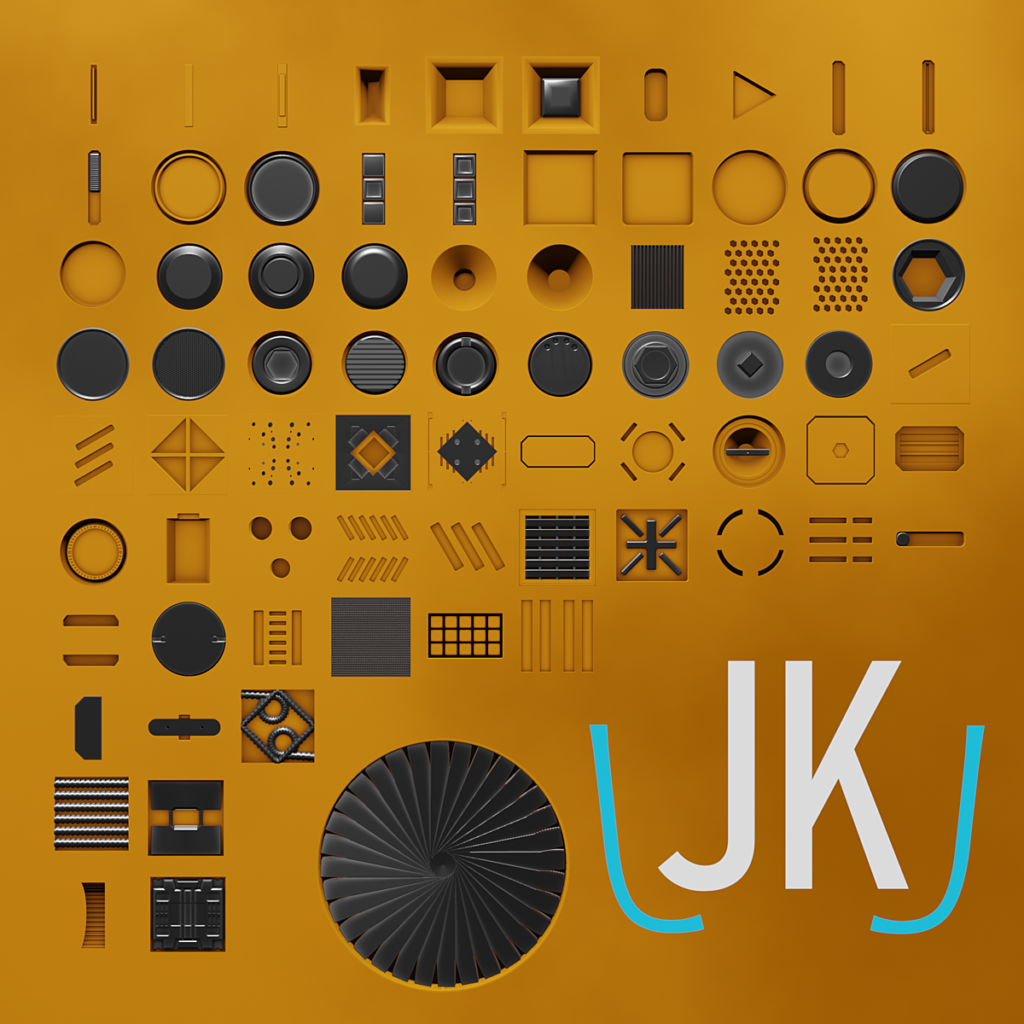
This product contains all decals shown in the thumbnail. They are made for commercial use and designed for easy drag and drop action.
Installation:
Copy and paste both folders into the ‘Blender/2.80/scripts/addons/DECALmachine/assets/Decals’ folder.
(Or, if you have specified a custom folder, paste it into there)

Supercharge your 3D creation workflow with premium selection of Blender Add-ons. Whether you are modeling intricate characters, sculpting realistic environments, or animating cinematic sequences, the right add-on can transform how you work inside Blender. Our curated collection includes powerful tools for UV unwrapping, procedural texture generation, rigging automation, rendering optimization, and more—each rigorously tested for compatibility with the latest Blender versions. Eliminate tedious manual processes and unlock advanced functionality that lets you focus on what matters most: bringing your creative vision to life. Explore our full range of professional Blender plugins today and take your 3D projects to the next level.
➡️ ➡️ For more Blender Plugins 😀 😀
Reviews
There are no reviews yet.