
Accent Pro for Blender
accent pro plugin
Accent Pro for Blender – Professional 3D Model Detailing & Hard-Surface Tool
Download Accent Pro for Blender on Windows, Mac, and Linux, a powerful add-on that revolutionizes hard-surface modeling by adding complex details, panels, and accents to your 3D models with just a few clicks. Perfect for mechanical design, sci-fi modeling, and any project requiring intricate surface details without time-consuming manual modeling .
Key Features of Accent Pro:
- Smart Detail Generation: Instantly add panels, vents, bolts, wires, and mechanical accents to any surface with intelligent edge detection
- Non-Destructive Workflow: All details are added as modifiers, allowing you to adjust, modify, or remove accents without altering your base mesh
- Customizable Presets: Extensive library of built-in detail presets for industrial, sci-fi, architectural, and mechanical styles
- Surface-Aware Placement: Automatically aligns details to surface curvature and orientation for natural, realistic results
- Real-Time Preview: See details update instantly as you adjust parameters and placement
- Batch Processing: Add multiple accents simultaneously for efficient scene detailing
- Material Integration: Automatically assigns materials to generated details for realistic surface variation
- Performance Optimized: Efficient geometry generation that won’t slow down your workflow
Perfect For:
- Hard-surface modelers creating mechanical and industrial designs
- Sci-fi and futuristic artists building detailed spaceships, robots, and technology
- Architectural visualization artists adding architectural details to buildings
- Product designers creating detailed mockups and prototypes
- Anyone needing to add complex surface details without manual modeling
System Requirements:
- Blender 3.0, 3.1, 3.2, 3.3, 3.4, 3.5, 3.6, 4.0, 4.1, 4.2, 4.3
- Windows 10/11 (64-bit), macOS, or Linux
- 4GB RAM minimum (8GB+ recommended)
- 50MB available disk space
Installation:
- Download the add-on zip file
- In Blender, go to Edit > Preferences > Add-ons
- Click “Install” and select the downloaded zip file
- Enable the add-on by checking the box next to “Accent Pro”
Note: Accent Pro transforms hard-surface modeling by automating complex detailing tasks that would otherwise take hours of manual work . The non-destructive workflow and extensive preset library make it essential for any 3D artist working with mechanical, sci-fi, or architectural models .
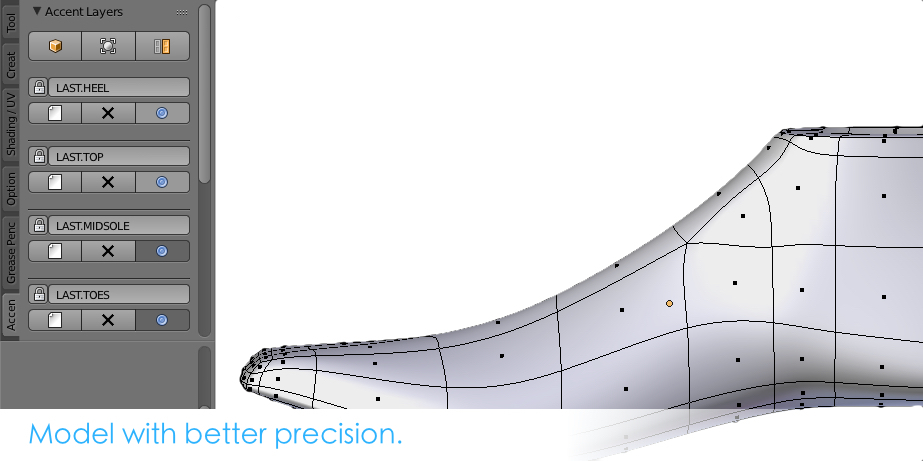
Model with better precision. Accent Pro for Blender is a modeler’s go to tool for efficient modeling. It promotes a proper low to high polycount workflow. Model mesh editing layers are already implemented in some 3D software packages, and now as a plugin for Blender. Accent Pro for Blender is useful for the beginning 3D artist and the professional alike.
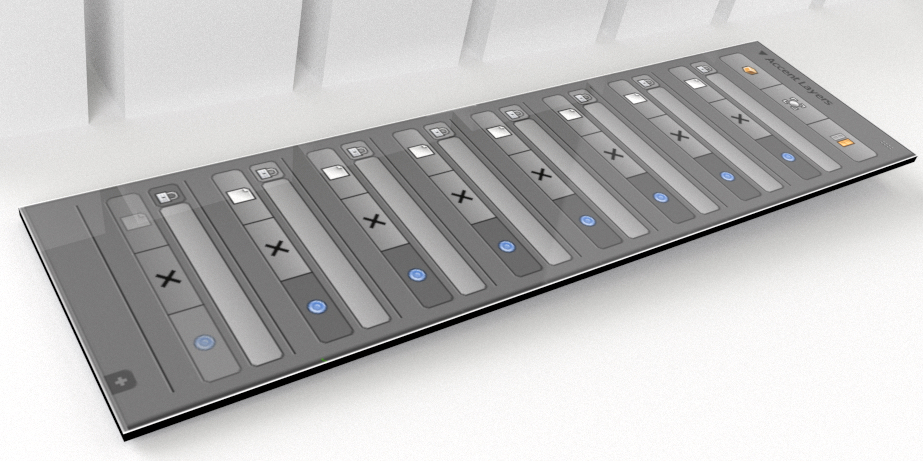
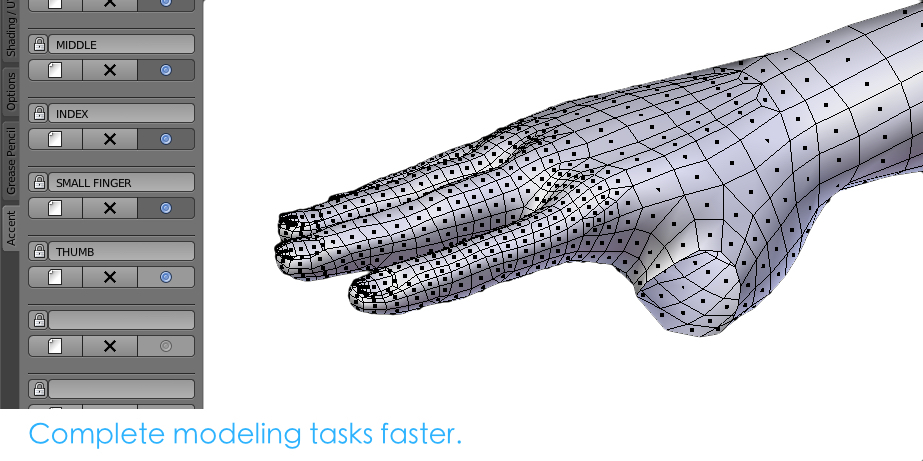
Designed with a minimalist, universal interface, Accent Pro for Blender helps a modeler maintain another degree of efficiency while accomplishing modeling tasks. Accent Pro is for everyone. Even texture artists will find it useful in their workflow for UV maps. Accent Pro is a must-have tool for any CG artist.
Highlight features:
-Transparent to Blender’s operation.
– Locking layers for mesh protection.
– Layers save with your project file.
– Quick Solo Scroll through layers by using SHIFT + `(Accent)
Version 1.1 Released!
Updates: Fixed bug that created a slow response to saving faces over 3,000 polygons.
Supercharge your 3D creation workflow with premium selection of Blender Add-ons. Whether you are modeling intricate characters, sculpting realistic environments, or animating cinematic sequences, the right add-on can transform how you work inside Blender. Our curated collection includes powerful tools for UV unwrapping, procedural texture generation, rigging automation, rendering optimization, and more—each rigorously tested for compatibility with the latest Blender versions. Eliminate tedious manual processes and unlock advanced functionality that lets you focus on what matters most: bringing your creative vision to life. Explore our full range of professional Blender plugins today and take your 3D projects to the next level.
➡️ ➡️ For more Blender Plugins 😀 😀
Reviews
There are no reviews yet.