
AgedFX for Blender
agedfx addon
AgedFX v1.22 for Blender – Procedural Aging & Weathering Effects Toolkit
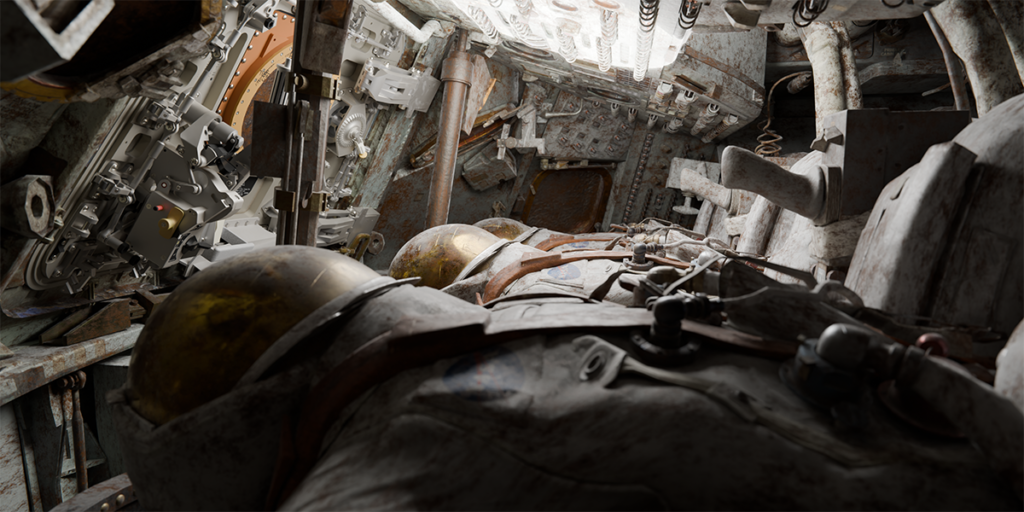
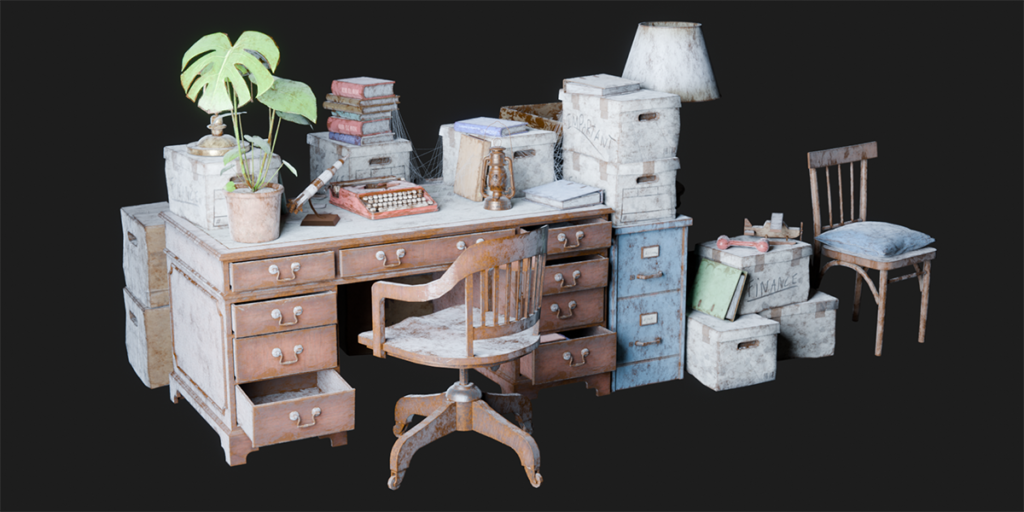
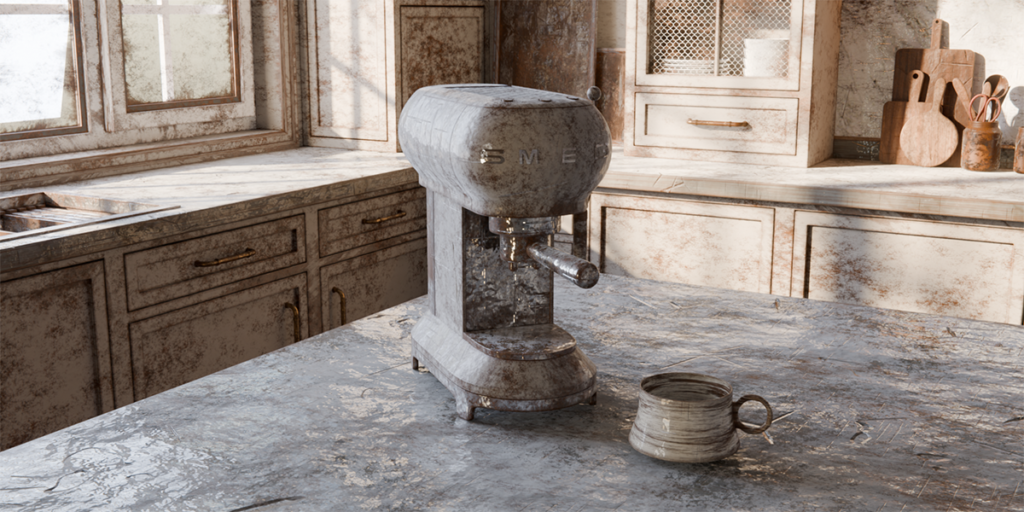
Download AgedFX v1.22 for Blender on Windows, Mac, and Linux, a powerful add-on that adds realistic aging, weathering, and wear effects to your 3D models with just a few clicks. Create authentic distressed surfaces, rust patterns, dirt accumulation, and material decay for architectural visualization, game assets, and cinematic scenes .
Key Features of AgedFX v1.22:
- Procedural Aging Effects: Generate realistic rust, corrosion, and oxidation patterns with adjustable intensity and distribution controls
- Weathering System: Add dirt, grime, dust accumulation, and water stains to any surface with intelligent edge detection and gravity simulation
- Wear & Tear: Create realistic edge wear, scratches, scuffs, and surface damage that naturally follows model contours
- Material Decay: Simulate paint peeling, material deterioration, and surface degradation for aged and abandoned looks
- Non-Destructive Workflow: All effects are applied as modifiers and materials, fully adjustable without altering your base geometry
- Texture Generation: Automatically generate high-quality aging textures with PBR roughness, normal, and displacement maps
- Real-Time Preview: See aging effects update instantly as you adjust parameters for rapid iteration
- Multiple Presets: Built-in library of aging styles including industrial rust, urban decay, antique metal, weathered wood, and more
- v1.22 Updates: Enhanced material generation, improved edge detection, and expanded compatibility with Blender 4.0+
Perfect For:
- Architectural visualization artists creating realistic aged buildings and environments
- Game developers adding weathering to props, vehicles, and environments
- 3D artists creating post-apocalyptic or abandoned scenes
- Hard-surface modelers adding realistic wear to mechanical designs
- Anyone needing authentic aging and weathering effects without complex manual texturing
System Requirements:
- Blender 3.0, 3.1, 3.2, 3.3, 3.4, 3.5, 3.6, 4.0, 4.1, 4.2, 4.3
- Windows 10/11 (64-bit), macOS, or Linux
- 4GB RAM minimum (8GB+ recommended)
- 50MB available disk space
Installation:
- Download the add-on zip file
- In Blender, go to Edit > Preferences > Add-ons
- Click “Install” and select the downloaded zip file
- Enable the add-on by checking the box next to “AgedFX”
Note: AgedFX revolutionizes the aging and weathering workflow in Blender, allowing you to add realistic decay to any model in minutes instead of hours . The procedural system ensures every object gets unique, natural-looking wear patterns . Perfect for creating authentic aged environments for games, architectural visualization, and cinematic scenes . Version 1.22 includes full compatibility with Blender 4.0 and above .

What is AgedFX?
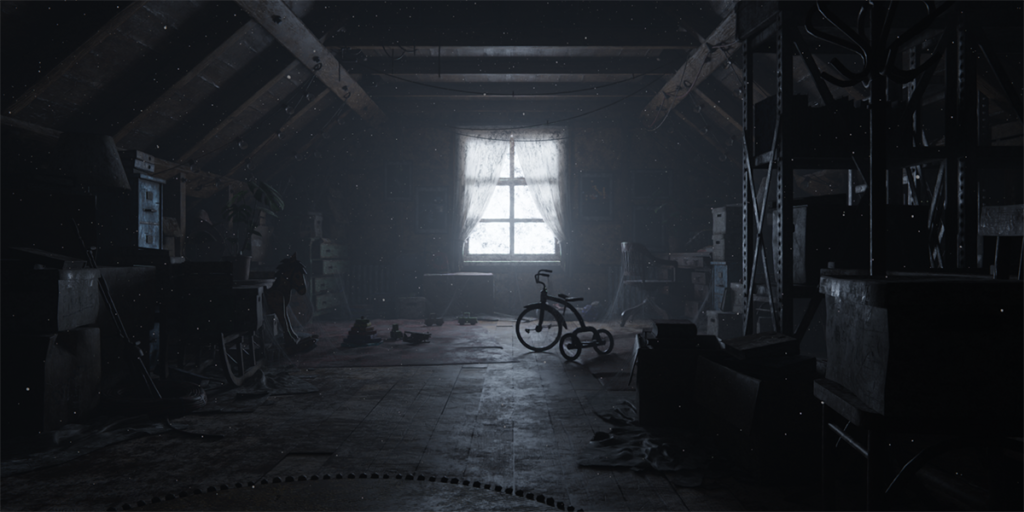
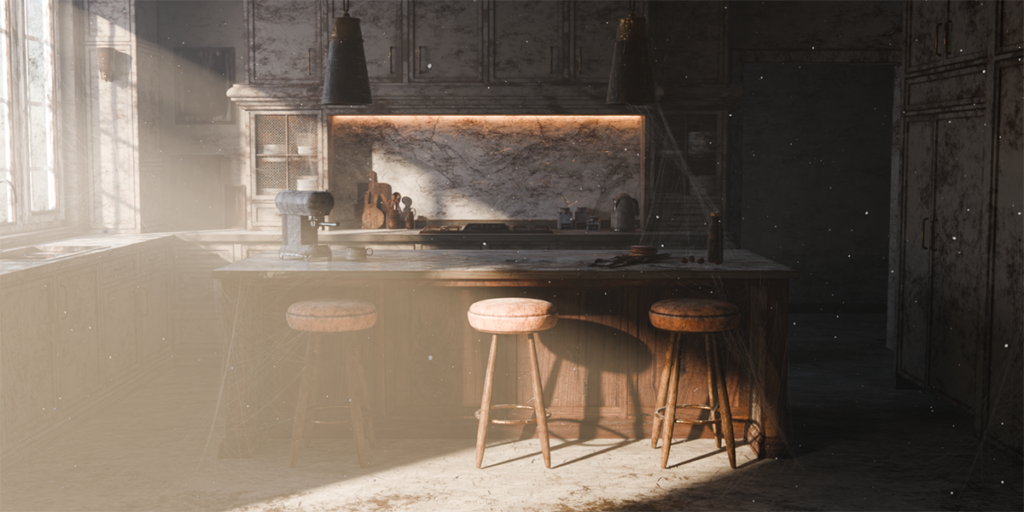
AgedFX is the ultimate solution for effortlessly adding realistic aging effects to single objects or entire scenes in Blender. It’s a complete toolbox for all kinds of material manipulation effects and atmospheric details which can do the repetitive tasks for you.
The natural process
In the real world, nothing remains pristine forever. Objects age, gather dust or dirt, and getting imperfections over time, lending them authenticity and character.
Yet, replicating this natural process in 3D has traditionally been cumbersome and time-consuming, escpecially for complete scenes.


Expand materials dynamically
With AgedFX, aging your objects and scenes is no longer a daunting task. The powerful tool detects all materials in your scene and can dynamically apply fully procedural aging effects, allowing you to effortlessly infuse realism into your creations. It empowers you to achieve more lifelike results with just a few clicks.
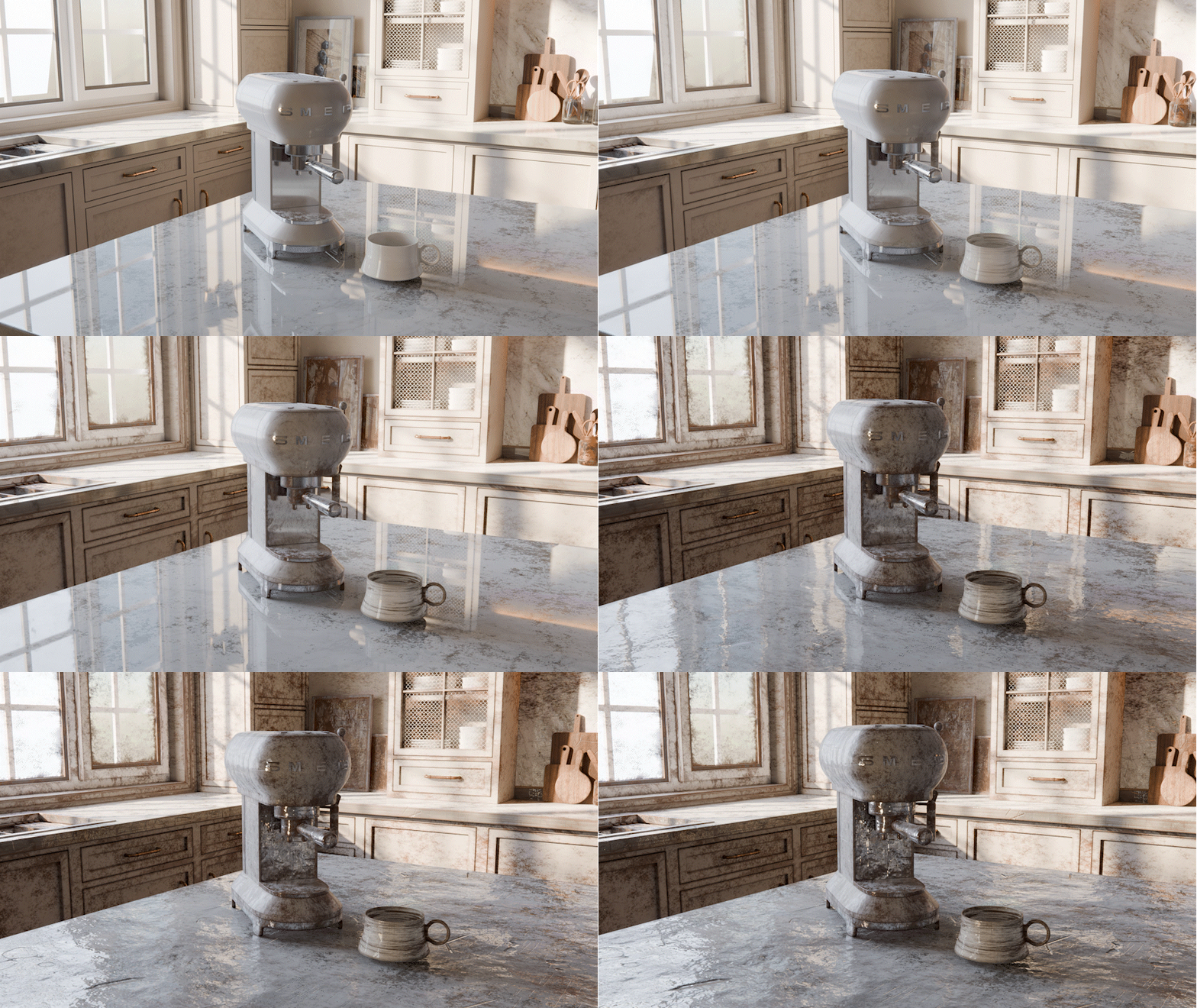
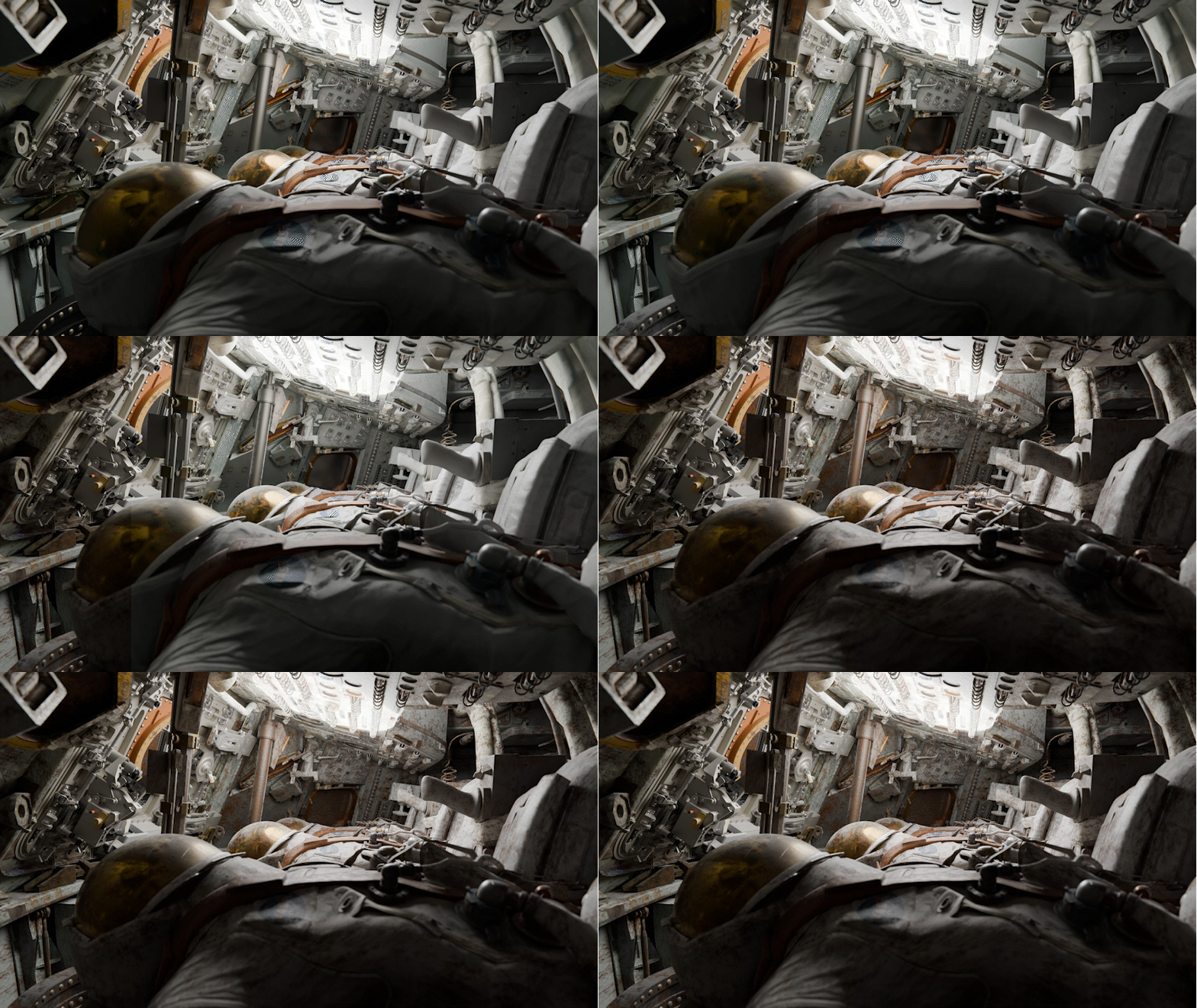
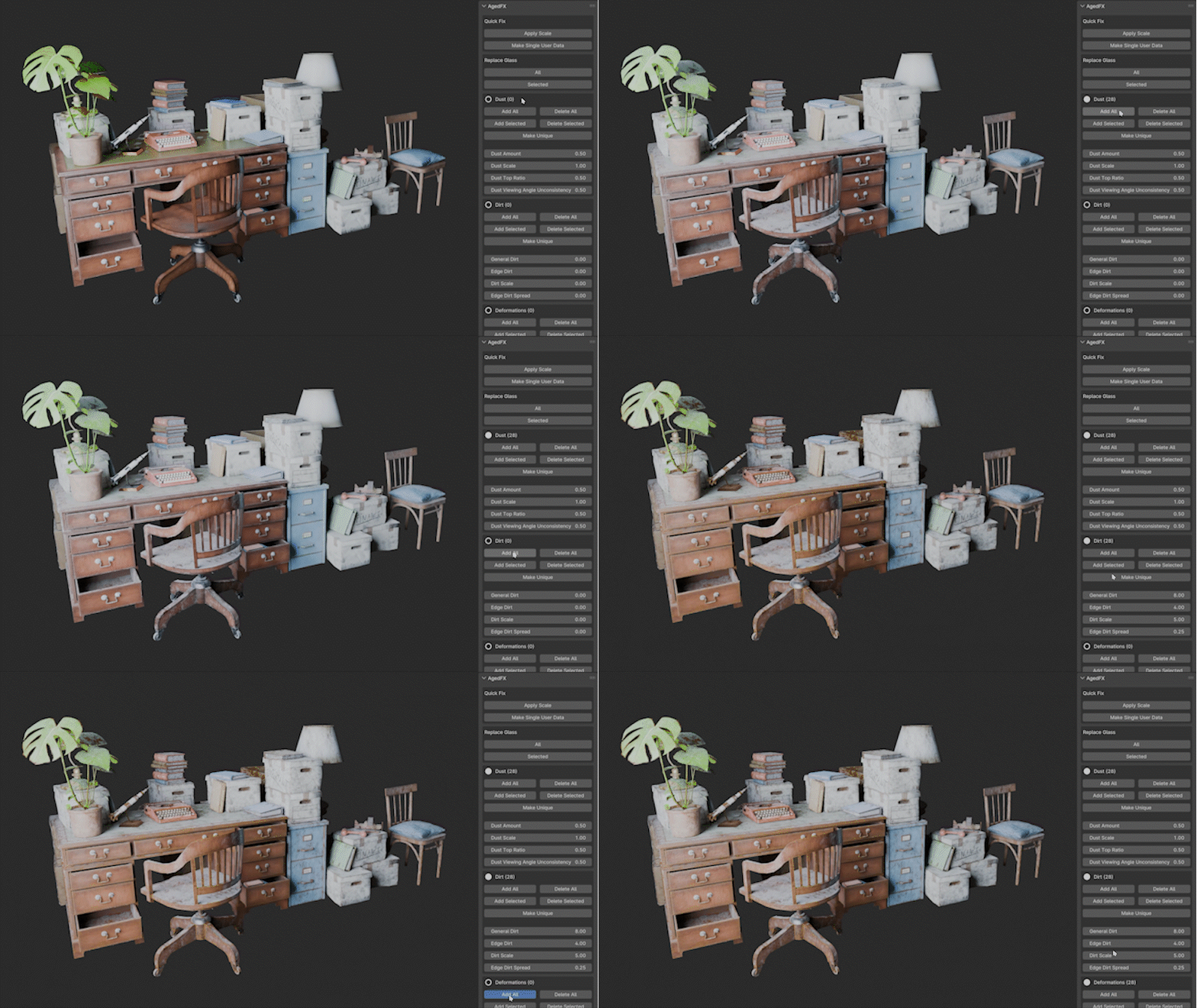
Designed to seamlessly integrate into your workflow, the shading effects are working with every material that uses a Principled BSDF, ensuring compatibility and ease of use. Your original nodes remain untouched, just reconnected if necessary, and every effect can be easily adjusted or reversed at any time, giving you complete control over the aging process. In the Addon Panel, you can always see how many materials are currently affected.
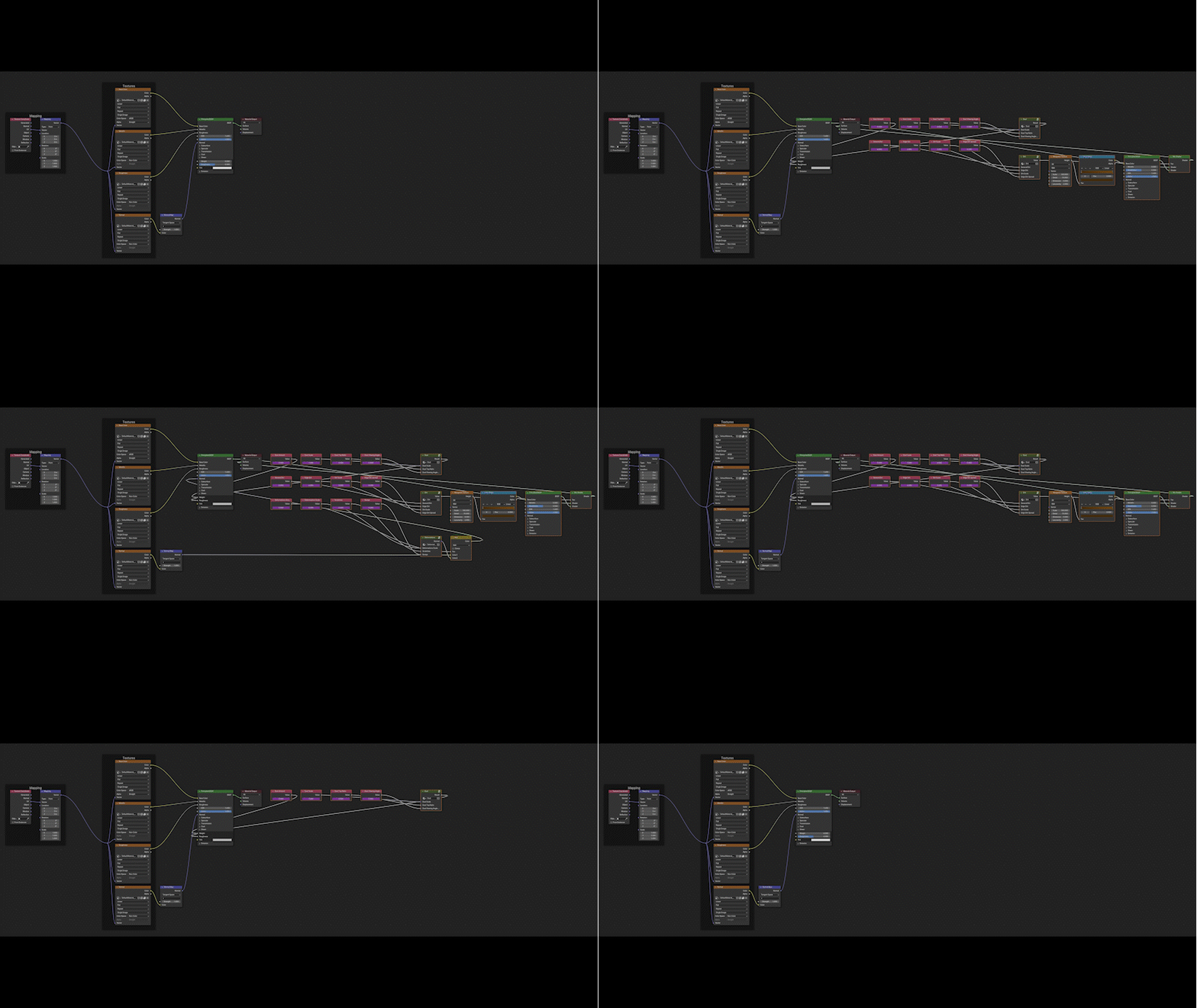
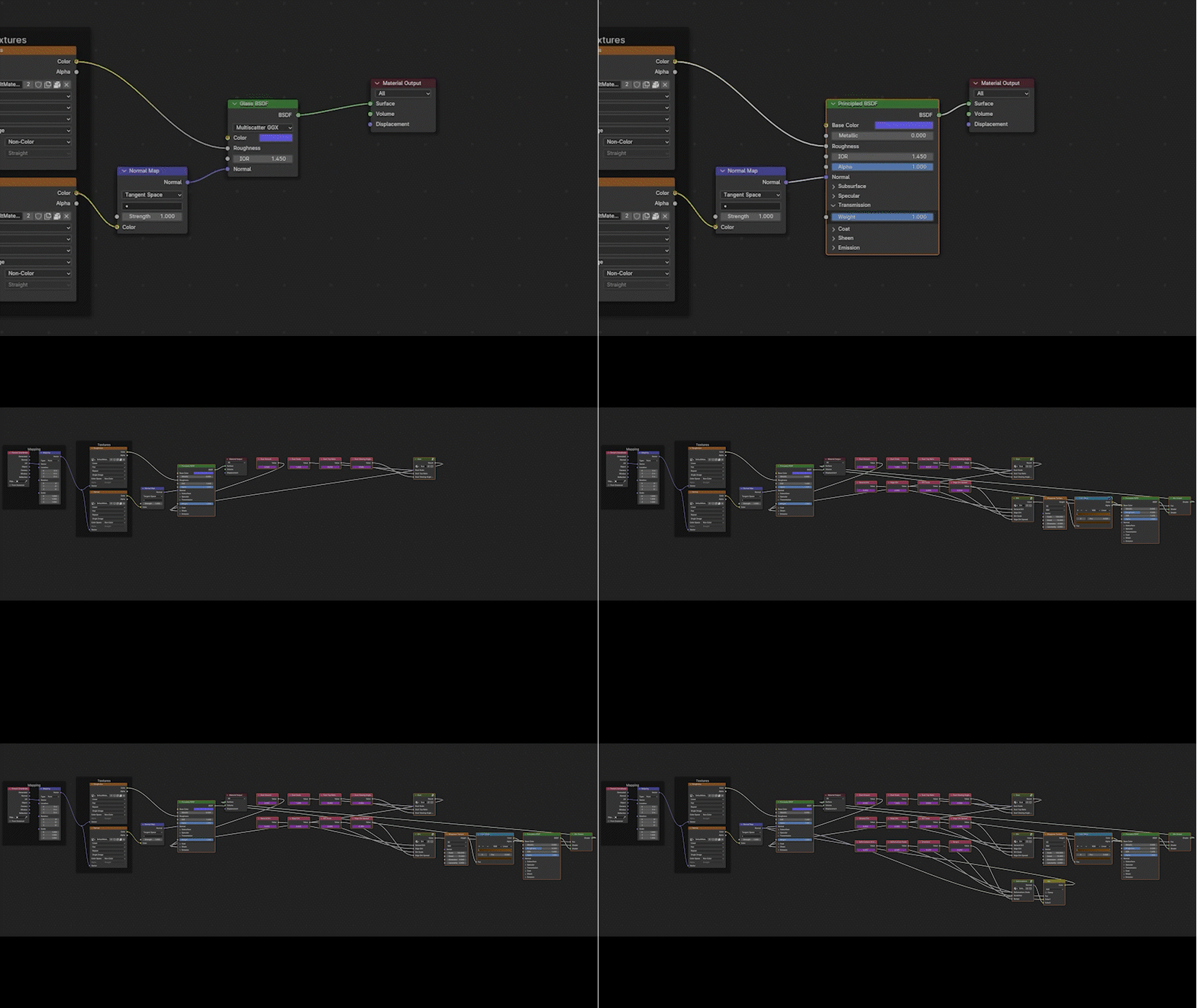
Glass BSDFs can automatically converted to comparable Principled BSDFs which maintain the settings and connections if wanted.
Animate everything
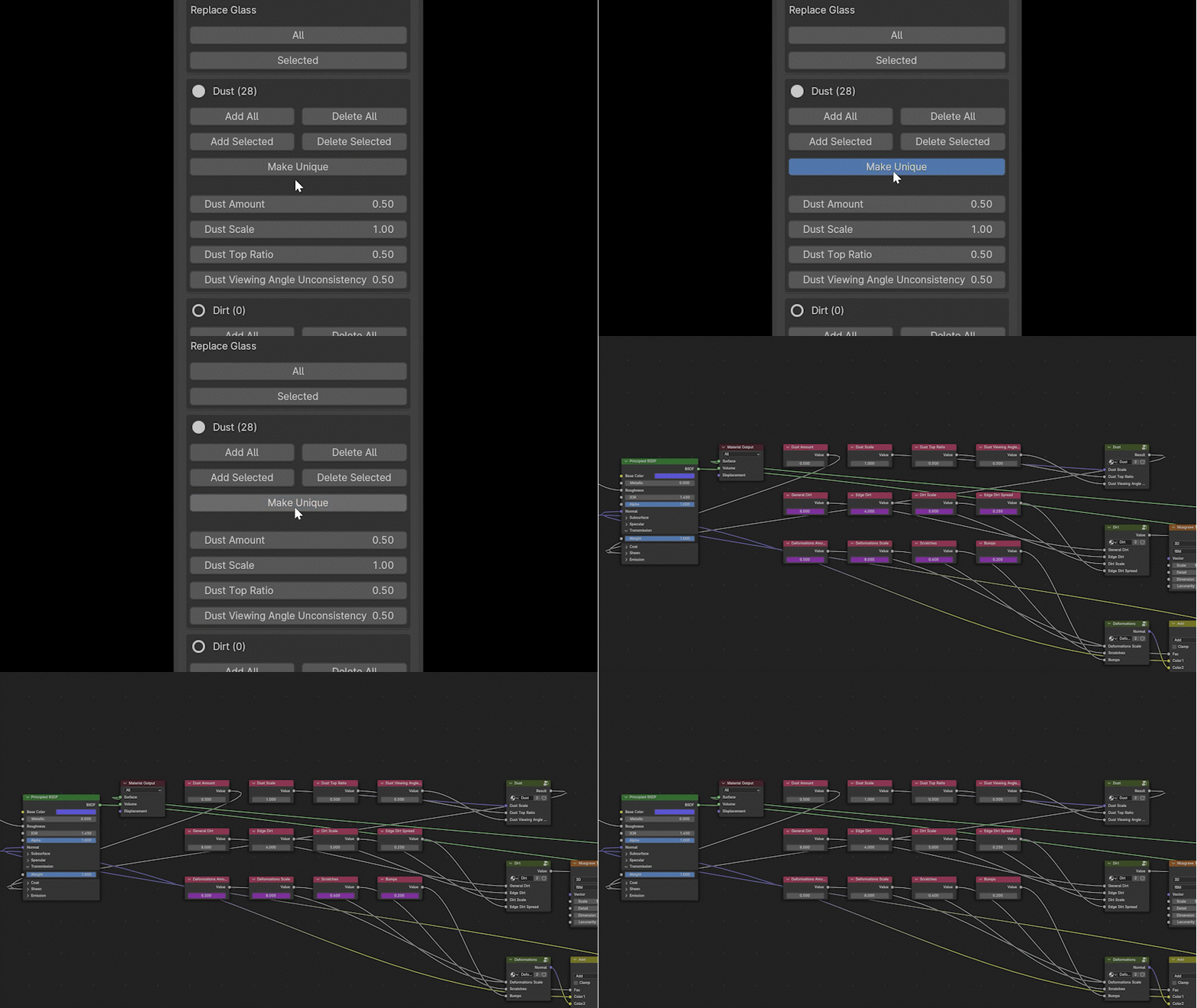
You can animate every parameter and also have ability to make every object unique and then control all settings directly in the material.
Full control
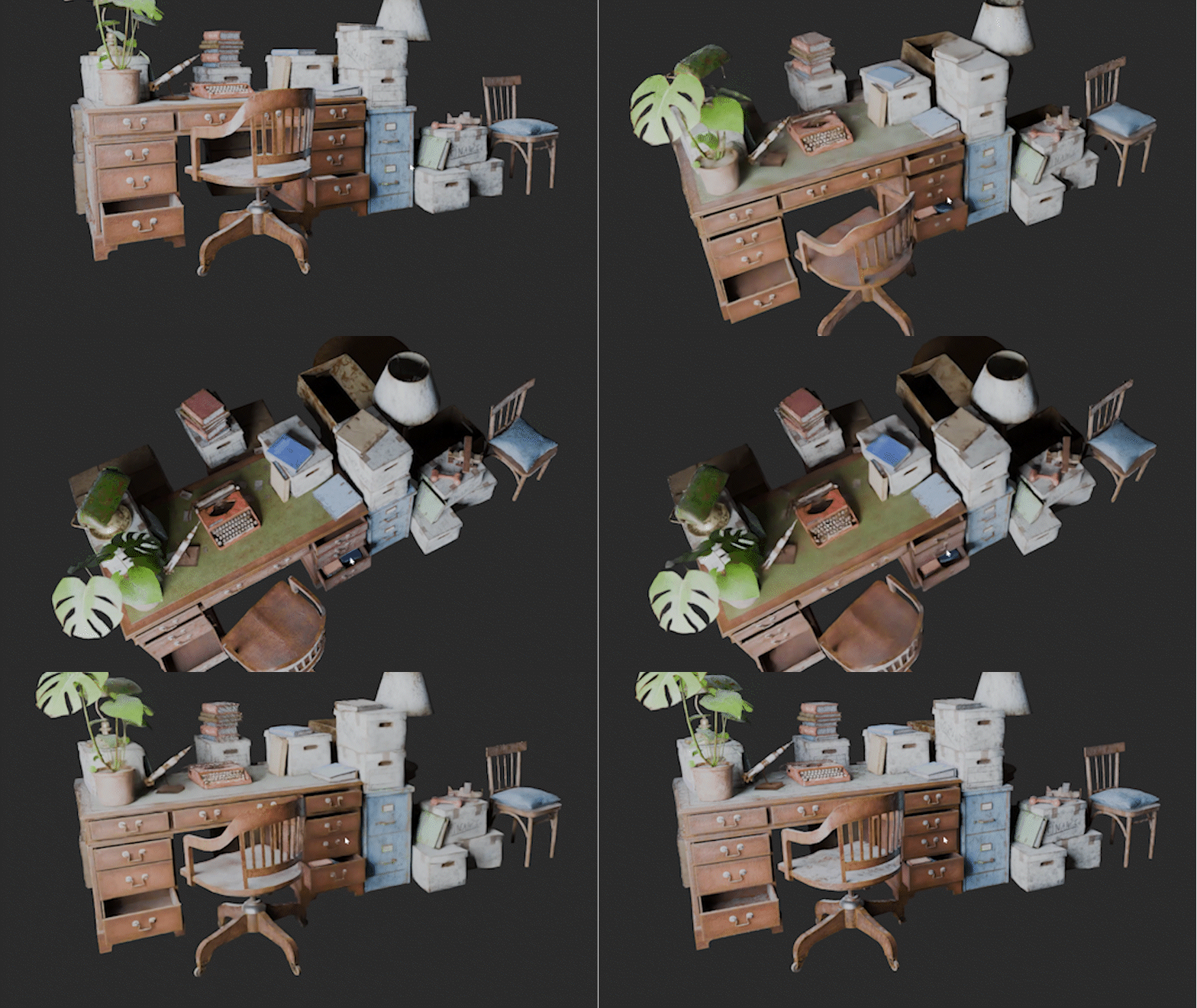
Everything is dynamic. Dust can only appear on top and you can even control the viewing angle unconsistency to simulate how it´s seen in the real world.
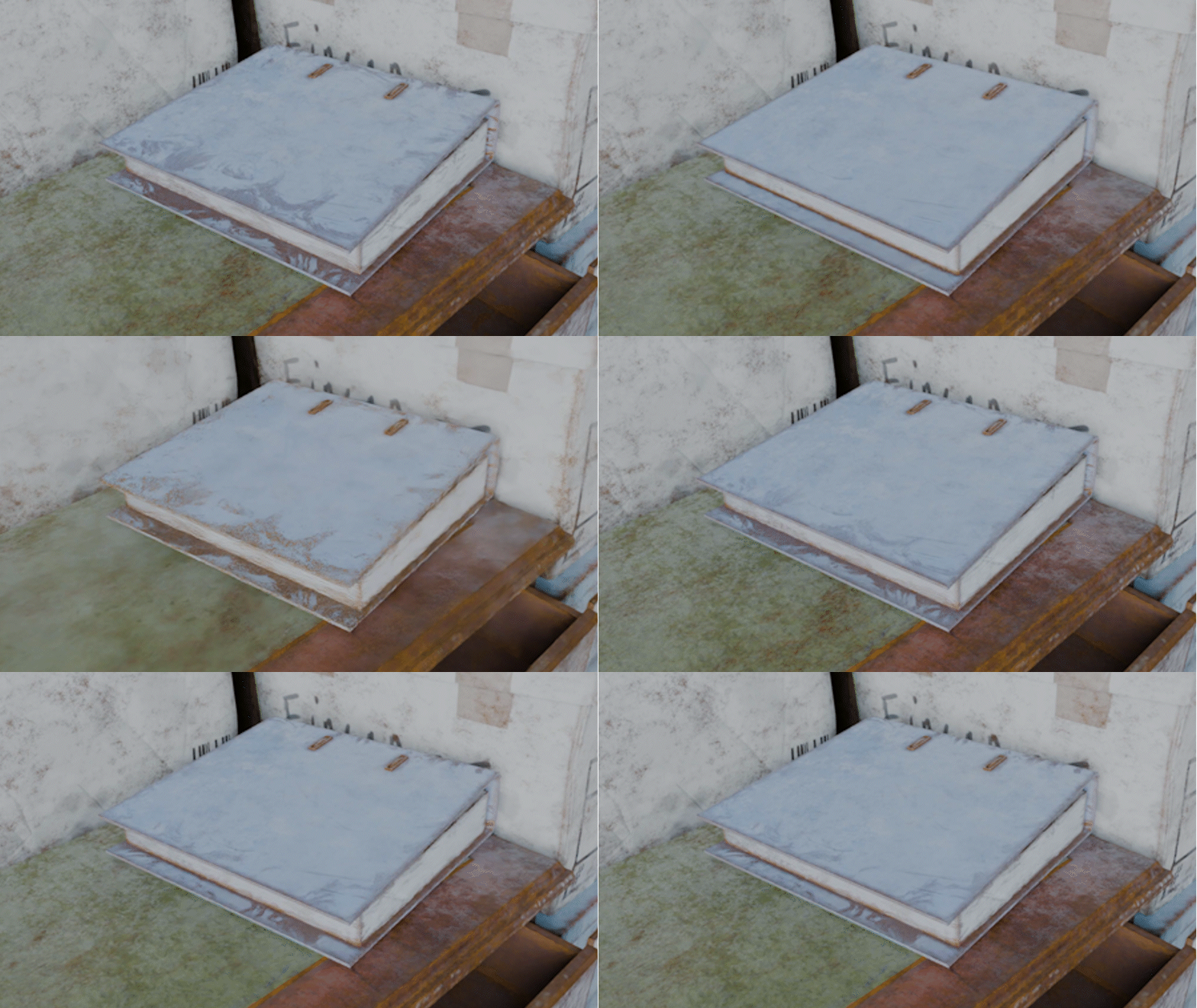
You can have additional dirt on the edges and control the appearance. (Edge Dirt is only fully supported on Cycles for now due to some current limitations on Eevee.)
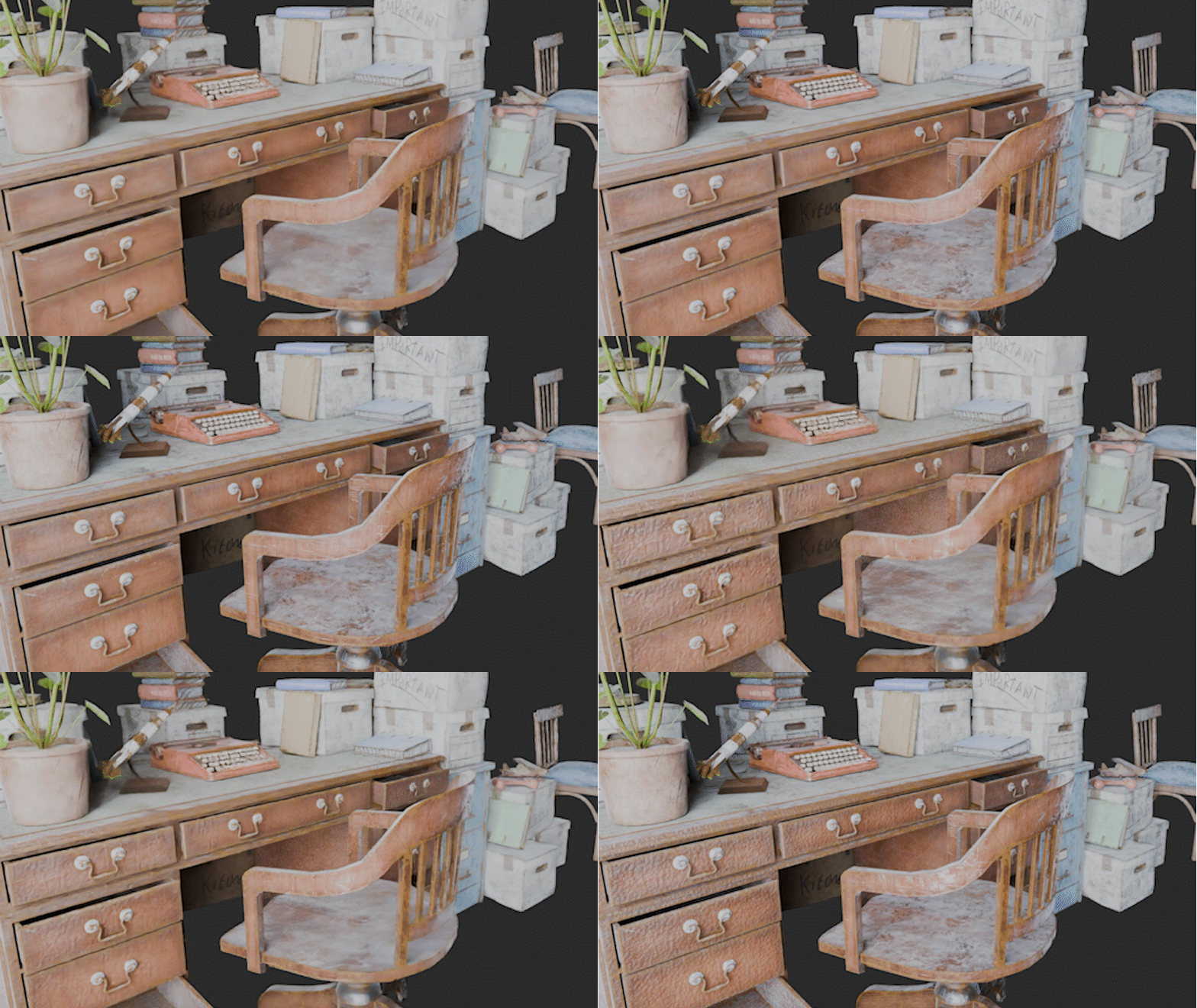
And make as many scratches and bumps on every object you want.
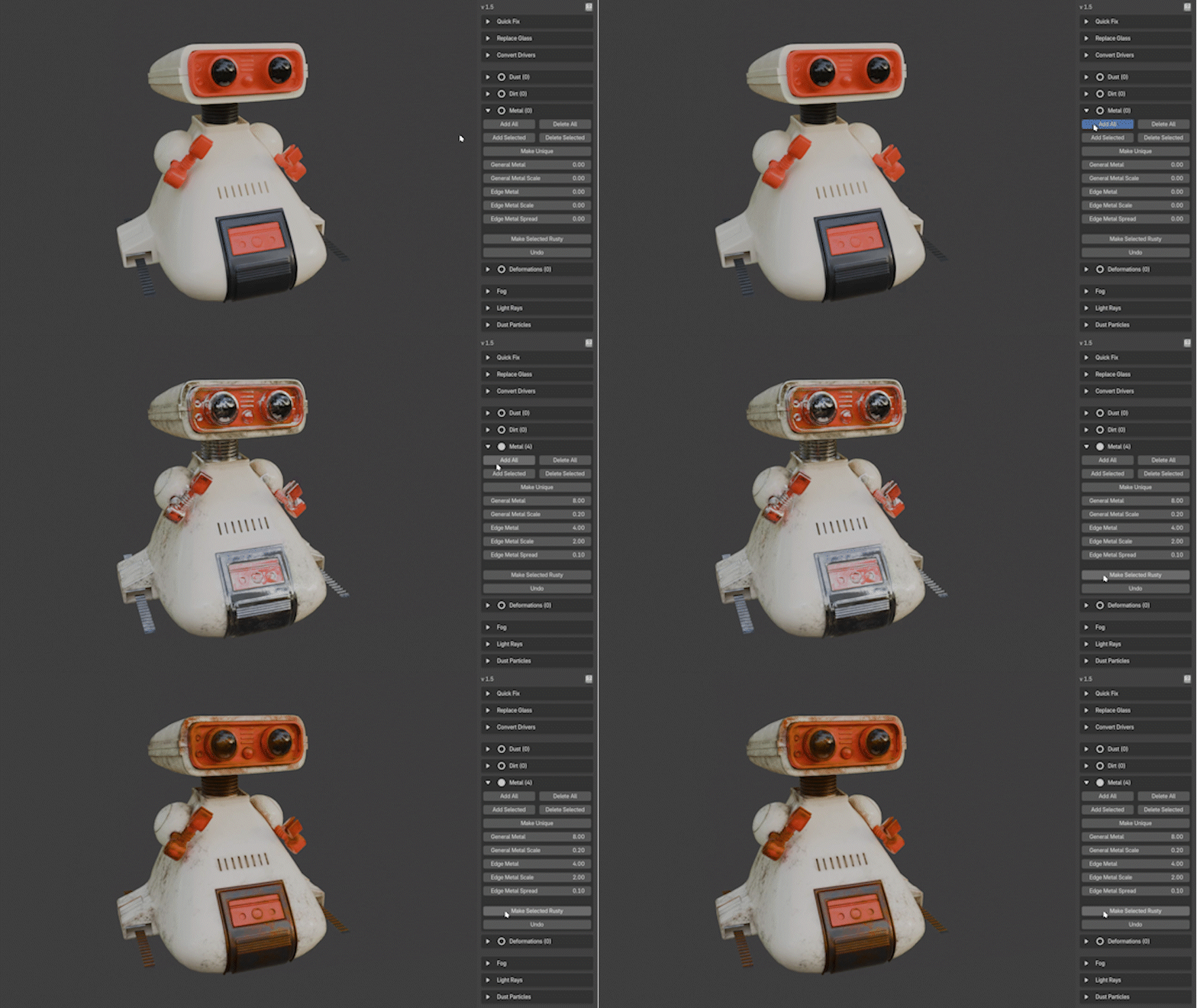
The newest version also has an extra metallic section that allows you to add realistic metallic imperfections with just one click, which you can also rust.
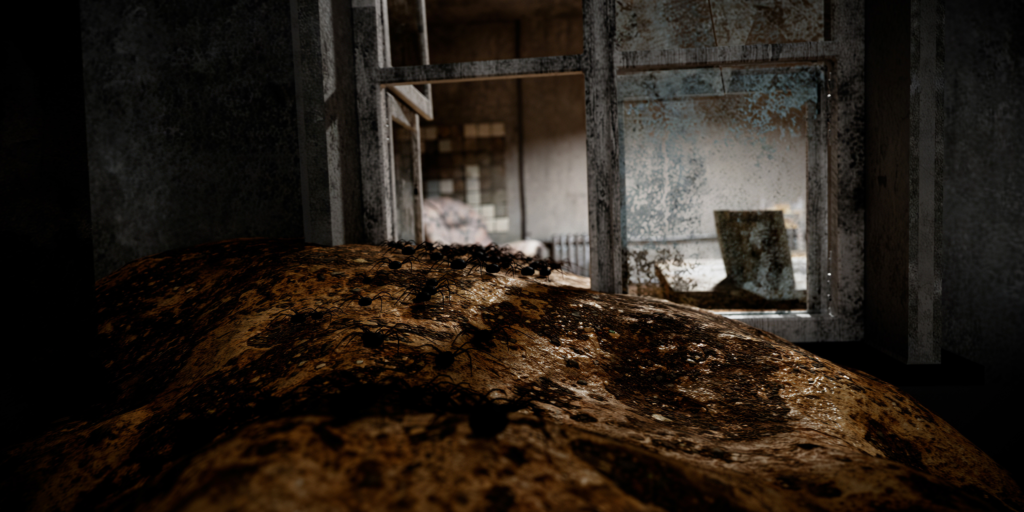
Dynamic Cobwebs
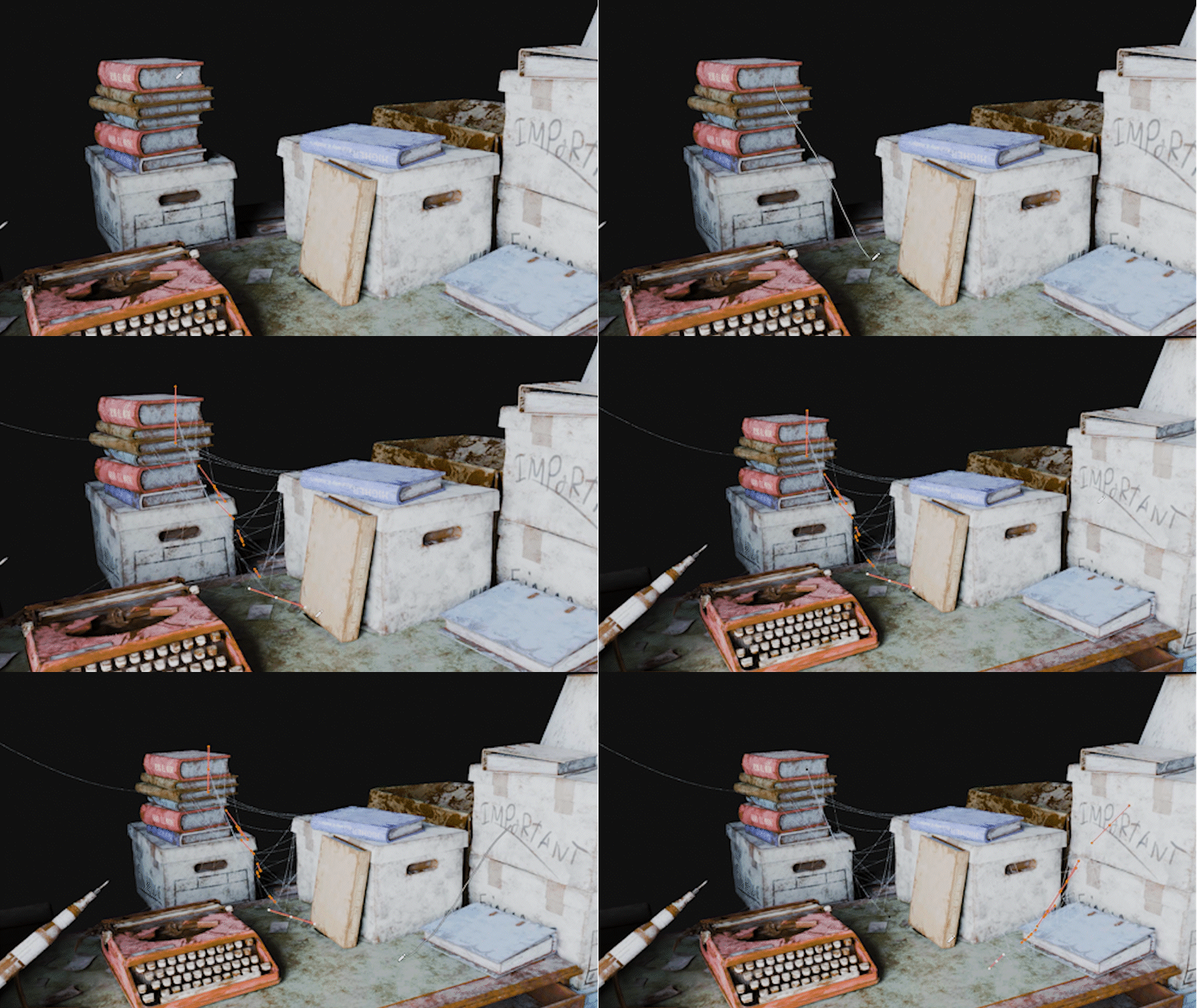
AgedFX isn’t just about adding aging effects – it’s about telling stories. Whether you’re recreating a weathered antique or depicting the passage of time in a forgotten environment, it helps you breathe life and narrative depth into your scenes. So beside all the shading effects you can also create fully dynamic and customable cobwebs by just drawing lines that are then automatically connecting to your objects. With version 1.6 you can now also add fully customizable orb webs and even add raindrops!
Dynamic Fog
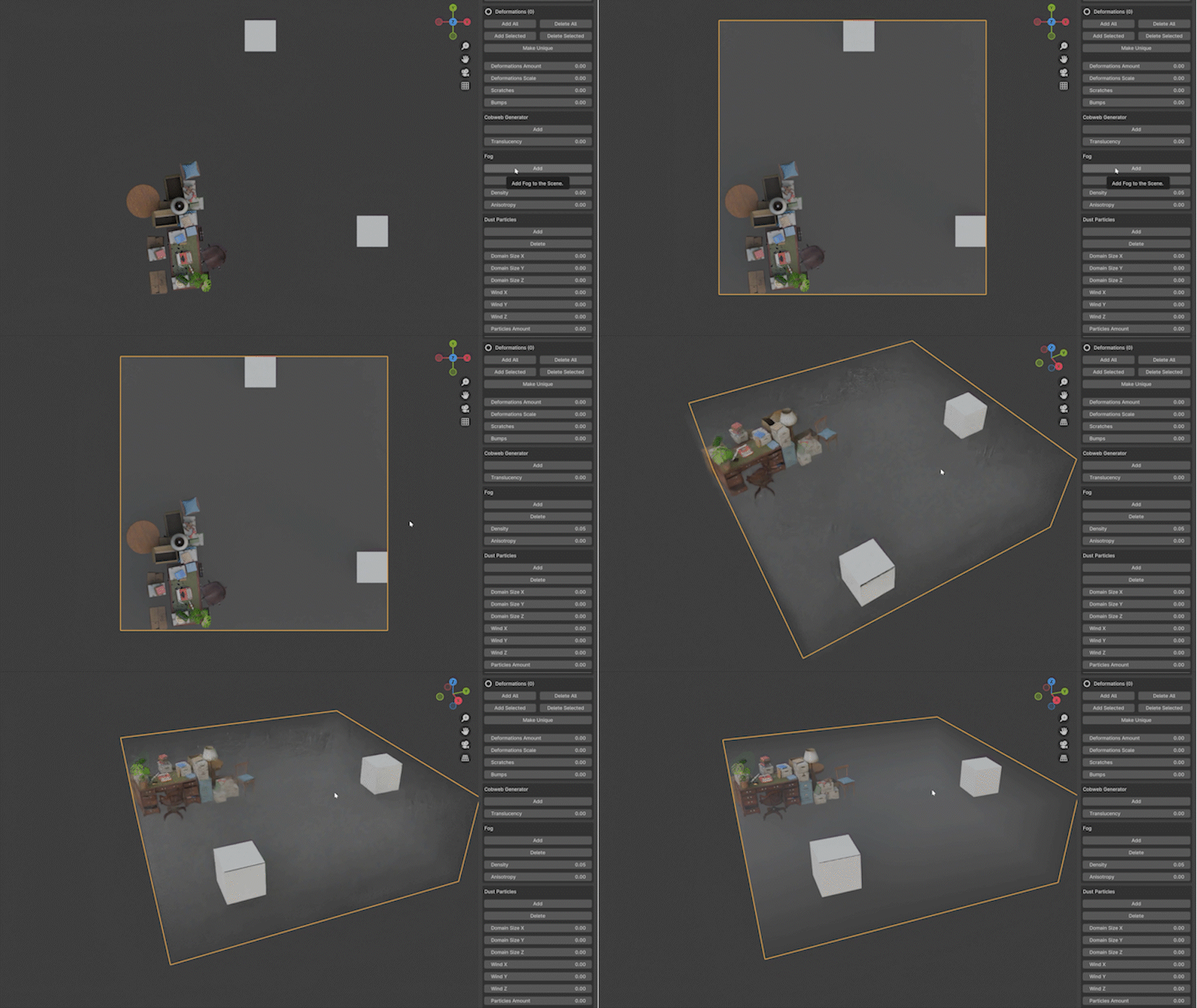
You can also add anytime a simple fog that adjusts to your scene and that you can control directly in the addon panel. With version 1.2, the fog section has been expanded with more functions and customization options. It is now also possible to have animated ground fog that dynamically adjusts to the domain size.
Add Moss to everything
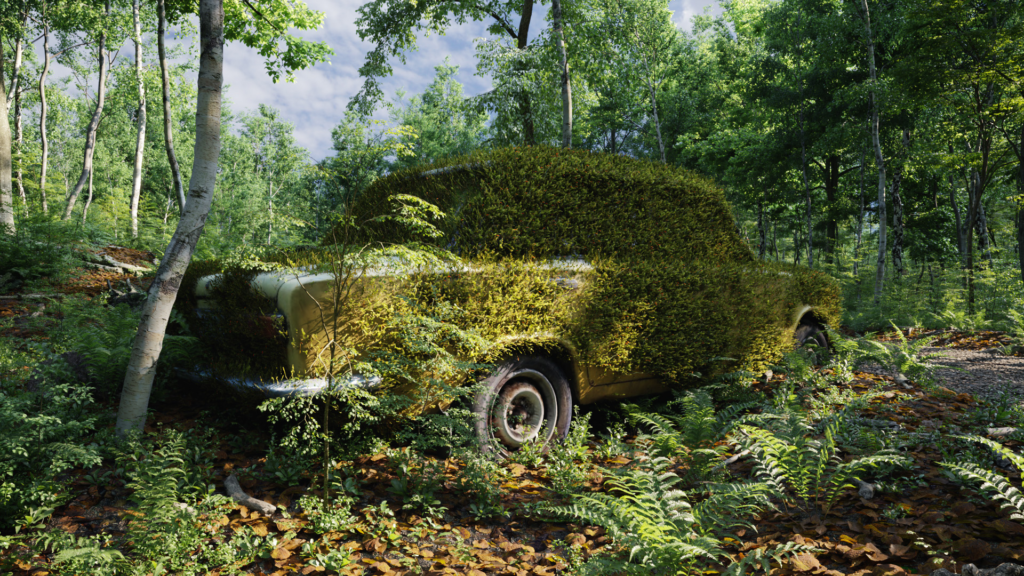
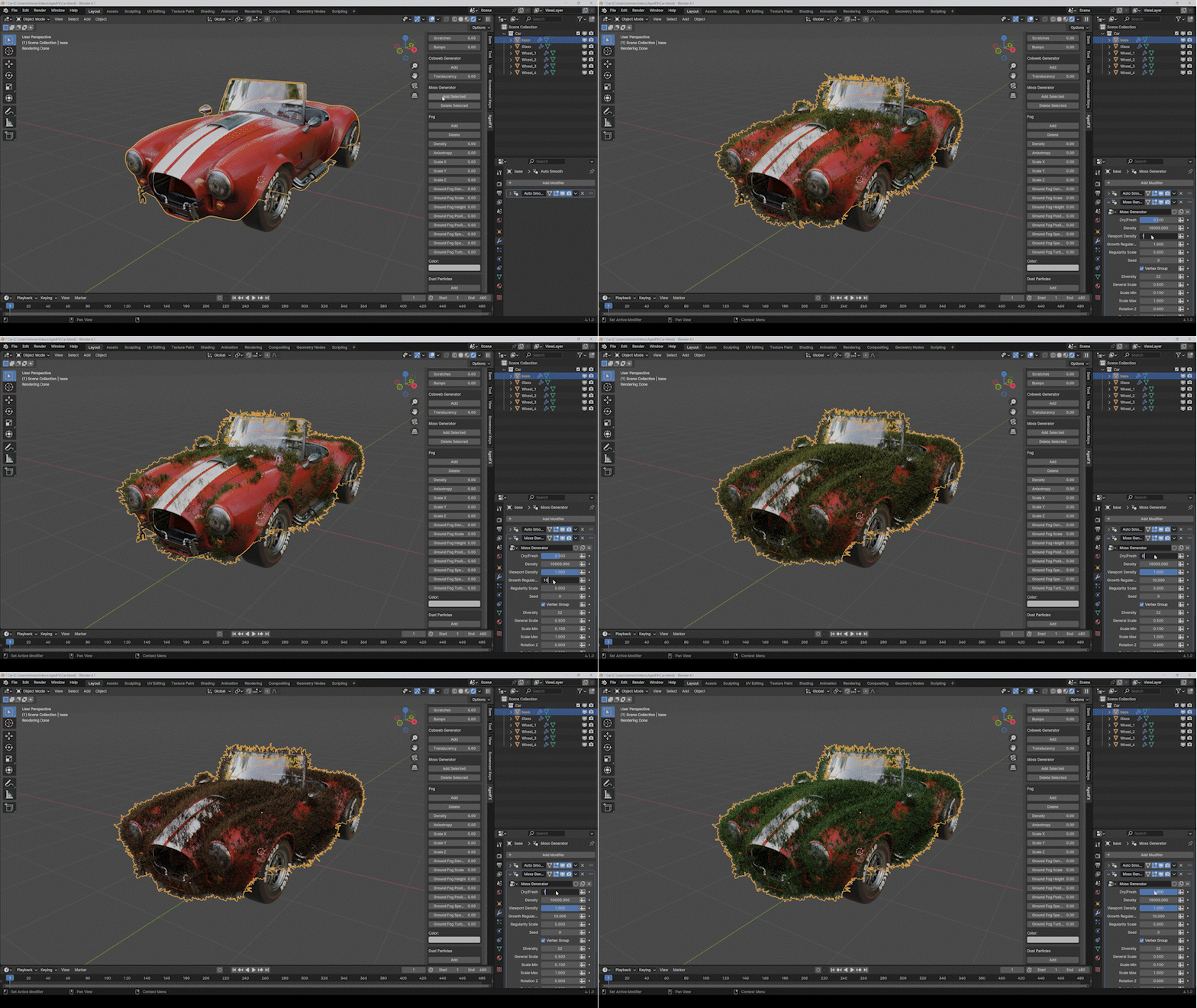
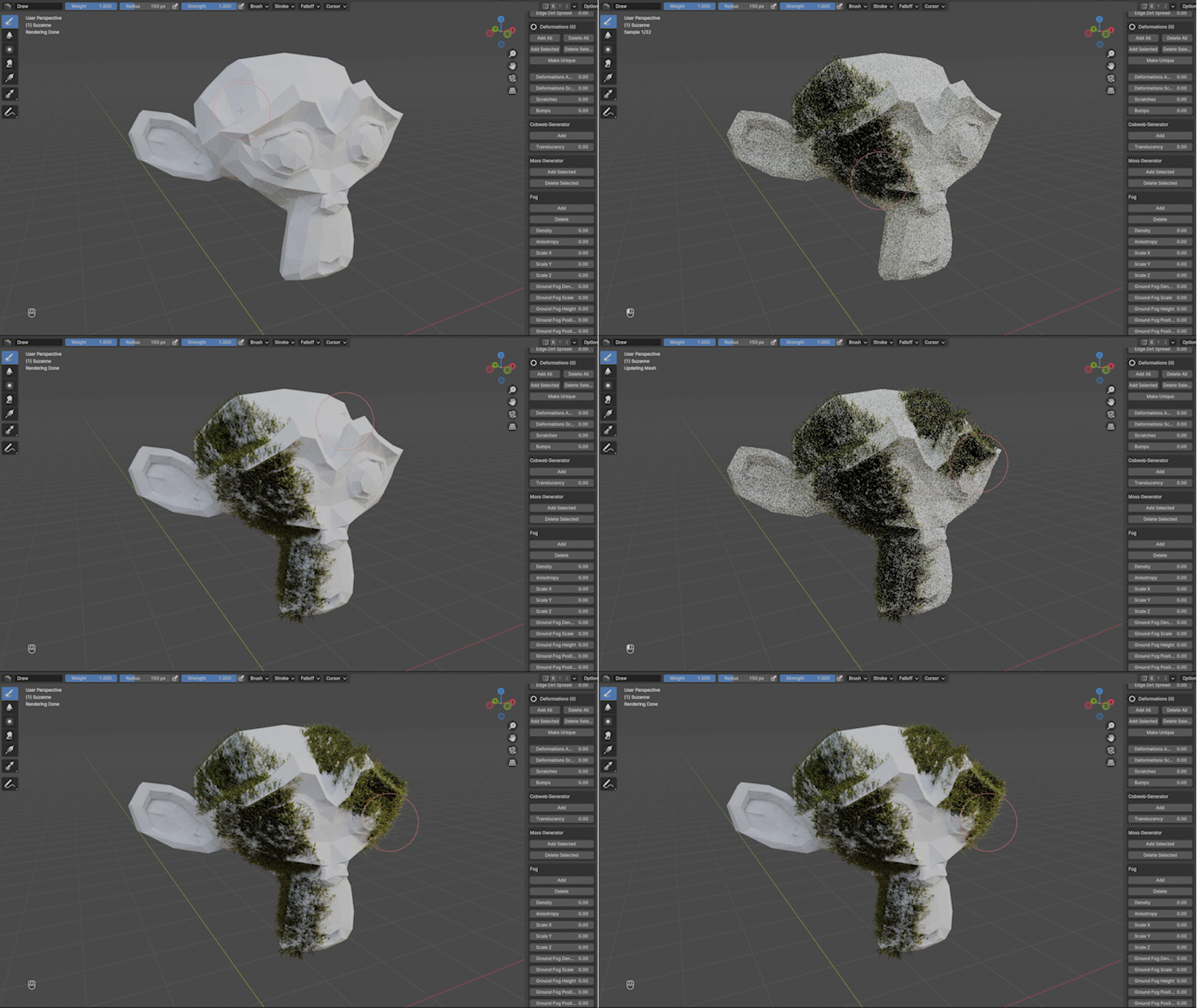
Want to make it mossy? The new update also comes with a fully customizable moss generator, allowing you to add moss to any object you want with just one click. You can even change the age of the moss or simulate wind effects.
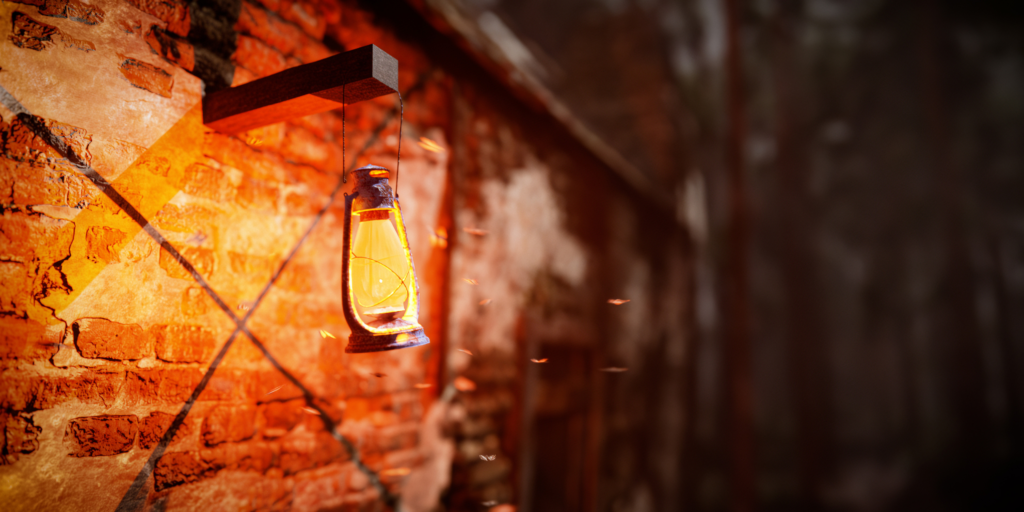
Animated dust particles
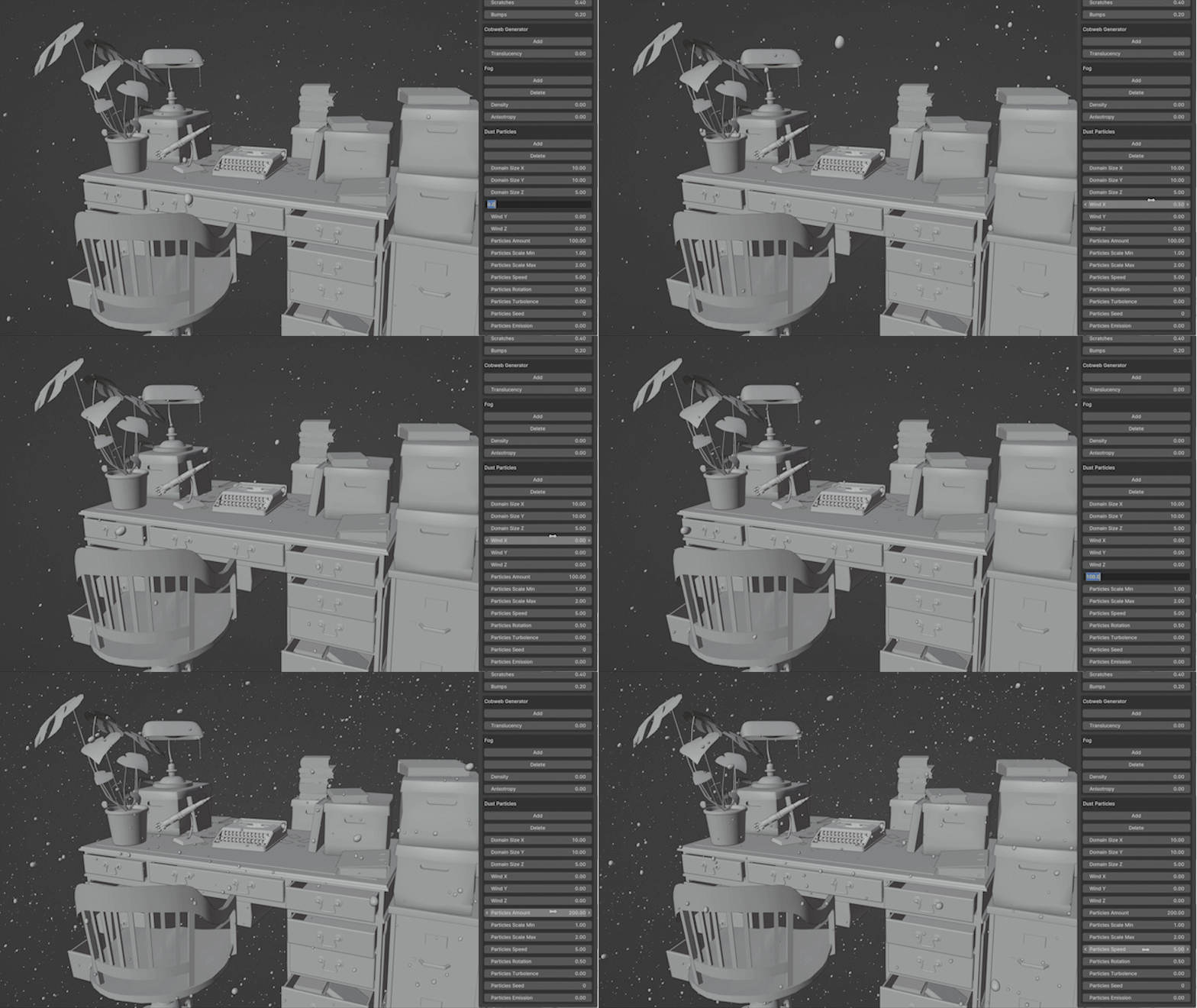
And create animated dust particles for all kind of situations with just a few clicks.
No more repetitive tasks. Let the grunt work be done for you while still maintaining full control over everything.
Bring your scenes to life
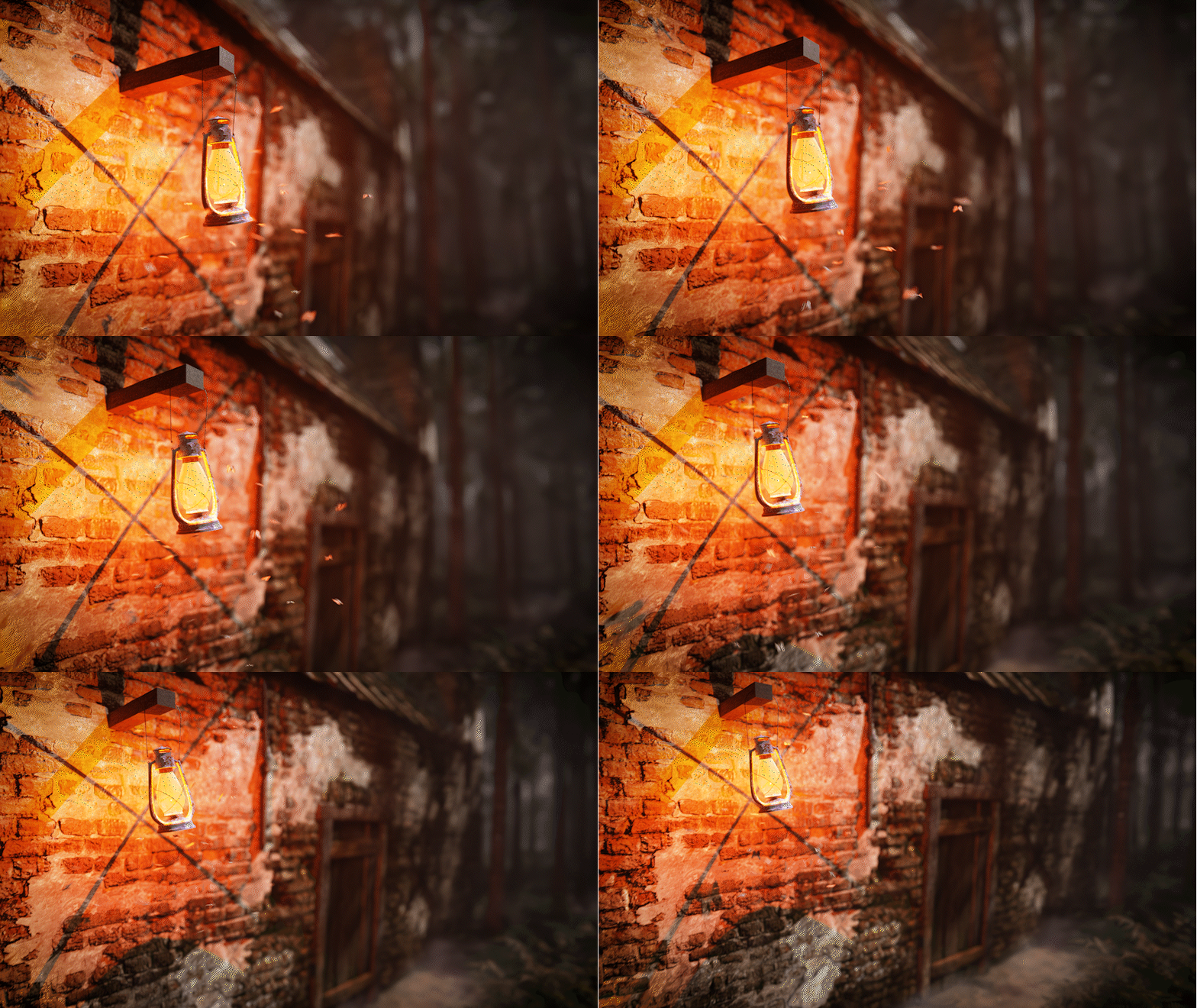
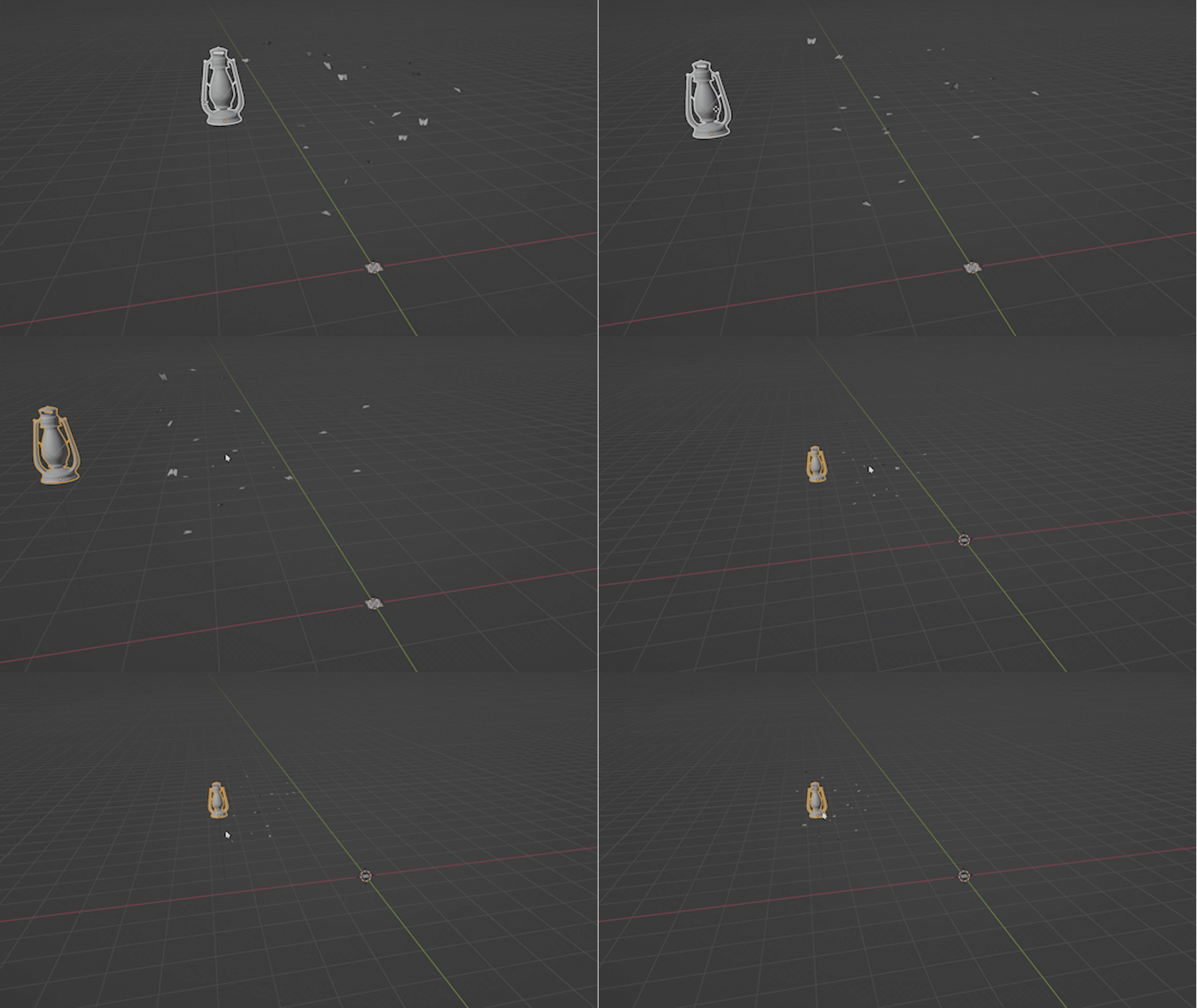
You can now add realistic moths to every scene that can automatically follow an object with just one click.
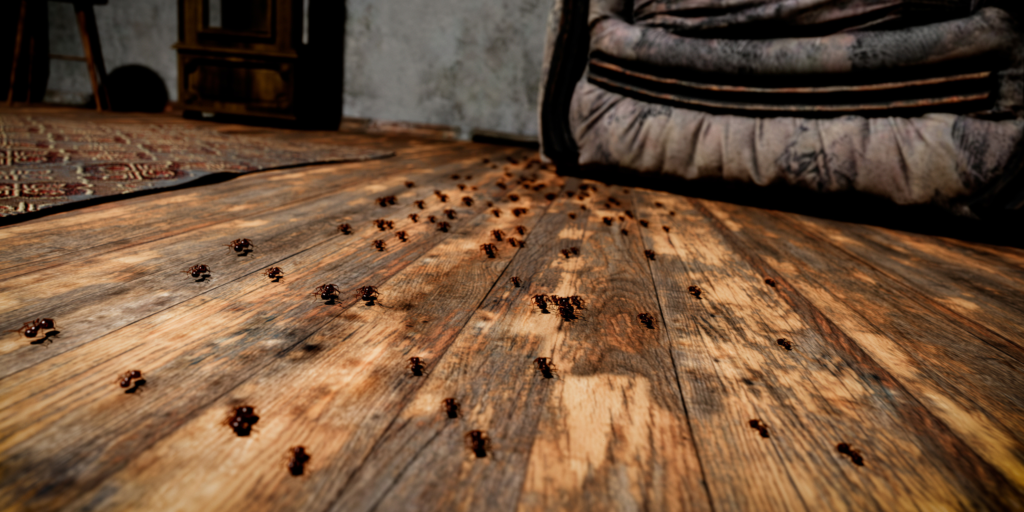
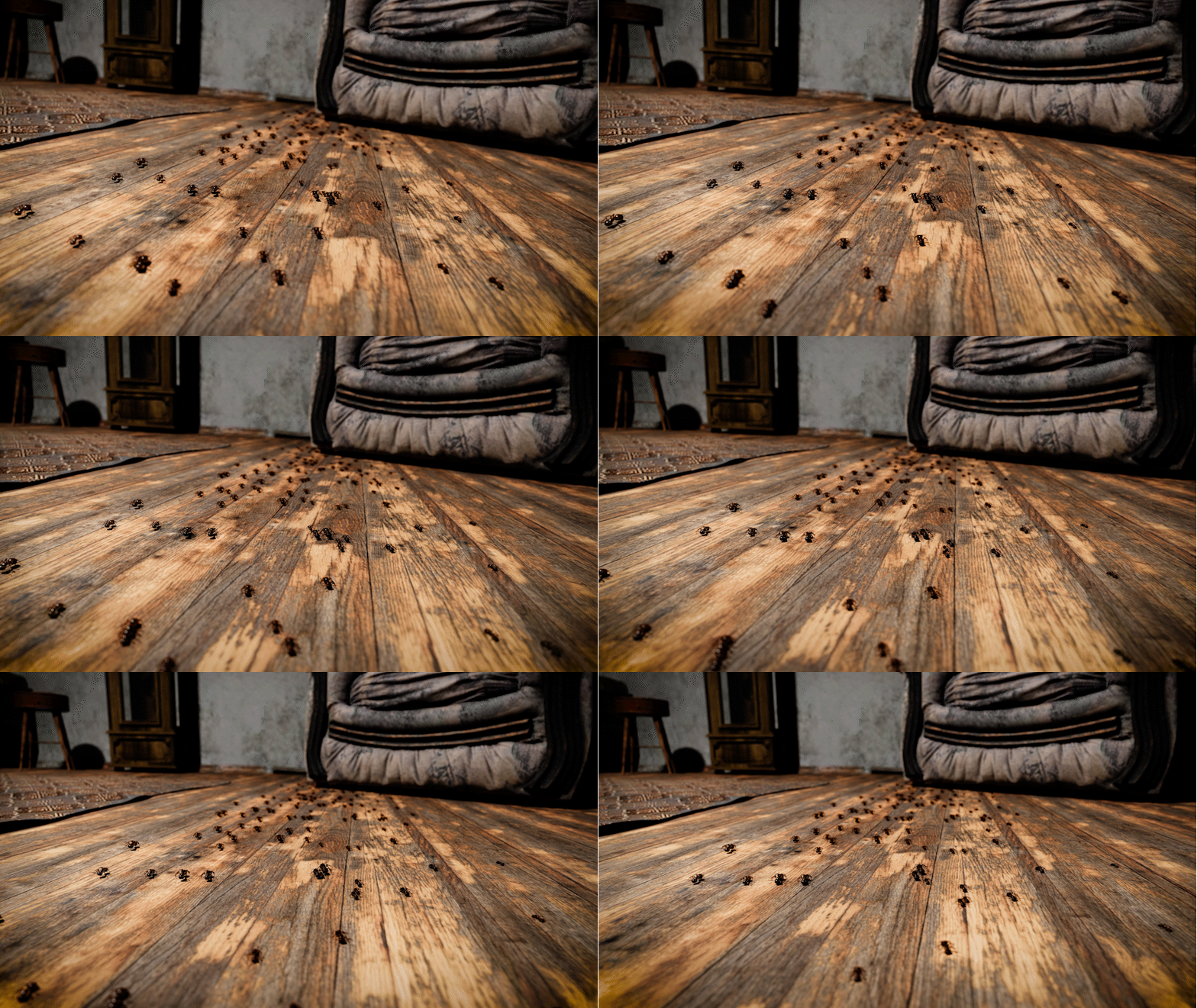
The new version also comes with animated ants and spiders that can also walk on uneven surfaces.
Customizable light rays
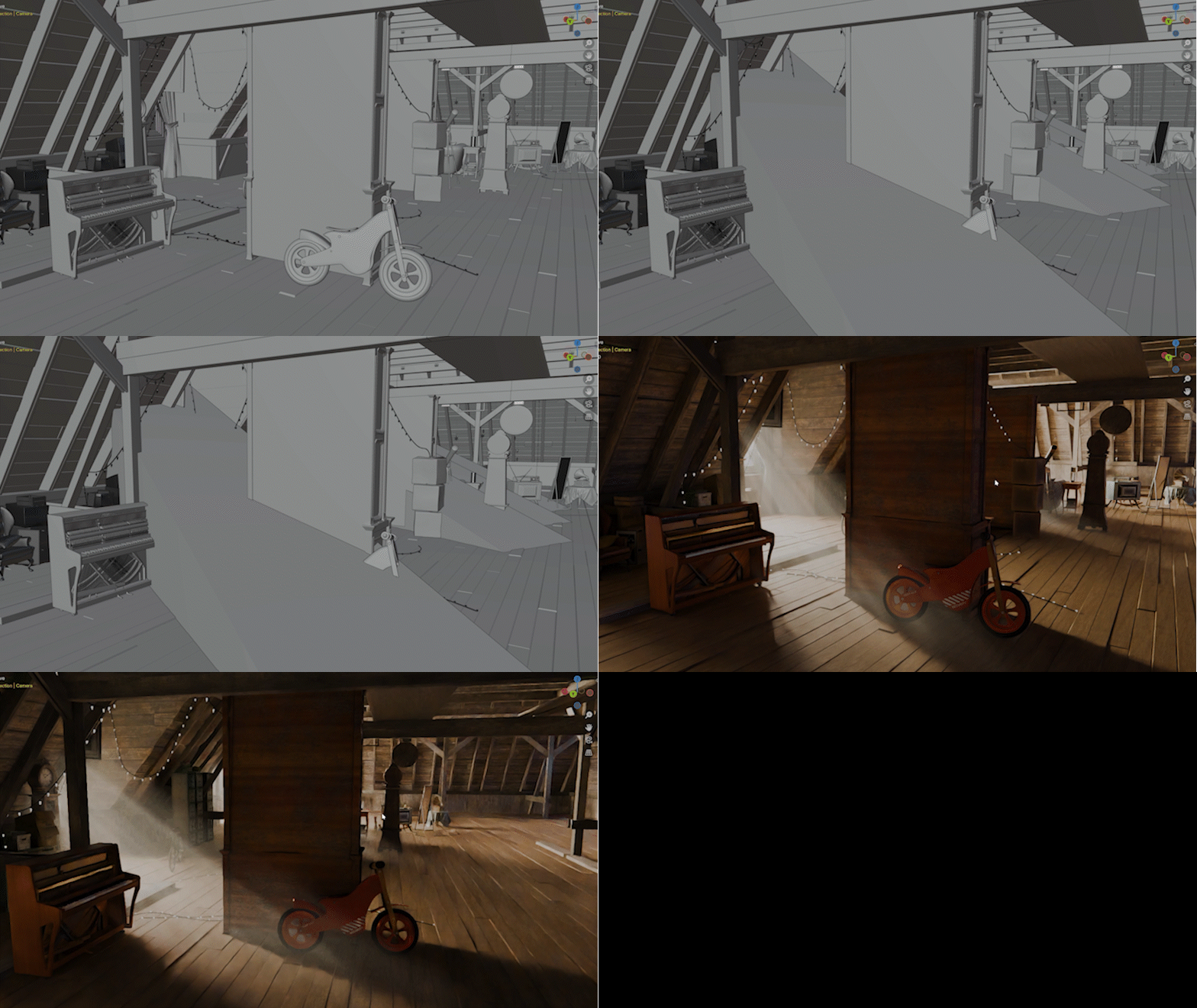
Version 1.5 now also comes with fully customizable light rays that don’t need any volumetrics in the scene and don’t increase render times. It gives you more artistic freedom because you can place them where you want and change the appearance how you want. Completely independently from the main light source.
HairFlow
HairFlow is an addon to animate Blender’s new hair system. It works with any curves object, whether the hairs are only generated through modifiers or are finished hair without any Geometry Nodes. It can be widely used for any character or animal and comes with many cool features that make hair simulation easy and fun.
Supercharge your 3D creation workflow with premium selection of Blender Add-ons. Whether you are modeling intricate characters, sculpting realistic environments, or animating cinematic sequences, the right add-on can transform how you work inside Blender. Our curated collection includes powerful tools for UV unwrapping, procedural texture generation, rigging automation, rendering optimization, and more—each rigorously tested for compatibility with the latest Blender versions. Eliminate tedious manual processes and unlock advanced functionality that lets you focus on what matters most: bringing your creative vision to life. Explore our full range of professional Blender plugins today and take your 3D projects to the next level.
➡️ ➡️ For more Blender Plugins 😀 😀
Reviews
There are no reviews yet.