
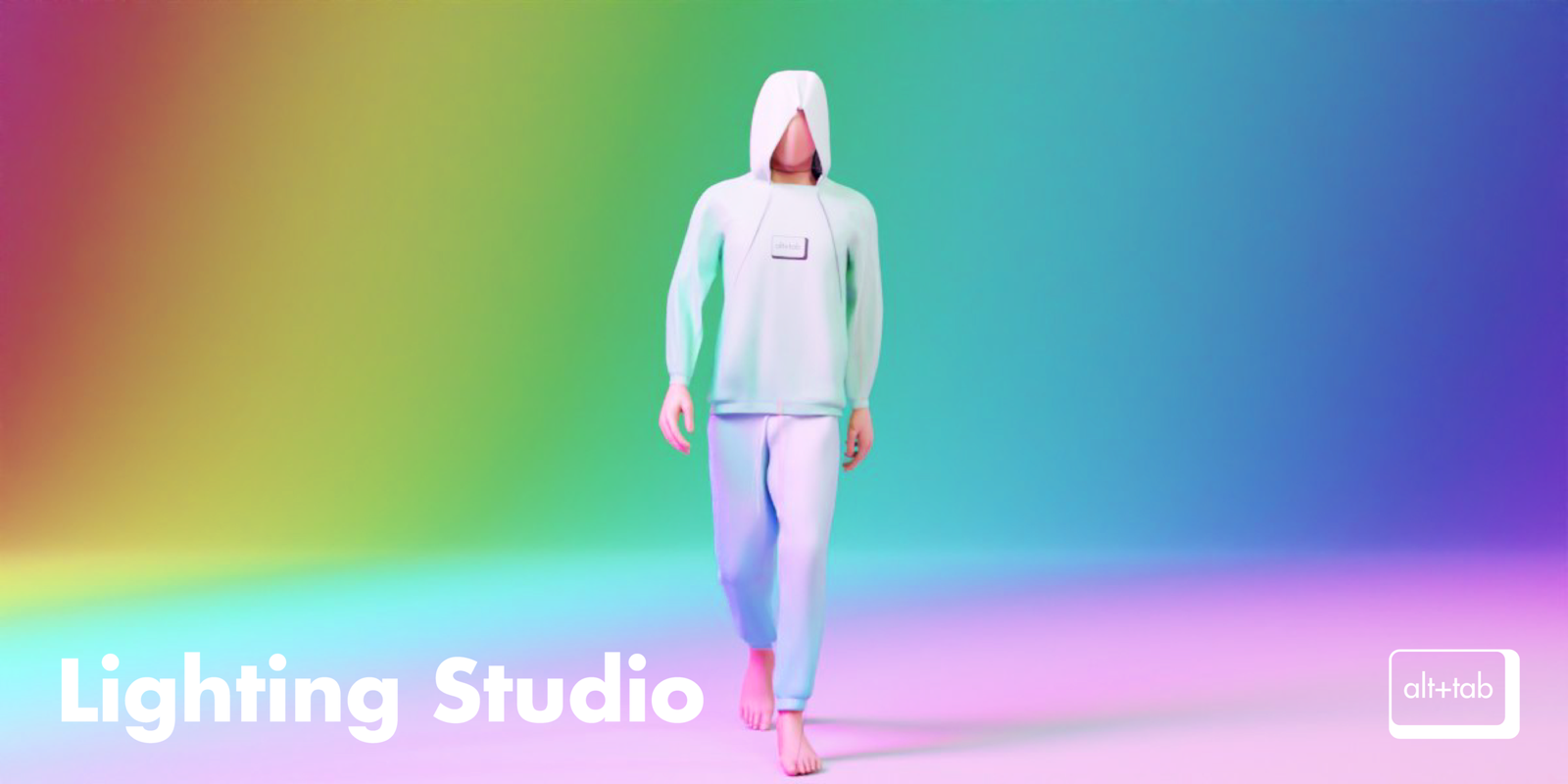
alt tab lighting for Blender
alt tab lighting addon
Alt Tab Lighting for Blender – Professional Lighting & Studio Setup Toolkit
Download Alt Tab Lighting for Blender on Windows, Mac, and Linux, a comprehensive lighting toolkit that brings professional studio lighting to your 3D scenes. This powerful add-on provides everything you need to create perfect lighting setups—from simple three-point lighting to complex cinematic environments—with intuitive controls and real-time feedback .
Key Features of Alt Tab Lighting:
- Studio Lighting Presets: Professional lighting setups including portrait lighting, product photography, dramatic cinema lighting, and mood lighting—all ready to use with one click
- Light Types: Complete library of light types including key lights, fill lights, rim lights, background lights, and practical lights with adjustable parameters
- Lighting Controls: Intuitive controls for color temperature, intensity, falloff, and softness—adjust lights like a professional photographer
- Light Groups: Organize lights into groups for easy management—control multiple lights simultaneously while maintaining individual adjustments
- HDRI Environment Library: Curated collection of HDRI environments for realistic reflections and ambient lighting
- Light Linking: Advanced light linking controls to specify which objects are affected by which lights
- Light Gels & Filters: Apply color gels, diffusion filters, and gobos to create stylized lighting effects
- Gobo Projection: Project custom patterns and textures through your lights for creative shadow effects
- Real-Time Preview: See lighting changes update instantly in Blender’s viewport for fast iteration
- Render Optimization: Smart settings for balancing quality and render time with both Eevee and Cycles
Perfect For:
- 3D artists needing professional lighting setups for characters, products, and environments
- Product designers visualizing objects with accurate studio lighting
- Architectural visualization professionals lighting interior and exterior scenes
- Character artists rendering portraits with cinematic lighting
- Anyone wanting to achieve professional lighting without complex manual setups
System Requirements:
- Blender 3.0, 3.1, 3.2, 3.3, 3.4, 3.5, 3.6, 4.0, 4.1, 4.2, 4.3
- Windows 10/11 (64-bit), macOS, or Linux
- 4GB RAM minimum (8GB+ recommended)
- 100MB available disk space (plus HDRI storage)
Installation:
- Download the add-on zip file
- In Blender, go to Edit > Preferences > Add-ons
- Click “Install” and select the downloaded zip file
- Enable the add-on by checking the box next to “Alt Tab Lighting”
Note: Alt Tab Lighting transforms Blender’s lighting workflow by providing professional studio lighting tools that were previously only available in dedicated rendering applications . The extensive preset library and intuitive controls make it easy to achieve perfect lighting for any scene—from product renders to cinematic character portraits . Perfect for artists of all skill levels who want professional lighting without complex manual setups .
Lighting Manager
Lighting Manager contains 200+ lighting presets of various categories and allows you to overview all the lights you’re using in your scene and adjust their properties all in one place. The UI is adjustable with filters.
Lighting is an important part of your scene, it can make or break your project. Lighting Manager allows you to easily experiment with different lighting styles and find the perfect look.
Supercharge your 3D creation workflow with premium selection of Blender Add-ons. Whether you are modeling intricate characters, sculpting realistic environments, or animating cinematic sequences, the right add-on can transform how you work inside Blender. Our curated collection includes powerful tools for UV unwrapping, procedural texture generation, rigging automation, rendering optimization, and more—each rigorously tested for compatibility with the latest Blender versions. Eliminate tedious manual processes and unlock advanced functionality that lets you focus on what matters most: bringing your creative vision to life. Explore our full range of professional Blender plugins today and take your 3D projects to the next level.
➡️ ➡️ For more Blender Plugins 😀 😀
Reviews
There are no reviews yet.