
AngleTool for Blender
angle tool addon
AngleTool for Blender – Precision Angle Measurement & Alignment Add-on
File Size: 5 MB
Download AngleTool for Blender on Windows, Mac, and Linux, a precision measurement add-on that makes it easy to measure, align, and verify angles between objects, edges, and faces. Perfect for mechanical design, architectural modeling, and any project requiring precise angular accuracy—AngleTool provides real-time feedback and intuitive controls for professional results .
Key Features of AngleTool:
- Real-Time Angle Measurement: Instantly measure angles between any two edges, faces, or objects with visual feedback that updates as you work
- Object Alignment: Precisely align objects to specific angles with one-click operations—rotate objects to match target angles exactly
- Edge & Face Mode: Measure angles between edges, between faces, or between custom selections for complete versatility
- Multiple Object Support: Measure angles between multiple objects simultaneously for complex assembly verification
- Visual Guides: Customizable visual overlays show angle measurements directly in the viewport with adjustable colors and line thickness
- Angle Constraints: Lock rotation to specific angles while modeling—snap rotations to custom increments for precise control
- Measurement History: Track recent measurements for quick reference and repeat use
- Export Data: Export angle measurements as CSV for documentation and quality control
- Non-Destructive: All measurements are viewport-only—no permanent modifications to your models
Perfect For:
- Mechanical engineers verifying assembly tolerances
- Architectural modelers ensuring precise building angles
- Product designers checking ergonomic angles and proportions
- 3D artists requiring precise angular alignment
- Anyone needing accurate angle measurements in Blender
System Requirements:
- Blender 3.0, 3.1, 3.2, 3.3, 3.4, 3.5, 3.6, 4.0, 4.1, 4.2, 4.3
- Windows 10/11 (64-bit), macOS, or Linux
- 4GB RAM minimum (8GB+ recommended)
- 5MB available disk space
Installation:
- Download the add-on zip file
- In Blender, go to Edit > Preferences > Add-ons
- Click “Install” and select the downloaded zip file
- Enable the add-on by checking the box next to “AngleTool”
Note: AngleTool brings professional measurement capabilities to Blender, making it easy to verify angles and align objects with precision . The real-time visual feedback and intuitive controls dramatically speed up modeling workflows that require angular accuracy . Perfect for mechanical design, architectural modeling, and any project where precise angles matter .
Add-on Description:
Angle Tool Extended Trailer (viewing time 4 min)
Angle Tool is a simple and robust modeling tool for quickly creating corner geometry from any cross-section selection in Edit Mode. After selecting part of your mesh in Edit Mode and specifying an Active Edge, you can now use the Angle Tool command to turn your geometry around that edge and extend it to create a geometric corner. It’s really simple but kind of hard to explain, so please refer to the following visuals 🙂
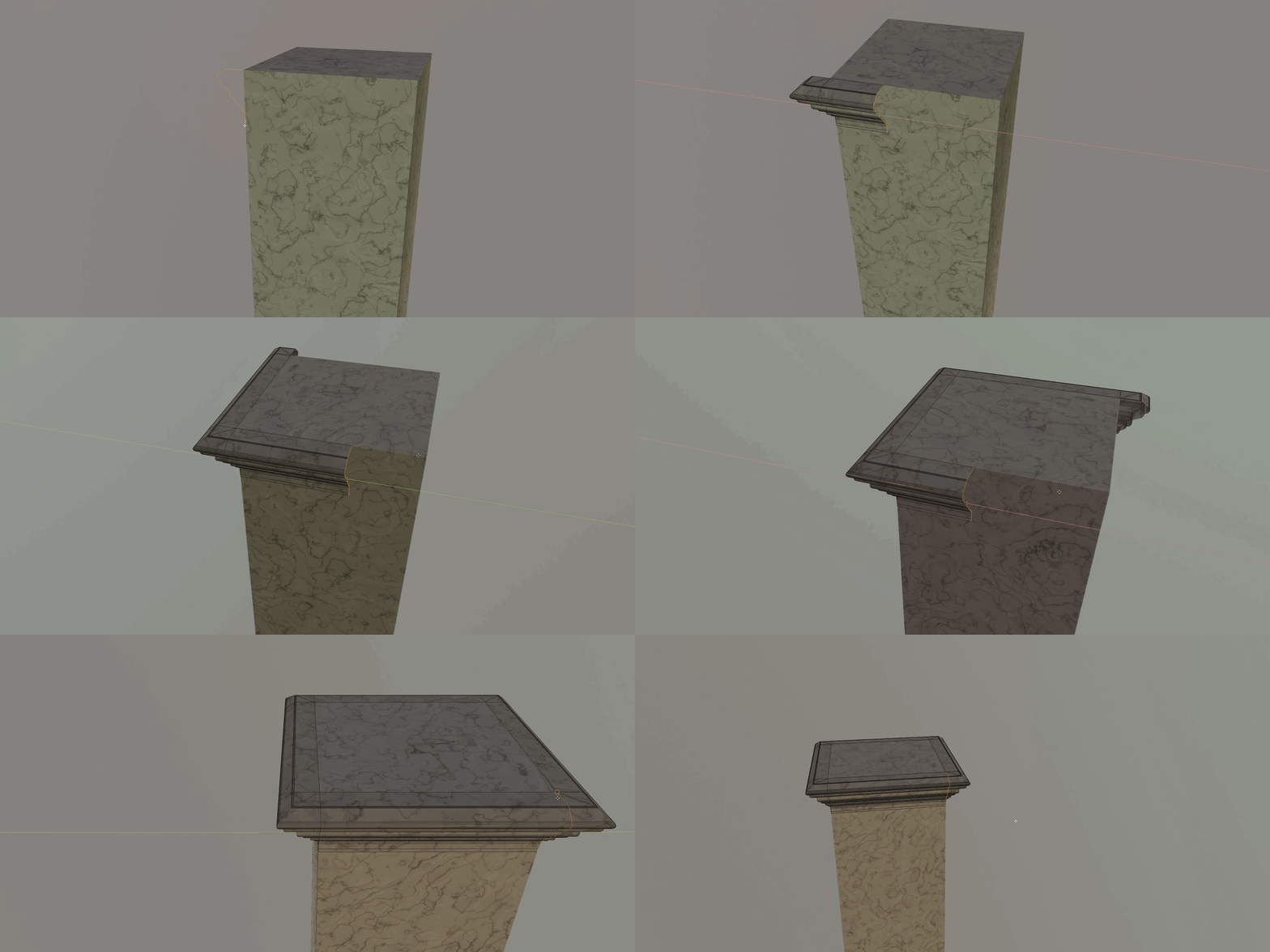
Angle Tool allows you to create this type of geometry on the fly and lets you avoid the extra steps that would otherwise be required to achieve similar results.
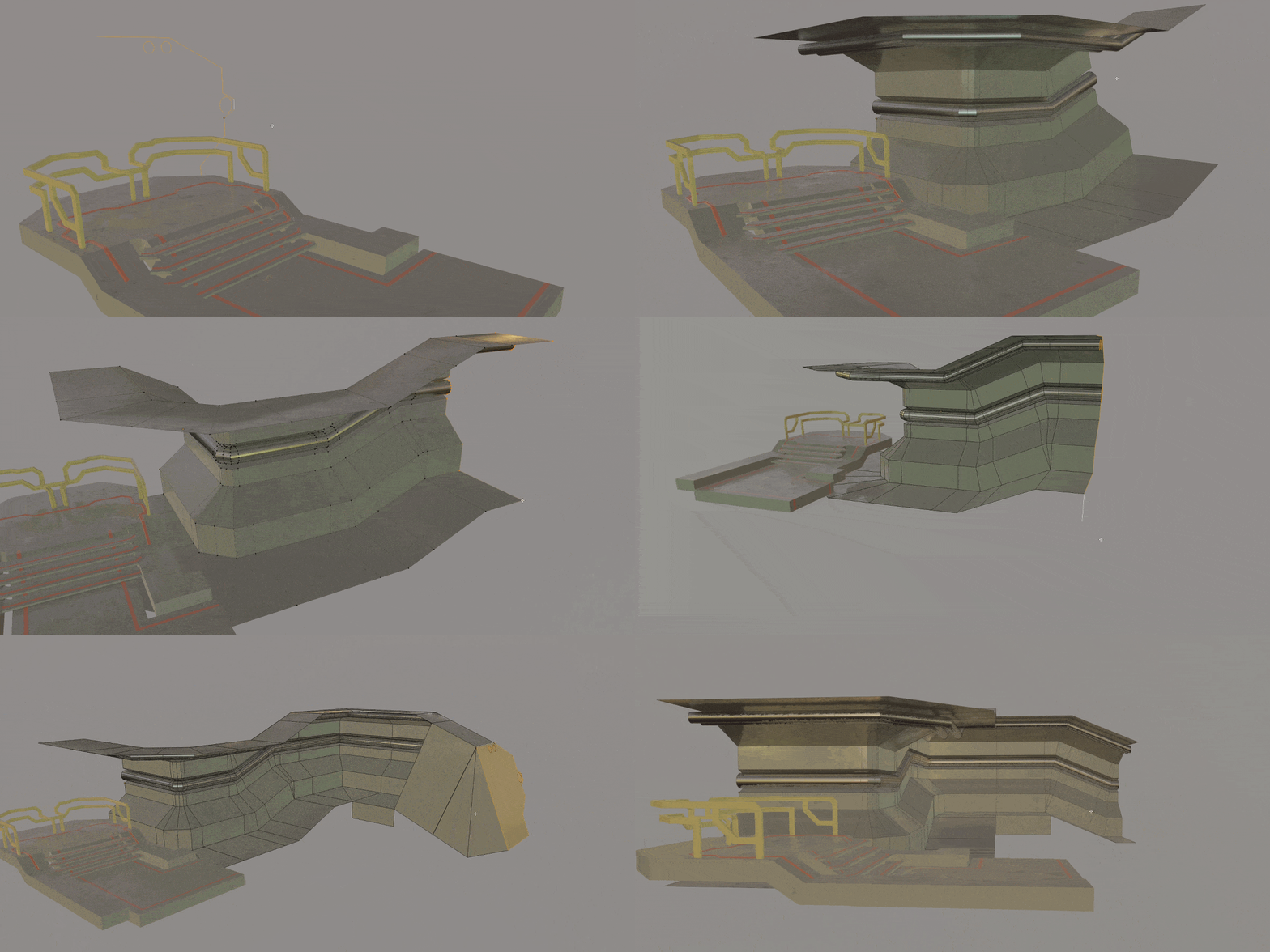
Extra features include the Curve Mode.
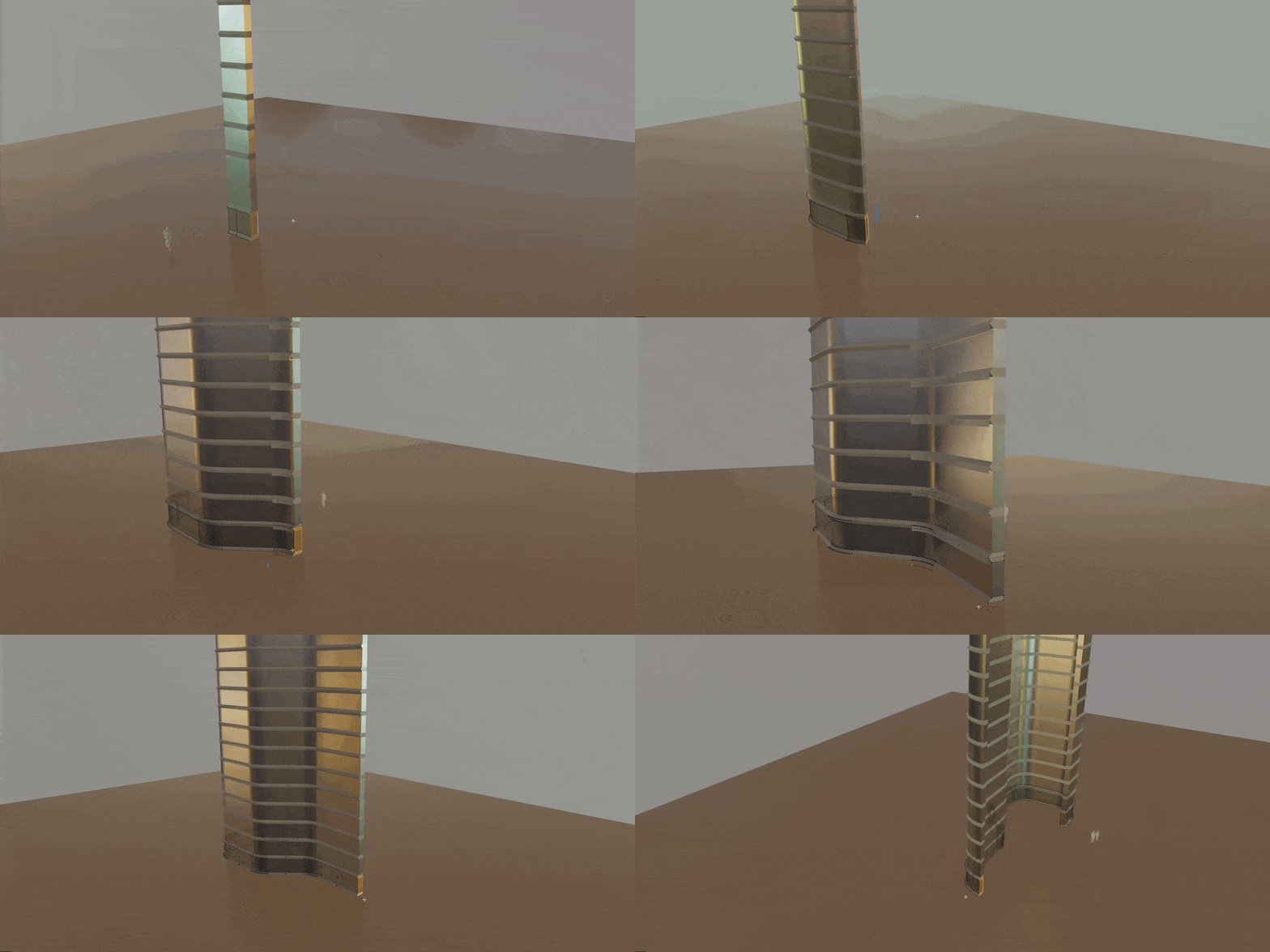
Supercharge your 3D creation workflow with premium selection of Blender Add-ons. Whether you are modeling intricate characters, sculpting realistic environments, or animating cinematic sequences, the right add-on can transform how you work inside Blender. Our curated collection includes powerful tools for UV unwrapping, procedural texture generation, rigging automation, rendering optimization, and more—each rigorously tested for compatibility with the latest Blender versions. Eliminate tedious manual processes and unlock advanced functionality that lets you focus on what matters most: bringing your creative vision to life. Explore our full range of professional Blender plugins today and take your 3D projects to the next level.
➡️ ➡️ For more Blender Plugins 😀 😀
Reviews
There are no reviews yet.