

animation PATTERNS pro v1.0
Download animationPATTERNSpro v1.0, a powerful keyframe-based easing assistant for Adobe After Effects that allows you to edit and create completely new easing types. This professional tool gives you unprecedented control over animation timing, letting you design custom interpolation curves and apply them with one click for consistent, sophisticated motion across your entire project.
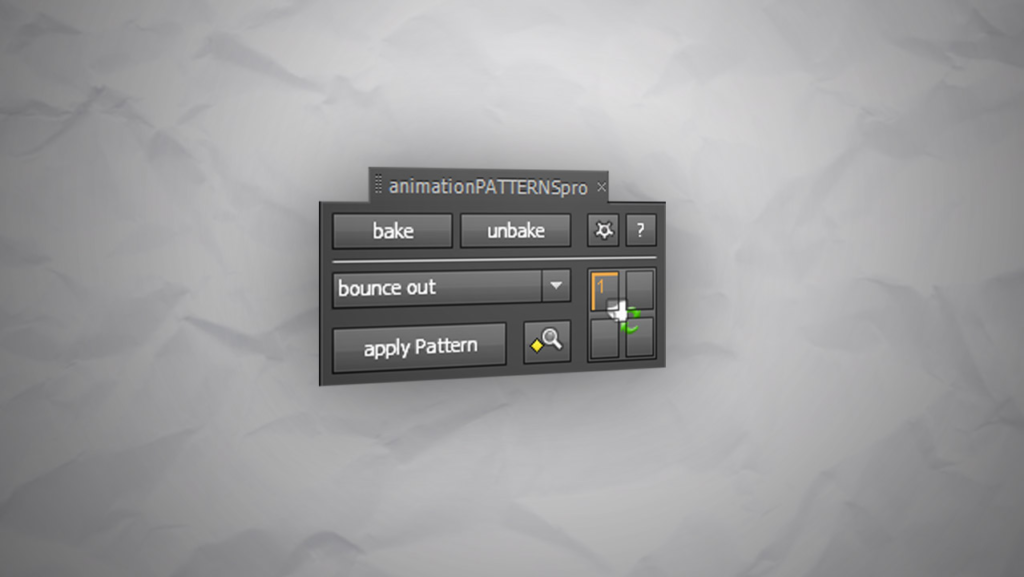
animationPATTERNSpro is a keyframe based easing assistant that allows you to edit and create new easing types
Key Features of animationPATTERNSpro v1.0:
- Custom Easing Creation: Design and edit your own animation patterns with full control over interpolation curves—editing a pattern instantly updates all animations using it
- Multiple Pattern Layers: Organize your eases better with dedicated layers for different pattern types and categories
- Project-Wide Consistency: Use pattern layers across your entire project for clean, adaptable workflows and uniform motion design
- Curved Motion Path Support: Full compatibility with curved paths for complex, organic animations
- Copy & Paste Patterns: Extract easing from any motion and save it as a reusable pattern for perfect consistency
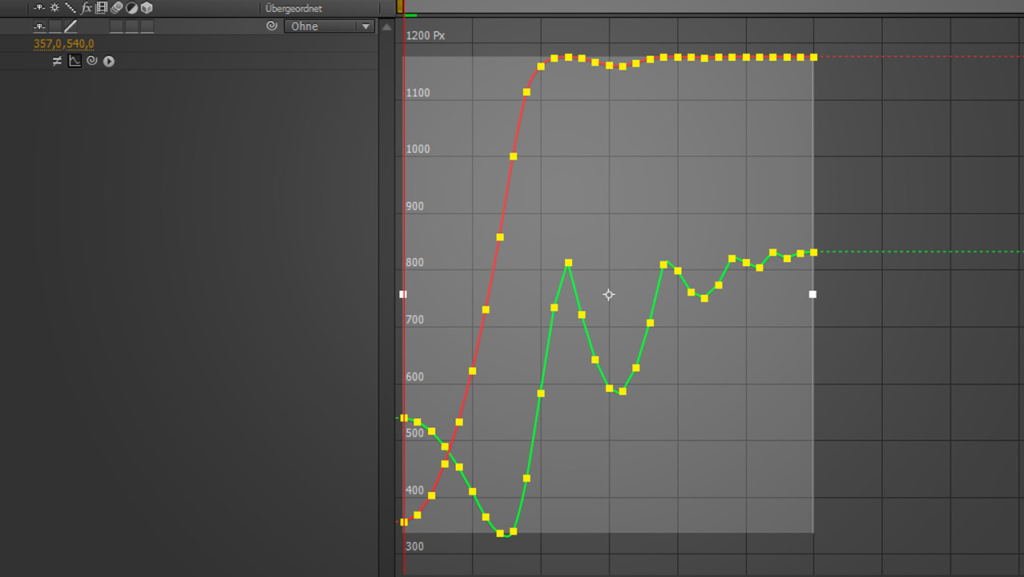
- Bake & Unbake System: Speed up render times without losing flexibility—bake animations for delivery, unbake for continued editing
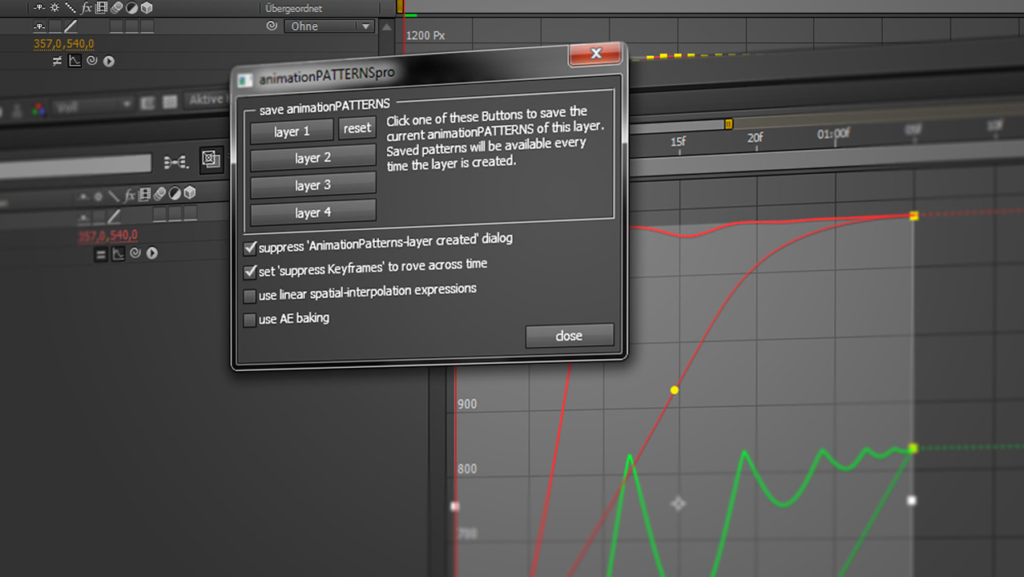
- Fast Saving: Never lose your custom eases with quick, intuitive preset management
- One-Click Application: Select keyframes and apply any animation pattern instantly while retaining full ability to drag keyframes and adjust values
Perfect For:
- Motion graphics artists seeking consistent, custom easing across complex projects
- Character animators needing precise control over timing and weight
- Studios wanting standardized motion language across team projects
- Anyone tired of manually tweaking keyframes for every animation
System Requirements:
- Adobe After Effects CS4 through 2020
- Windows or macOS
- 4GB RAM minimum (8GB+ recommended)
- 50MB available disk space
- Note: Does not work with properties that already use expressions (they’ll be replaced when applying patterns)
Version 1.0 Release (March 25, 2014):
- Initial release of the professional version with all core features described above
- Based on the original animationPATTERNS with expanded capabilities for advanced users
Note: This is the initial v1.0 release. Later versions (1.01-1.022) fixed panel updating issues, meta-key bugs on Mac, and added macOS Catalina support. The current version is likely newer; v1.022 from Dec 2019 is the latest listed. For optimal performance, consider using the most recent version available .
what is it?
animationPATTERNSpro is a keyframe based easing assistant that allows you to edit and create new easing types. The pro version comes with a bunch of new features that will help you do your work faster and of course with ease 😉
how does it work?
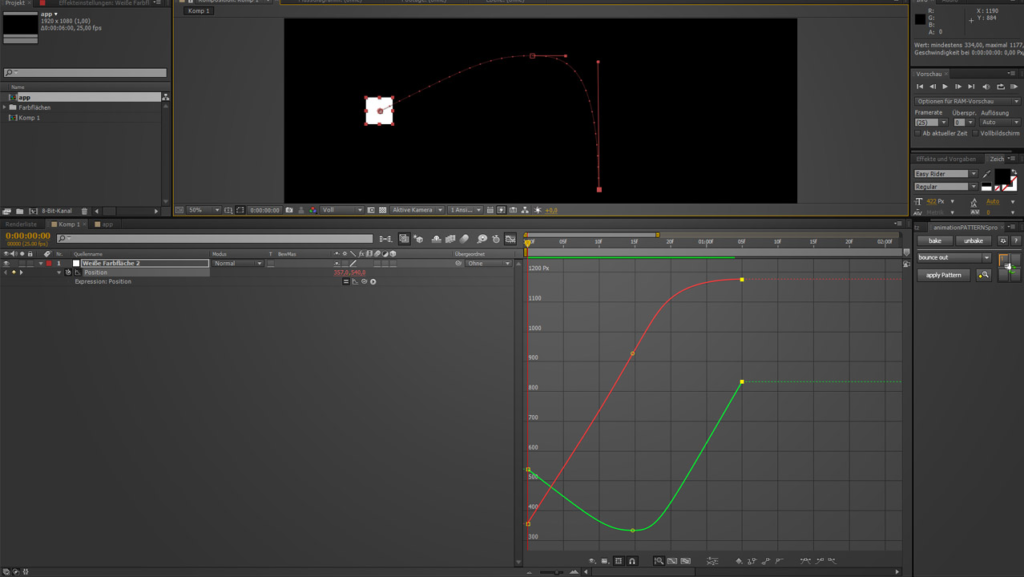
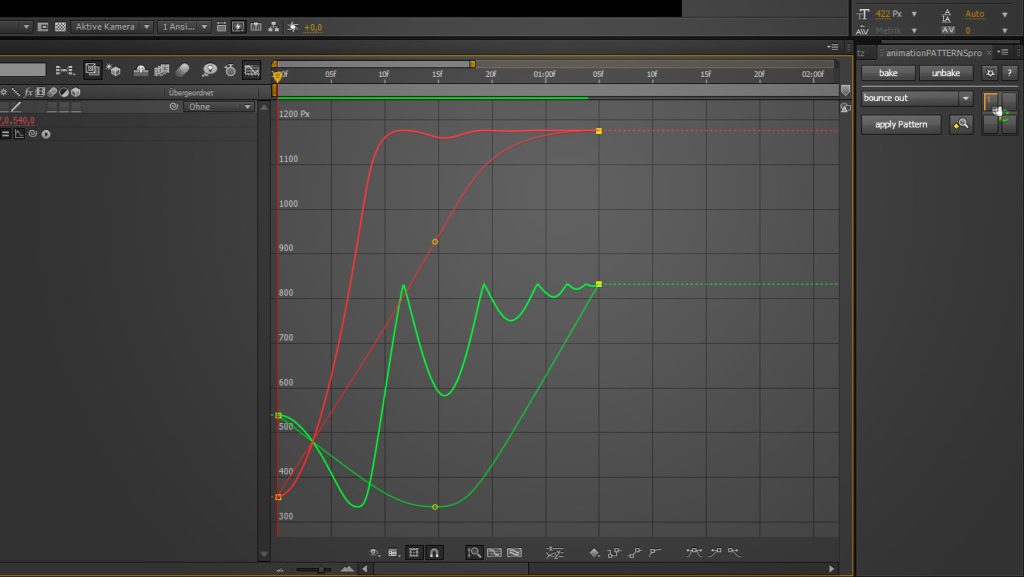
Similar to your common workflow just select keyframes and apply different easing types (we call them animation patterns) to them with one click! You can still drag around the keyframes and change their values. All changes directly lead to a new interpolation of the ease.
The focus is clearly on motion, but you can use animationPATTERNSpro on almost all properties except properties that don’t allow expressions and shape-properties like masks.
And the best thing: you can edit all animation patterns, and create new ones. Editing will directly effect all animations, which use the animation pattern.
why go pro?
pro features
- multiple pattern layers will help you organizing your eases better
- project wide use of pattern layers keeps your projects clean and easy to adapt
- curved motion paths are fully supported
- copy and paste patterns simplifies creating your own animationPATTERNS from any motion
- bake and unbake speeds up you renderings without loss of flexibility
- fast and easy saving helps to don’t forget any of your eases
Please check the VIDEOS tab above for a tutorial on the basic functions of animationPATTERNS.
Note that animationPATTERNSpro does not work with properties that already use expressions. They’ll get replaced by clicking apply pattern.
Elevate your motion graphics workflow with premium collection of After Effects plugins. Whether you are a seasoned professional or just starting your VFX journey, powerful tools designed to streamline complex tasks, unlock creative possibilities, and save you hours of rendering time. From stunning glitch effects and seamless transitions to advanced 3D extrusion and text animation tools, each plugin in our library is rigorously tested for compatibility with the latest versions of Adobe after Effects. Enhance your video production value today and download industry-leading plugins that help you create breathtaking visuals without the technical headaches. Browse our full range and find the perfect extension to supercharge your editing suite now.
➡️ ➡️ For more after effects Plugins 😀 😀
➡️ ➡️ System requirements AE
Reviews
There are no reviews yet.