
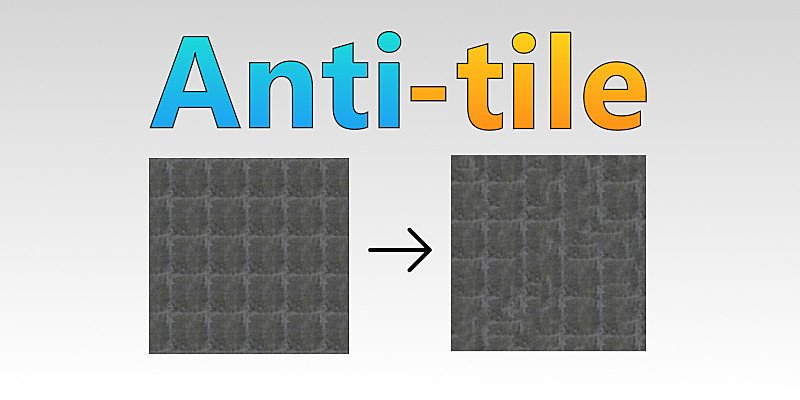
Anti tile for Blender
anti tile addon
Anti Tile v1.42 for Blender – Intelligent Texture Seam Removal & Procedural Tiling Tool
Download Anti Tile v1.42 for Blender on Windows, Mac, and Linux, a powerful shader add-on that eliminates visible tiling patterns in your textures and materials. Using advanced procedural algorithms, Anti Tile automatically breaks up repetitive patterns, creating natural-looking, seamless surfaces that maintain visual interest even at extreme close-ups .
Key Features of Anti Tile v1.42:
- Intelligent Seam Removal: Automatically detects and breaks up visible tiling patterns in any texture, creating natural, organic-looking surfaces
- Procedural Variation: Adds subtle color, roughness, and displacement variations that make tiled textures appear unique across large surfaces
- Multiple Tile Types: Works with any tiled texture—brick walls, stone patterns, wood grain, fabric weaves, and custom textures
- Adjustable Intensity: Control the strength of anti-tiling effects from subtle variation to complete pattern disruption
- Real-Time Preview: See texture improvements update instantly in Blender’s viewport
- Non-Destructive Workflow: All effects are procedural and can be adjusted without modifying your original textures
- UV-Aware: Works with any UV layout—no special mapping required
- Performance Optimized: Efficient shader nodes ensure smooth viewport performance even with complex materials
- v1.42 Updates: Enhanced edge detection, improved performance, and expanded compatibility with Blender 4.0+
Perfect For:
- Environment artists creating large landscapes and terrain textures
- Architectural visualization professionals eliminating repetition in wall and floor materials
- Game developers ensuring texture variety across large game environments
- 3D artists working with limited texture libraries who need to extend their use
- Anyone frustrated by visible tiling patterns in their renders
System Requirements:
- Blender 3.0, 3.1, 3.2, 3.3, 3.4, 3.5, 3.6, 4.0, 4.1, 4.2, 4.3
- Windows 10/11 (64-bit), macOS, or Linux
- 4GB RAM minimum (8GB+ recommended)
- 10MB available disk space
Installation:
- Download the add-on zip file
- In Blender, go to Edit > Preferences > Add-ons
- Click “Install” and select the downloaded zip file
- Enable the add-on by checking the box next to “Anti Tile”
Note: Anti Tile solves one of the most common problems in 3D texturing—visible tiling patterns that break the illusion of realism . By intelligently breaking up repetitive patterns and adding procedural variation, this add-on transforms tiled textures into natural-looking surfaces that hold up at any scale . Perfect for architectural visualization, game environments, and any project requiring large, seamless surfaces . Version 1.42 includes full compatibility with Blender 4.0 and above .
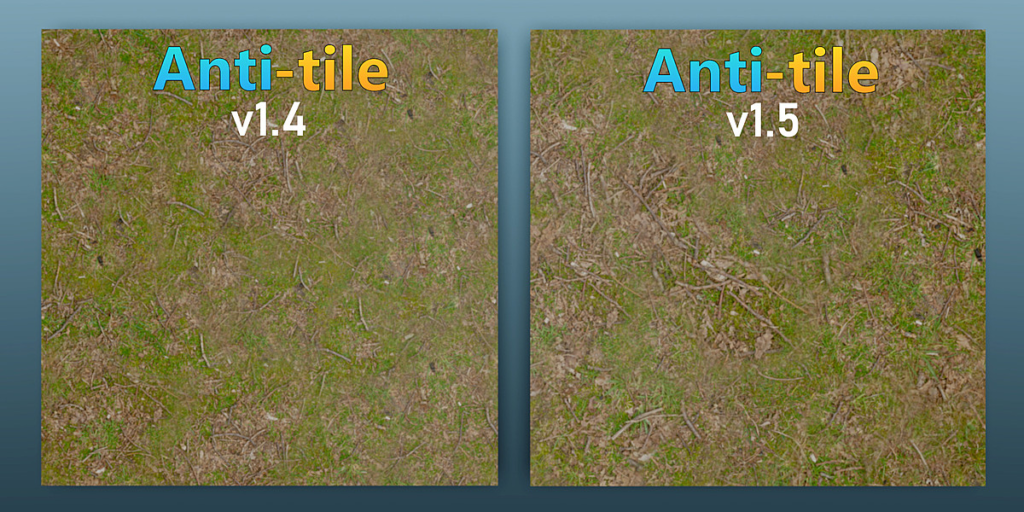
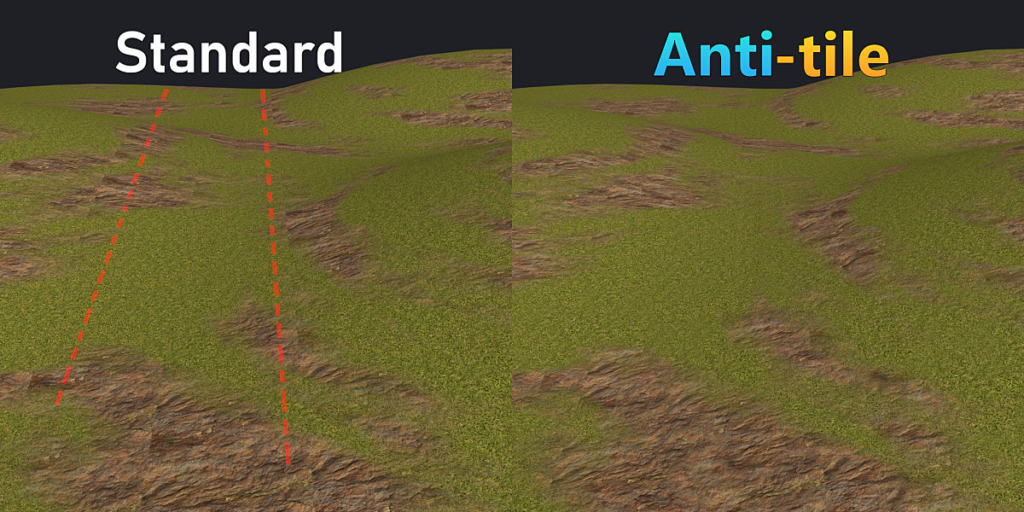
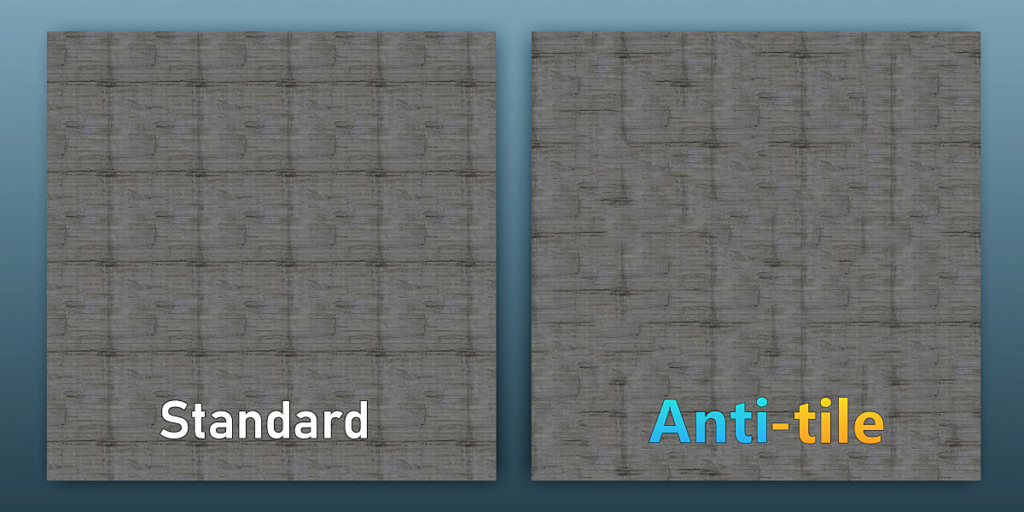
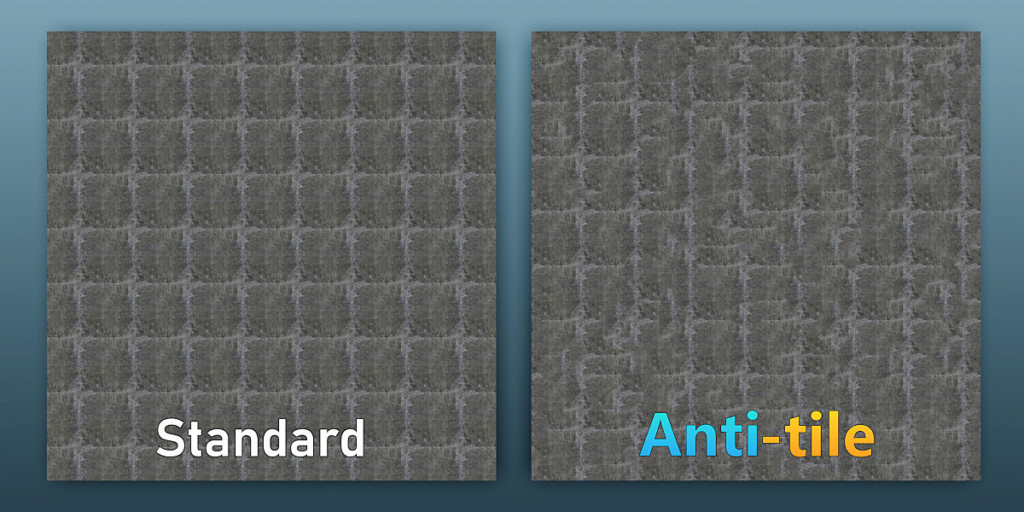
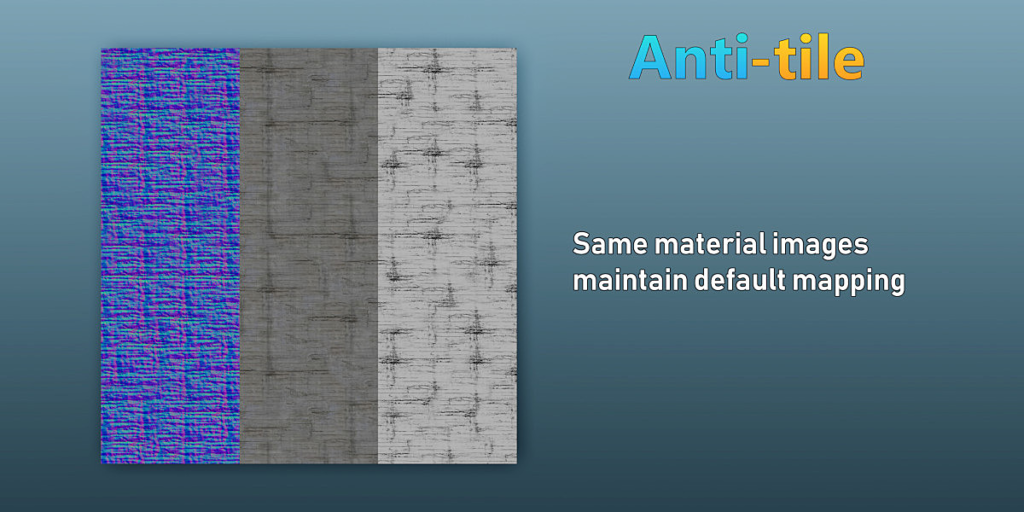
This is a “seamless” texture:
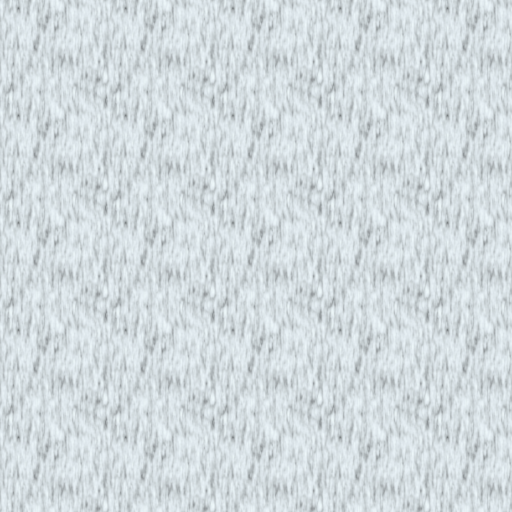
Seamless images are great, until you scale them up 5 times and you can see the repeating pattern.
All seamless textures have this flaw.
Introducing…

Anti-tile is a one-click addon for instantly removing tiling patterns from any image!
Features:
- Triple layer procedural blending
- Individual layer control
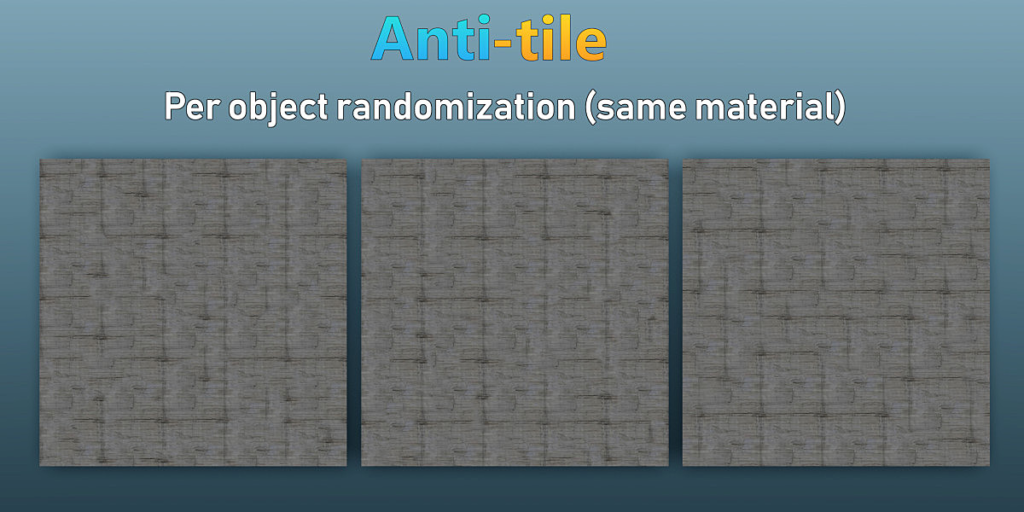
- Per object randomisation
- 1 click deployment and removal
- Simple controls
- PBR workflow
- Debug Mode
- Anti-Seam Support
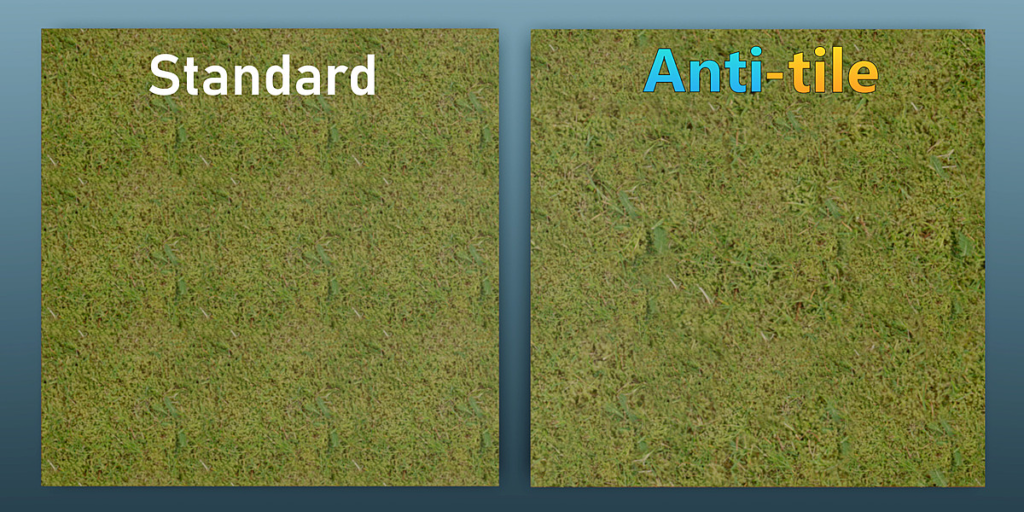
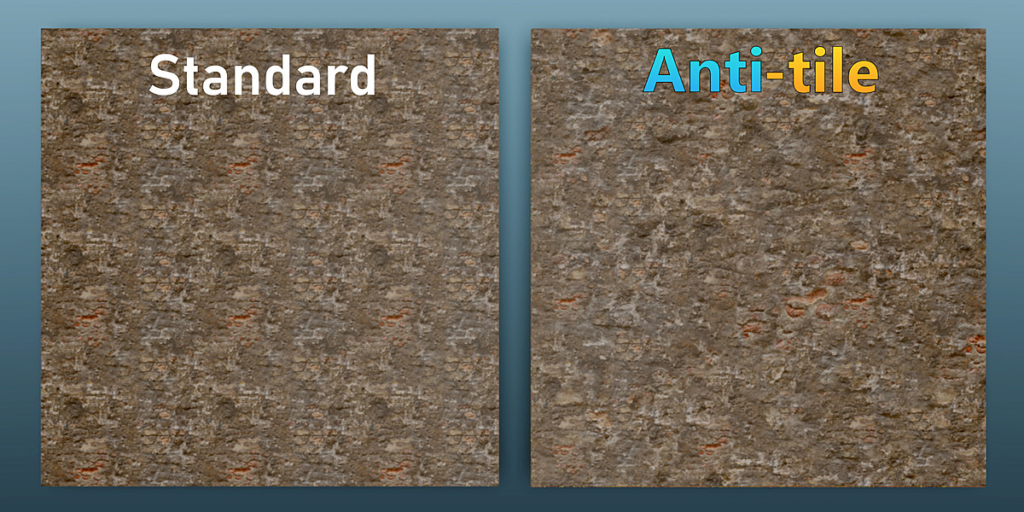
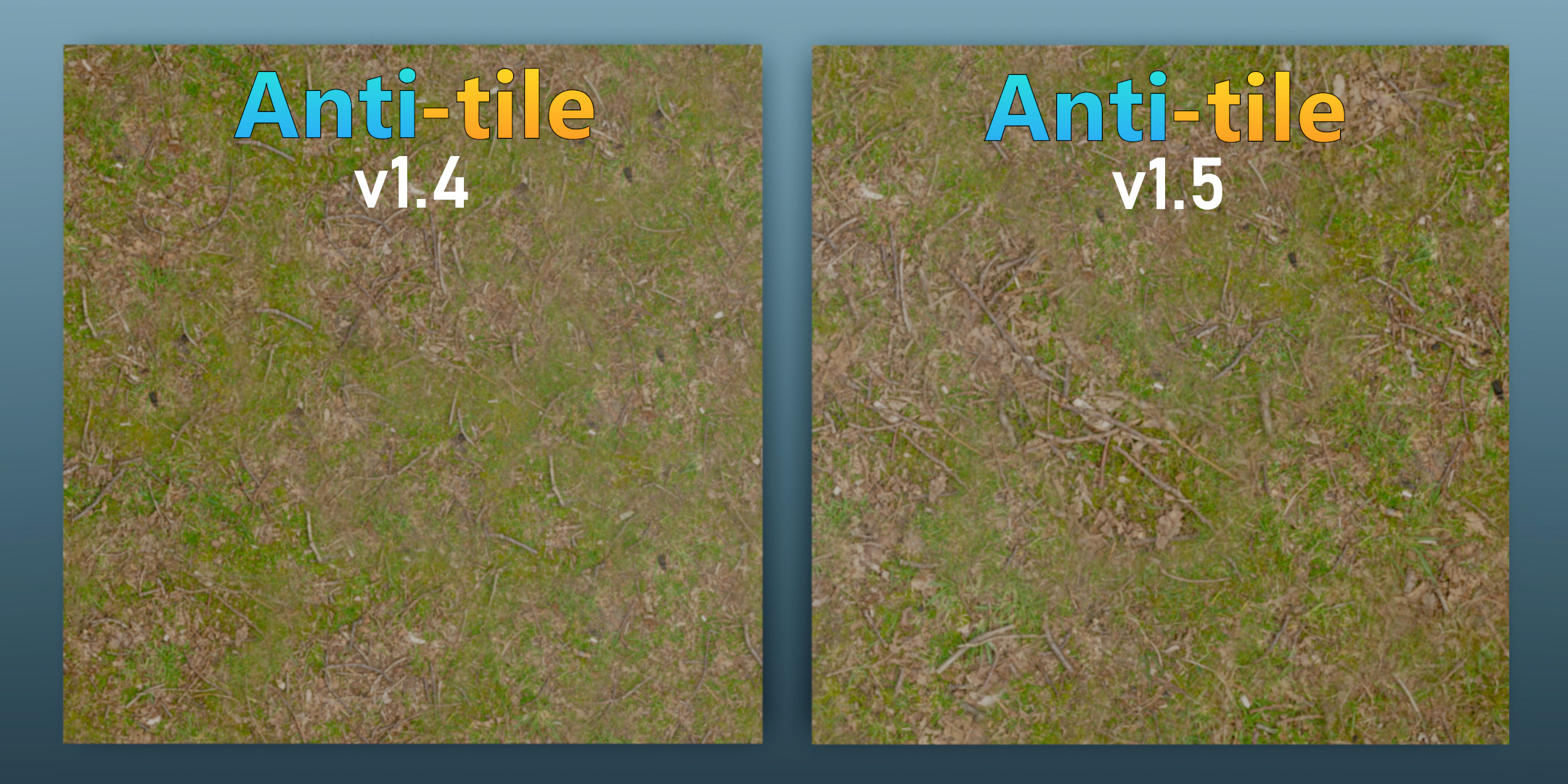
Before vs After
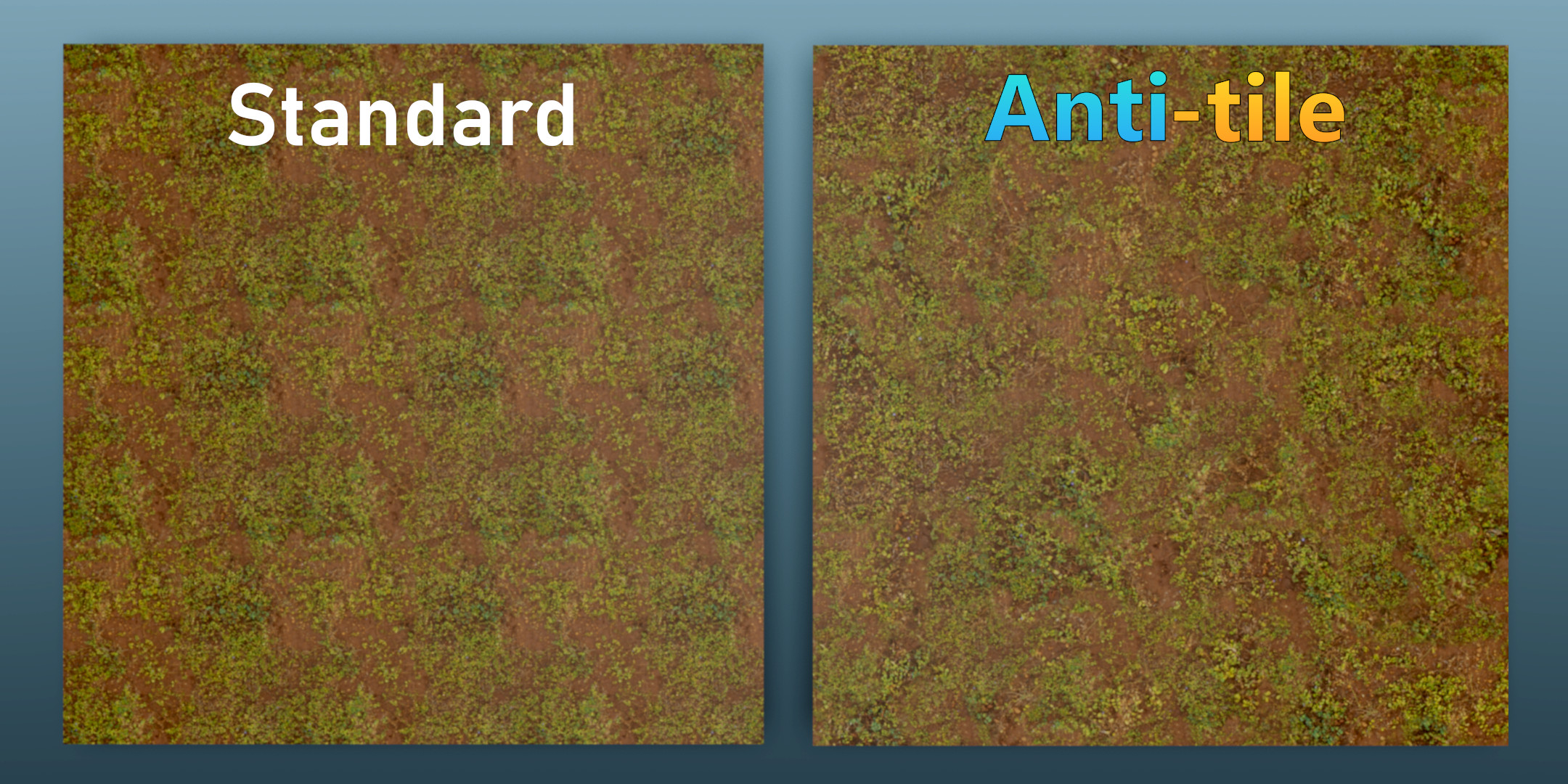
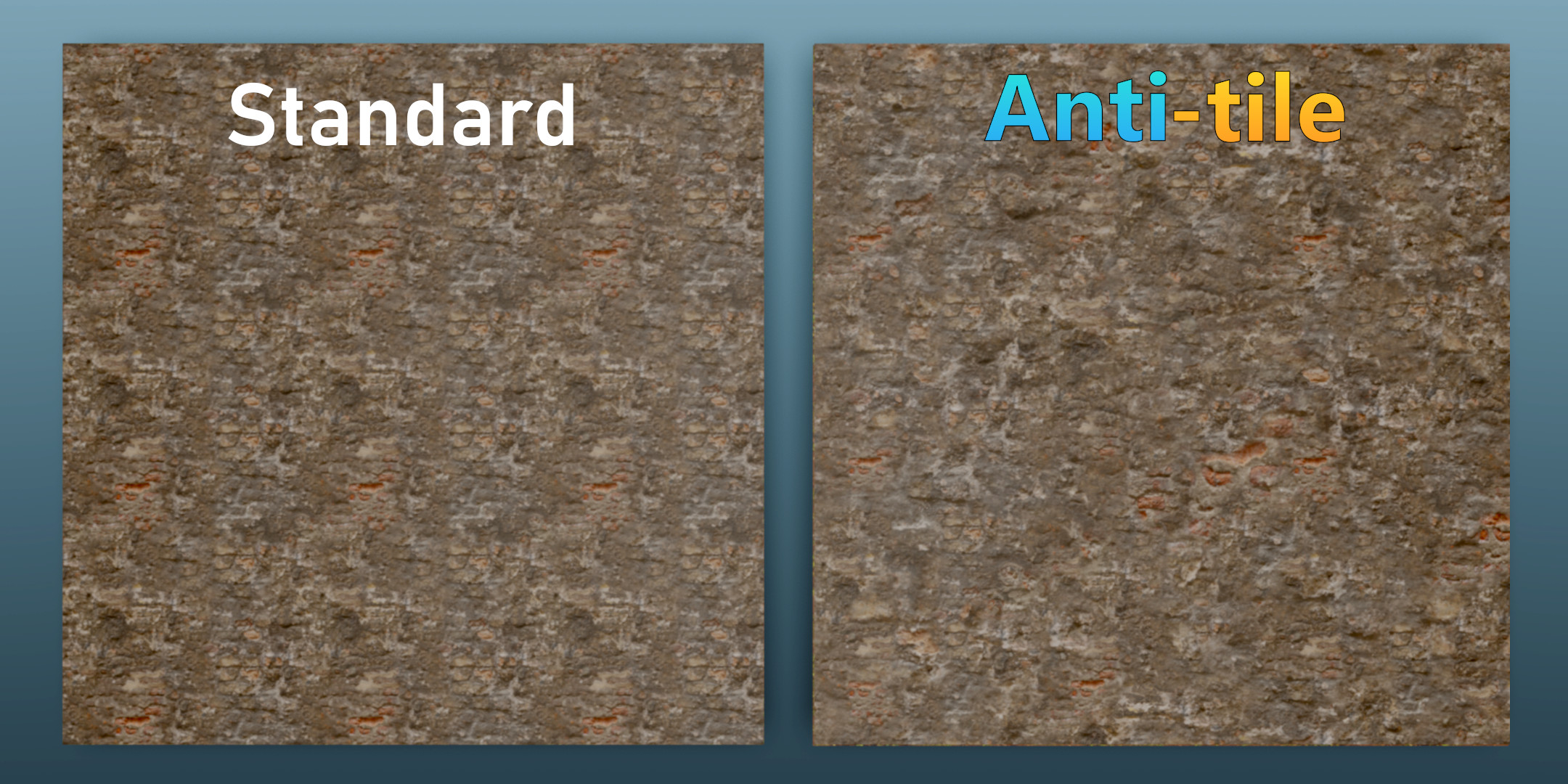

(UV scale = 3)
Anti-tile uses per-object randomisation along with advanced triple layer blending to give you perfect results every-time.
Individual Layer Scaling:
Individual Layer Offset:
Same object, same results:
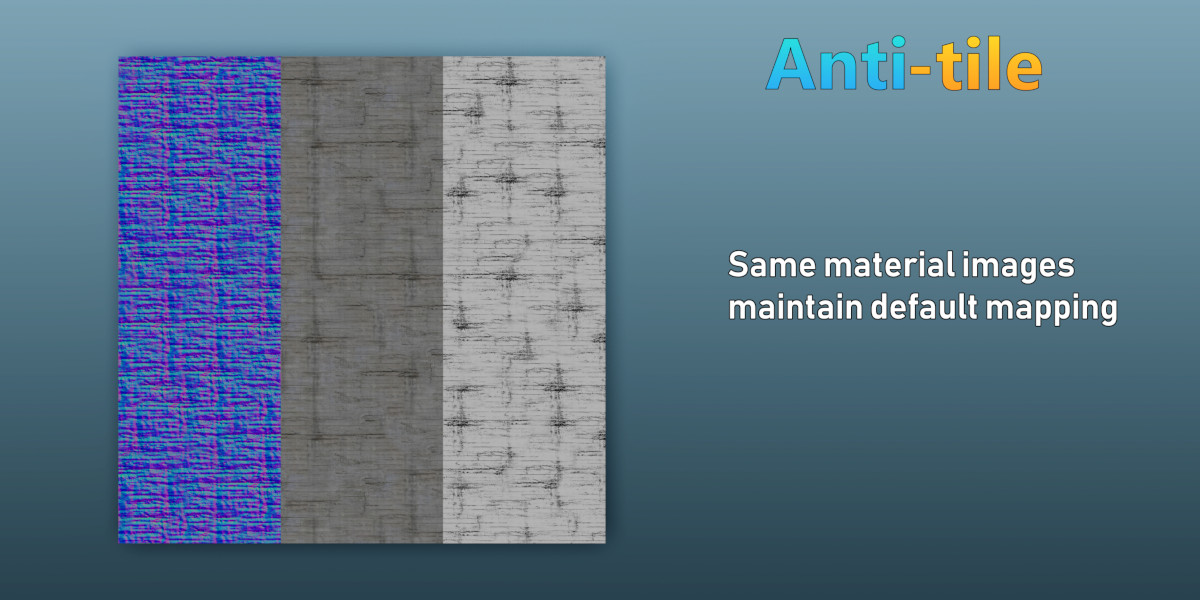
Worried about normal maps not lining up with diffuse maps? Anti-tile, provides a same object, same mapping policy. Same random + same shift = same mapping.
Same material, different results:

Anti-tile automatically applies randomized mapping for each object, even with the same material.
Simple deployment and removal
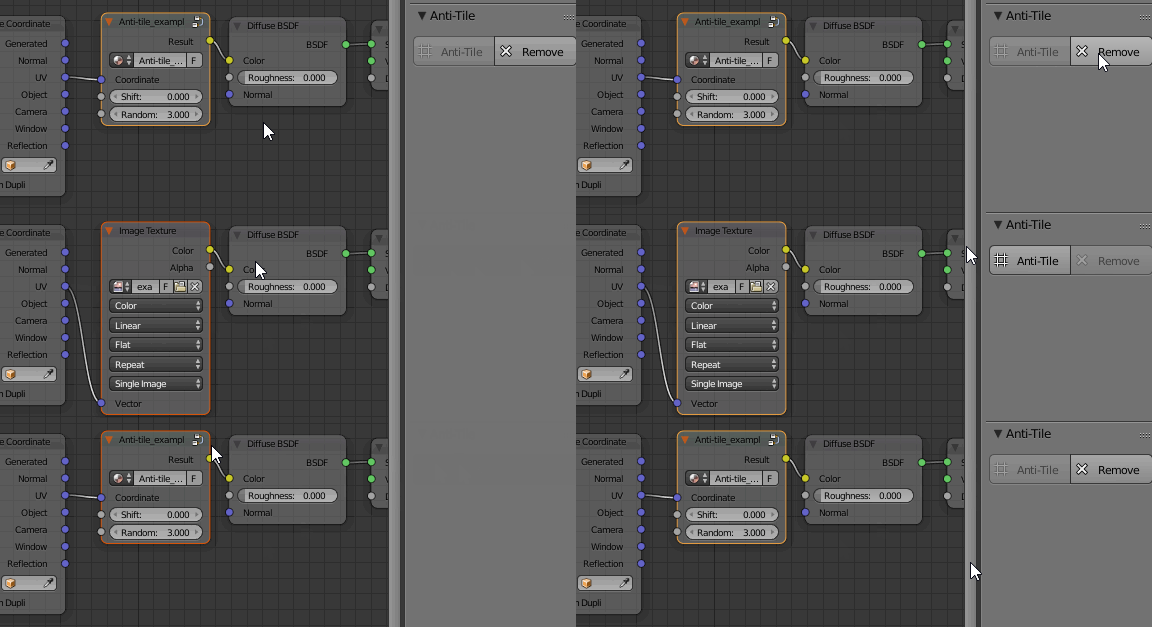
No complicated dependencies or generated files. Just 1 click to apply or remove.
PBR workflow
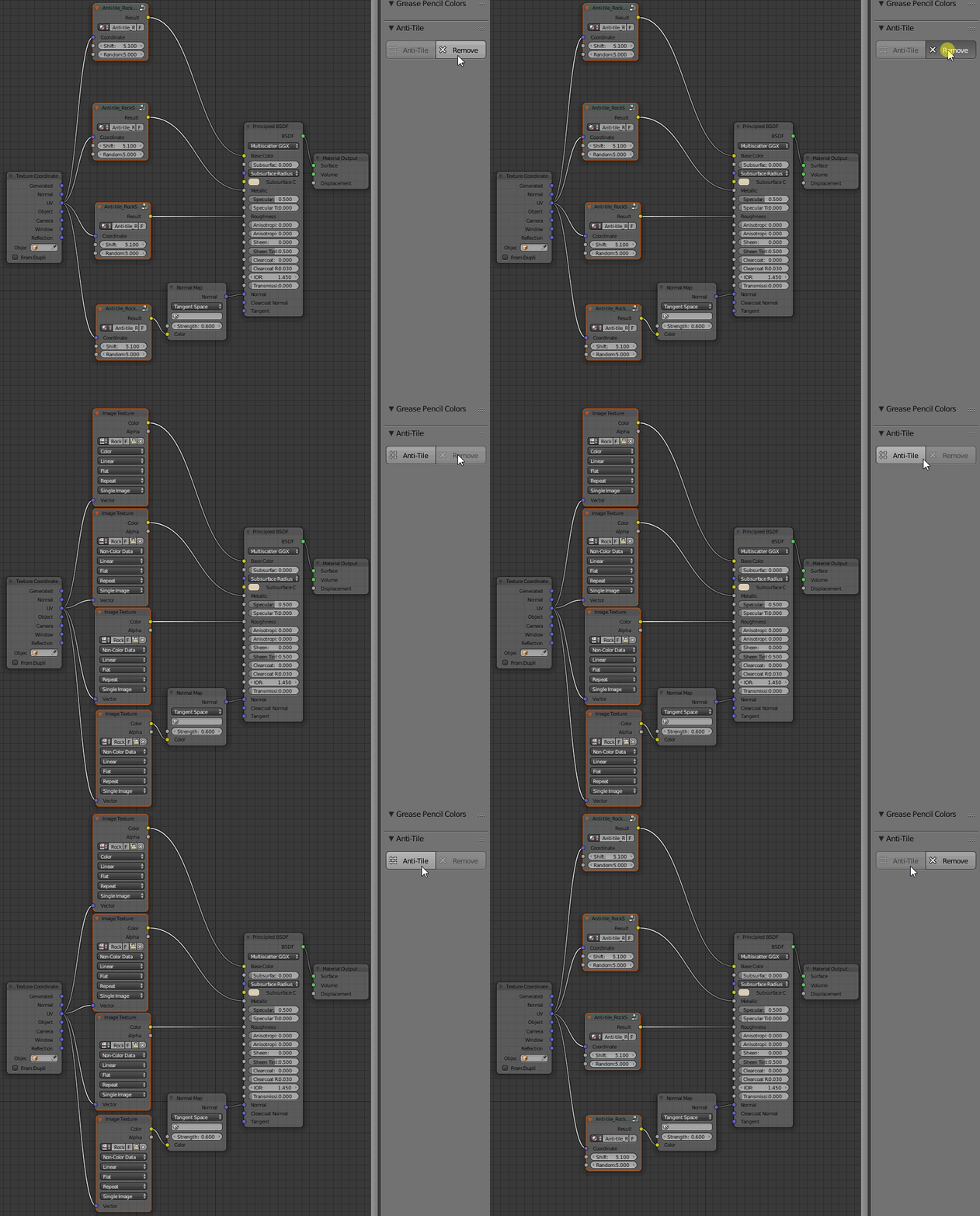
Add anti-tile to multiple images and maintain mapping across all of them in 1 click, PBR anti-tiling has never been easier.
Simple Controls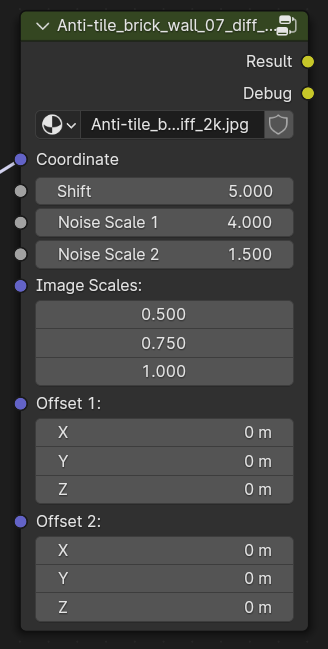
- Shift: Displace the procedural blending until it looks best.
- Noise Scale 1: Control the size of first blend layer
- Noise Scale 2: Control the size of second blend layer
- Image Scales: Control the size of each image layer
- Offset 1: Control the offset of layer 1
- Offset 2: Control the offset of layer 2
What you get:
- Anti-tile Addon
- User Manual
Supercharge your 3D creation workflow with premium selection of Blender Add-ons. Whether you are modeling intricate characters, sculpting realistic environments, or animating cinematic sequences, the right add-on can transform how you work inside Blender. Our curated collection includes powerful tools for UV unwrapping, procedural texture generation, rigging automation, rendering optimization, and more—each rigorously tested for compatibility with the latest Blender versions. Eliminate tedious manual processes and unlock advanced functionality that lets you focus on what matters most: bringing your creative vision to life. Explore our full range of professional Blender plugins today and take your 3D projects to the next level.
➡️ ➡️ For more Blender Plugins 😀 😀
Reviews
There are no reviews yet.