
ap gametools for Blender
ap gametools addon
AP GameTools for Blender – Complete Game Development & Asset Optimization Toolkit
Download AP GameTools for Blender on Windows, Mac, and Linux, a comprehensive add-on designed specifically for game developers and 3D artists creating assets for real-time applications. This powerful toolkit streamlines the entire game asset workflow—from modeling and UV mapping to export optimization—making it essential for any game development pipeline .
File Size: 1 MB
Other info: for Blender 2.XX
Key Features of AP GameTools:
- Asset Optimization: Automatic polygon reduction, LOD generation, and mesh optimization tools for creating efficient game-ready assets
- UV Management: Intelligent UV unwrapping, packing, and optimization tools that maximize texture space while maintaining quality
- Material Baker: Bake high-poly details to low-poly models with normal maps, AO maps, curvature maps, and texture atlases
- Collision Mesh Generator: Create optimized collision meshes for game engines with one-click generation and customizable settings
- Export Presets: One-click export to Unity, Unreal Engine, Godot, and other game engines with optimized settings
- Texture Atlas Creator: Combine multiple textures into single atlases for improved rendering performance
- LOD Generator: Automatic Level of Detail generation with customizable reduction percentages and preview
- Polygon Counter: Real-time polygon count display with warnings for optimization targets
- Asset Validator: Automated checks for common game asset issues—inverted normals, non-manifold geometry, missing UVs
- Batch Processing: Process multiple assets simultaneously for efficient pipeline workflows
Perfect For:
- Game developers creating optimized assets for Unity, Unreal, and other engines
- 3D artists preparing models for real-time applications
- Technical artists managing asset optimization pipelines
- Indie developers needing professional asset tools without complex setups
- Studios looking to streamline game asset production
System Requirements:
- Blender 3.0, 3.1, 3.2, 3.3, 3.4, 3.5, 3.6, 4.0, 4.1, 4.2, 4.3
- Windows 10/11 (64-bit), macOS, or Linux
- 4GB RAM minimum (8GB+ recommended)
- 50MB available disk space
Installation:
- Download the add-on zip file
- In Blender, go to Edit > Preferences > Add-ons
- Click “Install” and select the downloaded zip file
- Enable the add-on by checking the box next to “AP GameTools”
Note: AP GameTools is the ultimate Blender add-on for game developers, providing all the essential tools needed to create optimized, engine-ready assets . From UV packing and material baking to LOD generation and export presets, this toolkit streamlines every step of the game asset pipeline . Perfect for both indie developers and professional studios working with Unity, Unreal, Godot, and other game engines .
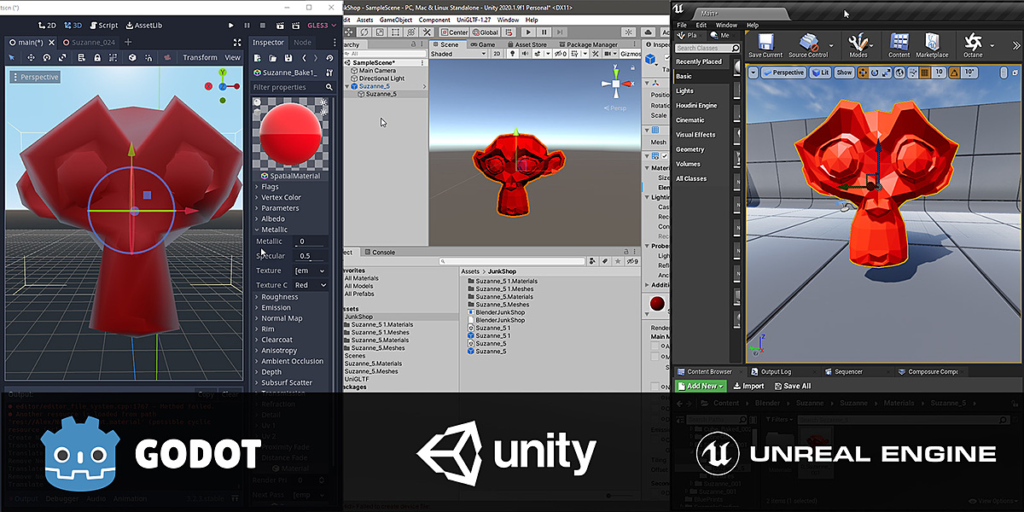
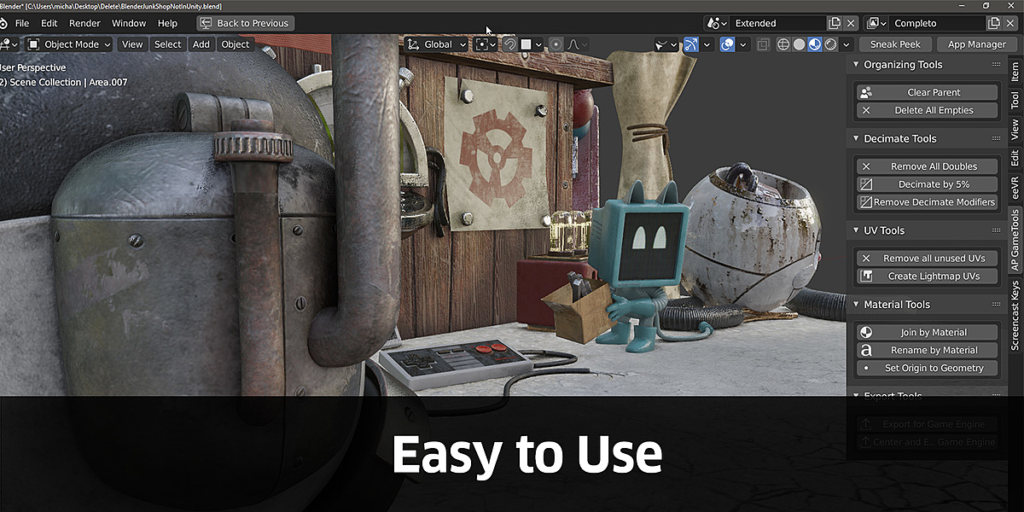
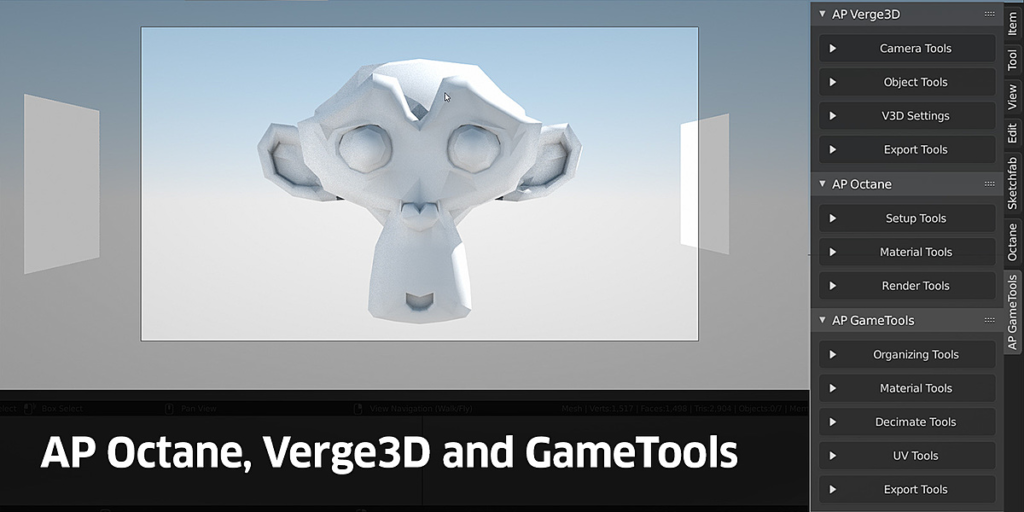
AP GameTools is a utility add-on for Blender that helps you optimize and export static models from Blender to Unity, Unreal, Godot, Sketchfab, and beyond.
You can use it as a pipeline for Unity, Unreal, and Godot.
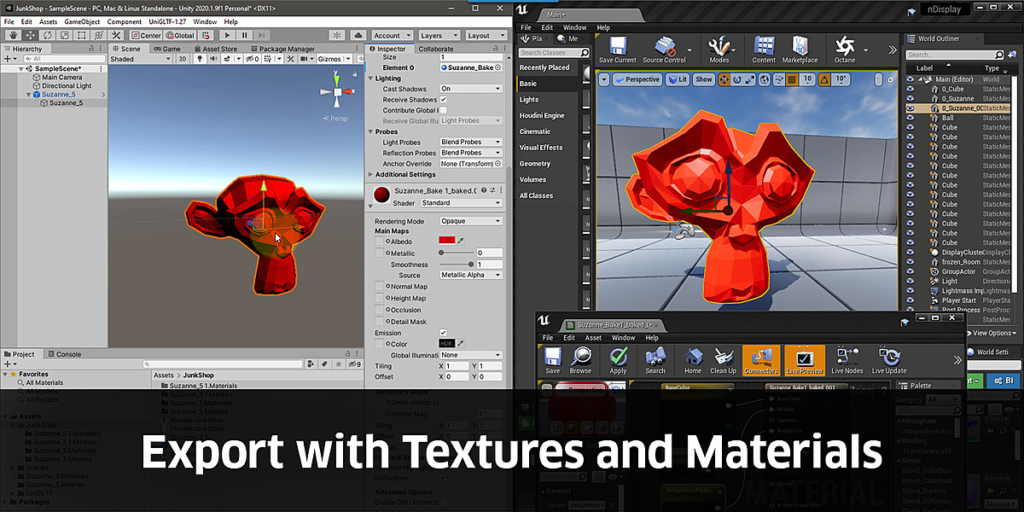
In Unity, you can update your models/shaders/textures, etc. in Blender, push Export for Game Engine, and it automatically updates in your Unity project.
Unreal and Godot have different pipelines but still import your materials/textures and sets up the shaders automatically.
Update April 2021:
Added several new features.
In the shader tab, there is an AP GameTools tab that has texture resize tools, with these, you can quickly duplicate your texture and resize it to 4k, 2k, 1k, 512 or 256 and/or convert it to JPEG for very quick optimization. Similar tools for HDRs
There’s also a new button under UV Tools called Pack UVs, which takes the selected objects, adds UV maps, and packs the uvs from all the selected objects into the new UV map. This helps speed up your baking workflow.
See video about Texture Resize here.
New Planar Decimate button.
New Separate by material button.
There are also two new export options for FBX.
And bug fixes.
Here is a list of the operations so far:
Organizing Utilities
- Clear Parent
- Delete Empties
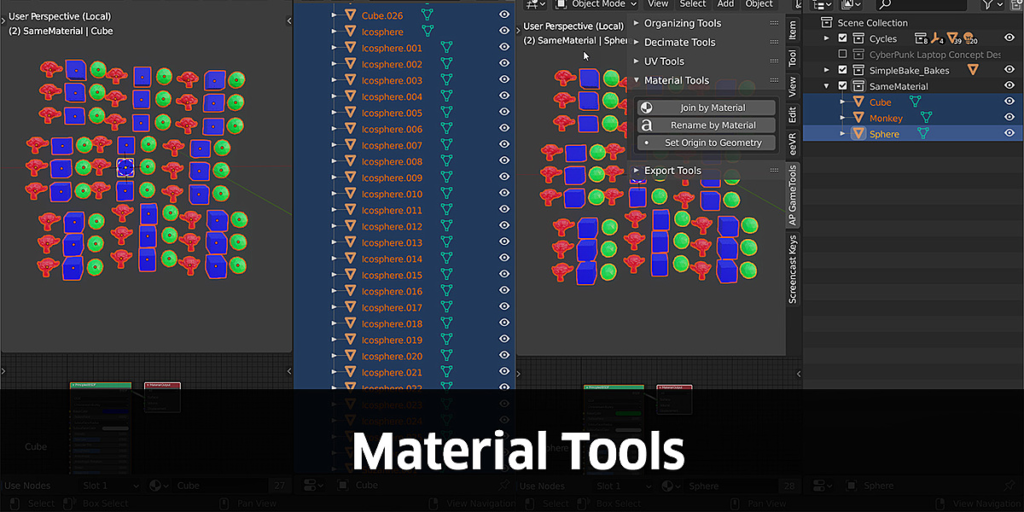
Material Utilities
- Separate by Material
- Join by Material
- Rename by Material
- Origin to Geometry
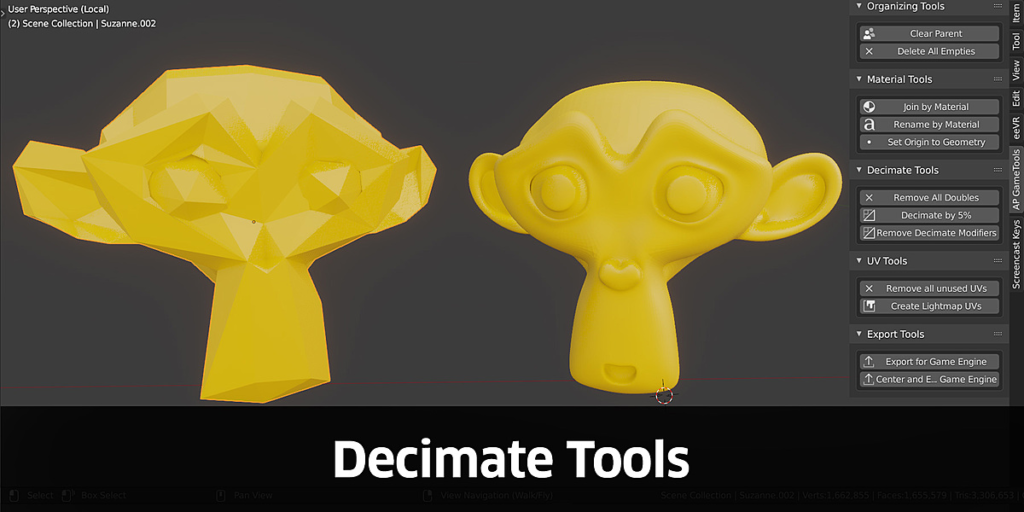
Decimation Utilities
- Remove Doubles from selected objects
- Planar Decimate
- Decimate by 5%
- Remove Decimate Modifiers
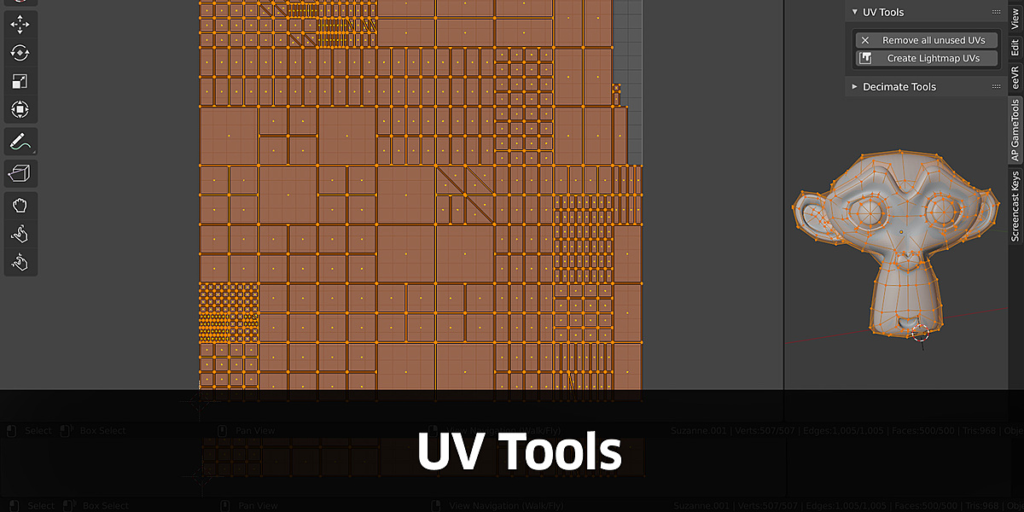
UV Map Utilities
- Remove unused UVs
- Create Lightmap UVs
- Pack UVs
Export Utilities
- Export for Game Engine
- Center and Export for Game Engine
- Export selected as FBX
- Export as FBX scene
For an explanation of each operation, check out the documentation tab, watch the video tutorials or join our Discord
You can watch the full playlist here.
Introduction Video
How To Use
Unity Pipeline
Unreal Pipeline
Godot Pipeline
Resize Textures and convert to JPEG
Supercharge your 3D creation workflow with premium selection of Blender Add-ons. Whether you are modeling intricate characters, sculpting realistic environments, or animating cinematic sequences, the right add-on can transform how you work inside Blender. Our curated collection includes powerful tools for UV unwrapping, procedural texture generation, rigging automation, rendering optimization, and more—each rigorously tested for compatibility with the latest Blender versions. Eliminate tedious manual processes and unlock advanced functionality that lets you focus on what matters most: bringing your creative vision to life. Explore our full range of professional Blender plugins today and take your 3D projects to the next level.
➡️ ➡️ For more Blender Plugins 😀 😀
Reviews
There are no reviews yet.