
Auto Motion Tracker For Objects v1.1.5 For Premiere
Auto Motion Tracker For Objects v1.2.1 Plugin for Video Tracking in Premiere Pro
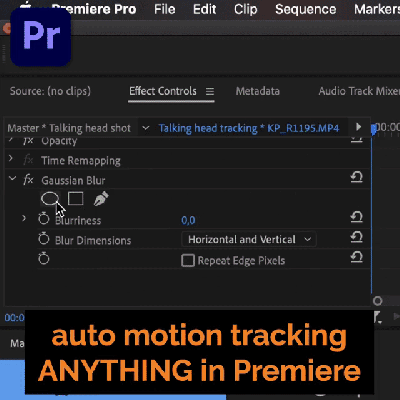
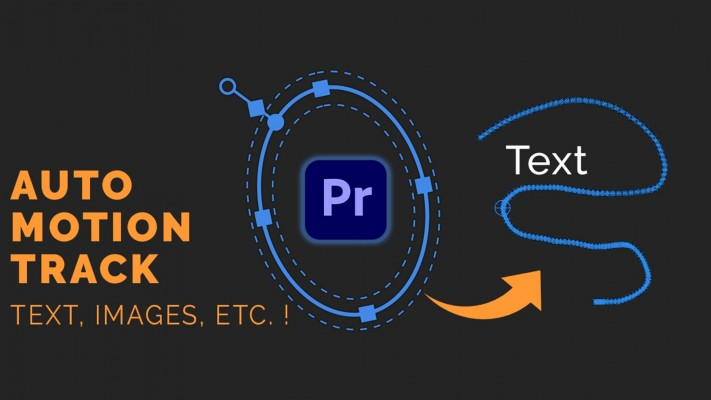
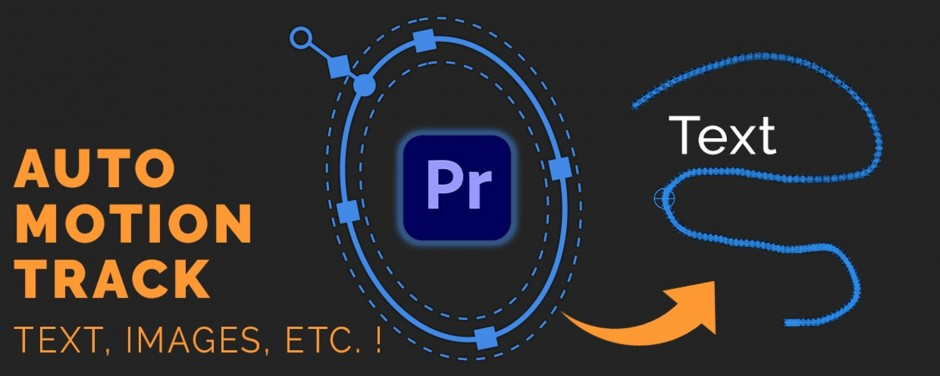
This section includes the Auto Motion Tracker version 1.2.1 plugin for Premiere software, which is available for download. With the help of this plugin, you can perform video tracking operations in the Premiere Pro software. You can track down the details of a movie and then attach any object you like to that part.
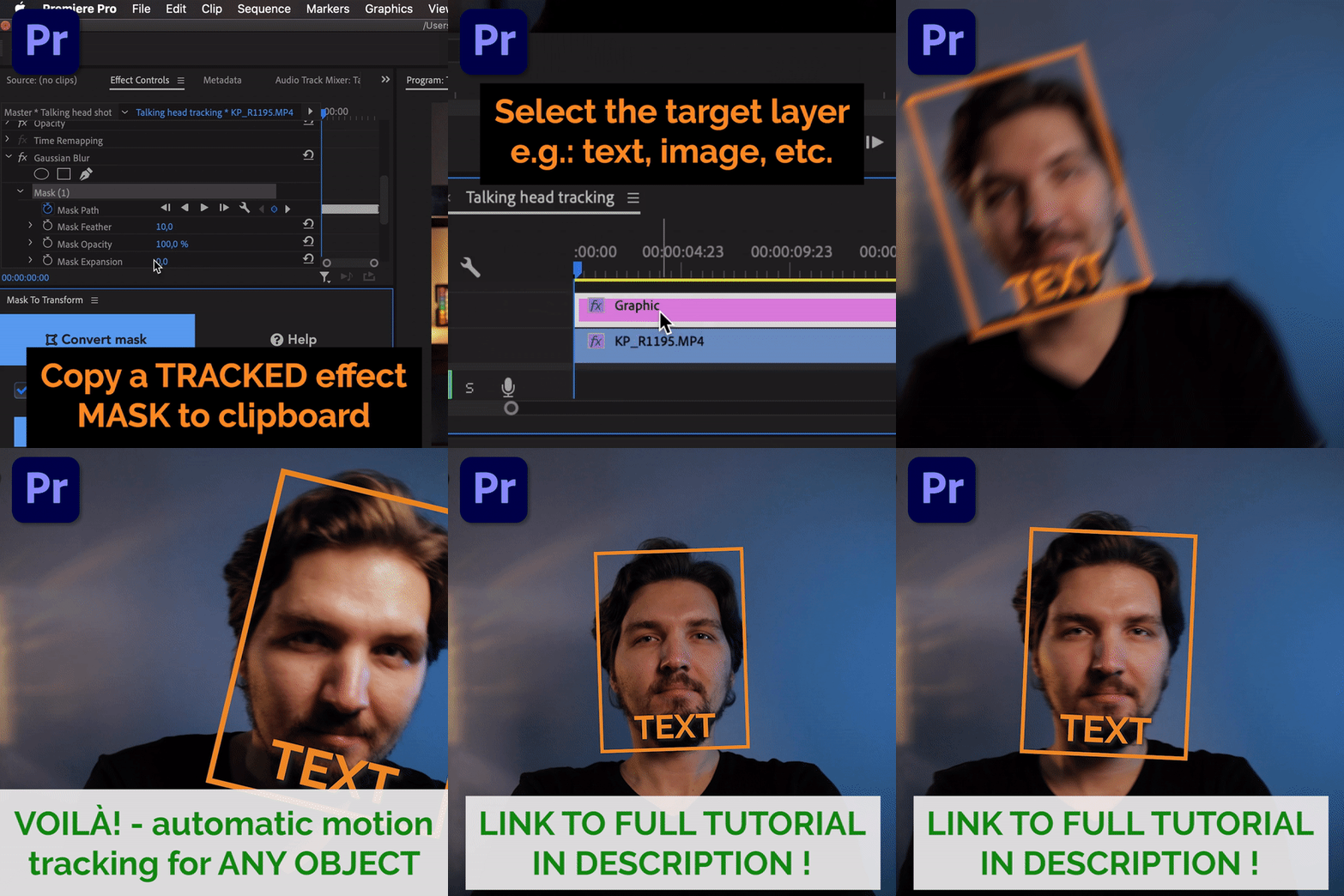
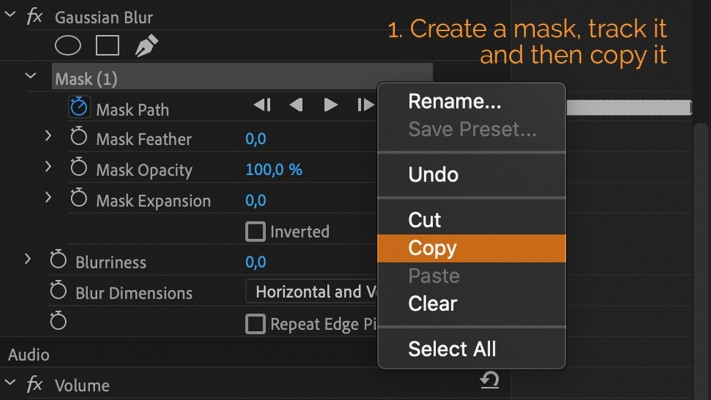
Automatic motion tracking of masks has been a feature built-into Adobe Premiere Pro for a long time, but it was never possible to stick to it something like a motion graphics layer, so that it will follow the movement of objects in the shot.
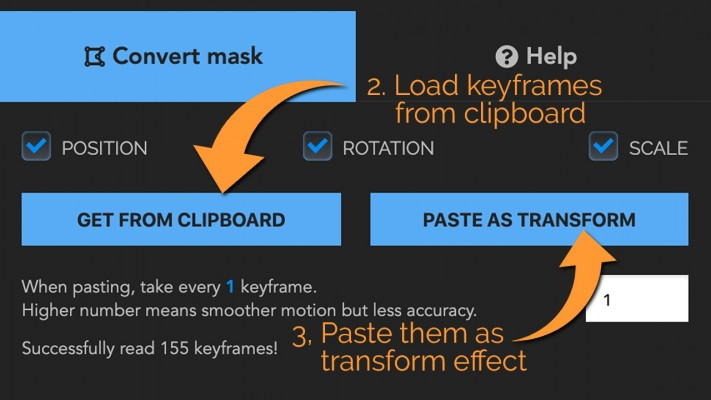
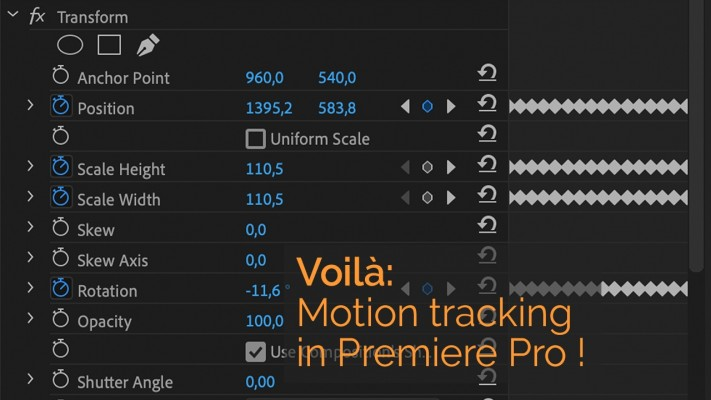
But with this extension you can convert the keyframes of ”Mask Path” into keyframes of position/scale/rotation in a ”Transform” effect!
So now you can have automatic motion tracking something like a text, image or literally anything without the need to go into After Effects!
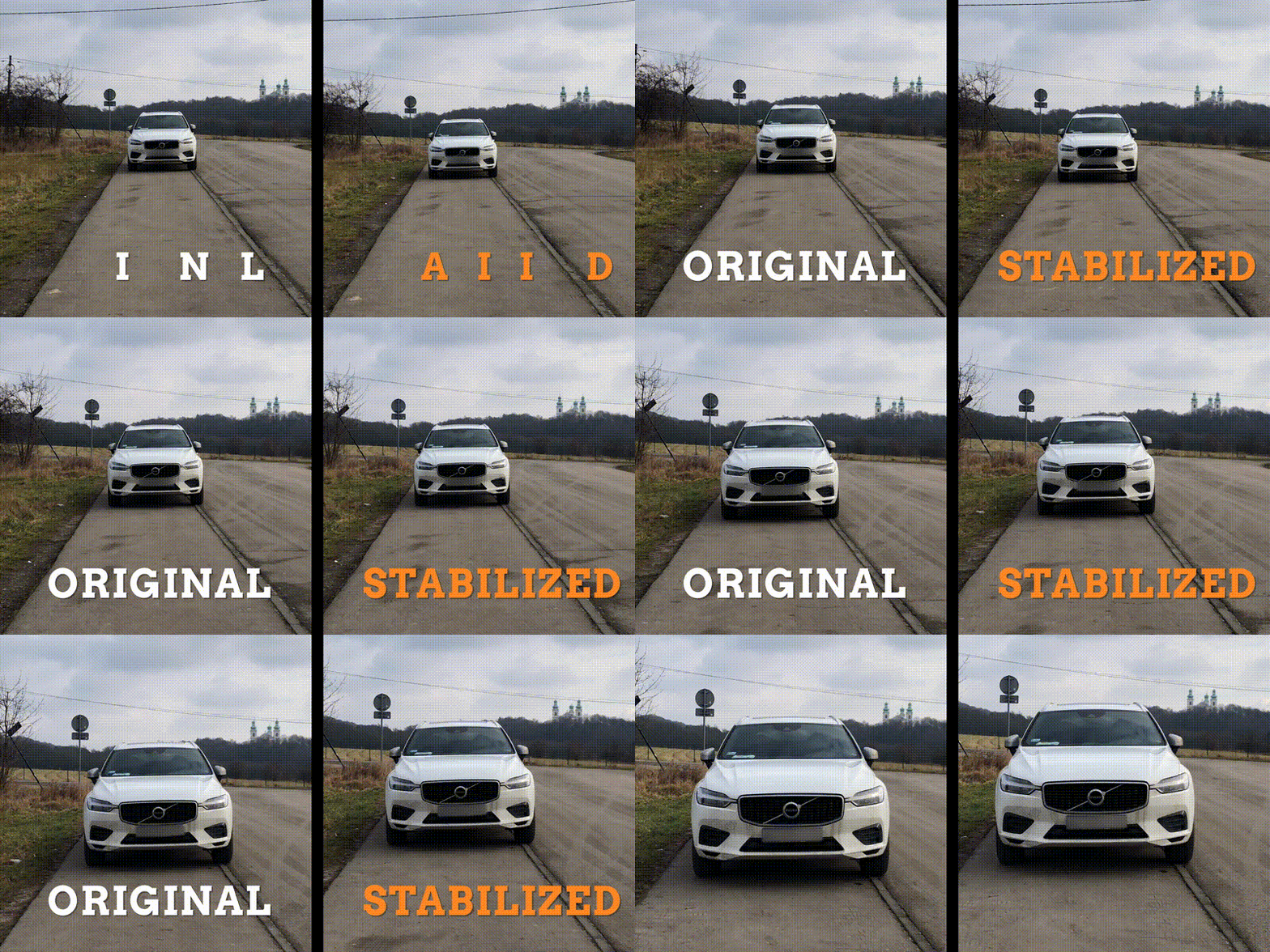
Since version 1.2.0 the keyframes can also be used to conveniently STABILIZE your footage around the subject.
The plugin can also be used to stabilize footage. Just apply the tracking data to the source clip itself, then add a second transform effect to it and rotate the clip by 180 degrees in that second transform. Then nest the clip, rotate it back 180 degrees and scale up if needed! Here’s is the stabilization effect:
Amazing clips to use and help you create your own unique projects from Premiere Pro templates or to improve the design of your existing Projects.
We have a wide range of templates for you to choose from. Video Templates, Motion Graphics Templates, Transitions.
What you waiting for? Hurry up and download the best Premiere Pro Templates
➡️ ➡️ For more Premiere Pro Templates 😀 😀
Reviews
There are no reviews yet.