

Auto Rig Ragdoll Wizard for Blender
auto rig ragdoll wizard addon
Auto Rig Ragdoll Wizard v1.0.1 for Blender – Automated Ragdoll Physics & Character Rigging System
Versions: v1.0.1
File Size: 17.5 MB
Download Auto Rig Ragdoll Wizard v1.0.1 for Blender on Windows, Mac, and Linux, a revolutionary add-on that combines automated character rigging with realistic ragdoll physics. This powerful tool generates complete character rigs and instantly enables physics-based ragdoll simulations—perfect for game developers, animators, and anyone needing realistic character physics with minimal setup .
Key Features of Auto Rig Ragdoll Wizard v1.0.1:
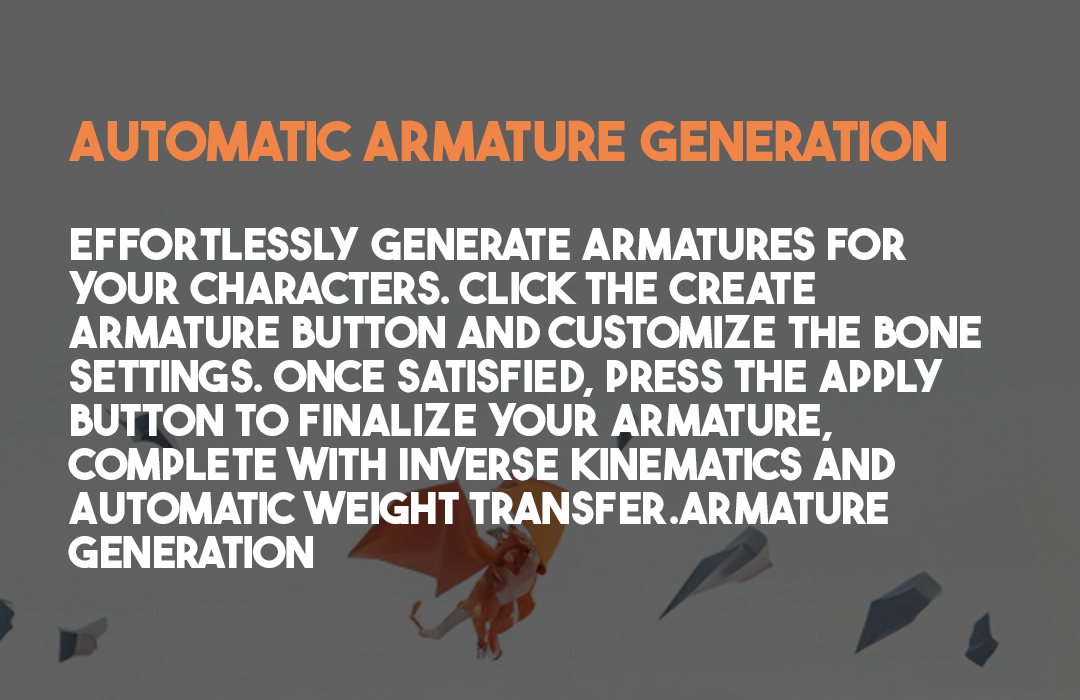
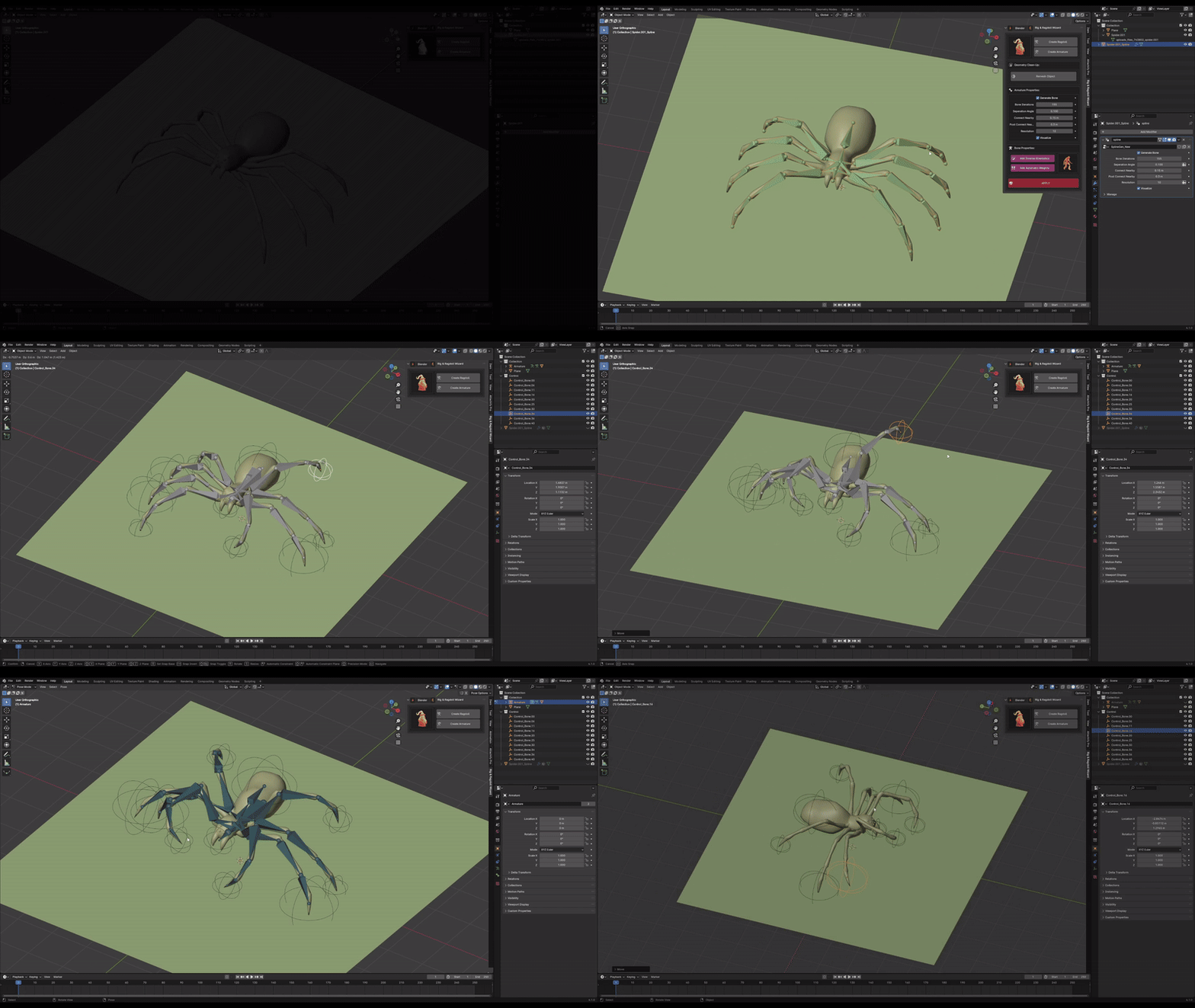
- Automated Character Rigging: Generate complete character rigs in seconds with proper bone placement, IK/FK controls, and full-body automation
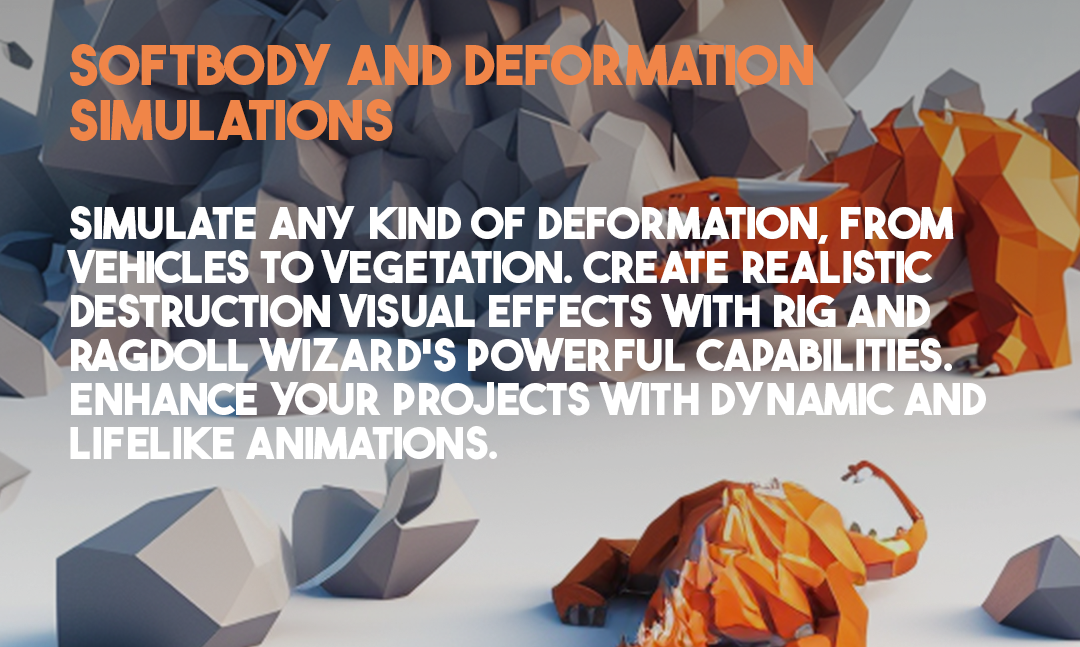
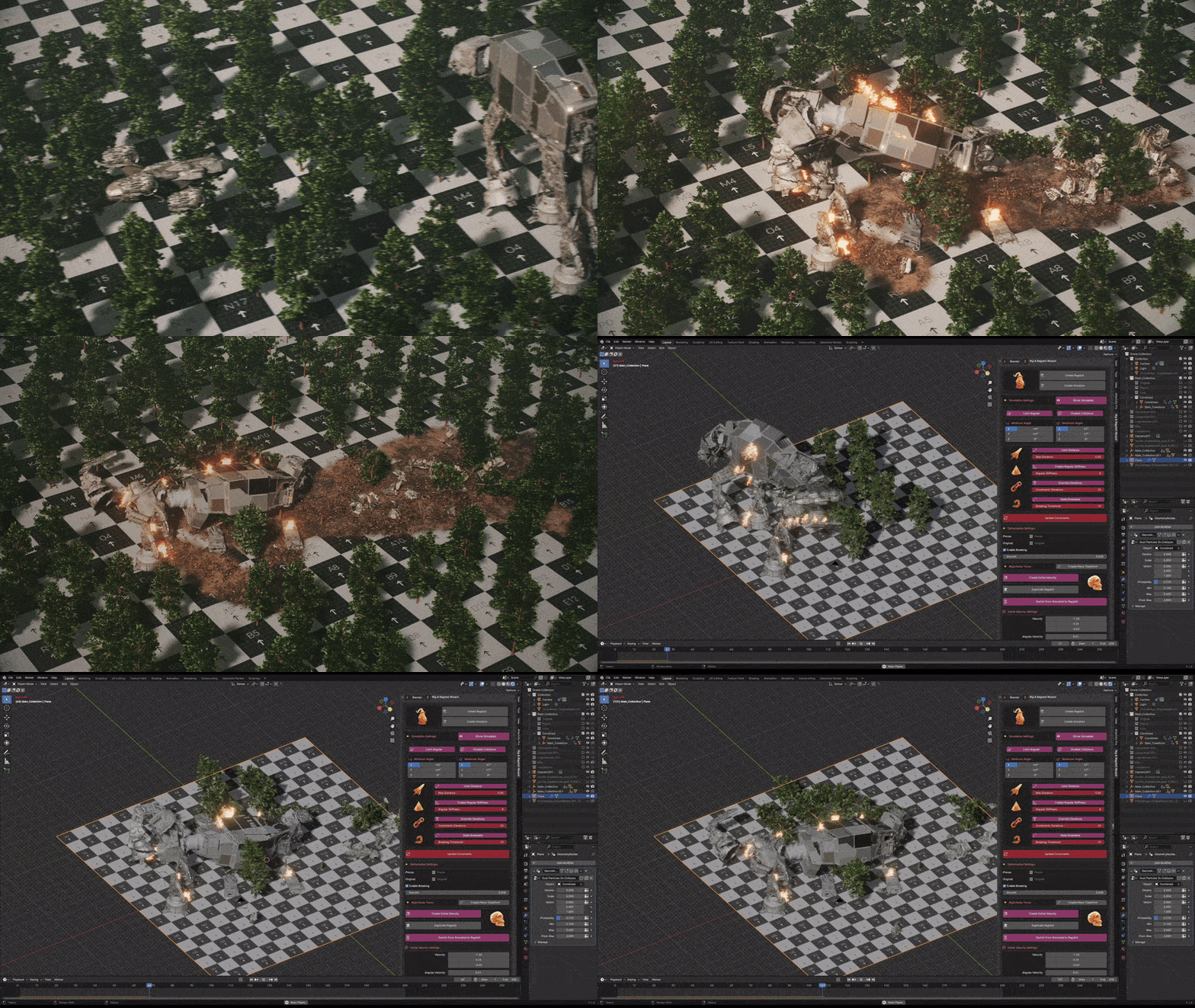
- One-Click Ragdoll Setup: Instantly enable realistic ragdoll physics on any rigged character with automatic joint constraints and collision shapes
- Physics-Driven Animation: Switch between keyframe animation and physics simulation at any point—characters can walk, then collapse into ragdoll on impact
- Ragdoll Presets: Multiple preset configurations for different character types—humans, animals, creatures, and stylized characters
- Interactive Physics: Drag and throw ragdoll characters with mouse interaction for real-time physics testing
- Constraint Editor: Fine-tune joint limits, spring strength, and damping for precise ragdoll behavior
- Collision Shape Generation: Automatic creation of optimized collision shapes that follow character anatomy
- Performance Optimized: Efficient physics calculations ensure smooth real-time interaction
- Animation Blending: Seamless transition between keyframe animation and ragdoll simulation
Perfect For:
- Game developers implementing realistic character physics in games
- Animators creating dynamic death and impact animations
- VFX artists adding physics-based secondary motion to characters
- Technical artists setting up ragdoll systems for game engines
- Anyone wanting realistic character physics without complex manual setups
System Requirements:
- Blender 3.0, 3.1, 3.2, 3.3, 3.4, 3.5, 3.6, 4.0, 4.1, 4.2, 4.3
- Windows 10/11 (64-bit), macOS, or Linux
- 4GB RAM minimum (8GB+ recommended)
- 50MB available disk space
Installation:
- Download the add-on zip file
- In Blender, go to Edit > Preferences > Add-ons
- Click “Install” and select the downloaded zip file
- Enable the add-on by checking the box next to “Auto Rig Ragdoll Wizard”
Note: Auto Rig Ragdoll Wizard combines two essential character workflows into one powerful tool—automated rigging and realistic ragdoll physics . The one-click ragdoll setup makes it possible to add realistic physics behavior to any character in seconds, perfect for game development, dynamic animation, and VFX work . Version 1.0.1 includes performance improvements and expanded compatibility with Blender 4.0+ .


Supercharge your 3D creation workflow with premium selection of Blender Add-ons. Whether you are modeling intricate characters, sculpting realistic environments, or animating cinematic sequences, the right add-on can transform how you work inside Blender. Our curated collection includes powerful tools for UV unwrapping, procedural texture generation, rigging automation, rendering optimization, and more—each rigorously tested for compatibility with the latest Blender versions. Eliminate tedious manual processes and unlock advanced functionality that lets you focus on what matters most: bringing your creative vision to life. Explore our full range of professional Blender plugins today and take your 3D projects to the next level.
➡️ ➡️ For more Blender Plugins 😀 😀
Reviews
There are no reviews yet.