
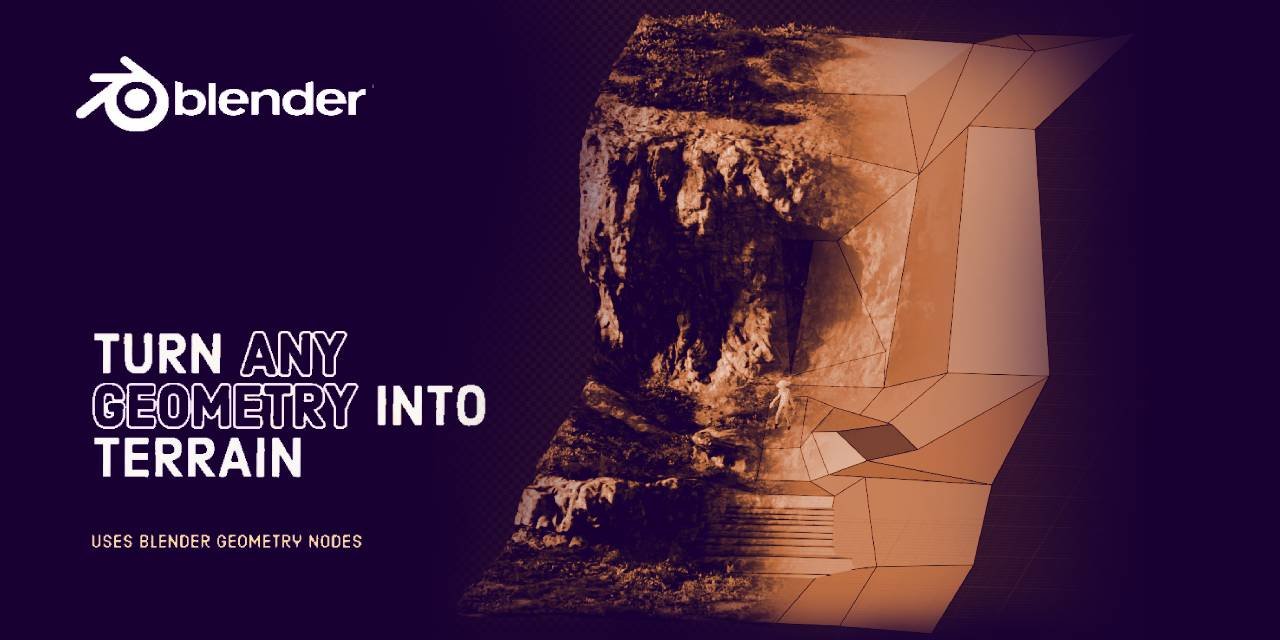
Auto Terrainer Pro for Blender
auto terrainer pro addon
Auto Terrainer Pro for Blender – Intelligent Terrain Generation & Landscape Creation Tool
Versions: v2.0
Download Auto Terrainer Pro for Blender on Windows, Mac, and Linux, a powerful terrain generation add-on that creates stunning landscapes, mountains, and natural environments with intelligent controls. Generate realistic terrains with erosion simulation, texture painting, and vegetation placement—all with real-time feedback and professional results .
Key Features of Auto Terrainer Pro:
- Procedural Terrain Generation: Create infinite landscape variations with intelligent noise algorithms—control mountain height, valley depth, erosion patterns, and terrain complexity
- Erosion Simulation: Realistic erosion effects including hydraulic erosion, thermal weathering, and sediment deposition for natural-looking terrain
- Texture Auto-Painting: Intelligent texture blending based on slope angle, altitude, and erosion patterns—sand on beaches, grass on slopes, rock on peaks
- Vegetation Placement: Automatic vegetation distribution with density controls based on terrain features—forests in valleys, trees on slopes, sparse vegetation on peaks
- River & Lake Generation: Create realistic water systems with rivers that follow natural terrain contours and lakes in low-lying areas
- Road & Path Generation: Intelligent road placement that follows terrain contours for realistic pathways and trails
- Real-Time Preview: See terrain updates instantly in the viewport with performance optimizations for large landscapes
- Export Ready: Export terrains as high-resolution meshes, displacement maps, or game engine-ready formats
- Multiple Presets: Pre-configured landscape styles—alpine mountains, rolling hills, desert canyons, coastal cliffs, and more
- Non-Destructive Workflow: All terrain features remain adjustable after generation—edit any parameter without rebuilding from scratch
Perfect For:
- Environment artists creating natural landscapes for film and animation
- Game developers building open worlds and playable environments
- Architectural visualization professionals creating site contexts
- 3D artists needing realistic terrains for backgrounds and scenes
- Anyone wanting professional terrain generation without complex setups
System Requirements:
- Blender 3.0, 3.1, 3.2, 3.3, 3.4, 3.5, 3.6, 4.0, 4.1, 4.2, 4.3
- Windows 10/11 (64-bit), macOS, or Linux
- 4GB RAM minimum (8GB+ recommended)
- 100MB available disk space
Installation:
- Download the add-on zip file
- In Blender, go to Edit > Preferences > Add-ons
- Click “Install” and select the downloaded zip file
- Enable the add-on by checking the box next to “Auto Terrainer Pro”
Note: Auto Terrainer Pro brings professional terrain generation tools to Blender, allowing you to create stunning landscapes with intelligent erosion, auto-texturing, and vegetation placement . The real-time preview and non-destructive workflow make it easy to iterate on your environments until they’re perfect . Perfect for game development, animation, and architectural visualization . All features are fully adjustable, giving you complete creative control over your terrains .
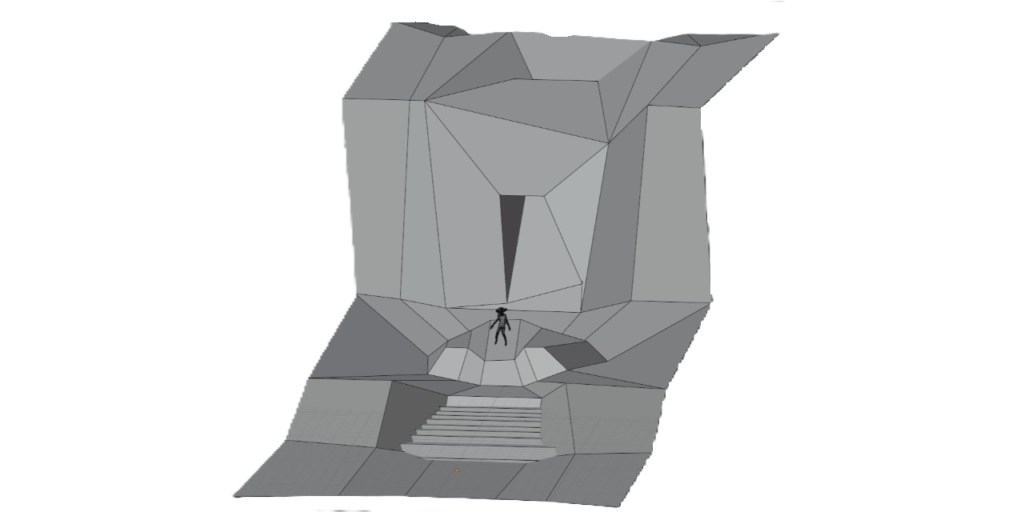
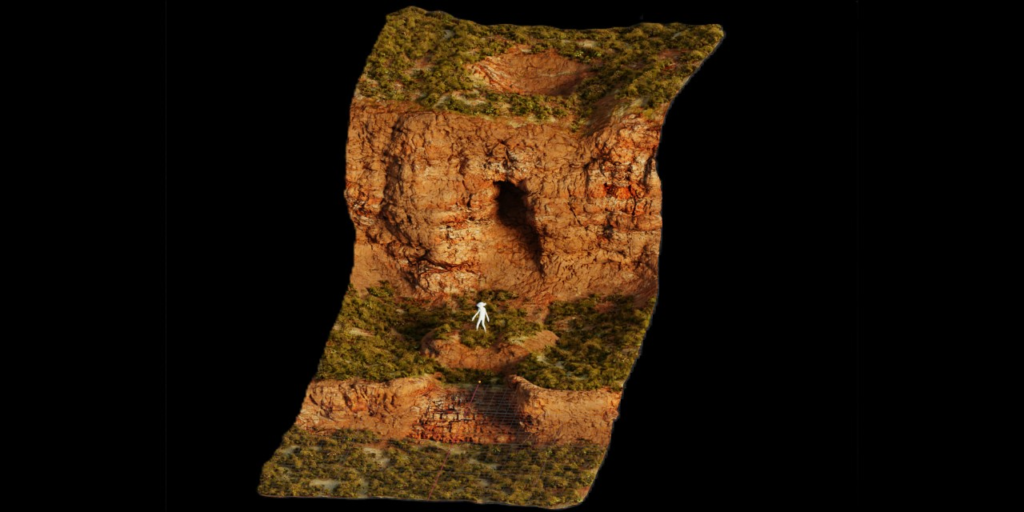
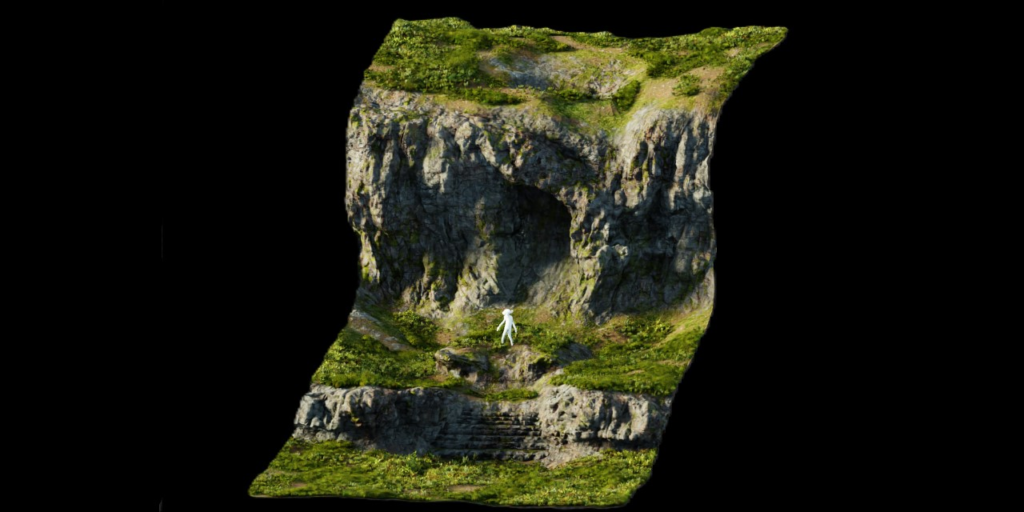
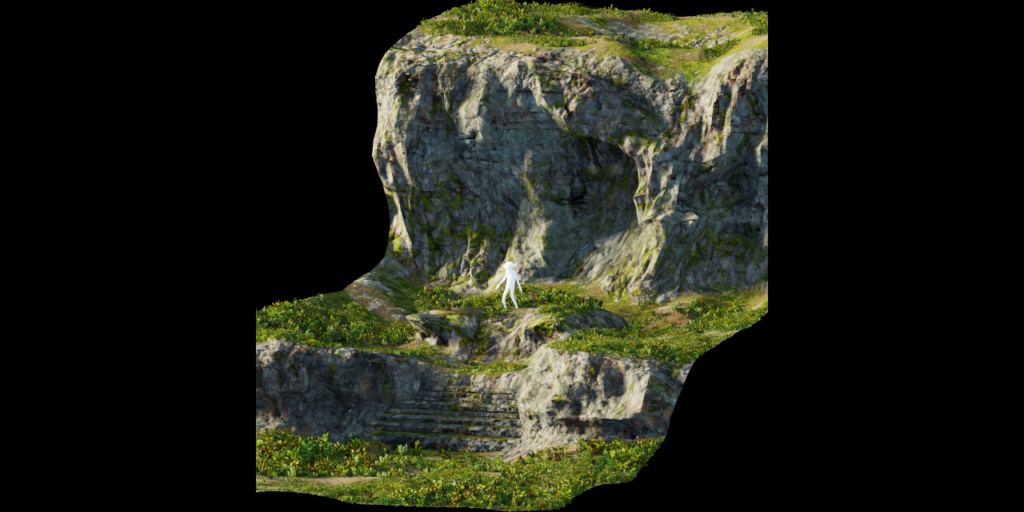
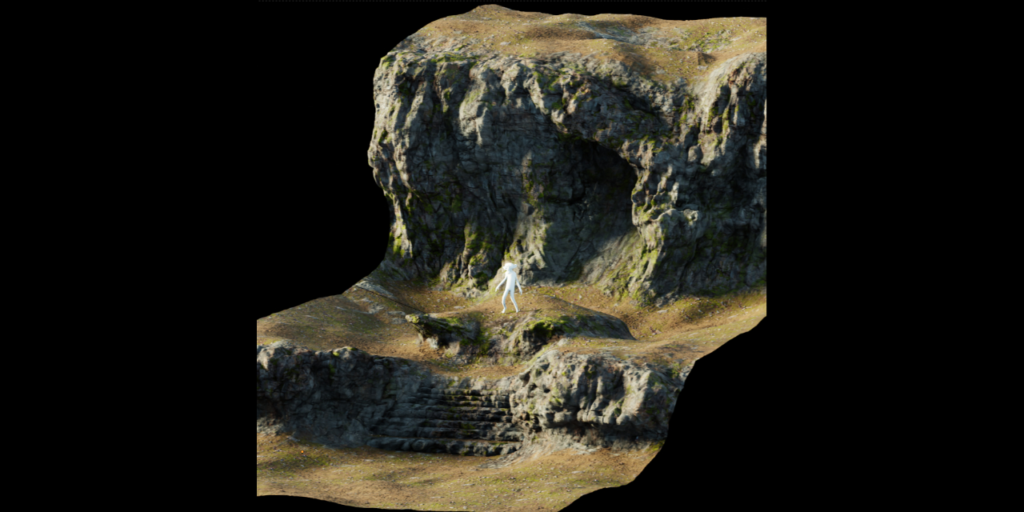
Turn Low poly meshes into TERRAIN !!
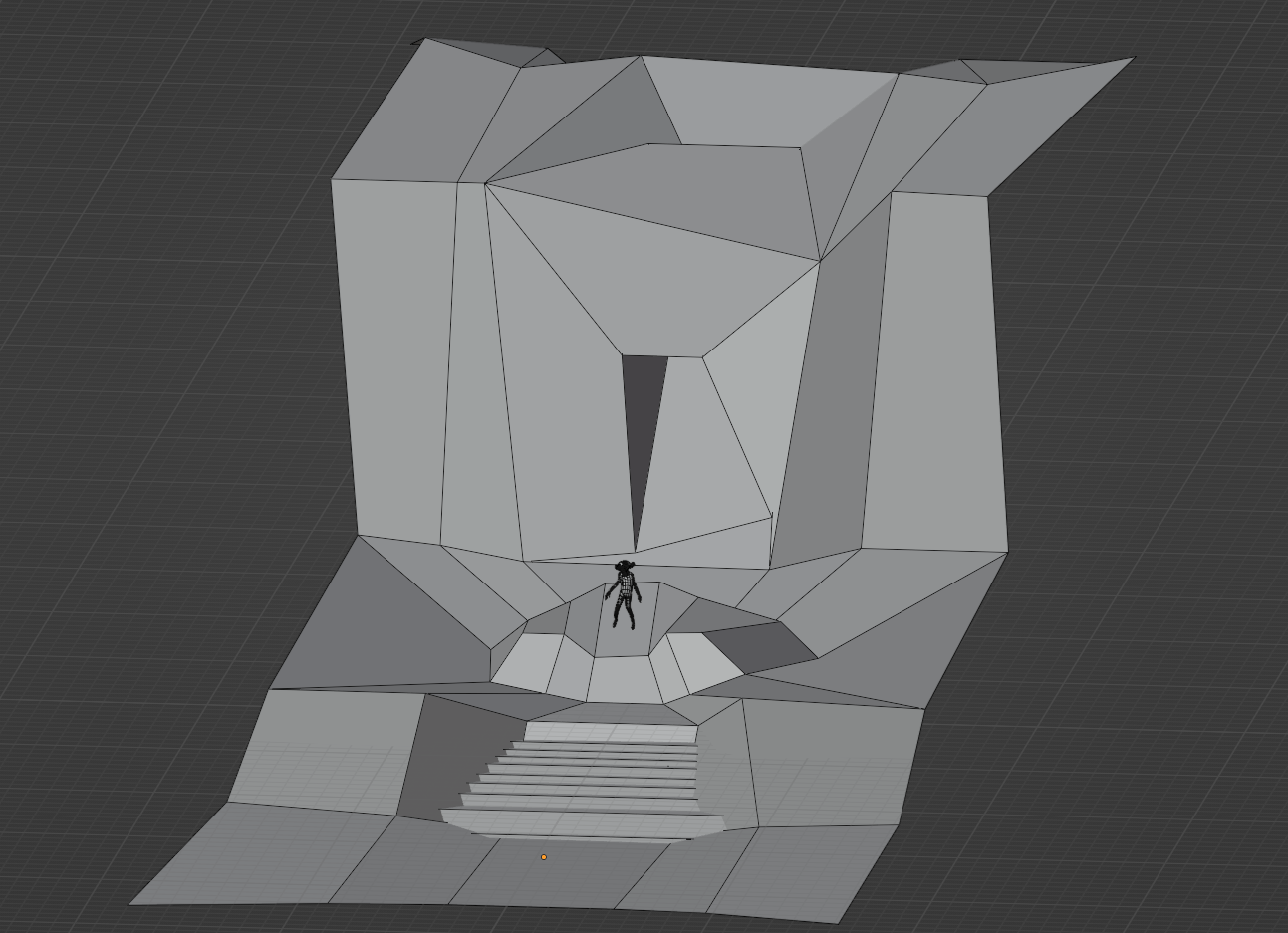
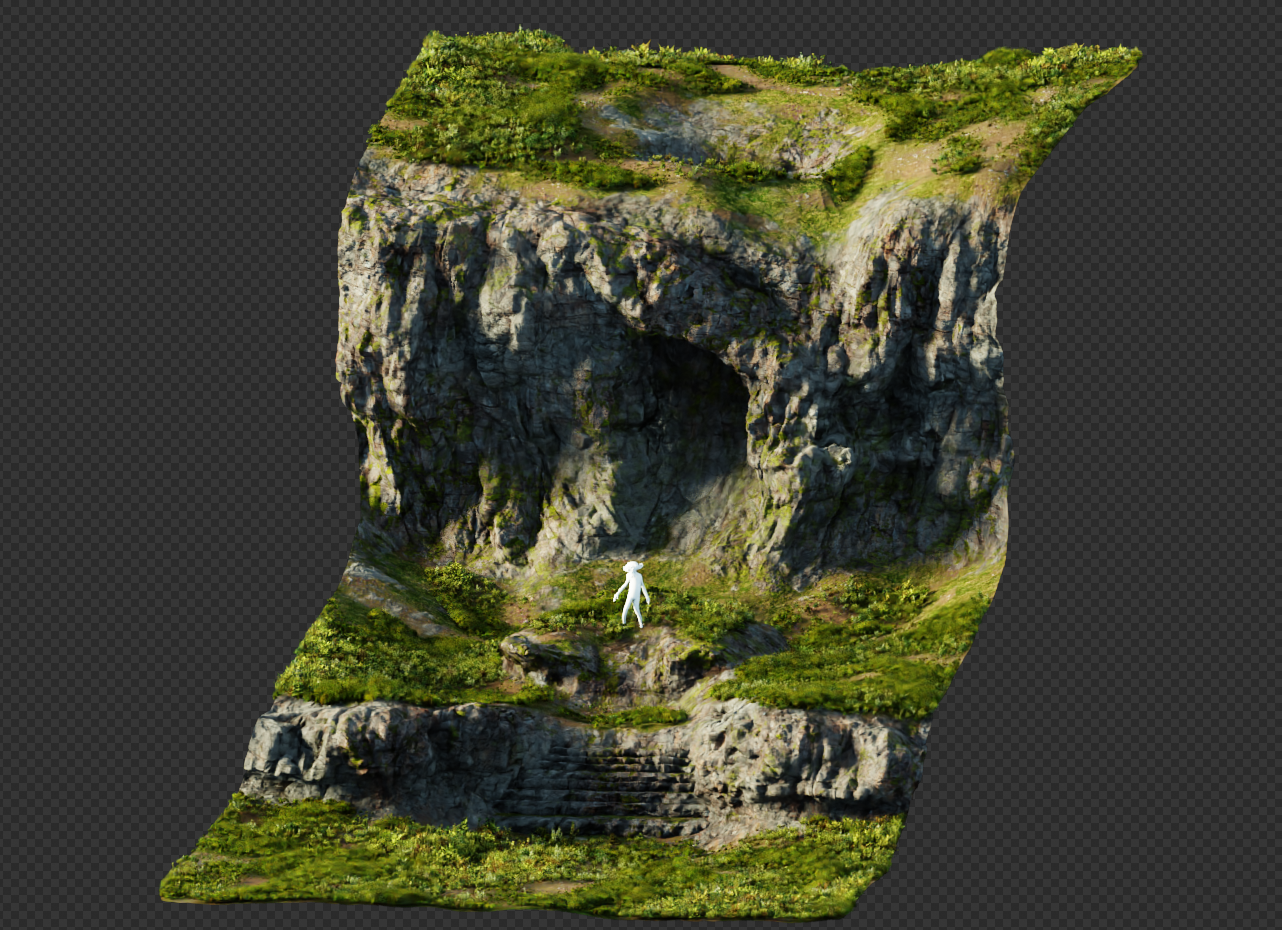
The Automatic Blender Terrain Generator is a powerful and easy-to-use tool that lets you turn any low poly mesh into realistic and customizable terrain. You can use it to create mountains, valleys, islands, deserts, forests, and more. You can also adjust the shape, size, height, and detail of your terrain with simple sliders and inputs.
The Automatic Blender Terrain Generator also comes with a smart material that adapts to the terrain and gives it a natural look. You can swap the colors, textures, and lighting of your material to suit your needs. You can also mix and match different materials to create unique effects.
The Automatic Blender Terrain Generator is not a magical preset for all your terrain needs, but a node group that you are encouraged to modify and customize to your needs. You can access the inner workings of the generator and tweak it to your liking. You can also use it as a base for creating other kinds of terrains or assets.
Supercharge your 3D creation workflow with premium selection of Blender Add-ons. Whether you are modeling intricate characters, sculpting realistic environments, or animating cinematic sequences, the right add-on can transform how you work inside Blender. Our curated collection includes powerful tools for UV unwrapping, procedural texture generation, rigging automation, rendering optimization, and more—each rigorously tested for compatibility with the latest Blender versions. Eliminate tedious manual processes and unlock advanced functionality that lets you focus on what matters most: bringing your creative vision to life. Explore our full range of professional Blender plugins today and take your 3D projects to the next level.
➡️ ➡️ For more Blender Plugins 😀 😀
Reviews
There are no reviews yet.