
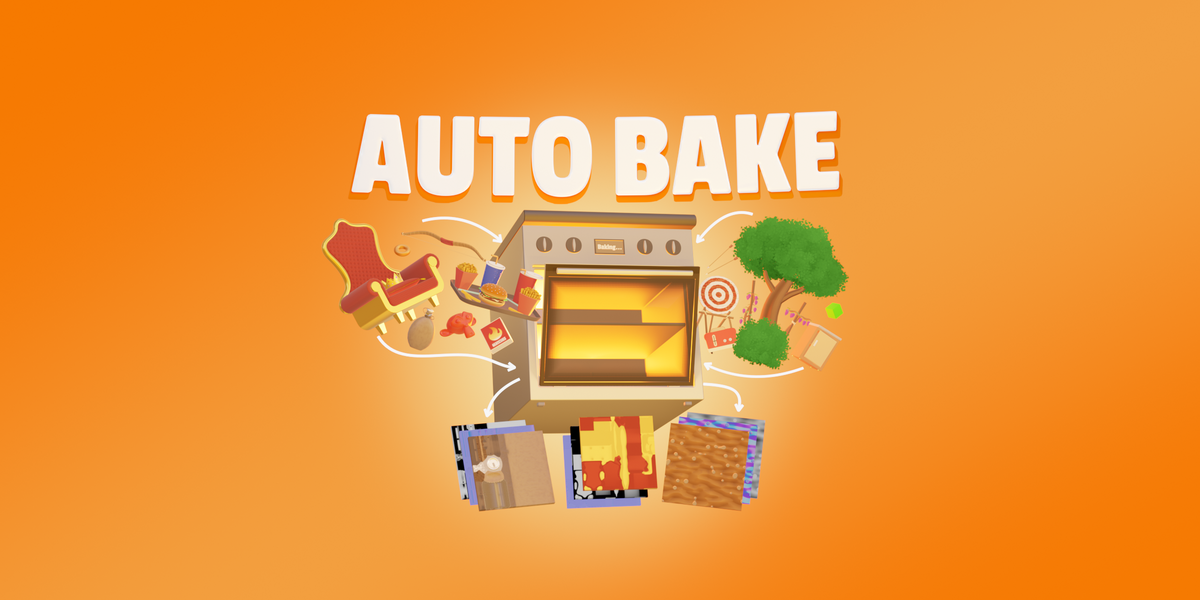
AutoBake for Blender
auto bake addon
AutoBake v1.5 for Blender – Intelligent Texture Baking & Asset Optimization Tool
Versions: v1.5
File Size: 2.5 MB
Download AutoBake v1.5 for Blender on Windows, Mac, and Linux, a powerful texture baking add-on that automates the complex process of baking high-poly details to low-poly models. Generate normal maps, ambient occlusion, curvature maps, ID maps, and texture atlases with intelligent settings and real-time preview—perfect for game development, real-time rendering, and asset optimization .
Key Features of AutoBake v1.5:
- Intelligent Baking Engine: Automatically detects and bakes high-poly details to low-poly models with optimal settings—no manual setup required
- Multiple Bake Types: Generate normal maps, ambient occlusion, curvature maps, ID maps, position maps, and custom shader outputs with one-click operation
- Texture Atlas Creation: Combine multiple materials into single texture atlases with intelligent UV packing and island optimization
- Batch Processing: Bake multiple objects simultaneously with consistent settings for efficient pipeline workflows
- Smart Cage Generation: Automatic cage creation for perfect projection with adjustable offset and smoothing
- Real-Time Preview: See bake results update instantly in the viewport with quality presets for fast iteration
- High-Resolution Output: Supports 4K, 8K, and custom texture resolutions for professional results
- Material Integration: Automatically creates and assigns baked textures to materials for ready-to-use assets
- Quality Presets: Pre-configured settings for game engines, film rendering, and real-time applications
- v1.5 Updates: Enhanced baking algorithms, improved UV packing, and expanded compatibility with Blender 4.0+
Perfect For:
- Game developers baking high-poly details to game-ready models
- 3D artists optimizing assets for real-time rendering
- Technical artists preparing models for Unity and Unreal Engine
- Anyone needing professional texture baking without complex setups
- Studios streamlining asset optimization pipelines
System Requirements:
- Blender 3.0, 3.1, 3.2, 3.3, 3.4, 3.5, 3.6, 4.0, 4.1, 4.2, 4.3
- Windows 10/11 (64-bit), macOS, or Linux
- 4GB RAM minimum (8GB+ recommended)
- 100MB available disk space
Installation:
- Download the add-on zip file
- In Blender, go to Edit > Preferences > Add-ons
- Click “Install” and select the downloaded zip file
- Enable the add-on by checking the box next to “AutoBake”
Note: AutoBake automates one of the most complex and time-consuming tasks in 3D asset creation—texture baking . The intelligent engine handles projection settings, cage generation, and UV packing automatically, giving you professional results with minimal setup . Perfect for game developers, 3D artists, and anyone optimizing assets for real-time rendering . Version 1.5 includes full compatibility with Blender 4.0 and above .
Bake a wide range of texture maps, preview them before baking, inspect the baked results, and export them along with their objects. Apply the baked textures with automatic material and object setup. Bake UDIM and atlas textures, apply anti-aliasing, and channel pack textures. Generate new UVs, target specific UV maps, and remove unused ones. Bake from source to target objects, create cage objects, visualize the extrusion, create custom presets and choose your prefered workspace!

WORKFLOW
Set up a bake list for your textures, select objects directly in the viewport, start the bake and track the progress in the bake queue! Create baked versions of objects by applying the baked textures with a material. Export both baked textures and objects using your customized formats and settings.
EASE OF USE
All buttons and options are equipped with tooltips, explaining their functions. Any misconfigured settings are highlighted and paired with a text alert that provides instructions on what to do. A dedicated online documentation page is also available, along with video tutorials on YouTube for further guidance.
BAKE MAPS
Bake a wide variety of texture maps, including shader sockets, multiresolution modifier’s normal and displacement data, Blender’s default bake passes, and adjustable miscellaneous maps such as edge, ID, gradient, bevel, curvature, ambient occlusion, and more!
PREVIEW TEXTURES
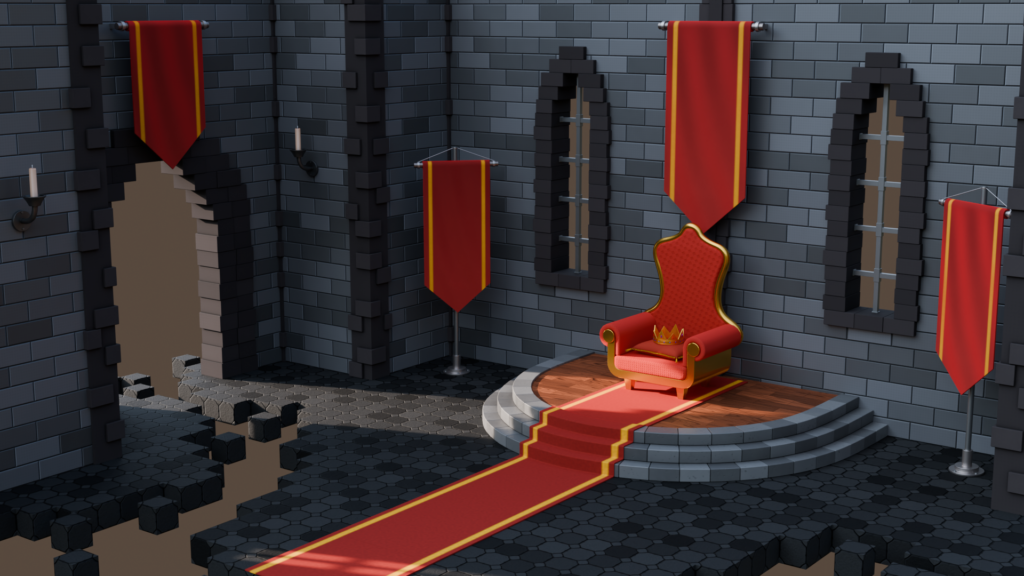
Preview the texture maps before baking by selecting them in the viewport and enabling the preview from the bake list. The preview is available for all shader and miscellaneous bake maps.
Customize the texture maps with adjustable properties and view the changes in real-time while previewing them. Different texture maps offer varying options and properties to modify.
Real-time Preview Update
CHANNEL PACKING
Pack multiple grayscale textures into a single RGB image using the channel packing bake map. Select any of the grayscale maps and choose which one to bake onto each of the three available RGB channels.
All Packable Texture Maps
Roughness + Specular + Ambient Occlusion
ANTI-ALIASING
Apply anti-aliasing to the baked textures! Use the upscaled method for higher quality, though more resource-intensive, or the downscaled method for faster baking with a potential loss in detail. Both methods can be adjusted for both the upscale and downscale rates.

ATLAS BAKE
Bake multiple objects onto shared textures with a single option, rather than baking each object onto its own separate textures. This method allows atlas baking without the need to merge the objects.
Atlas Baked Objects
MATERIAL SUPPORT
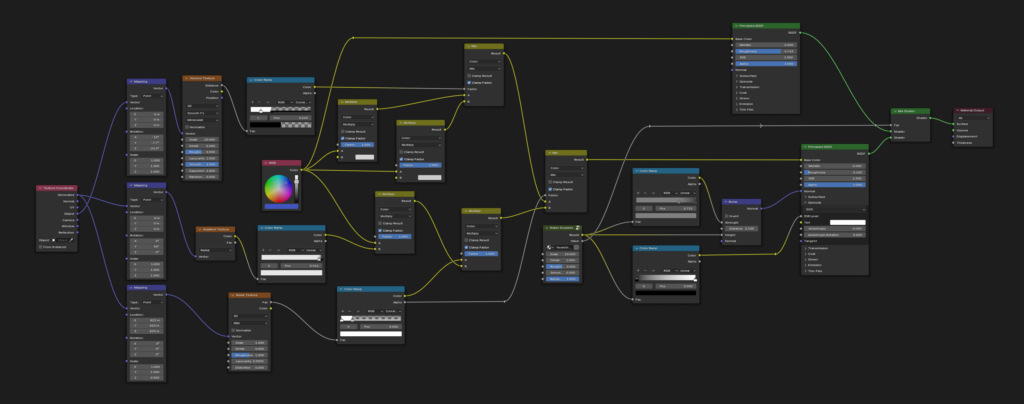
Bake both simple and complex materials the same way. Objects can have multiple materials, with both simple and advanced node setups. Use node groups and multiple shaders, mixing and combining them.
Supercharge your 3D creation workflow with premium selection of Blender Add-ons. Whether you are modeling intricate characters, sculpting realistic environments, or animating cinematic sequences, the right add-on can transform how you work inside Blender. Our curated collection includes powerful tools for UV unwrapping, procedural texture generation, rigging automation, rendering optimization, and more—each rigorously tested for compatibility with the latest Blender versions. Eliminate tedious manual processes and unlock advanced functionality that lets you focus on what matters most: bringing your creative vision to life. Explore our full range of professional Blender plugins today and take your 3D projects to the next level.
➡️ ➡️ For more Blender Plugins 😀 😀
Reviews
There are no reviews yet.