
autoConstraints for Blender
autoconstraints addon
autoConstraints v1.1.0 for Blender – Intelligent Constraint Management & Automation Tool
Download autoConstraints v1.1.0 for Blender on Windows, Mac, and Linux, a powerful constraint management add-on that automates the creation, editing, and management of Blender’s constraint system. Perfect for riggers, animators, and technical artists who need efficient constraint workflows without repetitive manual setup .
Key Features of autoConstraints v1.1.0:
- Intelligent Constraint Creation: Automatically creates appropriate constraints based on selected objects—copy transforms, limit rotation, track to targets, and more with smart defaults
- Constraint Mirroring: Mirror constraints across objects or bones with one click—perfect for symmetrical rigging and character setups
- Batch Constraint Operations: Apply, remove, or modify constraints on multiple objects simultaneously for efficient pipeline workflows
- Constraint Templates: Save and load constraint configurations as reusable templates—maintain consistency across multiple rigs and characters
- Smart Filtering: Intelligent constraint type suggestions based on selected objects and their properties
- Constraint Presets: Pre-configured constraint setups for common rigging tasks—IK chains, look-at setups, camera rigs, and more
- Real-Time Preview: See constraint effects update instantly as you adjust parameters
- Bone-Aware: Full compatibility with armature bones, including constraint copying between bones and objects
- Dependency Management: Automatically handles constraint stacking order and dependency relationships
- v1.1.0 Updates: Enhanced mirroring tools, improved batch operations, and expanded compatibility with Blender 4.0+
Perfect For:
- Character riggers building complex constraint systems
- Technical artists managing constraint-heavy scenes
- Animators needing efficient constraint workflows
- Anyone tired of repetitive manual constraint setup
- Studios standardizing constraint configurations across projects
System Requirements:
- Blender 3.0, 3.1, 3.2, 3.3, 3.4, 3.5, 3.6, 4.0, 4.1, 4.2, 4.3
- Windows 10/11 (64-bit), macOS, or Linux
- 4GB RAM minimum (8GB+ recommended)
- 10MB available disk space
Installation:
- Download the add-on zip file
- In Blender, go to Edit > Preferences > Add-ons
- Click “Install” and select the downloaded zip file
- Enable the add-on by checking the box next to “autoConstraints”
Note: autoConstraints transforms Blender’s constraint workflow by automating repetitive tasks and providing intelligent tools for managing complex constraint systems . The mirroring feature and constraint templates dramatically speed up rigging workflows, while batch operations make it easy to maintain consistency across multiple objects . Perfect for character riggers, technical artists, and animators working with complex constraint setups . Version 1.1.0 includes full compatibility with Blender 4.0 and above .
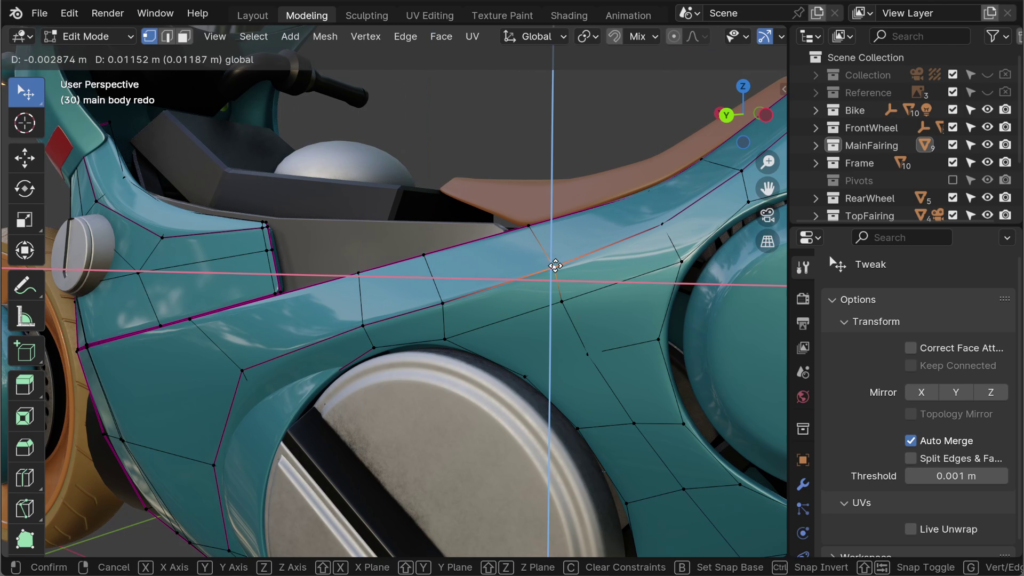
autoConstraints 1.4
autoConstraints is a Blender add-on designed to make working in 3D easier, faster and more intuitive.
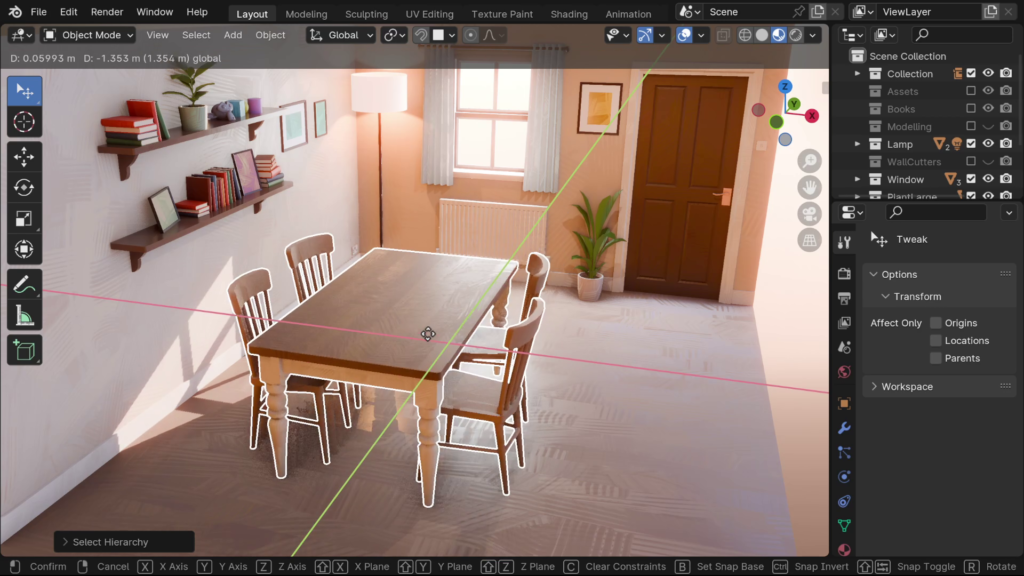
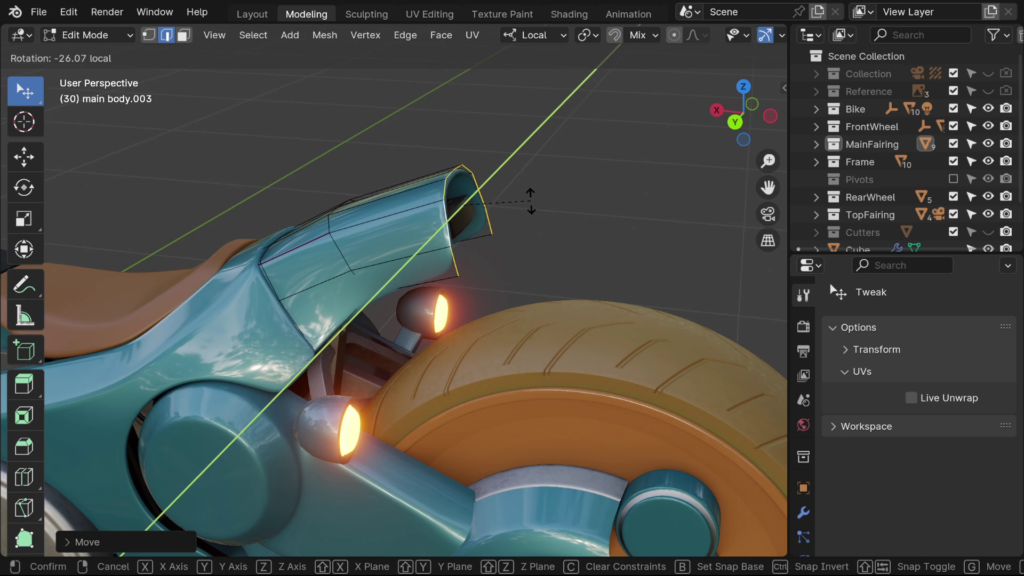
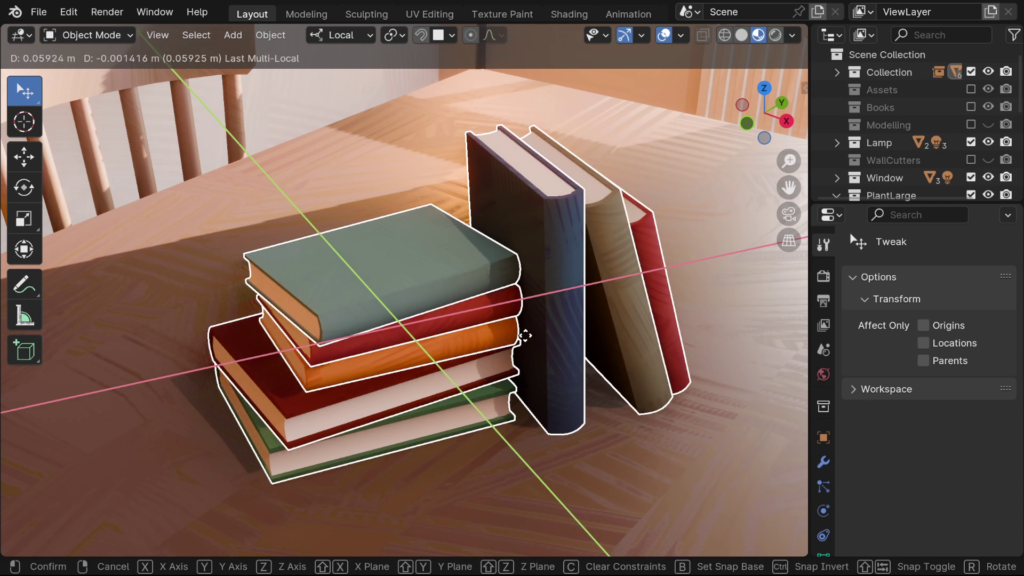
It reduces the guesswork of working in the 3D viewport by automatically applying axis-constraints to a variety of 3D tools.
- No need to manually apply constraints to every operation
- No switching in and out of orthographic views
- No clicking small parts of gizmos
Transform with the speed of Blender’s gestural hotkeys and the accuracy of gizmos!
Easy to Learn
One toggle is all you need to start using autoConstraints.
There are no complicated hotkeys or menus to learn and if you have custom hotkeys, these will be respected. The add-on is designed to streamline your 3D workflows without getting in the way.
For full control over constraints, there is a dropdown with a minimal, easy-to-understand interface.
Constraints
Tools will be constrained to the most appropriate plane based on the viewing angle, or you can specify a plane/individual axis.
Constraints can be still be overridden or cancelled interactively using default Blender methods, i.e. pressing axis keys, pressing ‘C’, or middle mouse dragging.
Customizable UI
Choose between a compact or expanded toolbar and whether it appears in the viewport header, the tool header, or not at all. The add-on sidebar is optional
Choose between grayscale planes, color planes, or original axis icons
Features
Supported Tools:
- Move/Tweak
- Rotate
- Scale
- Duplicate
- Extrude
Supported Modes:
- Object
- Mesh Edit
- Curve Edit
- Grease Pencil Edit
- Lattice Edit
- Metaball Edit
- Armature Edit
- Pose
Supported Transform Orientations:
- Global
- Local
- Normal
- View
- Parent
- Custom
Supercharge your 3D creation workflow with premium selection of Blender Add-ons. Whether you are modeling intricate characters, sculpting realistic environments, or animating cinematic sequences, the right add-on can transform how you work inside Blender. Our curated collection includes powerful tools for UV unwrapping, procedural texture generation, rigging automation, rendering optimization, and more—each rigorously tested for compatibility with the latest Blender versions. Eliminate tedious manual processes and unlock advanced functionality that lets you focus on what matters most: bringing your creative vision to life. Explore our full range of professional Blender plugins today and take your 3D projects to the next level.
➡️ ➡️ For more Blender Plugins 😀 😀
Reviews
There are no reviews yet.