
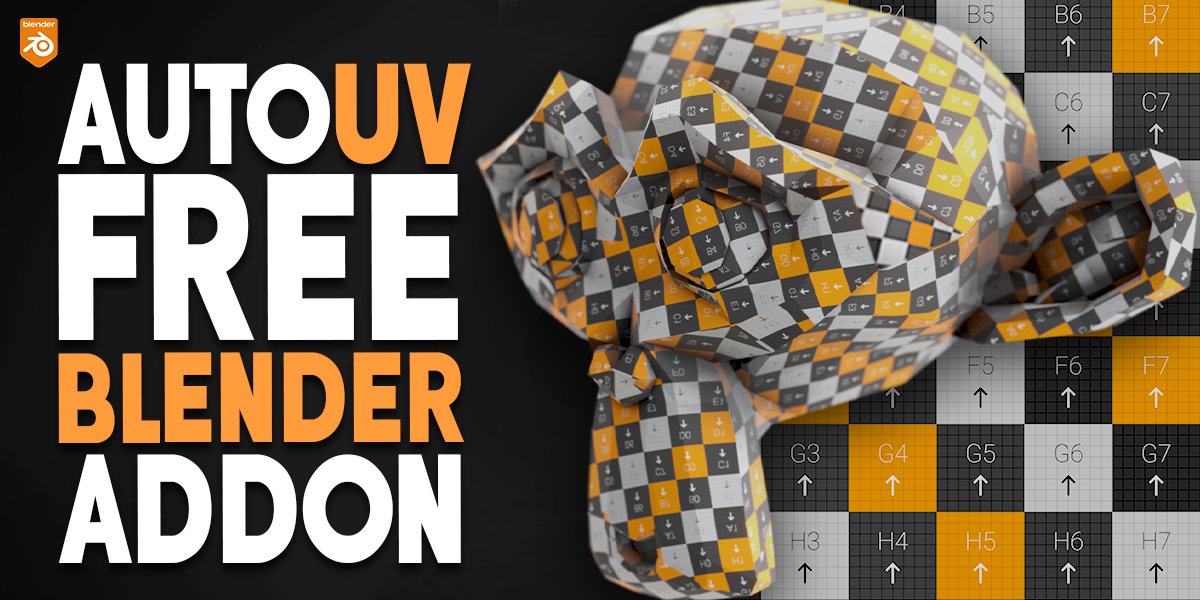
autouv for Blender
autouv addon
Autouv v1.0.1 for Blender – Automated UV Unwrapping & Mapping Tool
Download Autouv v1.0.1 for Blender on Windows, Mac, and Linux, a powerful UV unwrapping add-on that automates the complex process of creating clean, efficient UV layouts. Perfect for 3D artists, game developers, and anyone needing professional UV maps without hours of manual adjustment .
Key Features of Autouv v1.0.1:
- Intelligent Unwrapping: Automatically generates optimal UV layouts based on mesh geometry—detects seams, follows natural surface contours, and minimizes distortion
- Smart Seam Placement: Automatically places seams along natural edges and hard surface boundaries for clean, invisible UV seams
- UV Packing Optimization: Intelligent packing algorithm arranges UV islands to maximize texture space while maintaining consistent texel density
- Texel Density Control: Maintain consistent texture resolution across multiple objects with adjustable texel density targets
- Island Straightening: Automatically straightens UV islands for easier texture painting and reduced distortion
- Multi-Object Processing: Unwrap multiple objects simultaneously with consistent texel density across your scene
- Real-Time Preview: See UV layout updates instantly as you adjust parameters
- Non-Destructive Workflow: All unwrapping parameters remain adjustable—experiment with different settings without rebuilding
- Export Ready: Creates clean, optimized UV layouts ready for texture painting and game engine export
- v1.0.1 Updates: Enhanced seam detection, improved packing algorithm, and expanded compatibility with Blender 4.0+
Perfect For:
- 3D artists needing quick, professional UV layouts
- Game developers optimizing assets for texture mapping
- Character artists unwrapping organic models for painting
- Hard-surface modelers requiring clean UV layouts for product visualization
- Anyone tired of manual UV unwrapping and seam placement
System Requirements:
- Blender 3.0, 3.1, 3.2, 3.3, 3.4, 3.5, 3.6, 4.0, 4.1, 4.2, 4.3
- Windows 10/11 (64-bit), macOS, or Linux
- 4GB RAM minimum (8GB+ recommended)
- 10MB available disk space
Installation:
- Download the add-on zip file
- In Blender, go to Edit > Preferences > Add-ons
- Click “Install” and select the downloaded zip file
- Enable the add-on by checking the box next to “Autouv”
Note: Autouv revolutionizes UV unwrapping in Blender by automating the complex process of seam placement, island packing, and texel density management . The intelligent algorithms create professional UV layouts in seconds—results that would take hours to achieve manually . Perfect for game developers, 3D artists, and anyone who needs efficient, high-quality UV maps for texturing . Version 1.0.1 includes full compatibility with Blender 4.0 and above .
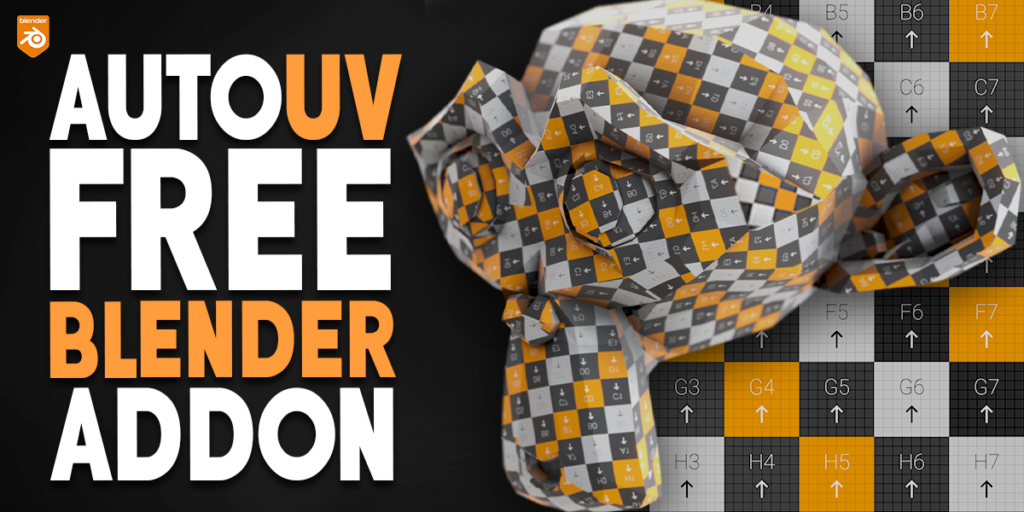

Supercharge your 3D creation workflow with premium selection of Blender Add-ons. Whether you are modeling intricate characters, sculpting realistic environments, or animating cinematic sequences, the right add-on can transform how you work inside Blender. Our curated collection includes powerful tools for UV unwrapping, procedural texture generation, rigging automation, rendering optimization, and more—each rigorously tested for compatibility with the latest Blender versions. Eliminate tedious manual processes and unlock advanced functionality that lets you focus on what matters most: bringing your creative vision to life. Explore our full range of professional Blender plugins today and take your 3D projects to the next level.
➡️ ➡️ For more Blender Plugins 😀 😀
Reviews
There are no reviews yet.