
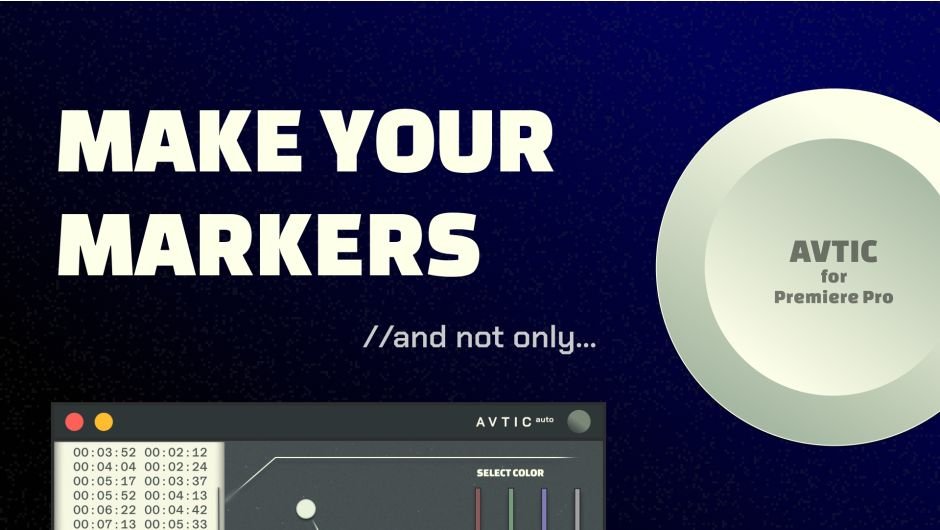
Avtic Auto v.1.0.0
Download Avtic Auto v1.0.0, a powerful After Effects plugin that automatically keyframes visibility and trigger properties to solve common motion graphics challenges. This essential tool simplifies complex animation workflows with intelligent automation for layer visibility, expressions, and property triggers.
No more boring cuttings. Let’s do auto editing in Premiere Pro!
Key Features of Avtic Auto v1.0.0:
- Auto Visibility Keyframing: Automatically sets keyframes for layer visibility based on your specified parameters
- Expression Trigger Control: Intelligent handling of expression triggers for complex animation sequences
- Property Automation: Streamlines the process of keyframing various layer properties
- Time-Saving Workflow: Eliminates manual keyframe creation for repetitive visibility and trigger tasks
- Clean Interface: User-friendly controls for quick setup and application
Perfect For:
- Motion graphics artists working with complex visibility animations
- Editors needing to automate trigger-based effects
- Anyone wanting to streamline repetitive keyframing tasks
- After Effects users seeking more efficient workflow automation
System Requirements:
- Adobe After Effects (specific version compatibility)
- Windows or macOS
- 4GB RAM minimum (8GB+ recommended)
- 50MB available disk space
Note: This is the initial v1.0.0 release. Users should check for any subsequent updates that may add features or improve compatibility with newer After Effects versions.
Turn chaos into clean cuts — Avtic now edits your timeline for you. Just drop your timecodes.
Simply paste your timecodes and let Avtic work its magic — it will automatically cut your footage into precise segments, switch between camera angles at edit points, and even handle the entire timeline with angle changes.
Perfect for podcast rough cuts, talking head videos, and interview editing. Set your base shot length and variation parameters, then focus on creative decisions while Avtic handles the tedious cutting work.
This isn’t just markers anymore. Activate CUT MODE and watch Avtic break your footage into structured segments — instantly. Perfect for rough edits, interviews, and content-first workflows.
Avtic uses your timecodes to slice the sequence at exact points — creating clean, frame-accurate cuts with both video and audio in sync. Ideal for quick-first passes or structured shot review.
Need variation? Adjust the segment length ratio and edit rhythm — add subtle randomness to avoid uniform cuts and bring life to the structure.
Coming soon: file import, EDL export, user-defined logic, and even more editing automations
Elevate your motion graphics workflow with premium collection of After Effects plugins. Whether you are a seasoned professional or just starting your VFX journey, powerful tools designed to streamline complex tasks, unlock creative possibilities, and save you hours of rendering time. From stunning glitch effects and seamless transitions to advanced 3D extrusion and text animation tools, each plugin in our library is rigorously tested for compatibility with the latest versions of Adobe after Effects. Enhance your video production value today and download industry-leading plugins that help you create breathtaking visuals without the technical headaches. Browse our full range and find the perfect extension to supercharge your editing suite now.
➡️ ➡️ For more after effects Plugins 😀 😀
➡️ ➡️ System requirements AE
Reviews
There are no reviews yet.