

Baga Rain Generator for Blender
Simply Micro Mesh v3.4.3 for Blender – The Ultimate High-Detail Surface Generator
Version: V1.0.9
File Size: 10 MB
Baga Rain Generator for Blender – The Ultimate Realistic Weather & Atmosphere Tool
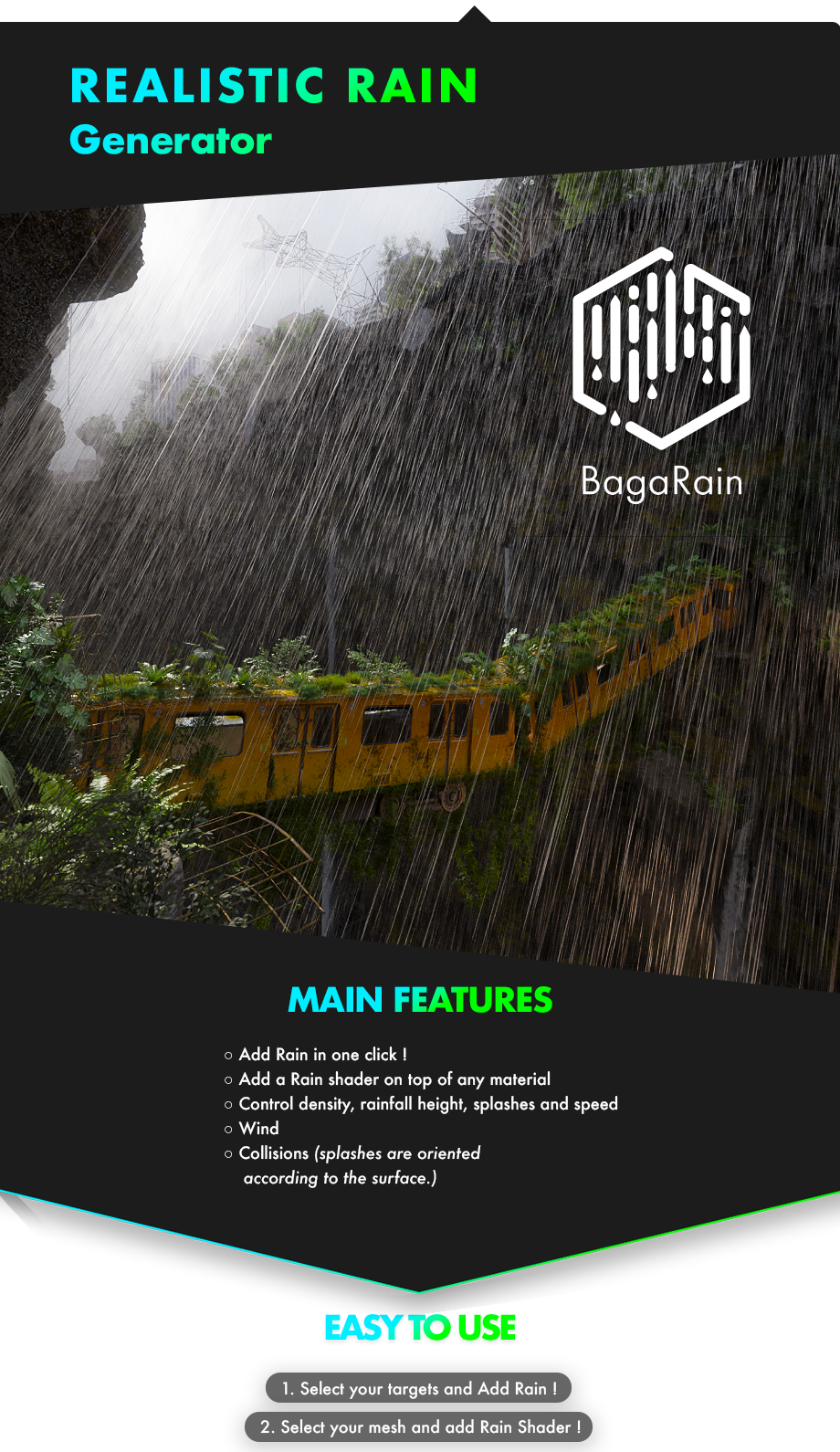
Download Baga Rain Generator for Blender on Windows and Mac, a powerful addon that instantly creates photorealistic rain systems complete with falling drops, splashes, ripples, and atmospheric mist. With physics-based particle simulation, customizable wind effects, and optimized viewport performance, Baga Rain Generator transforms how you add dynamic weather to your scenes without the hassle of complex node setups or heavy manual animation.
Key Features of Baga Rain Generator:
Instant Rain Systems: Generate full rain environments with a single click, including falling drops, ground splashes, and surface ripples
Physics-Based Particles: Realistic drop acceleration, wind drift, and collision detection ensure natural-looking movement and interaction with objects
Customizable Intensity: Easily adjust rain density, drop size, speed, and angle to create anything from a light drizzle to a heavy monsoon storm
Smart Splash & Ripple Effects: Automatically generates secondary particles and displacement maps where rain hits surfaces like water, concrete, or glass
Atmospheric Integration: Built-in fog and mist controls to blend the rain seamlessly with your scene’s lighting and depth of field
Optimized Performance: Uses efficient instancing and LOD (Level of Detail) systems to keep viewport framerates high even with millions of droplets
Material Presets: Includes ready-to-use shaders for wet surfaces, puddles, and raindrops that react dynamically to your scene lighting
Wind & Turbulence Control: Simulate gusts and turbulence to make rain interact realistically with trees, flags, and character clothing
Perfect For:
Architectural visualization artists adding mood and atmosphere to exterior renders
Game developers creating dynamic weather systems for real-time environments
VFX artists needing realistic rain for film, commercials, or music videos
Animators looking to enhance storytelling with emotional weather conditions
Anyone tired of manually setting up complex particle systems for simple rain effects
System Requirements:
Blender 3.6, 4.0, 4.1, 4.2, 4.3+ (Latest LTS recommended)
Windows 10/11 (64-bit) or macOS 10.15+
8GB RAM minimum (16GB+ recommended for heavy simulations)
GPU with CUDA, OptiX, or Metal support for faster simulation baking
Installation:
Open Blender and go to Edit > Preferences > Add-ons:
Click “Install…” and select the downloaded .zip file for Baga Rain Generator
Enable the checkbox next to “Simulation: Baga Rain Generator”
Access via the Add Menu > Simulation > Baga Rain or the 3D Viewport Sidebar (N-panel) > Baga Rain Tab
Note: The addon features an intelligent caching system that allows you to bake simulations once and play them back instantly, saving valuable rendering time while maintaining high-quality fluid dynamics.


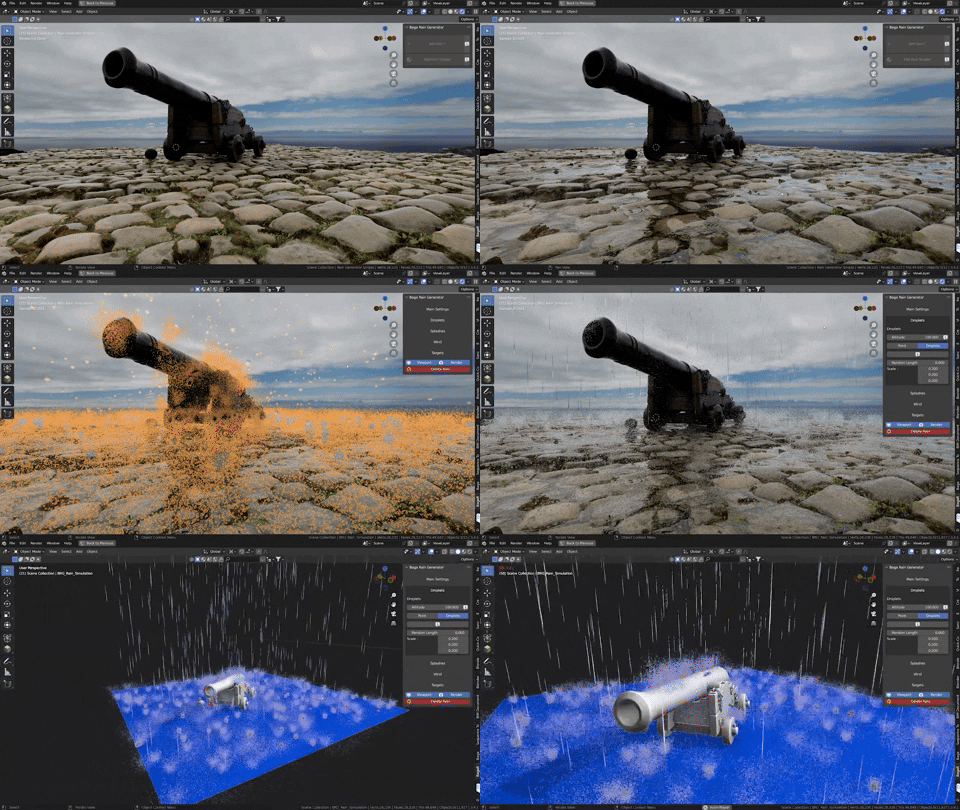
Only surfaces exposed to the rain are affected. Two rain distribution methods are available, one for smaller scenes (rain distribution based on the total surface area of the project =, more accurate), and the other for larger scenes (rain distribution is calculated per object =, faster).

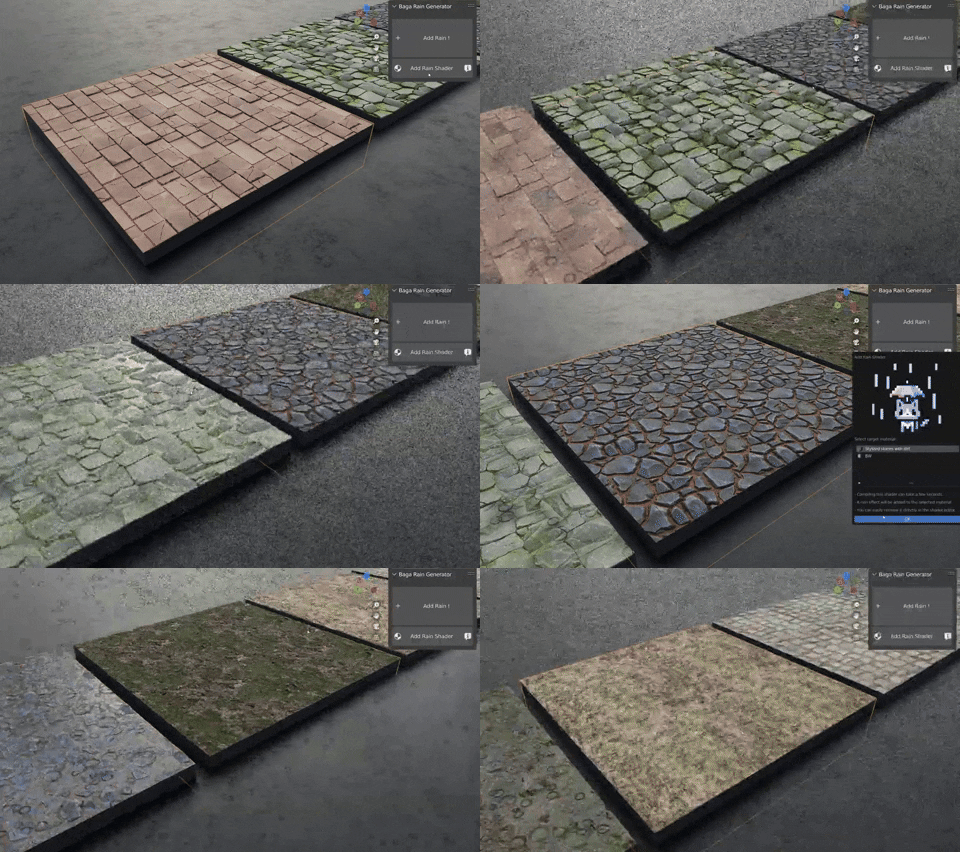
○ You can easily add rain to any material with our easy-to-use procedural rain shader generator.

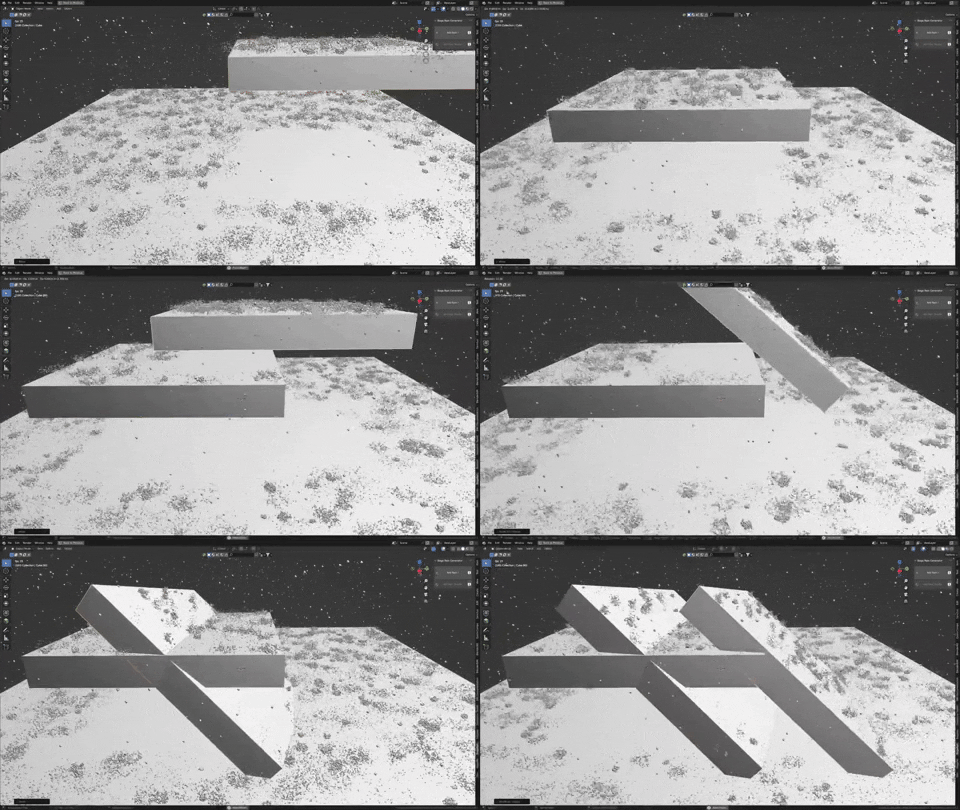

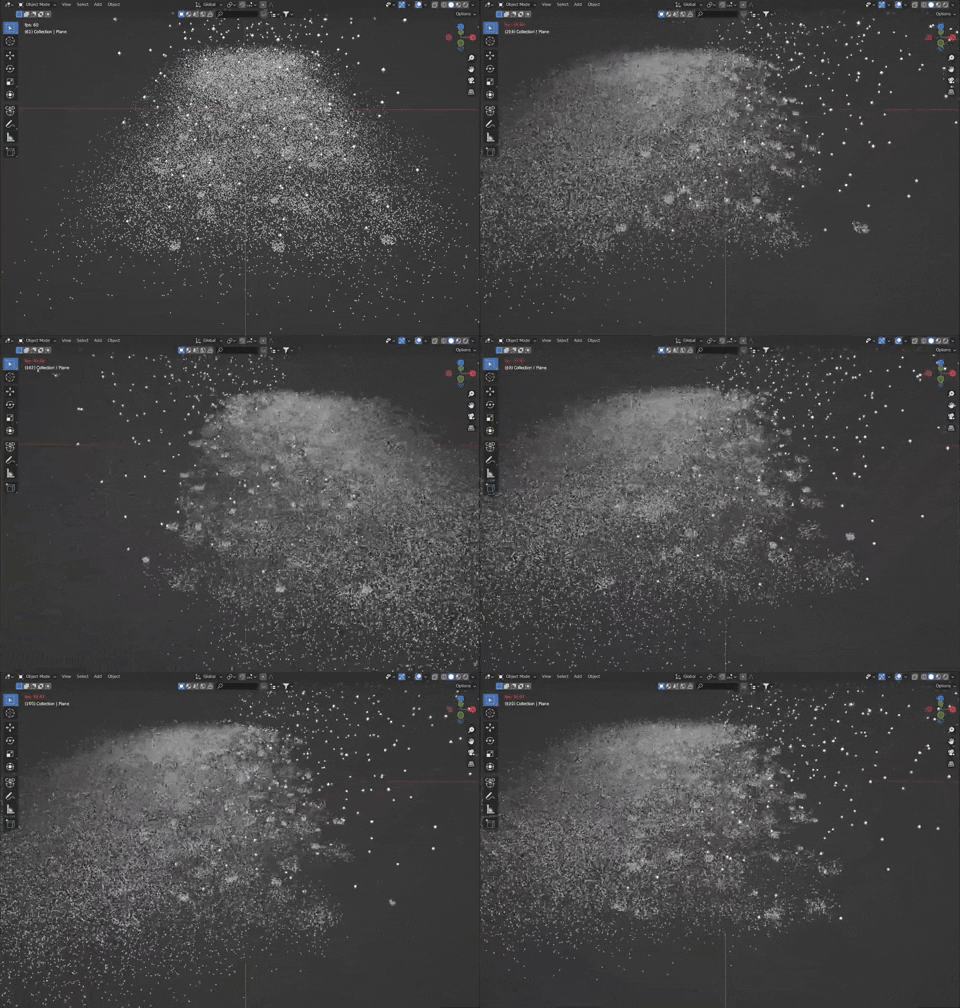

○ This add-on creates rain using geometry nodes; the previous version (which was not an add-on) is still available.
○ The splashes, uses points, which Cycles can render in large quantities.
○ You can add a rain shader to any material, and the add-on will apply it as an overlay to your existing material.
○ By default, a shader is assigned to droplets and splashes, allowing you to partially simulate motion blur.
○ Addon compatible with Blender 3.3 / 3.4 / 3.5 / 3.6 / 4.0
This generator is designed to generate a large number of points with high performance. However, keep in mind that depending on your system, the assigned area, and the number of points, the generator may or may not be viewable in real time.
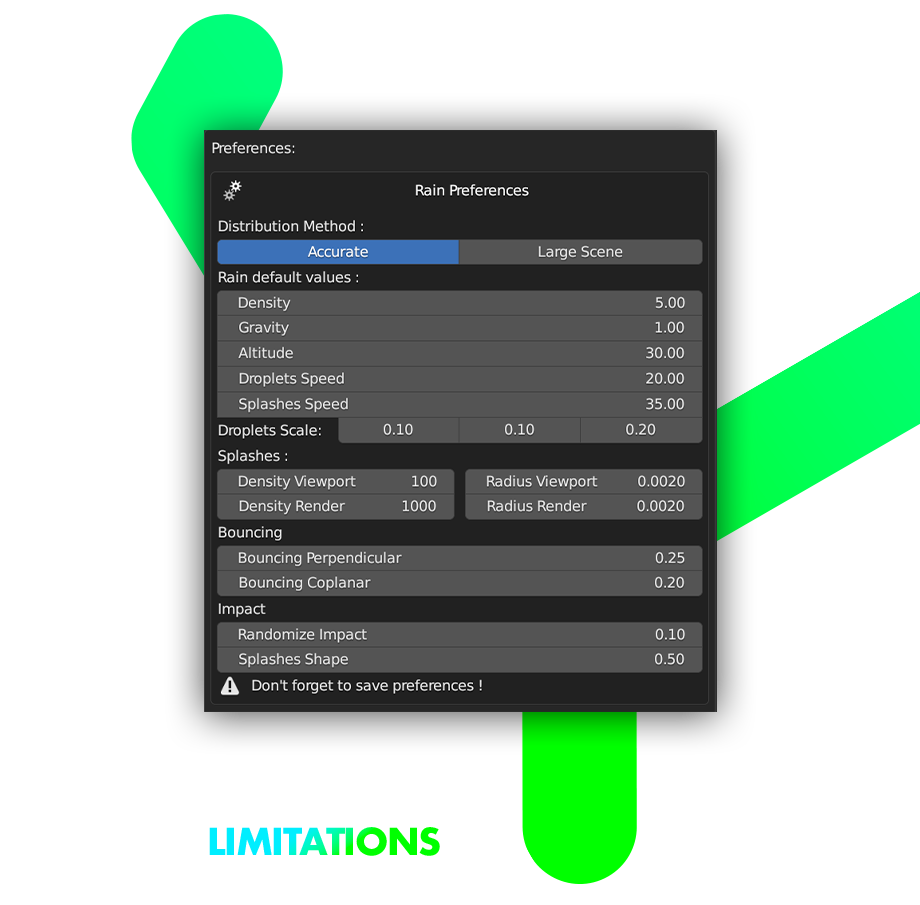
○ Animation | Settings aren’t physically accurate – they only provide good-looking rain.
○ Motion Blur | The calculation time for motion blur will grow exponentially as the number of particles increases. You will not be able to render motion blur with rain. The vector pass may not be available.
○ EEVEE | Point rendering is not supported by EEVEE (no splashes).
○ Loops | Loop manage speed differently, so. creating short, slow-motion loops will be challenging. (this because the droplet must go through a full cycle (fall + impact) to complete a loop.)
Supercharge your 3D creation workflow with premium selection of Blender Add-ons. Whether you are modeling intricate characters, sculpting realistic environments, or animating cinematic sequences, the right add-on can transform how you work inside Blender. Our curated collection includes powerful tools for UV unwrapping, procedural texture generation, rigging automation, rendering optimization, and more—each rigorously tested for compatibility with the latest Blender versions. Eliminate tedious manual processes and unlock advanced functionality that lets you focus on what matters most: bringing your creative vision to life. Explore our full range of professional Blender plugins today and take your 3D projects to the next level.
➡️ ➡️ For more Blender Plugins 😀 😀
Reviews
There are no reviews yet.