
Better Lighting for Blender
Better Lighting v2.0.0 for Blender – The Ultimate One-Click Studio & Atmosphere Setup
Versions: v2.0.0
File Size: 17 MB
Download Better Lighting v2.0.0 for Blender on Windows and Mac, a powerful addon that instantly generates professional-grade lighting rigs for product visualization, character portraits, and architectural scenes. With a vast library of pre-calibrated HDRI environments, customizable three-point lighting setups, and intelligent shadow controls, Better Lighting v2.0.0 transforms how you illuminate your renders, eliminating the guesswork of manual light placement and complex node tweaking.
Key Features of Better Lighting v2.0.0:
Instant Studio Rigs: Generate classic 3-point, 4-point, or clam-shell lighting setups with a single click, perfectly balanced for product and portrait rendering
HDRI Environment Library: Access over 50+ high-dynamic-range images ranging from soft studio coves to dramatic outdoor skies, all color-corrected and ready to use
Smart Shadow Control: Easily adjust shadow softness, density, and direction independently from the main light intensity without breaking the physical accuracy
Auto-Exposure & White Balance: Intelligent scene analysis suggests optimal camera exposure and color temperature settings to match your chosen lighting environment
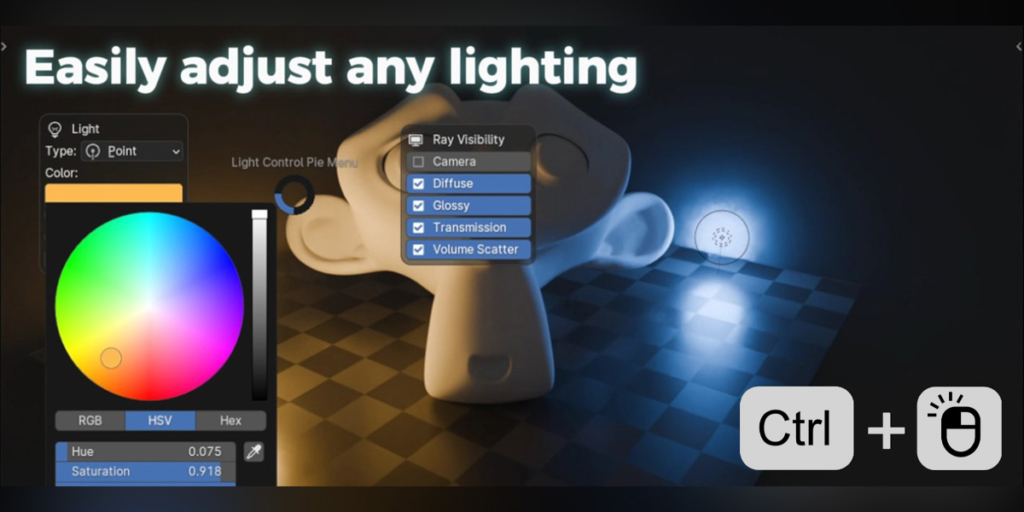
Interactive Light Gizmos: Manipulate key light position, rotation, and spread directly in the viewport using custom handles for precise artistic control
Material Responsive Lighting: Automatically adjusts light intensity based on the reflectivity of your scene materials to prevent blown-out highlights
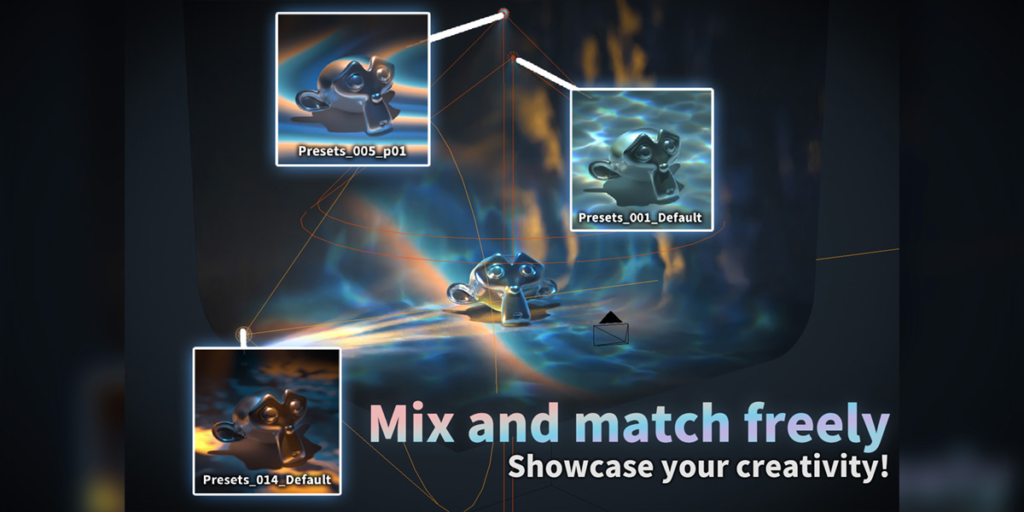
Preset Saving & Sharing: Save your custom lighting configurations as presets and share them across projects or with your team for consistent branding
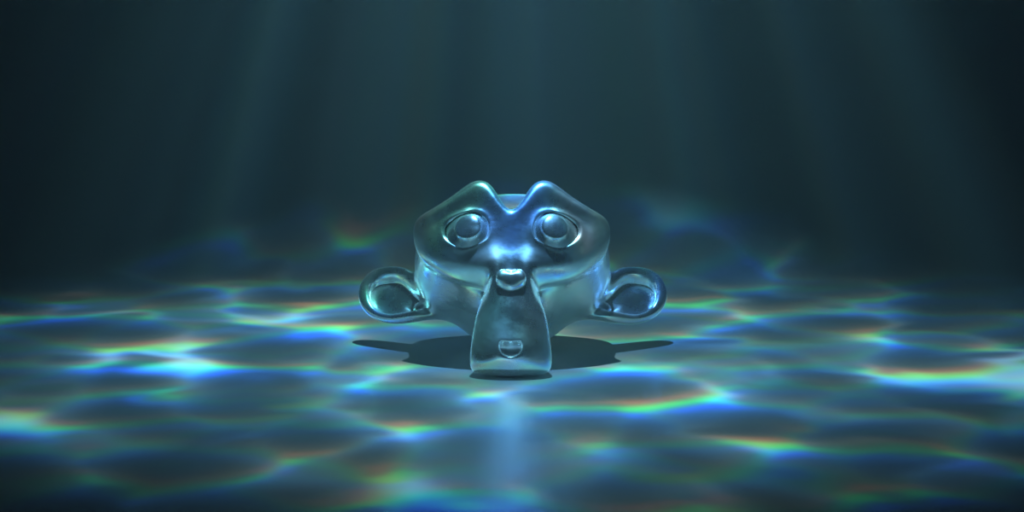
Enhanced Realism v2.0.0: New volumetric fog integration, improved area light sampling for cleaner noise, and physically accurate falloff curves for Cycles and Eevee
Cross-Platform Support: Works flawlessly on both Windows and Mac systems including Apple Silicon M1/M2/M3 chips
Perfect For:
Product visualization artists needing clean, commercial-quality lighting for e-commerce renders
Character artists looking for dramatic, cinematic portrait lighting setups quickly
Architectural visualizers wanting to swap between day, night, and overcast conditions instantly
Beginners struggling to understand the principles of three-point lighting
Anyone tired of manually adding and positioning dozens of light objects for every new scene
System Requirements:
Blender 3.6, 4.0, 4.1, 4.2, 4.3+ (Latest LTS recommended)
Windows 10/11 (64-bit) or macOS 10.15+
8GB RAM minimum (16GB+ recommended for high-res HDRI usage)
Cycles or Eevee render engine supported
Installation:
Open Blender and go to Edit > Preferences > Add-ons:
Click “Install…” and select the downloaded .zip file for Better Lighting
Enable the checkbox next to “Lighting: Better Lighting”
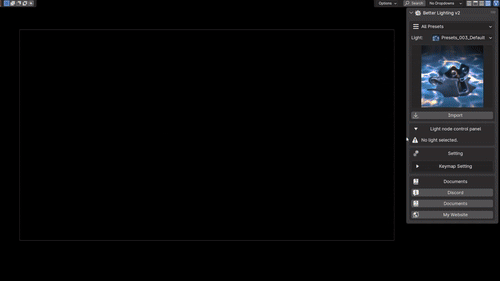
Access via the 3D Viewport Sidebar (N-panel) > Better Lighting Tab or the Light Menu
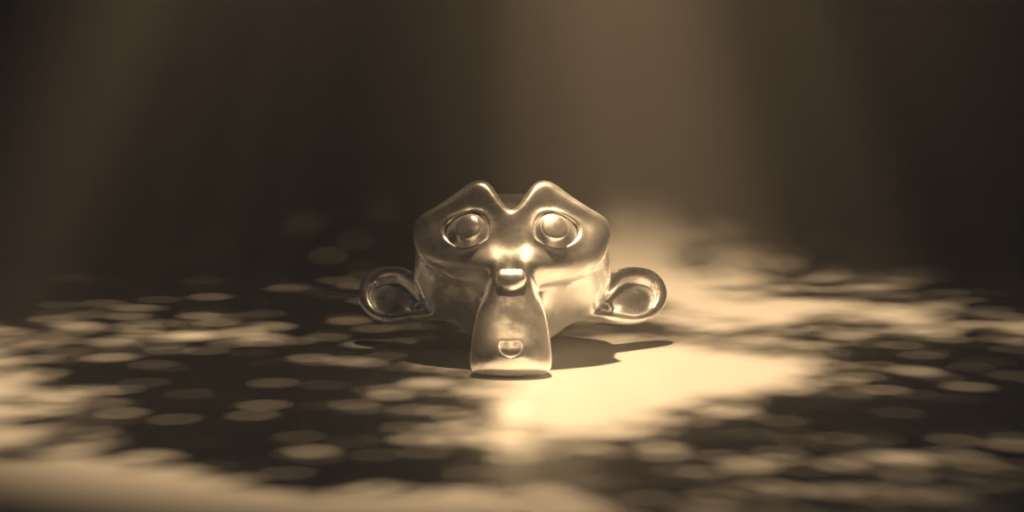
Note: Version 2.0.0 introduces a new “Mood Matcher” feature that automatically adjusts color temperature and contrast based on selected emotional tags (e.g., “Moody,” “Clean,” “Warm,” “Cold”), speeding up the creative direction process.


Supercharge your 3D creation workflow with premium selection of Blender Add-ons. Whether you are modeling intricate characters, sculpting realistic environments, or animating cinematic sequences, the right add-on can transform how you work inside Blender. Our curated collection includes powerful tools for UV unwrapping, procedural texture generation, rigging automation, rendering optimization, and more—each rigorously tested for compatibility with the latest Blender versions. Eliminate tedious manual processes and unlock advanced functionality that lets you focus on what matters most: bringing your creative vision to life. Explore our full range of professional Blender plugins today and take your 3D projects to the next level.
➡️ ➡️ For more Blender Plugins 😀 😀
Reviews
There are no reviews yet.