

BG Renderer MAX v1.0.23 For After Effects
The power to render compositions in the background with full control!
Multiprocessing, rendering to both sequence and mp4/ProRes, remote monitoring, lots of integrations, notifications – all in one super tool.
BG Renderer MAX v1.0.23 For After Effects
Meet the new BG Renderer Max!
What’s it for?
BG Renderer Max gives you the power to render compositions in the background with After Effects’ rendering engine while still working on your projects. See ya later Media Encoder!
Set up your render workflow with multiple post-render options like Slack and Email notifications. Produce ProRes and mp4 files from sequence automatically. Monitor your renders remotely for free.
BG Renderer Max saves you time and hassle on production.
Easier workflow
We love smooth one-click workflows.
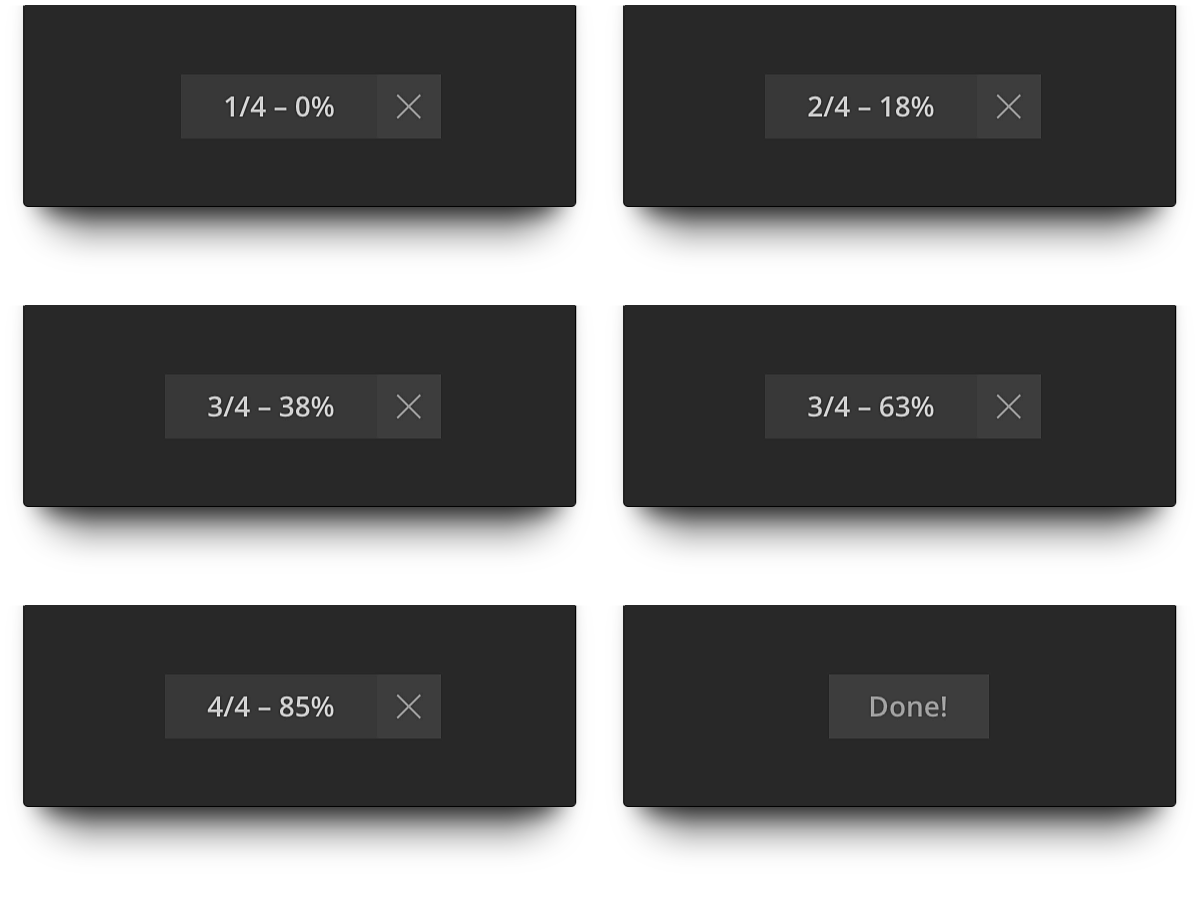
So we made a minimalistic render indicator. Yeah, just like in GifGun.
Free remote monitoring
Monitor your render progress on any machine on mobile device anywhere. For free.
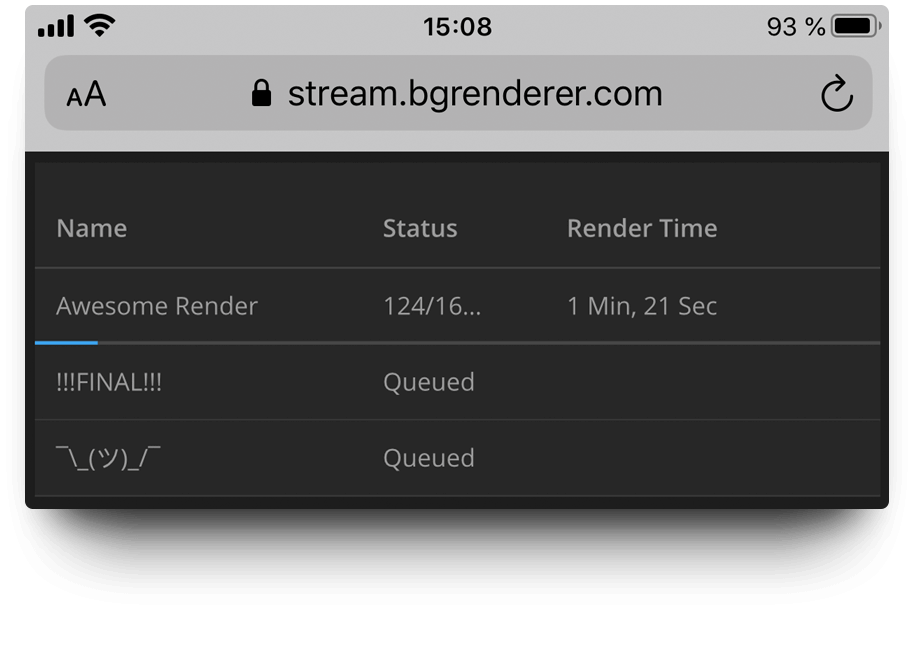
Read more about Remote monitoring on this page.
Native notification system
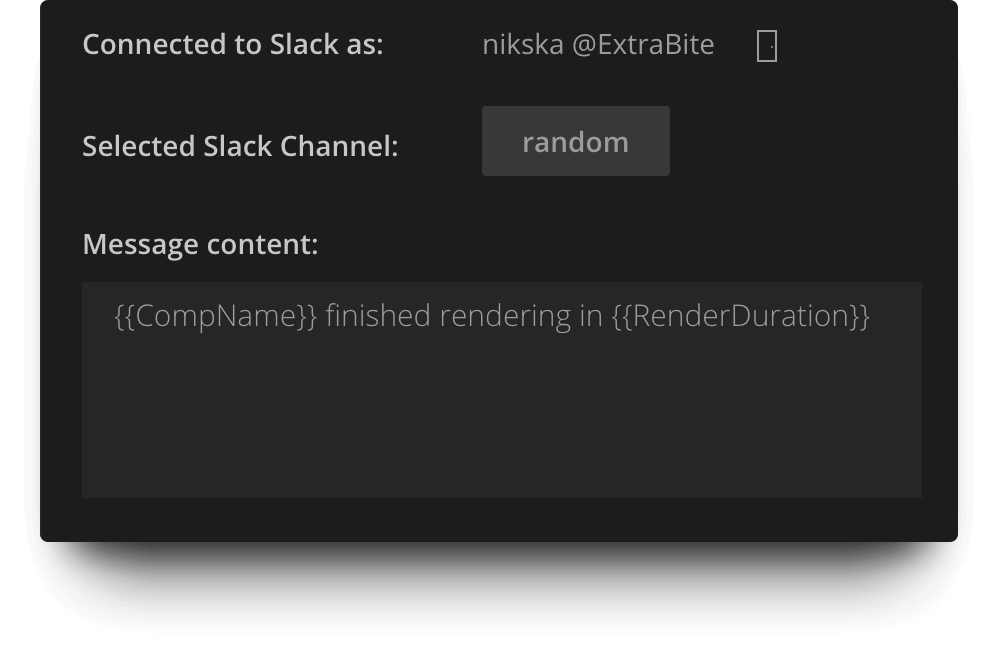
Send render notifications as Slack messages and emails right from the BG Renderer Max. No third-party accounts needed.
Tons of integrations
Zapier, Microsoft Power Automate, IFTTT, and Pushover integrations mean more notification options and better workflow enhancement.
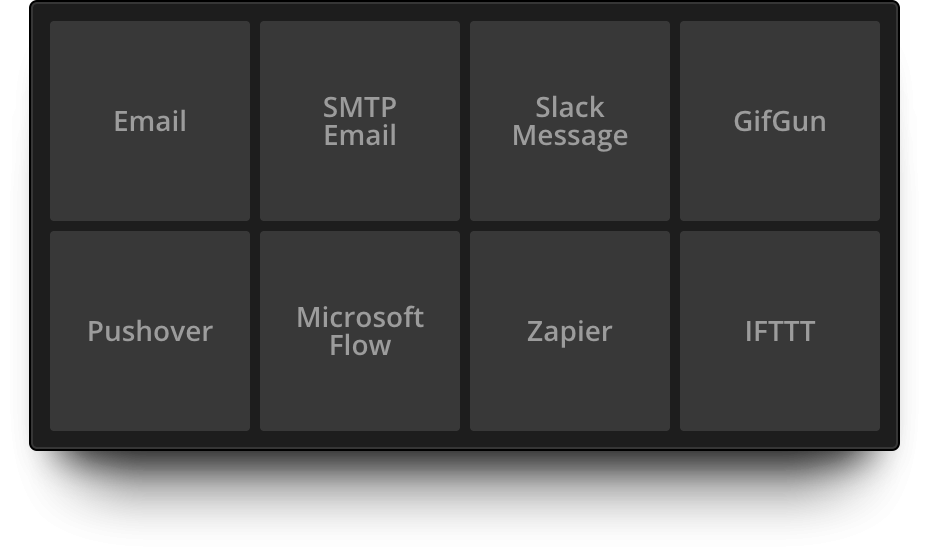
This means, you can access the full power of Push notifications, SMS messages, writing render confirmations to Google Sheets, Trello cards, turning off your smart lightbulbs… Oh, the options!
Powerful message composer
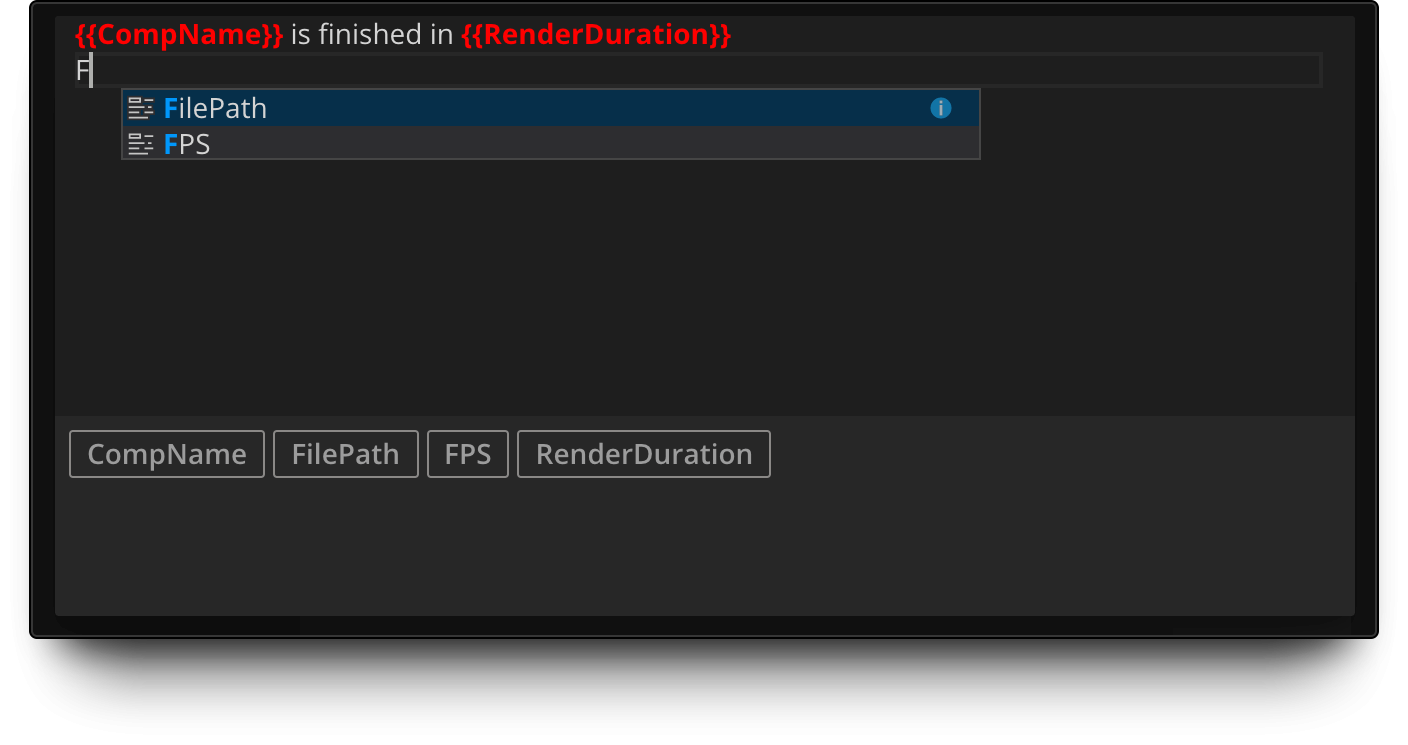
Create custom render notifications with our built-in Message Composer.
Add tags easily with autocomplete and suggest features.
Compile sequence to animation
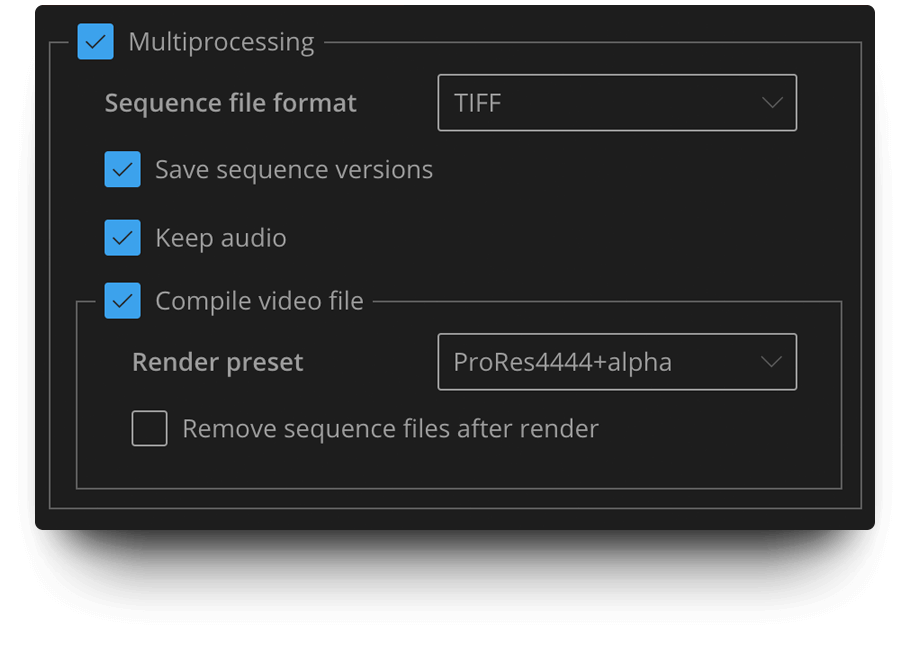
Render to sequence for pipeline intergation and produce mp4 or ProRes at the same time!
Custom render queue view
Enjoy easier render visual control with our custom Render Queue view.
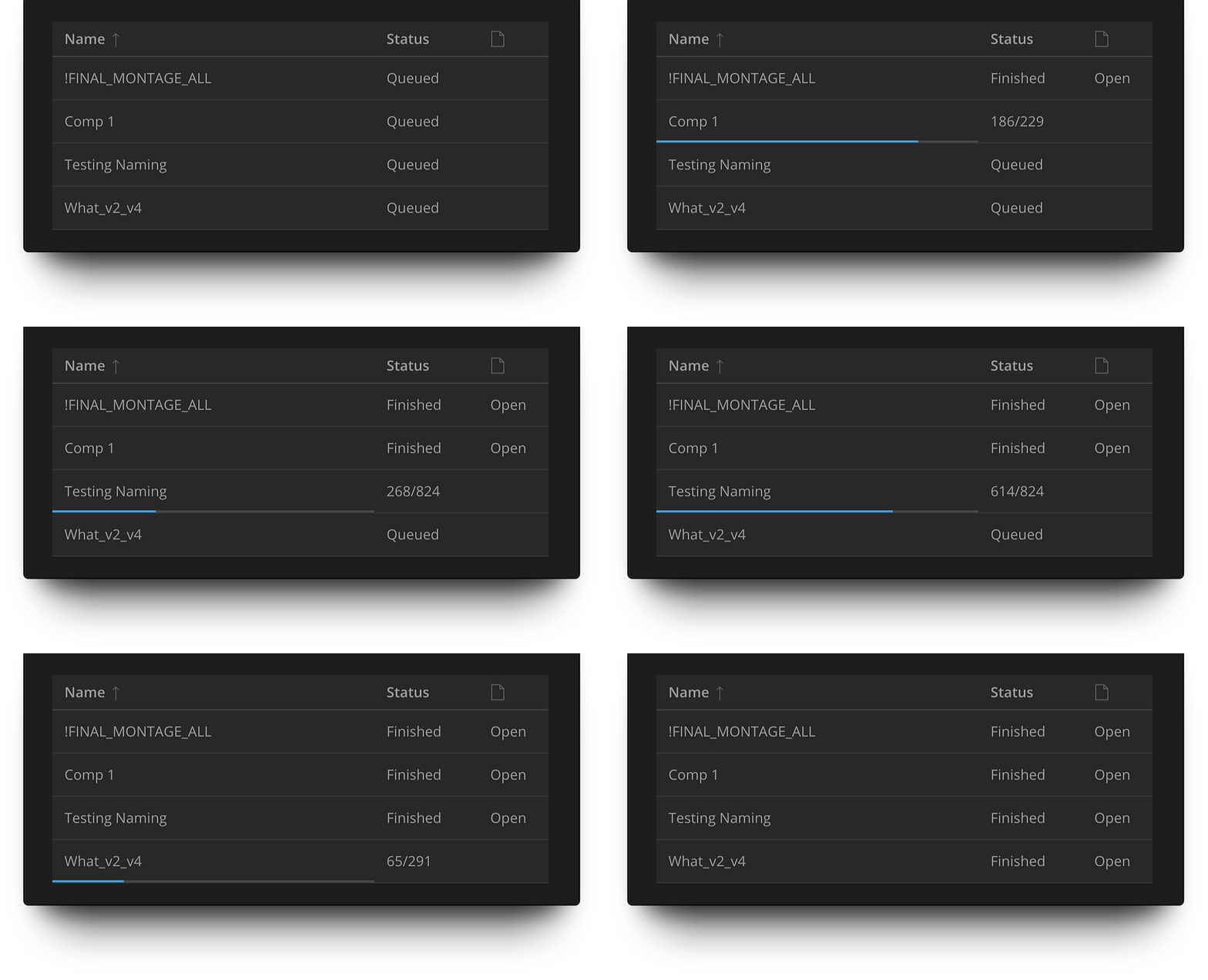
See the exact progress for each render queue element, sort by name, open render folders.
Built-in support
Get instant help on every part of the interface, any action, anything.
Just right-click anywhere and go to the website we’ve set up for you!
It contains an extensive description of each feature as well as tutorials and screencasts to help you start using all the BG Renderer Max’ features faster.
If you experience any issues, please proceed to the Troubleshooting page.
Installing BG Renderer Max
Get ZXP Installer by aescripts, open it and drag BG Renderer Max.zxp into the interface.
Relaunch After Effects and go to Window -> Extensions -> BG Renderer Max
Good to know
After Effects’ rendering capacity is mostly limited by your machine’s RAM amount, not processor cores.
This is why we do not recommend setting the render threads amount higher than half of your cores. For easier renders you may set it to the number of cores minus one. Please test with the minimum threads amount first.
System Requirements
- After Effects CC2018+
Please note that due to an Adobe bug, BG Renderer is not compatible with AE 17.5, please use 17.1.4 or 17.5.1 - macOS 10.13 and newer
- Windows 10/11
After effects templates
Amazing clips to use and help you create your own unique projects from AE templates or to improve the design of your existing broadcasts.
We have a wide range of templates for you to choose from. You can find PowerPoint Video Templates, Motion Graphics Templates, and After Effects Logo Templates, Scripts, Promos, news, fashion, sports, social media, titles…
After Effects Templates, Wedding Templates as well, After Effects Intro Templates, Transitions, Products Promos, Instagram stories, Scripts, Call Titles, Elements 3D, Corporate , and many more.
With After Effects project files, or templates, your work with motion graphics and visual effects will get a lot easier. In short, they are customizable After Effect files, neatly organized and labelled. You can easily change colors, text and other design elements without having to spend time on creating timelines and effects. It’s all there-you just need to customize it to fit your project.
What you waiting for? Hurry up and download the best after effects templates
➡️ ➡️ For more Ready Project Files Templates 😀 😀
➡️ ➡️ For more after effects plugins 😀 😀
Reviews
There are no reviews yet.