
Connect Layers PRO for After Effects
Primary Keyphrase: layer connection plugin
Description:
Download Connect Layers PRO 1.3.4, a powerful After Effects plugin that connects your layers with dynamic, customizable lines using advanced path expressions—no keyframes required . Create stunning visual connections between layers for network diagrams, rope effects, spanning trees, triangulation, and complex motion graphics with just one click .
Connect your After Effects layers with dynamic lines ! Create rope, spanning tree, triangulation with a single click. Customize the look of your lines on the fly using the powerful features of our plug-in interface. Apple Silicon Native
Connect Layers PRO leverages After Effects’ powerful shape layer system to generate lines that dynamically link to layers, updating automatically as your layers move . Whether you need technical visualizations, organic rope animations, or geometric patterns, this plugin delivers professional results with complete creative control.
Key Features of Connect Layers PRO 1.3.4:
- One-Click Connections: Instantly create ropes, spanning trees, and triangulations between selected layers—no manual keyframing required
- Multiple Bend Styles: Choose from Stair, Arc, Bézier, Penner Easing, and Dynamic curves for diverse line behaviors
- Arrow System: Add square, circle, triangle, or custom arrows that automatically follow line ends when trimmed
- Dynamic Motion: Three powerful curve functions add natural, physics-based movement to your lines
- Full Color Control: Apply solid colors or gradients to both strokes and fills with complete flexibility
- Shape Layer Integration: Built on After Effects’ native shape layer system with all familiar controls accessible via plugin interface
- 3D World Support: Works seamlessly with 3D layers for dimensional connections and animations
- Comprehensive Effects: Access trims, dashes, offsets, round corners, twists, wiggles, and zig-zags directly from the plugin
- Newton 3 Compatible: Perfect companion for creating realistic soft body physics, ropes, and organic objects
Perfect For:
- Motion graphics artists creating network diagrams and data visualizations
- VFX designers building rope, chain, and cable animations
- Title sequence creators needing dynamic, connected typography
- Scientific and technical animators visualizing relationships and structures
- Anyone wanting to add professional layer connections to their projects
System Requirements:
- Adobe After Effects CC 2018 through 2025 (requires CC 2018+ for path expression support)
- Windows 10/11 (64-bit) or macOS (Apple Silicon native support)
- JavaScript expression engine recommended (Project Settings > Expressions > JavaScript)
- 4GB RAM minimum (8GB+ recommended)
- 100MB available disk space
- Newton 3 optional for physics integration
Note: Version 1.3.4 includes Apple Silicon native support for optimal performance on M1/M2/M3 Macs .
Connect your layers with dynamic lines
Create lines that are dynamically linked to the layers using powerful path expressions. No keyframes at all!
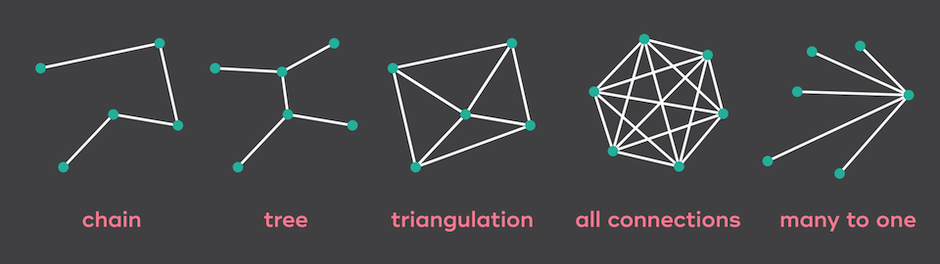
Create rope, spanning tree and triangulation with a single click !
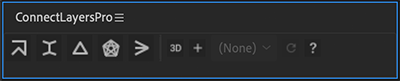
Then customize the look of your lines on the fly using the powerful features of our plug-in interface !
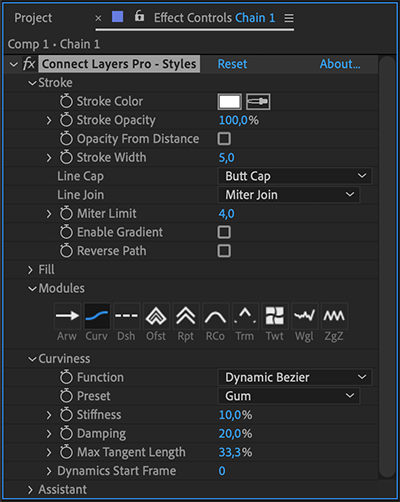
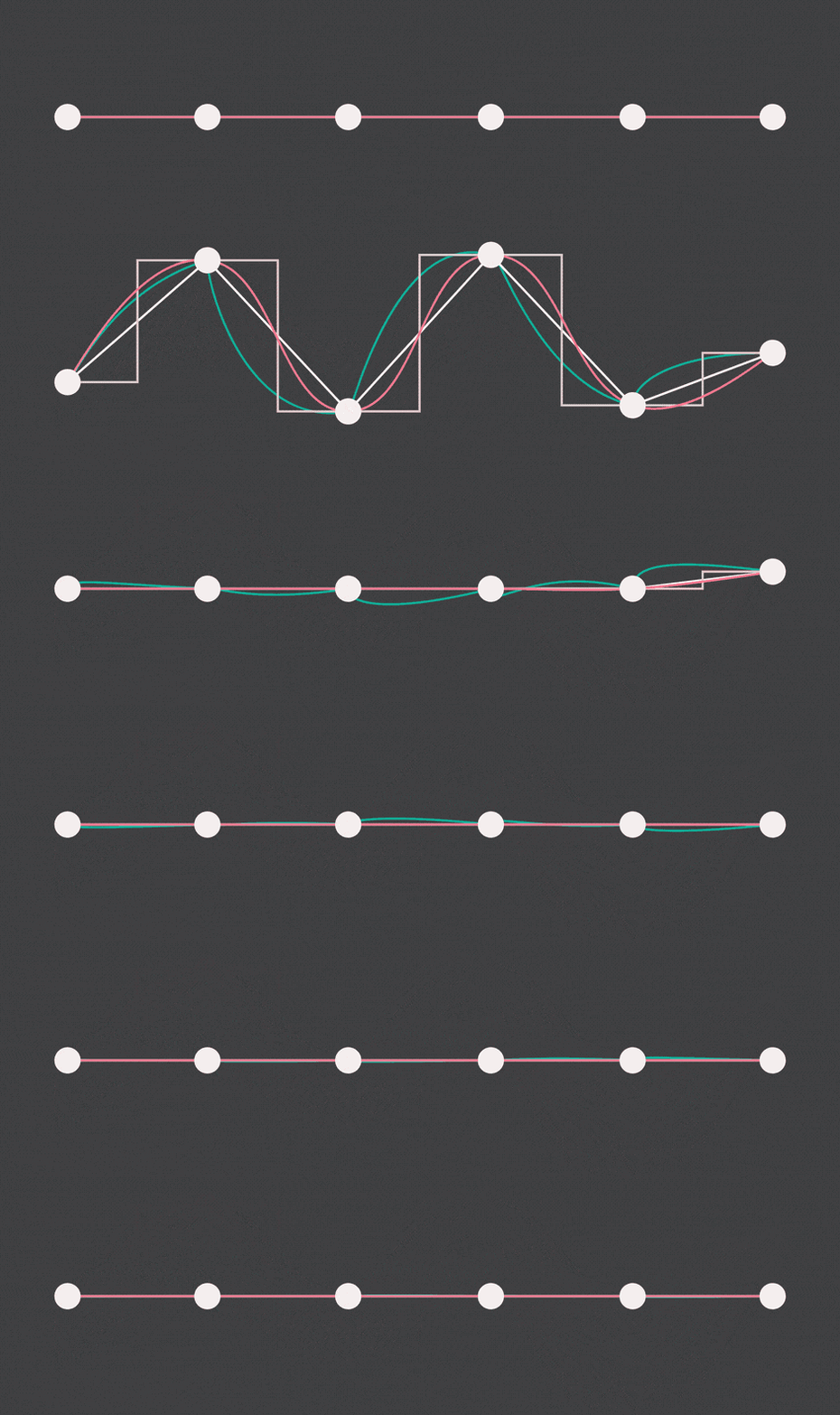
Curviness
Customize the curviness of your lines !
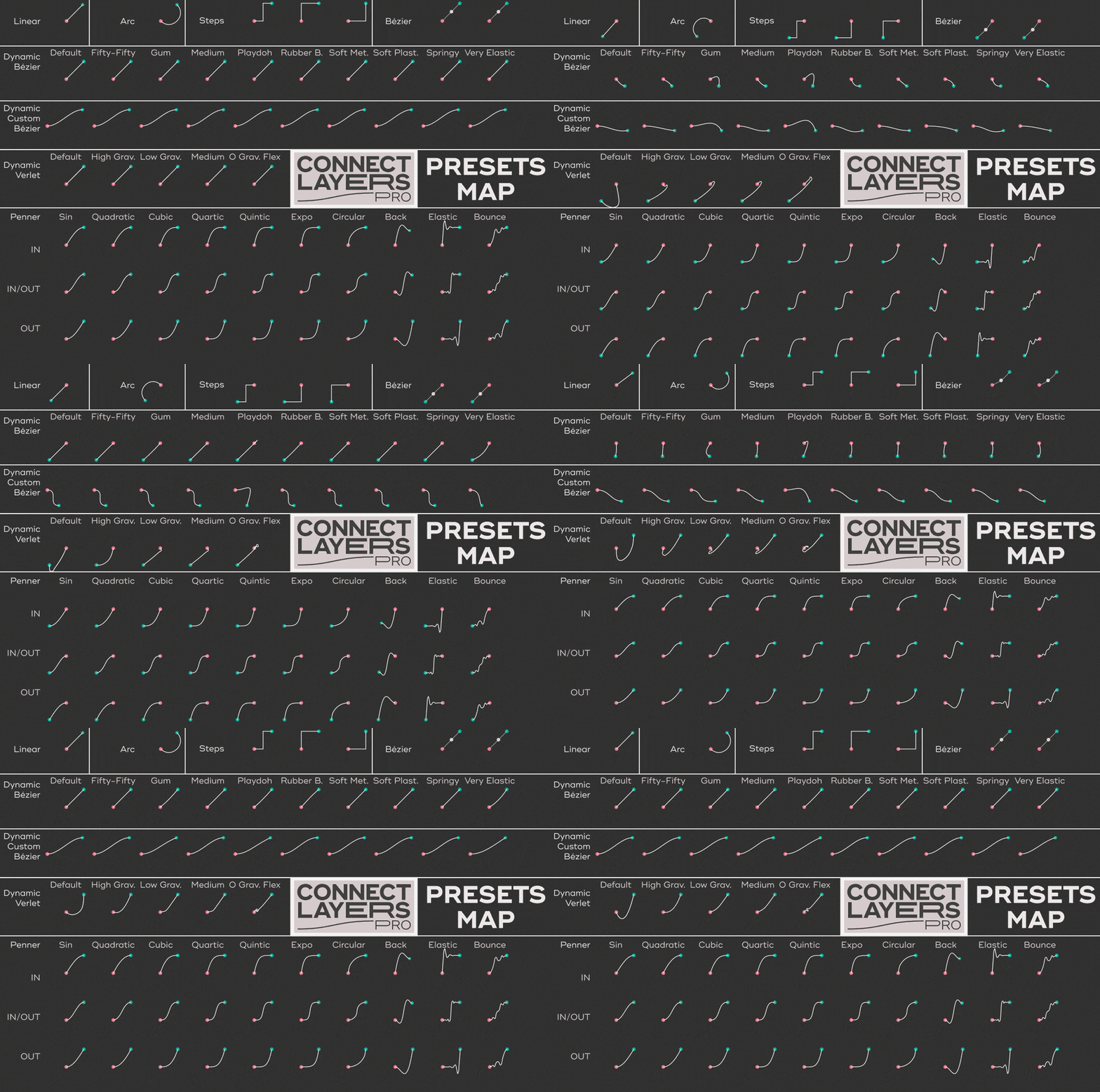
Connect Layers PRO offers a wide variety of styles of curviness: steps, arc, bezier, Penner easing curves, and dynamics.
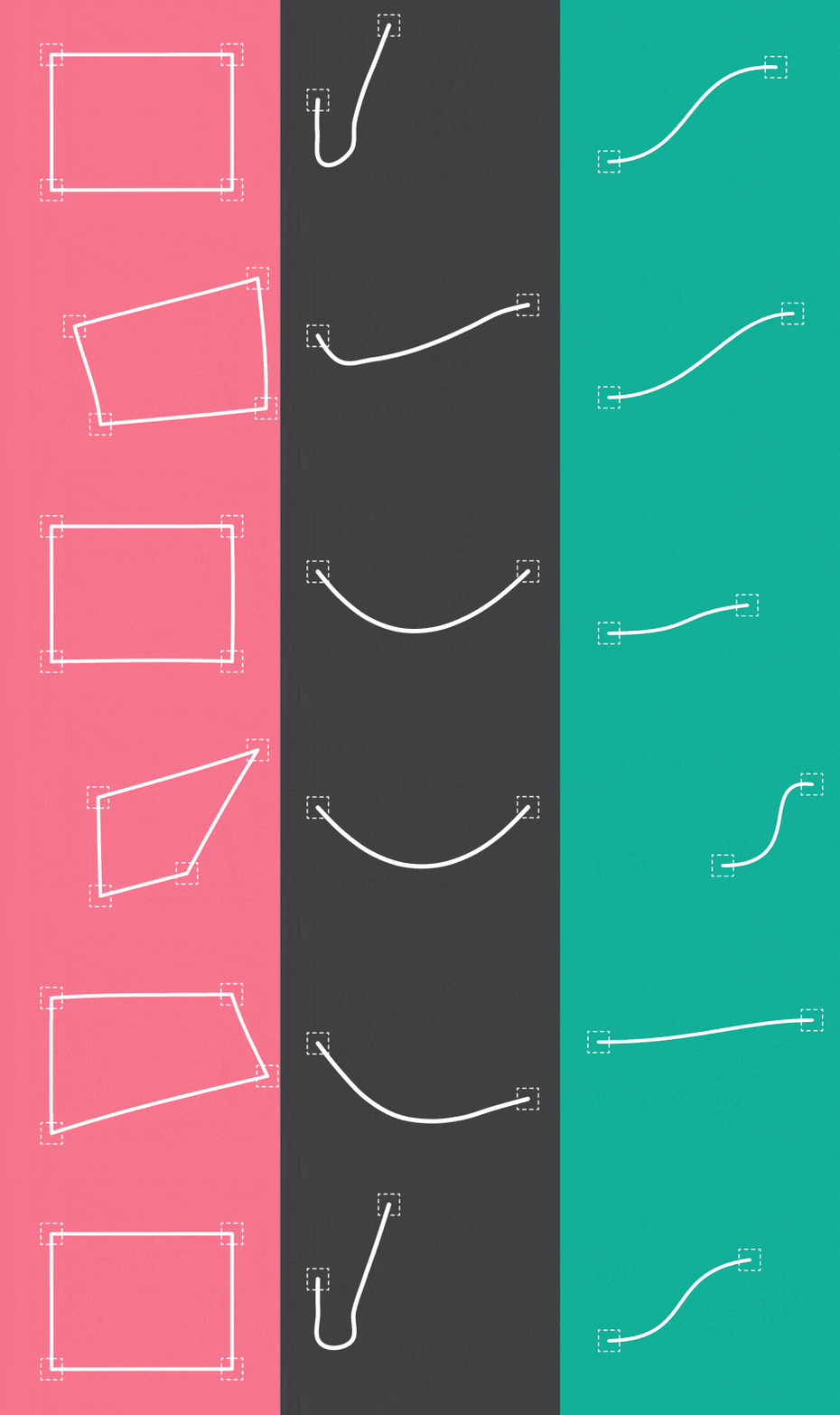
Arrowheads
Square, circle, triangle, or add your own arrowhead !
When you trim your connection, the arrowheads follow the ends of the line.
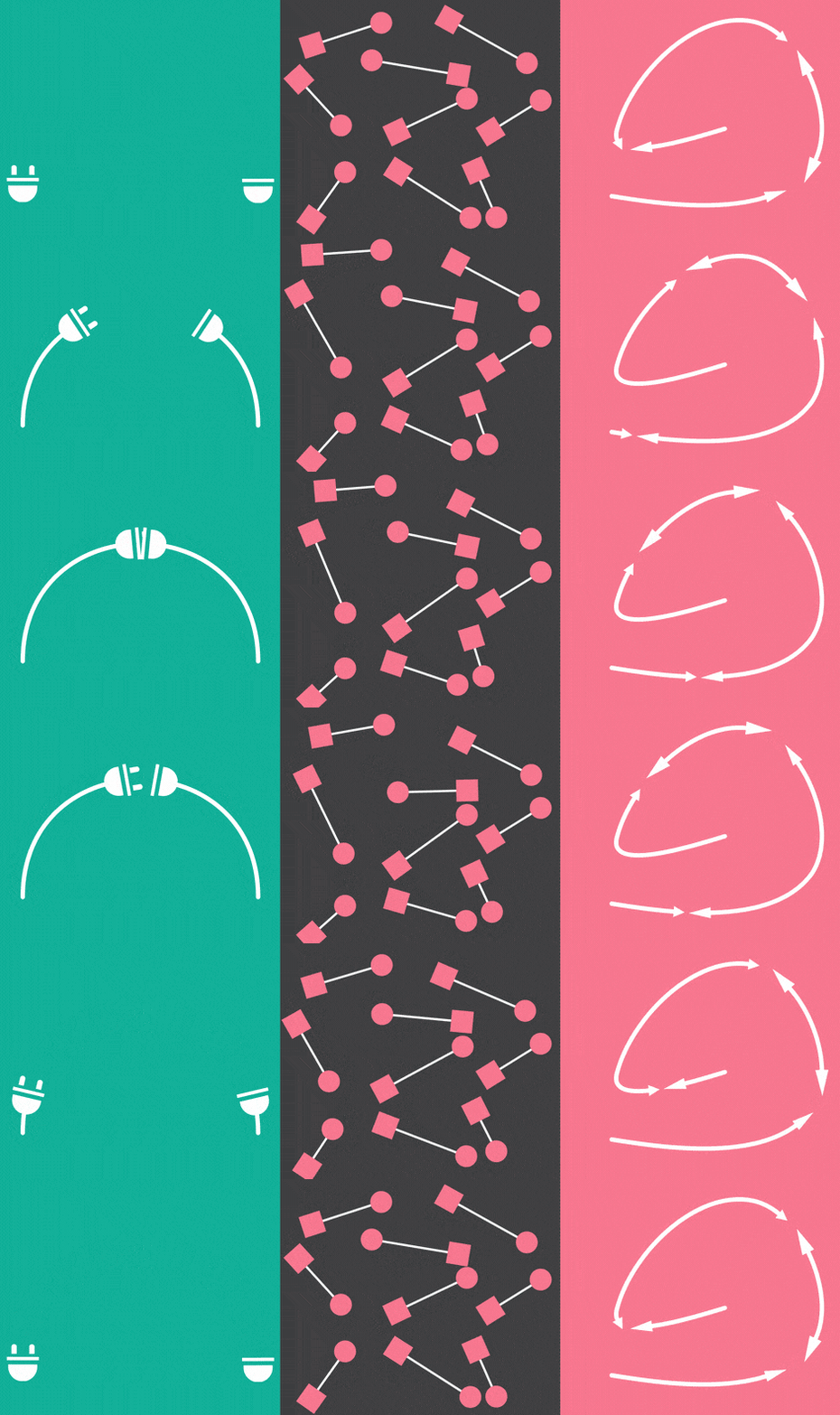
Dynamics
Choose one of the 3 powerful curviness features to add a natural feeling to the motion of your lines.
Presets included !
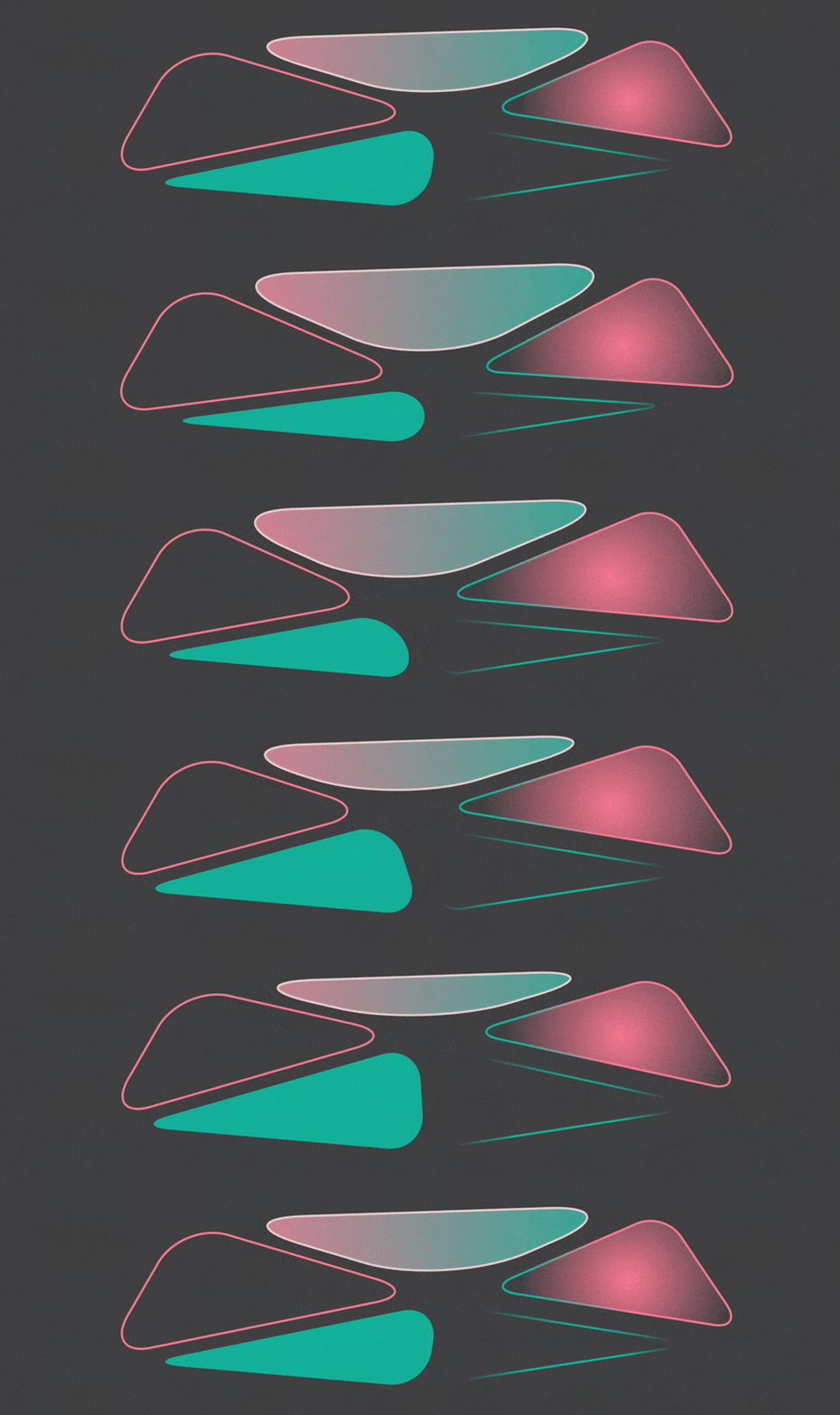
Colors & Gradients
Stroke and fill colors support both solid and gradient colors.
Trim, Dash, Offset…
Repeater, Round Corners, Twist, Wiggle, Zig Zag. They’re all here !
The power of shape layers, minus the headache.
Connect Layers PRO is based on the powerful After Effects shape layers system, but you can control the settings directly from the plug-in interface.
3D World
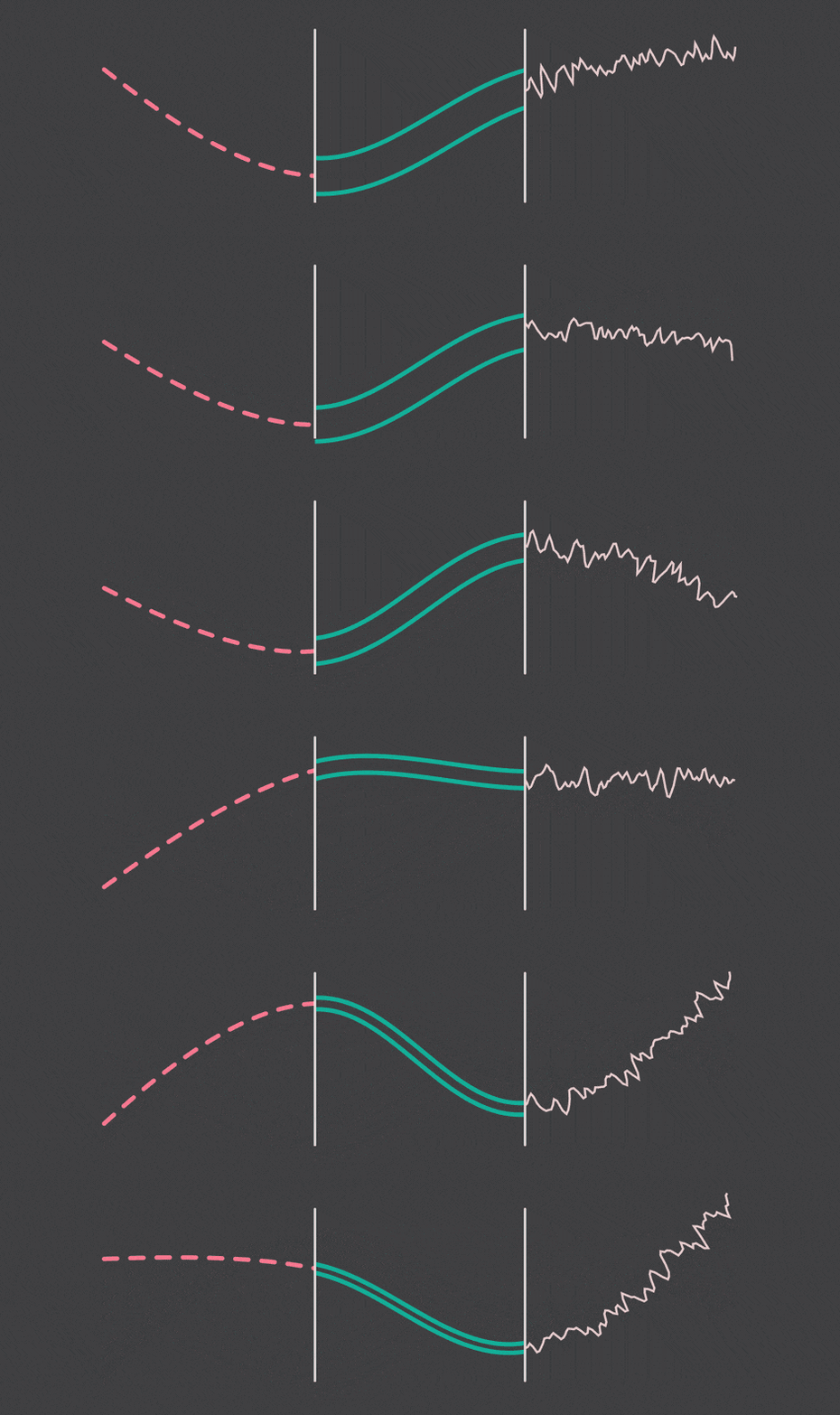
Last but not least, Connect Layers PRO also works with 3D layers.

A Great Companion for Newton 3
Use the power of Newton 3 to make stunning animations: create realistic ropes, soft objects and much more !

Connect Layers PRO curviness presets map
Quick Start
Note on Compatibility
Connect Layers PRO uses the path expressions introduced in AE CC 2018. Therefore, the plug-in requires AE CC 2018 or later.
AE CC 2019 has introduced a new expression engine called “Javascript”, which is generally faster than the old “Legacy ExtendScript”. Since the plug-in makes intensive usage of expressions, we recommend you to use AE CC 2019 (or later). In the File->Project Settings dialog, click the Expressions tab, and change the Expressions Engine option to “Javascript”. Please note that projects saved in previous versions of After Effects default to Legacy ExtendScript.
Elevate your motion graphics workflow with premium collection of After Effects plugins. Whether you are a seasoned professional or just starting your VFX journey, powerful tools designed to streamline complex tasks, unlock creative possibilities, and save you hours of rendering time. From stunning glitch effects and seamless transitions to advanced 3D extrusion and text animation tools, each plugin in our library is rigorously tested for compatibility with the latest versions of Adobe after Effects. Enhance your video production value today and download industry-leading plugins that help you create breathtaking visuals without the technical headaches. Browse our full range and find the perfect extension to supercharge your editing suite now.
➡️ ➡️ For more after effects Plugins 😀 😀
➡️ ➡️ System requirements AE
Reviews
There are no reviews yet.