

Connect Layers PRO v1.3.3 Script For After Effect
Connect Layers PRO v1.3.3 script for connecting multiple moving layers with the help of a single line in After Effects
This section contains the Connect Layers PRO version 1.3.2 script for After Effects software, which is available for download. With the help of this script, you can draw a line between the two layers of Shape or Photo and animate them. You can make different lines between several layers according to the center point of each layer. Inside the Pro version, there is also a plugin.
Connect your After Effects layers with dynamic lines ! Create rope, spanning tree, triangulation with a single click. Customize the look of your lines on the fly using the powerful features of our plug-in interface.
Connect your layers with dynamic lines
Create lines that are dynamically linked to the layers using powerful path expressions. No keyframes at all!
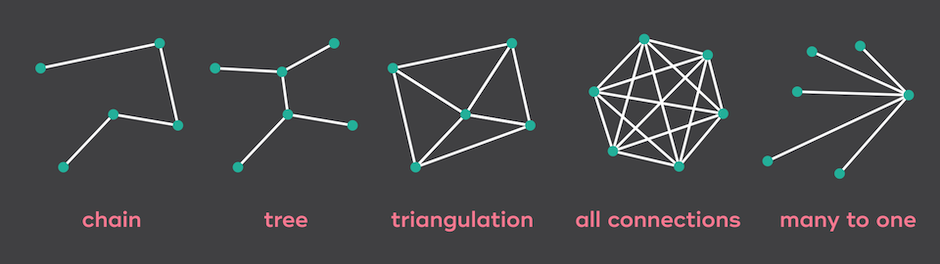
Create rope, spanning tree and triangulation with a single click !
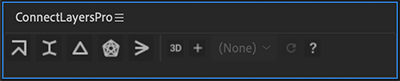
Then customize the look of your lines on the fly using the powerful features of our plug-in interface !
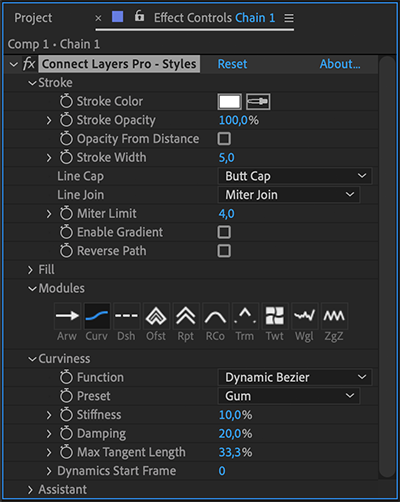
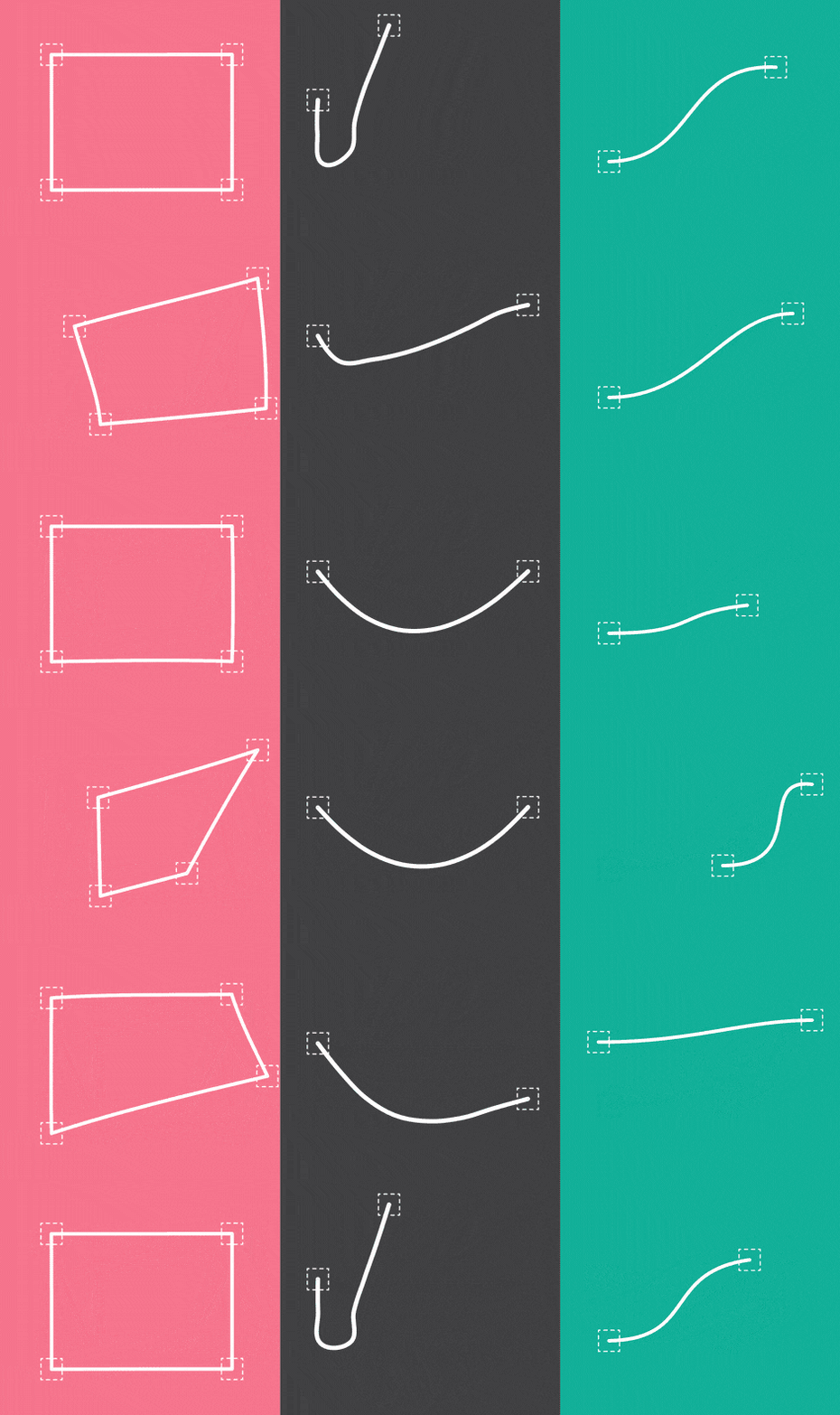
Curviness
Customize the curviness of your lines !
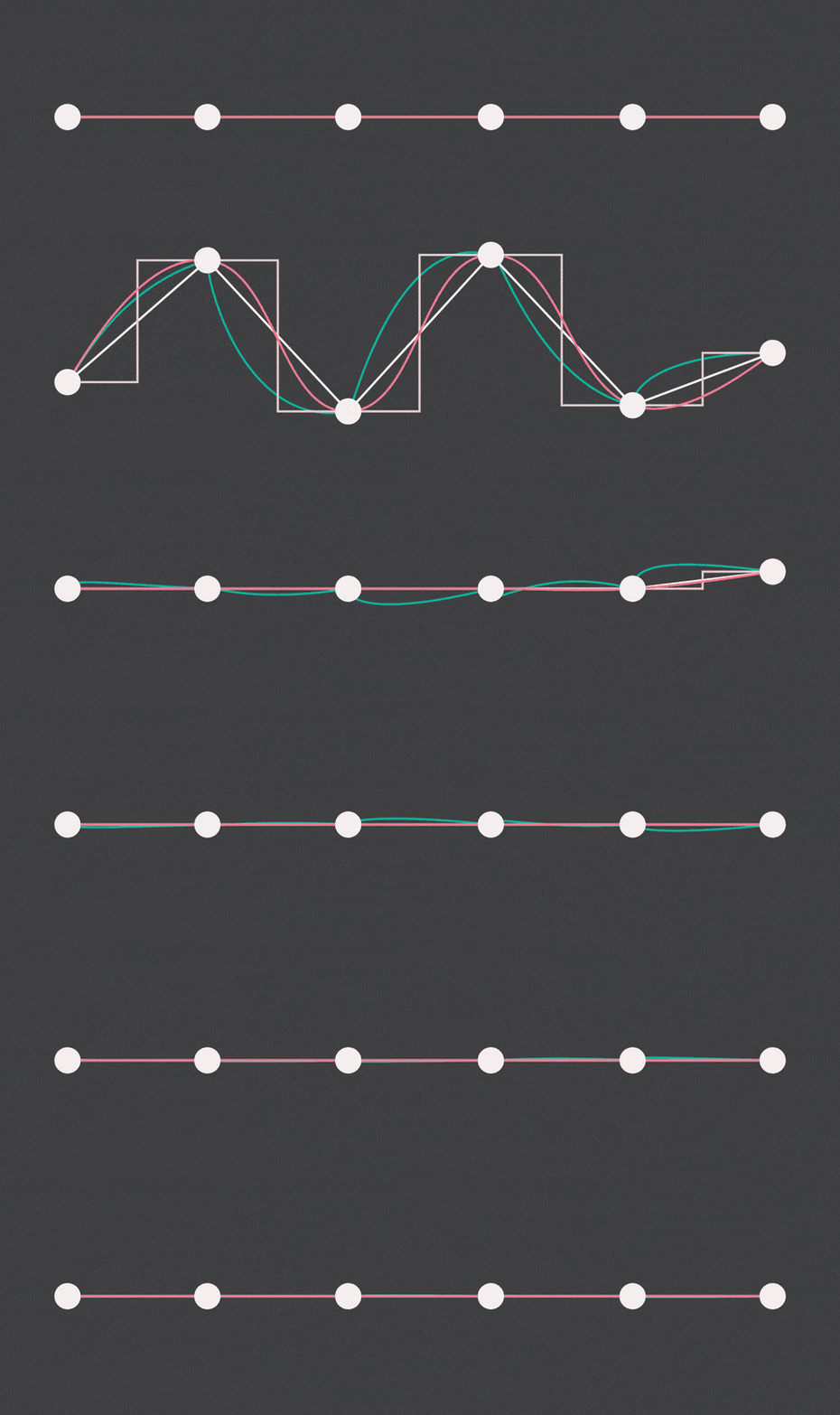
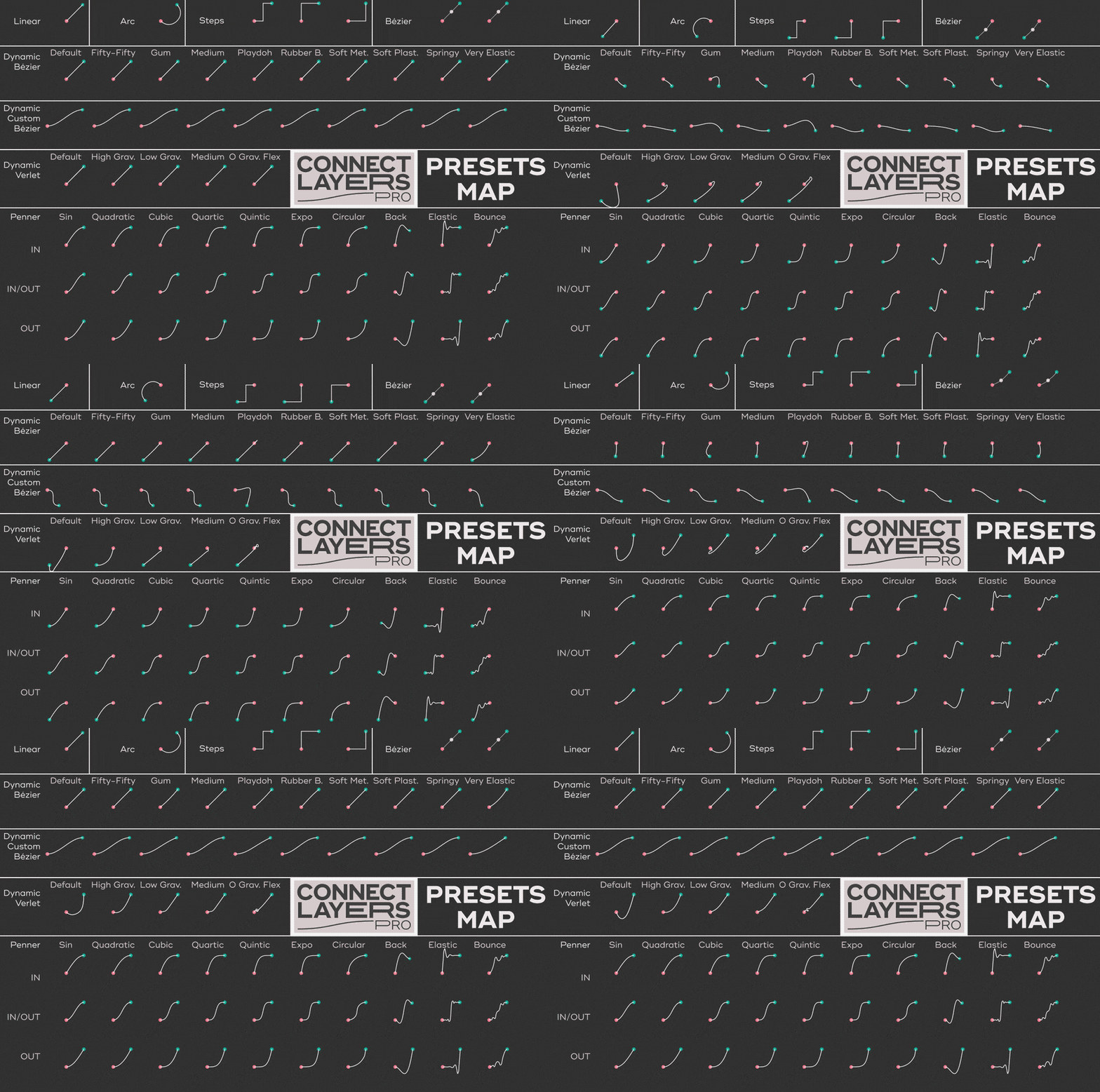
Connect Layers PRO offers a wide variety of styles of curviness: steps, arc, bezier, Penner easing curves, and dynamics.
Arrowheads
Square, circle, triangle, or add your own arrowhead !
When you trim your connection, the arrowheads follow the ends of the line.
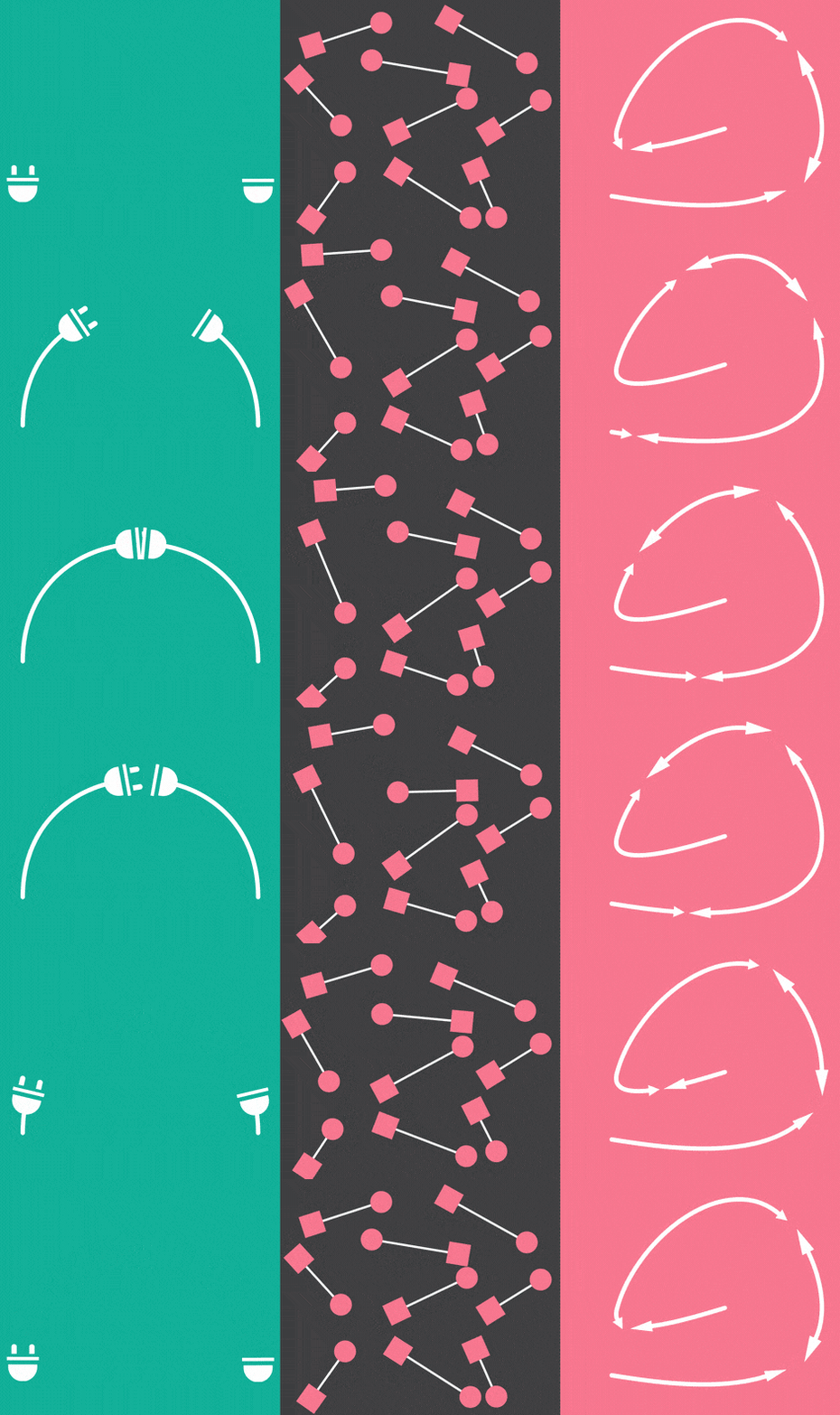
Dynamics
Choose one of the 3 powerful curviness features to add a natural feeling to the motion of your lines.
Presets included !
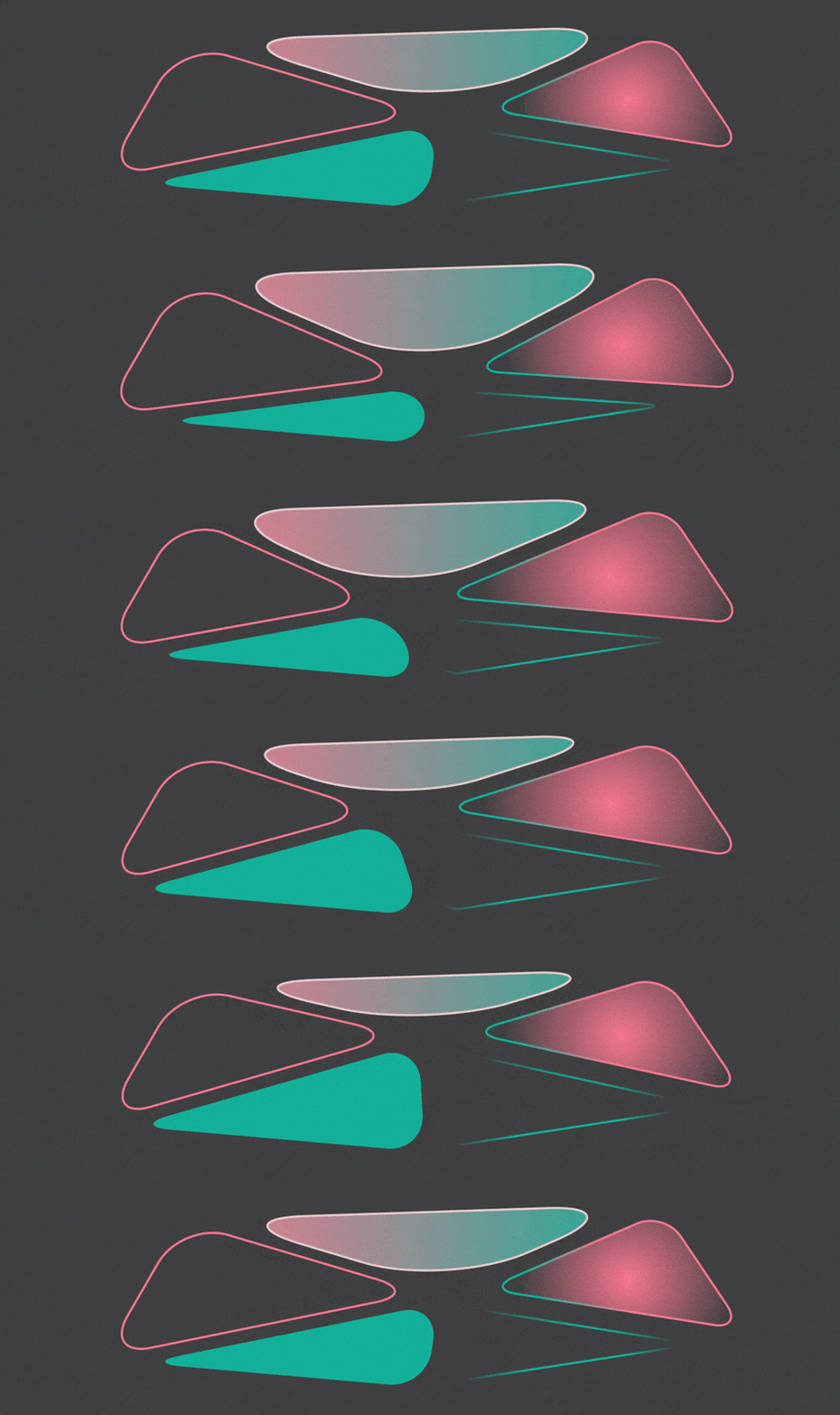
Colors & Gradients
Stroke and fill colors support both solid and gradient colors.
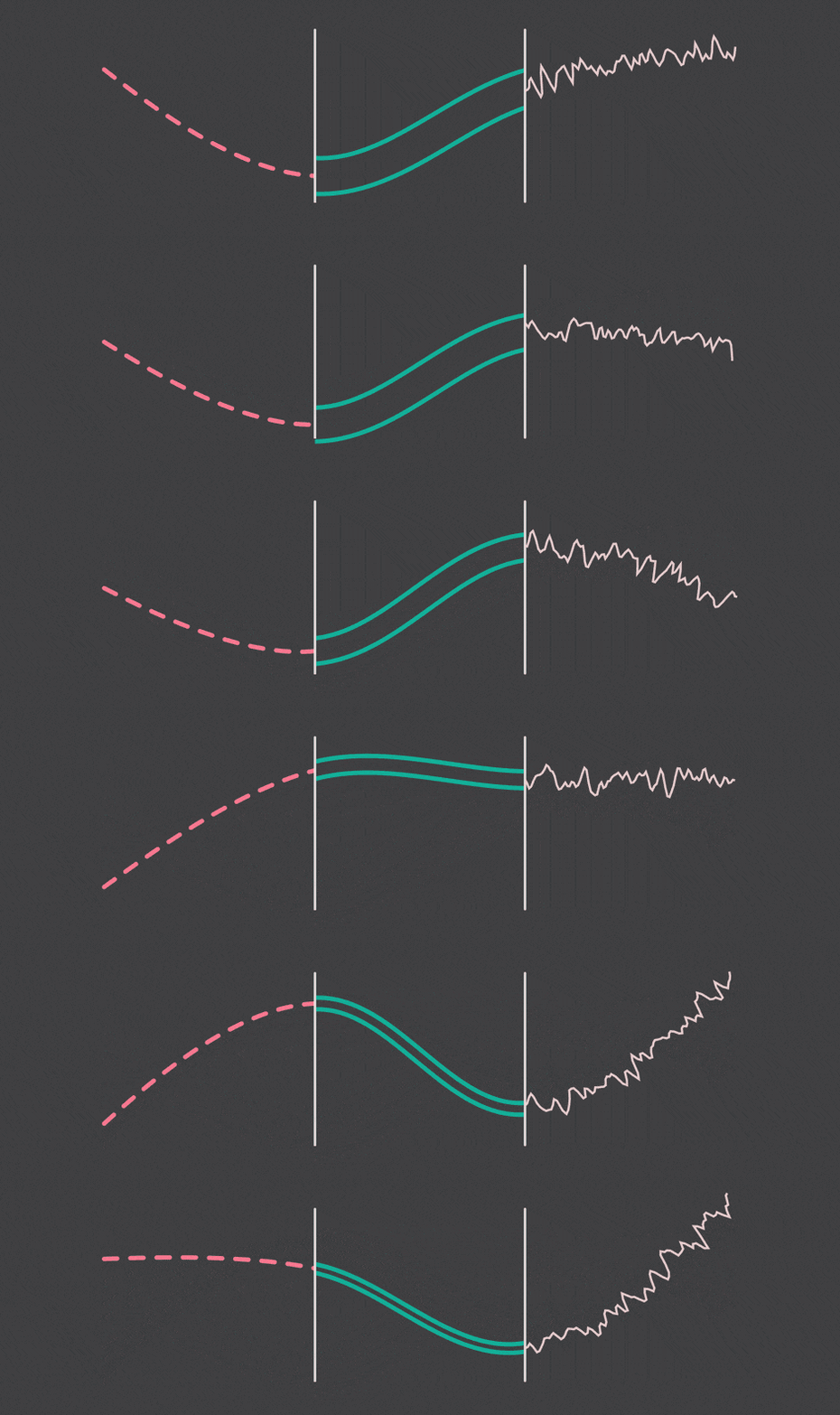
Trim, Dash, Offset…
Repeater, Round Corners, Twist, Wiggle, Zig Zag. They’re all here !
The power of shape layers, minus the headache.
Connect Layers PRO is based on the powerful After Effects shape layers system, but you can control the settings directly from the plug-in interface.
3D World
Last but not least, Connect Layers PRO also works with 3D layers.

A Great Companion for Newton 3
Use the power of Newton 3 to make stunning animations: create realistic ropes, soft objects and much more !

Connect Layers PRO curviness presets map
Quick Start
After effects templates
Amazing clips to use and help you create your own unique projects from AE templates or to improve the design of your existing broadcasts.
We have a wide range of templates for you to choose from. You can find PowerPoint Video Templates, Motion Graphics Templates, and After Effects Logo Templates, Scripts, Promos, news, fashion, sports, social media, titles…
After Effects Templates, Wedding Templates as well, After Effects Intro Templates, Transitions, Products Promos, Instagram stories, Scripts, Call Titles, Elements 3D, Corporate , and many more.
With After Effects project files, or templates, your work with motion graphics and visual effects will get a lot easier. In short, they are customizable After Effect files, neatly organized and labelled. You can easily change colors, text and other design elements without having to spend time on creating timelines and effects. It’s all there-you just need to customize it to fit your project.
What you waiting for? Hurry up and download the best after effects templates
➡️ ➡️ For more Ready Project Files Templates 😀 😀
Reviews
There are no reviews yet.