
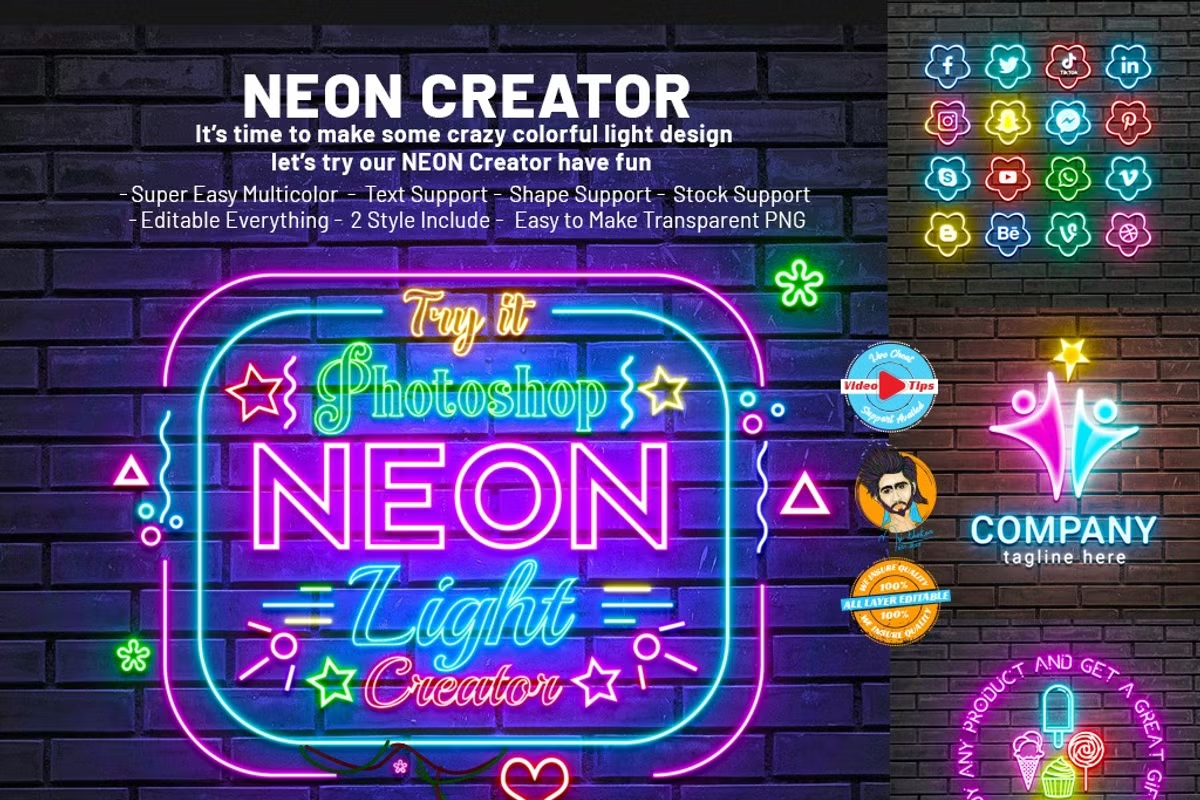
CreativeMarket Neon Effect Creator
Open Layer Template Texting and Neon Shapes | 24.6 MB | Comes with Preview | PSD & EPS & JPG FORMAT
In this section, you can see the open layer template for creating text and neon shapes, which has been placed on the site for download in PSD, EPS, and JPG formats.
new product Photoshop Neon Effect Creator makes it easy for you to effect any shape, any text and any symbol, professional and active looking, customize, customize the color you want, customize the stock if you want or give it as a fill color. And we have a lot of combinations. You can combine as you wish. Very good looking product. You can easily give neon effect to anything. In this case, you don’t need any skill. If you want, you can watch our video. You can.
No skill need just one click make your neon effect usage my Photoshop Neon Creator 100% granted the best working and new resource.
Information item:
- Photoshop Raw Psd ( like Mockup Creator file ) include file
- Video tips on how to usage and Custom tips (Video link include download help file )
- Smart Object Option
- Some of the font links included help file
- Super Easy Multicolor
- Text Support
- Shape Support
- Stock Support
- Vector Support
- Editable Everything
- 2 Style Include
- Easy to Make Transparent PNG
- Professional results and very easy to use
- All layers can be edited very easily
- All layers are named and placed in groups so you will have full control over each layer and each group
- Working Software Version: CC2015.5 English Version.
- Software support version: CS4, Cs5.5, CS6, CC, CC2015.5, CC2017, CC2018, CC2019, CC2020, CC2021+ Version If you are not using the English version, you can switch your Photoshop in English langue’s, play the action, and return to your language back agent.
Save
Save
Save
Save
Save
Save
Save
Save
Save
Save
Save
Save
Save
Save
Save
Save
Save
Save
Save
Vectors are fully scalable graphics for the best quality around. Need a huge print of your favorite design? Go ahead, scale it up to any size! You can print your designs as large or as small as you want without any loss of quality.
Because of their full scalability, vectors are essential branding resources. Know what a designer’s worst nightmare is? A JPEG logo…or even worse, a GIF! Creating all your brand materials in a vector-based program ensures a gold standard of quality design. And you definitely want that! Why? Because if your logo is a vector image, you’ll be able to print it as small as you like, i.e. to fit on a pen, or as big as you like, i.e. to cover a 10-square-meter billboard. No matter how big or small, it will look flawless-no pixelated images anywhere!
Vectorart is great for both print and online work.
➡️ ➡️ For More Vectors and Illustations Products 😀 😀
Reviews
There are no reviews yet.