
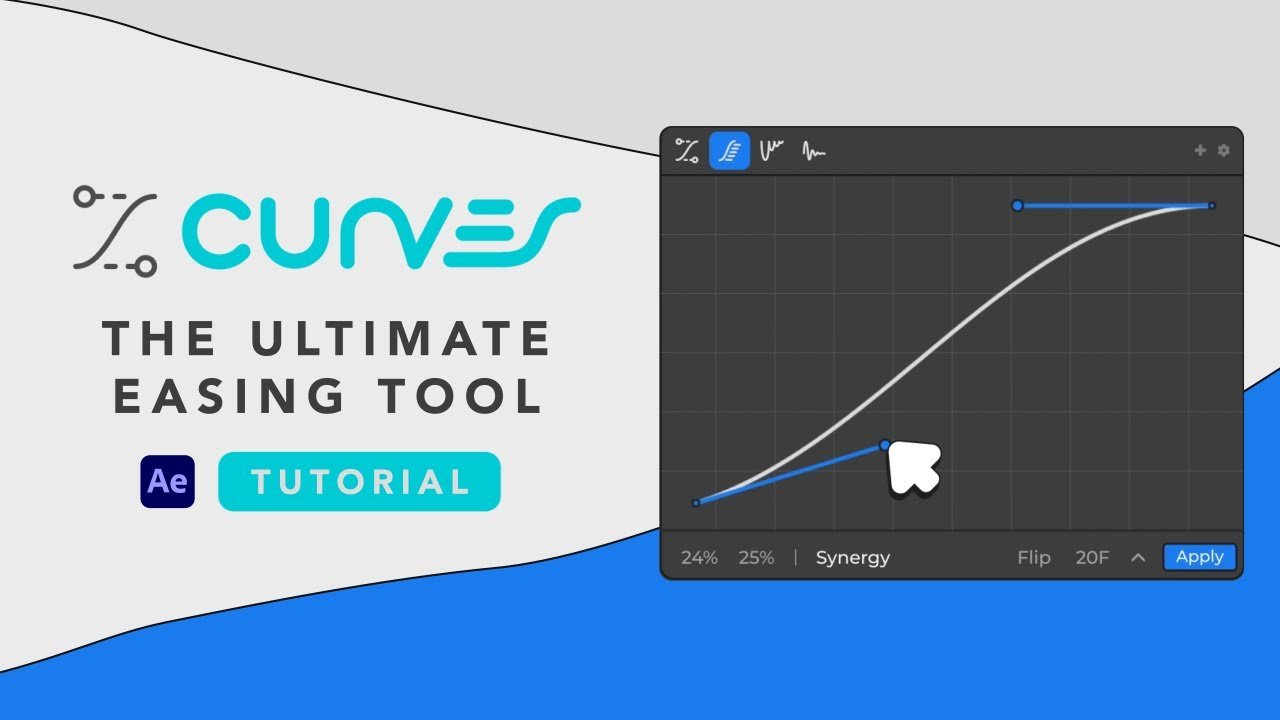
Curves for After Effects
curves plugin
Curves V1.0.4 for After Effects – Advanced Color Grading & Tone Mapping Tool
Download Curves V1.0.4 for After Effects on Windows and Mac, a professional color grading plugin that gives you precise control over tonal adjustments with an intuitive curve interface. Perfect for colorists and motion designers who need advanced color manipulation beyond After Effects’ native tools.
Key Features of Curves V1.0.4:
- Intuitive Curve Interface: Visual curve editing with multiple control points for precise tonal adjustments
- Individual Channel Control: Adjust RGB channels independently or work on master luminance for complete color grading flexibility
- Advanced Tone Mapping: Sophisticated algorithms for handling high-contrast footage and HDR素材
- Real-Time Preview: See color adjustments update instantly as you manipulate curves
- Preset System: Save and load favorite curve configurations for consistent grading across projects
- Multiple Curve Modes: Choose from various curve types for different grading approaches
- Precision Controls: Fine-tune shadows, midtones, and highlights with surgical accuracy
- Cross-Platform Support: Works on both Windows and Mac systems
- Broad Compatibility: Supports After Effects 2025, 2024, 2023, 2022
Perfect For:
- Colorists needing advanced curve controls for professional grading
- Motion graphics artists requiring precise color manipulation
- VFX compositors integrating elements with matching color tones
- Anyone who finds After Effects’ native curves limiting
- Studios wanting consistent color grading tools across projects
System Requirements:
- Adobe After Effects 2025, 2024, 2023, 2022
- Windows 10/11 (64-bit) or macOS
- 4GB RAM minimum (8GB+ recommended)
- 25MB available disk space
Installation:
Copy the plugin file to your After Effects Plug-ins folder:
- Windows:
C:\Program Files\Adobe\Adobe After Effects [version]\Support Files\Plug-ins\ - Mac:
/Applications/Adobe After Effects [version]/Plug-ins/
Note: Version 1.0.4 includes performance improvements and enhanced compatibility with recent After Effects versions . The plugin’s advanced curve controls make it an essential tool for professional color grading work .
Curves is the comprehensive easing tool for After Effects. Say goodbye to subpar animation.
Introducing Curves
Curves is a comprehensive easing tool designed to enhance your After Effects workflow! Curves offers a range of powerful features in a user-friendly interface, making it the go-to solution for motion designers who value both efficiency and customization.
Easing Mode
Easing Mode is an essential feature that allows you to apply various easing types to your keyframes with just a few clicks. This mode simplifies the process of refining your animations, allowing you to create smoother and more polished motion sequences.
Customize your easing with bezier handles, sliders for handle positions, and preset curves to achieve the perfect ease in and ease out for your animations.

Elastic Mode
Elastic Mode provides a practical solution for adding realistic and organic motion to your animations. This feature enables you to quickly apply elastic properties to your elements, resulting in animations that bounce and stretch in a natural and responsive manner.
Adjust parameters such as amplitude, frequency, and decay to fine-tune the elastic behavior for your specific needs.

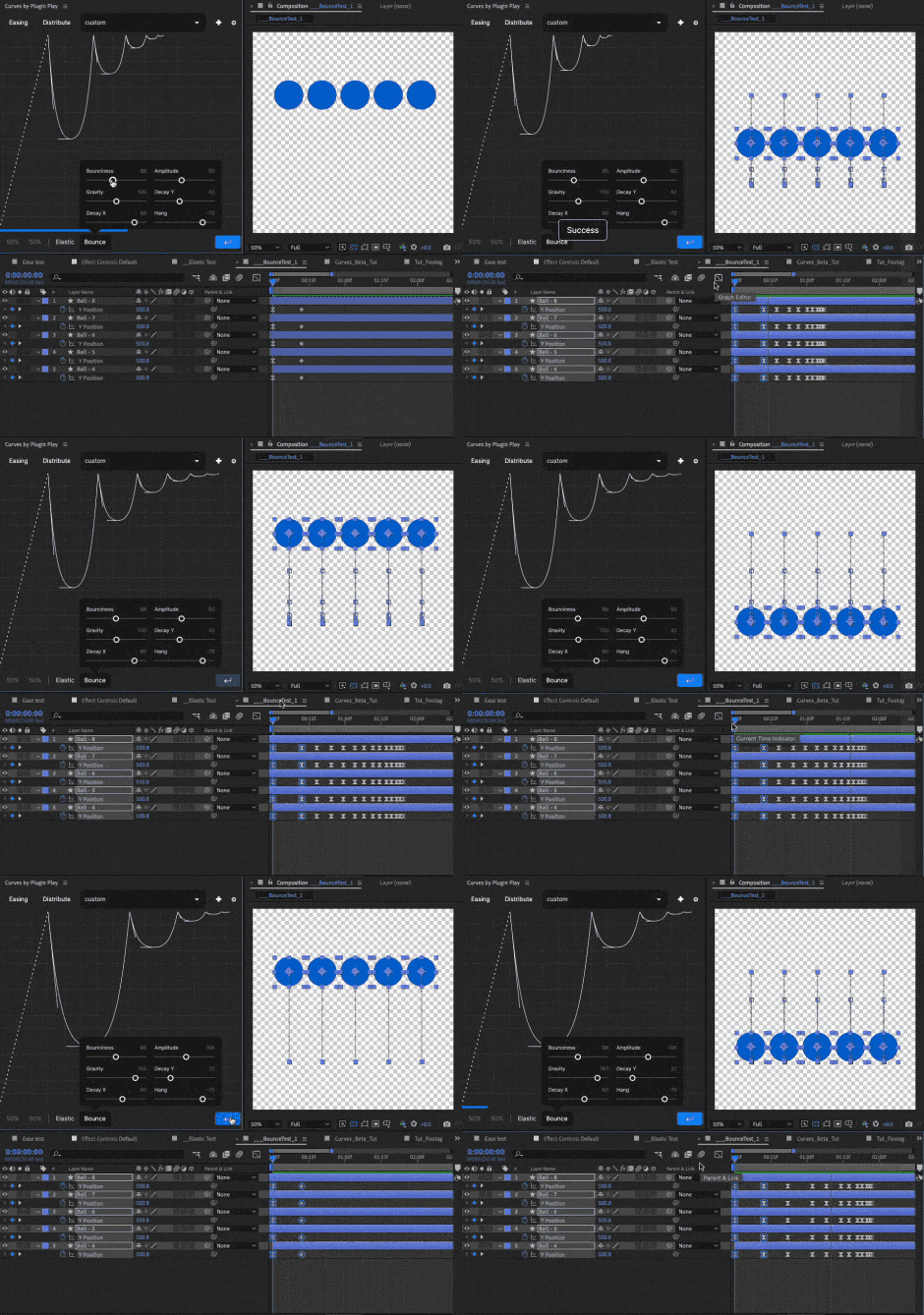
Bounce Mode
Bounce Mode is a versatile tool designed to inject energy into your projects by adding bounce to your keyframes. This mode streamlines the process of creating dynamic motion, offering an efficient way to achieve engaging and lively animations.
Customize the bounce effect by adjusting properties like bounce height, speed, and decay, giving you complete control over the final result.
Distribution Mode
Distribution Mode is a powerful feature that enables you to precisely distribute keyframes and layers across your timeline. This mode offers exceptional control over your animations by providing parameters such as the number of frames, bezier curve adjustments, and flipping the distribution order.
Our Synergy feature takes it a step further by combining the best of easing and distribution modes for optimal results, allowing you to apply easing to a sequence of distributed keyframes and create unique, dynamically changing eases throughout your animation.

Curves Features
Curves offers a range of powerful features in a user-friendly interface, making it the go-to solution for motion designers who value both efficiency and customization.
- Comprehensive easing tool for enhancing After Effects workflow
- Powerful features in a user-friendly interface
- Easing Mode for applying various easing types to keyframes with just a few clicks
- Elastic Mode for adding realistic and organic motion to animations
- Bounce Mode for injecting energy into projects with bounce keyframes
- Distribution Mode for precisely distributing keyframes and layers across the timeline
- Bezier Handles for customizing easing with precise control over handle positions
- Bezier Sliders for adjusting easing parameters with easy-to-use sliders
- Bezier Presets for achieving the perfect ease in and ease out for animations
Elevate your motion graphics workflow with premium collection of After Effects plugins. Whether you are a seasoned professional or just starting your VFX journey, powerful tools designed to streamline complex tasks, unlock creative possibilities, and save you hours of rendering time. From stunning glitch effects and seamless transitions to advanced 3D extrusion and text animation tools, each plugin in our library is rigorously tested for compatibility with the latest versions of Adobe after Effects. Enhance your video production value today and download industry-leading plugins that help you create breathtaking visuals without the technical headaches. Browse our full range and find the perfect extension to supercharge your editing suite now.
➡️ ➡️ For more after effects Plugins 😀 😀
➡️ ➡️ System requirements AE
Reviews
There are no reviews yet.