
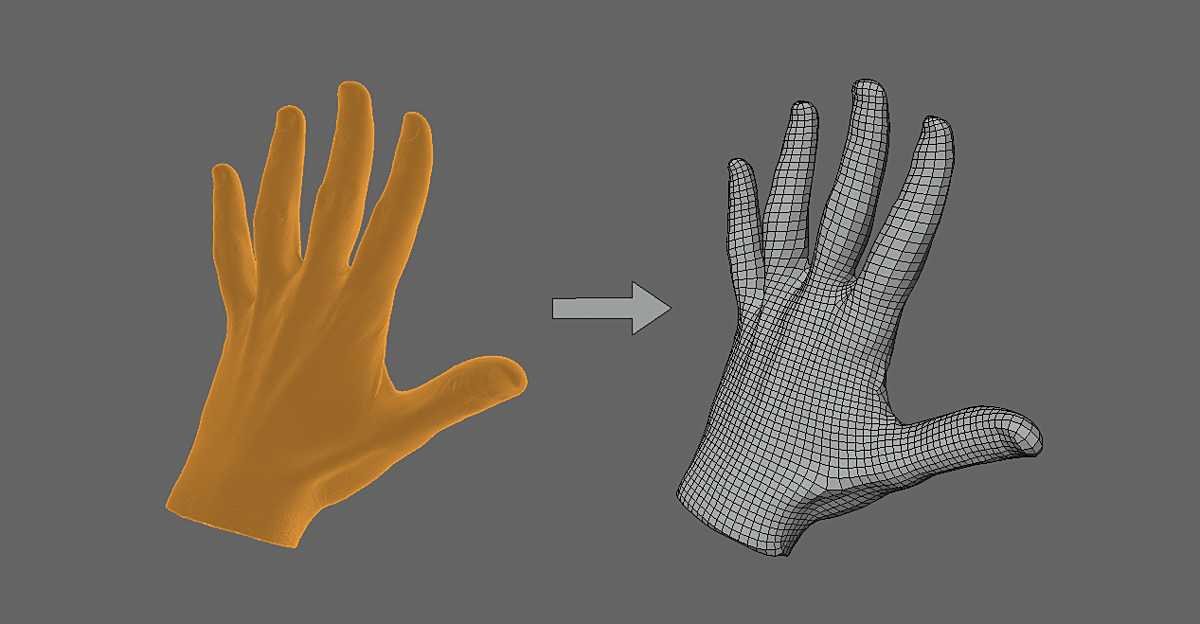
Dynremesh Autoflow Remeshing Toolset for Blender
dynremesh autoflow addon
Dynremesh Autoflow Remeshing Toolset for Blender – Intelligent Mesh Retopology & Optimization Suite
Download Dynremesh Autoflow Remeshing Toolset for Blender on Windows, Mac, and Linux, a powerful retopology and mesh optimization add-on that automatically generates clean, efficient geometry from any mesh. Perfect for sculpting workflows, 3D scanning cleanup, and game asset optimization—create production-ready topology with intelligent edge flow and adaptive detail .
Key Features of Dynremesh Autoflow:
- Intelligent Remeshing: Automatically generates clean, all-quad topology with adaptive detail based on surface curvature—high detail where needed, optimized geometry elsewhere
- Edge Flow Generation: Smart edge flow that follows natural surface contours—perfect for organic models, characters, and complex shapes
- Adaptive Detail: Automatically adjusts mesh density based on surface complexity—more polygons in detailed areas, fewer in flat regions
- Preserve Sharp Features: Intelligent detection and preservation of hard edges, creases, and surface details
- Multi-Resolution Output: Generate multiple LODs (Levels of Detail) with one operation for game asset optimization
- Sculpt-Ready Workflow: Perfect for converting sculpted high-poly models into production-ready meshes for animation
- 3D Scan Cleanup: Automatically fixes common scan issues—holes, non-manifold geometry, and irregular topology
- Real-Time Preview: See remeshing results update instantly as you adjust parameters
- Batch Processing: Process multiple objects simultaneously for efficient pipeline workflows
- Export Optimized: Create game-ready meshes with efficient polygon counts and proper topology
Perfect For:
- Character artists retopologizing sculpted models for animation
- Game developers optimizing high-poly assets for real-time rendering
- 3D scanning professionals cleaning up captured data
- Product designers creating production-ready models
- Anyone needing clean, efficient topology without manual retopology
System Requirements:
- Blender 3.0, 3.1, 3.2, 3.3, 3.4, 3.5, 3.6, 4.0, 4.1, 4.2, 4.3
- Windows 10/11 (64-bit), macOS, or Linux
- 4GB RAM minimum (8GB+ recommended)
- 50MB available disk space
Installation:
- Download the add-on zip file
- In Blender, go to Edit > Preferences > Add-ons
- Click “Install” and select the downloaded zip file
- Enable the add-on by checking the box next to “Dynremesh Autoflow”
Note: Dynremesh Autoflow revolutionizes retopology in Blender by automating the complex process of generating clean, production-ready topology . The intelligent edge flow and adaptive detail system create meshes that are perfect for animation, game engines, and further sculpting . Essential for character artists, game developers, and anyone working with high-poly models or 3D scans . Designed for Blender 3.0 and above .
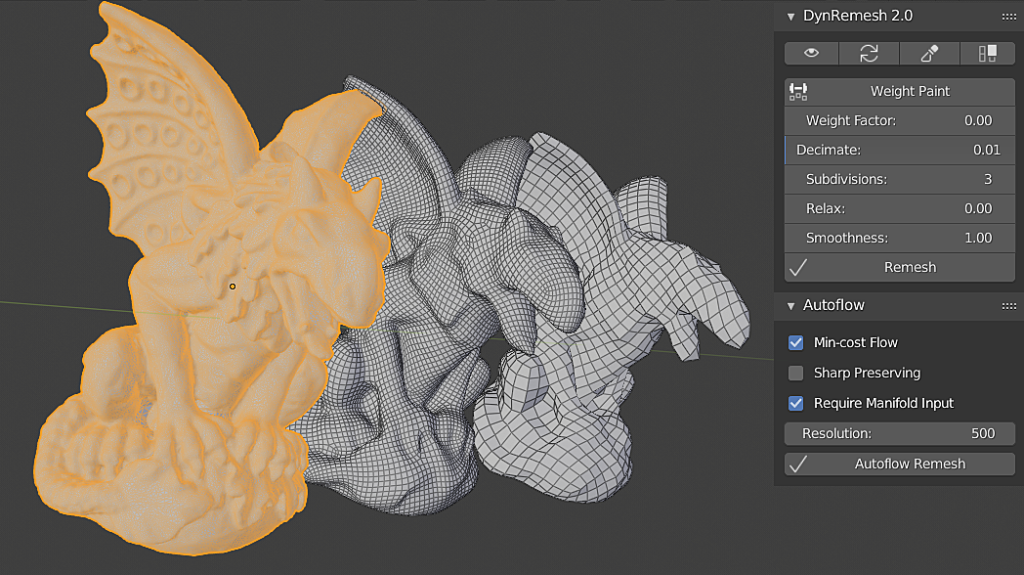
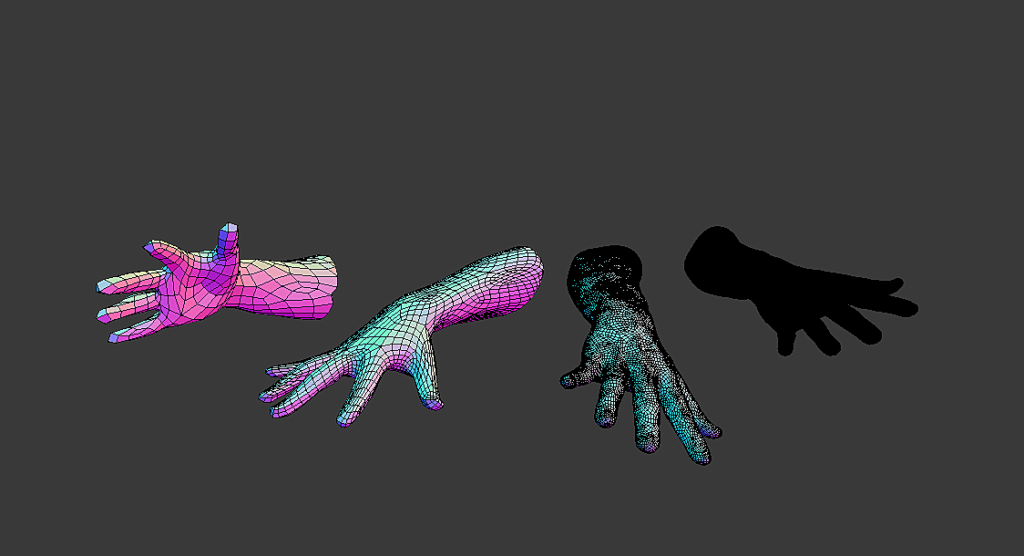
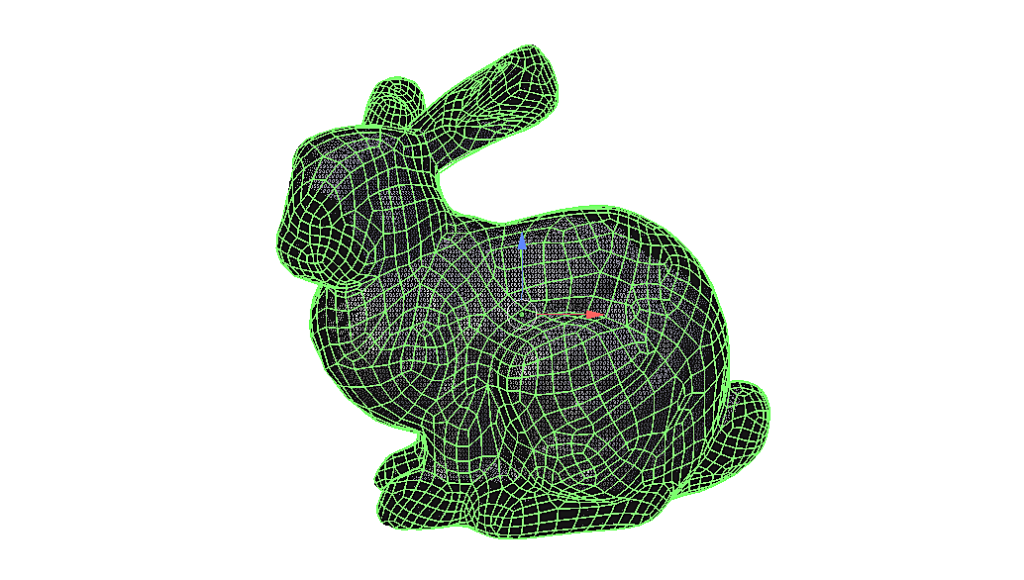
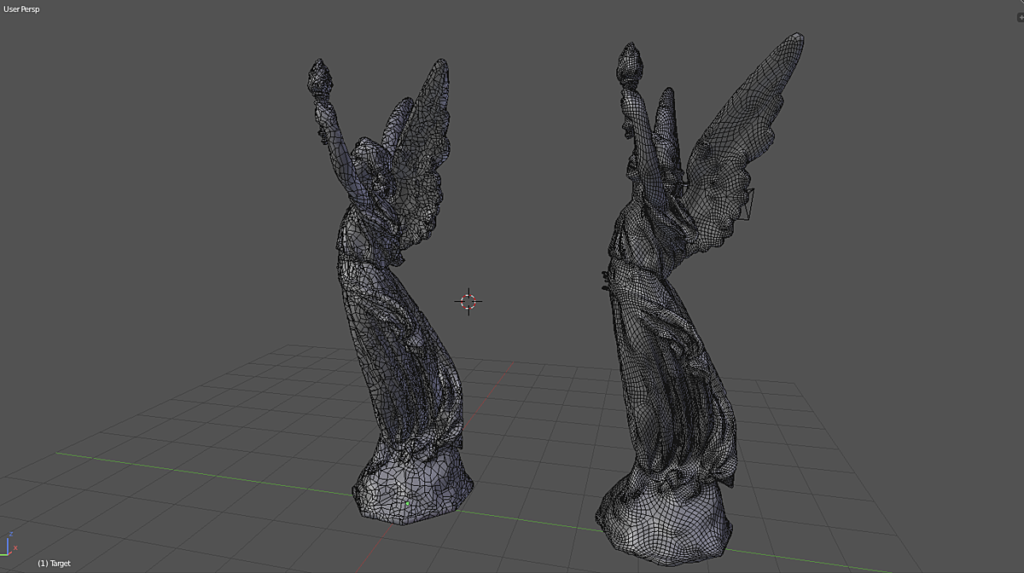
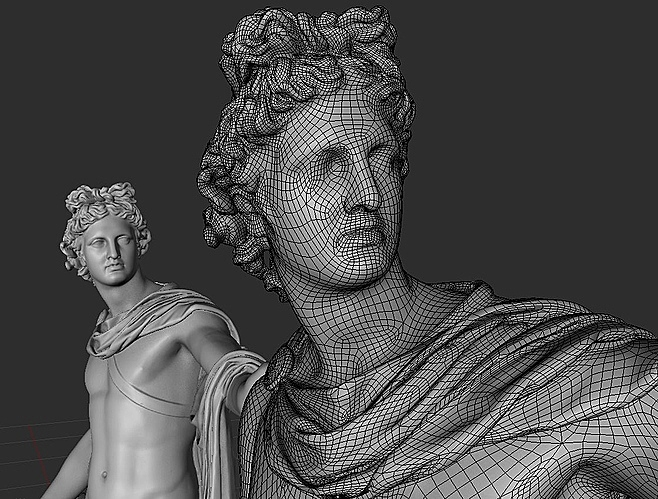
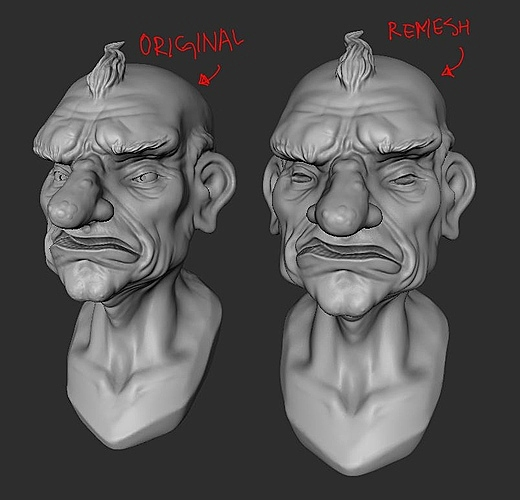
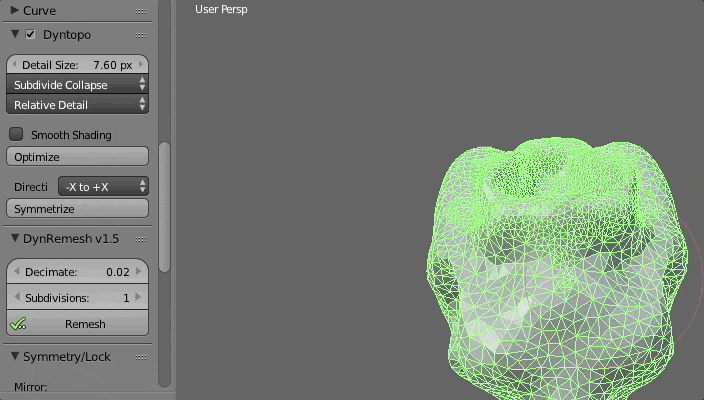
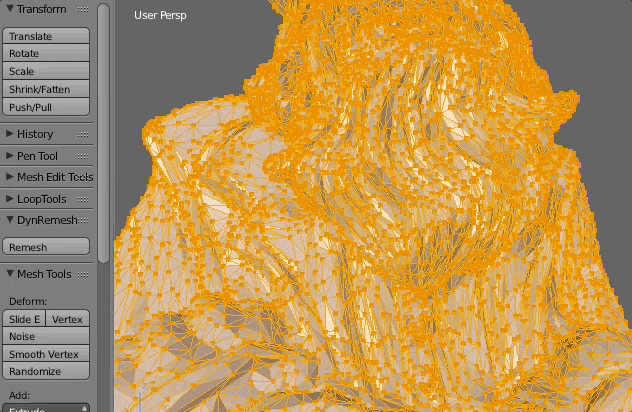
Retopology in a click.
DynRemesh 2.5 is a quad-based remesher for Blender 2.9, assisting in retopology for your dyntopo sculpts & 3dscans containing too many tris(triangles). The UI is simplified for you & performs the necessary steps for quad remeshing automatically(in a click!)
It includes support for QuadriFlow. QuadriFlow is a scalable algorithm for generating quadrilateral surface meshes based on the Instant Field-Aligned Meshes.
When working with any sculpt in general, you need clean topology in order for you to work with your assets.
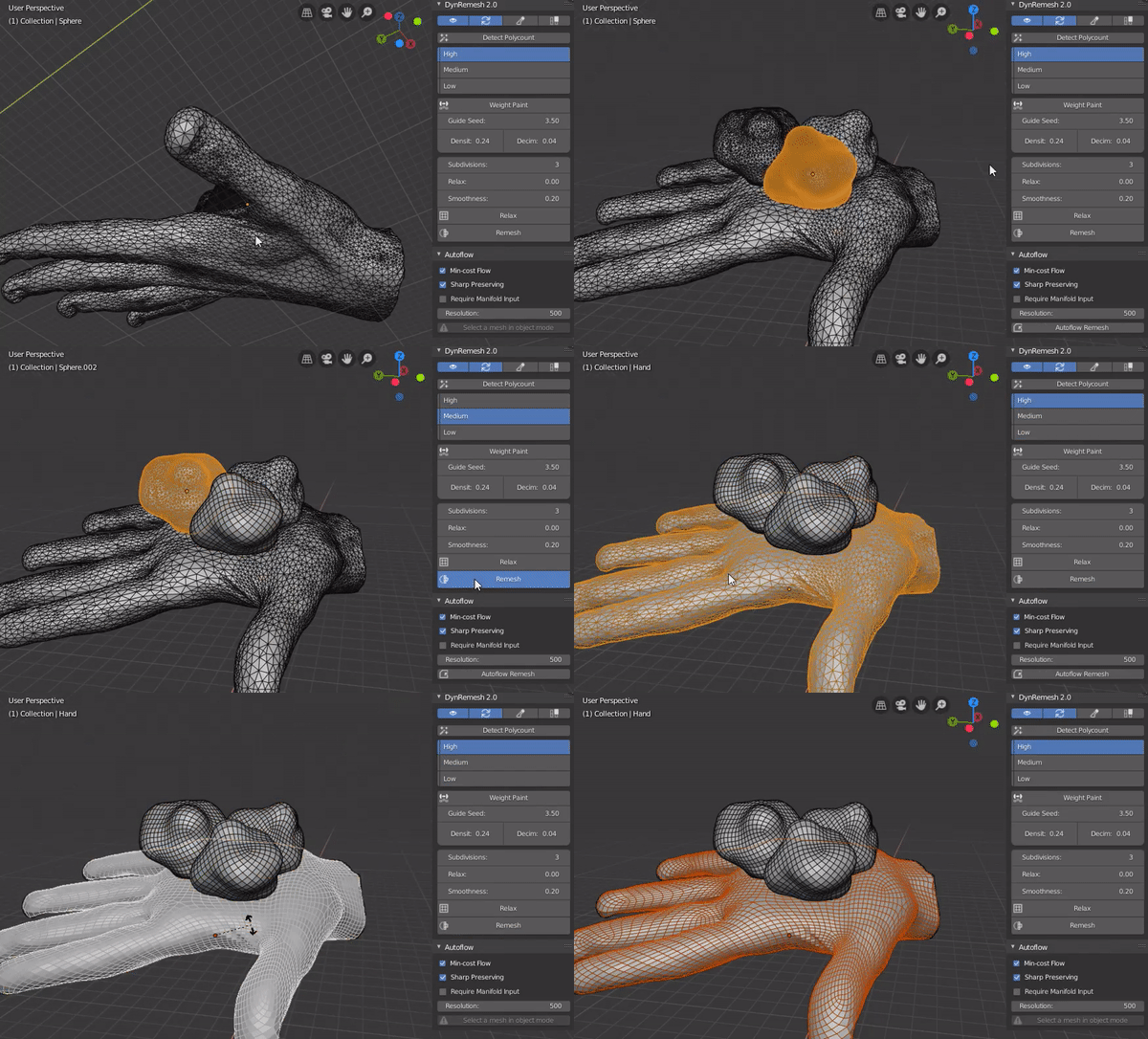 DynRemesh v2.5 in action
Features:
- Single-click solution
- Preset Bar(polycount detection)
- Control over density( Density/Decimation/Subdivision)
- User-Friendly UI
- Weight Paint Operator(Define density with weights)
- Symmetry Support(Experimental)
- Relax + Smooth options
- Auto-Update(Update mesh when changing settings)
- Improvements to the resulting remesh
- Support for QuadriFlow(Linux & Windows)
Note: DynRemesh 2.5/AutoFlow only works for Blender 2.8/2.9, not 2.79. Only DynRemesh v1.5 is supported for Blender 2.79.
Update Log:
- Bug Fixes/Build update(2.5.1)
- Fixed: remeshing objects with different dimensions gave different results(2.5.1)
- Preset Bar(Detects poly count & recommends best option)(2.5)
- New Density/Guide seed(2.5)
- New Relax tool(2.5)
- AutoFlow: Added paths for Windows & Linux(3.3.19)
- Fixed DynRemesh error on recent Blender 2.8 Builds(3.3.19)
- Fixed pole issue when remeshing
- Bug fixes
Development Log:
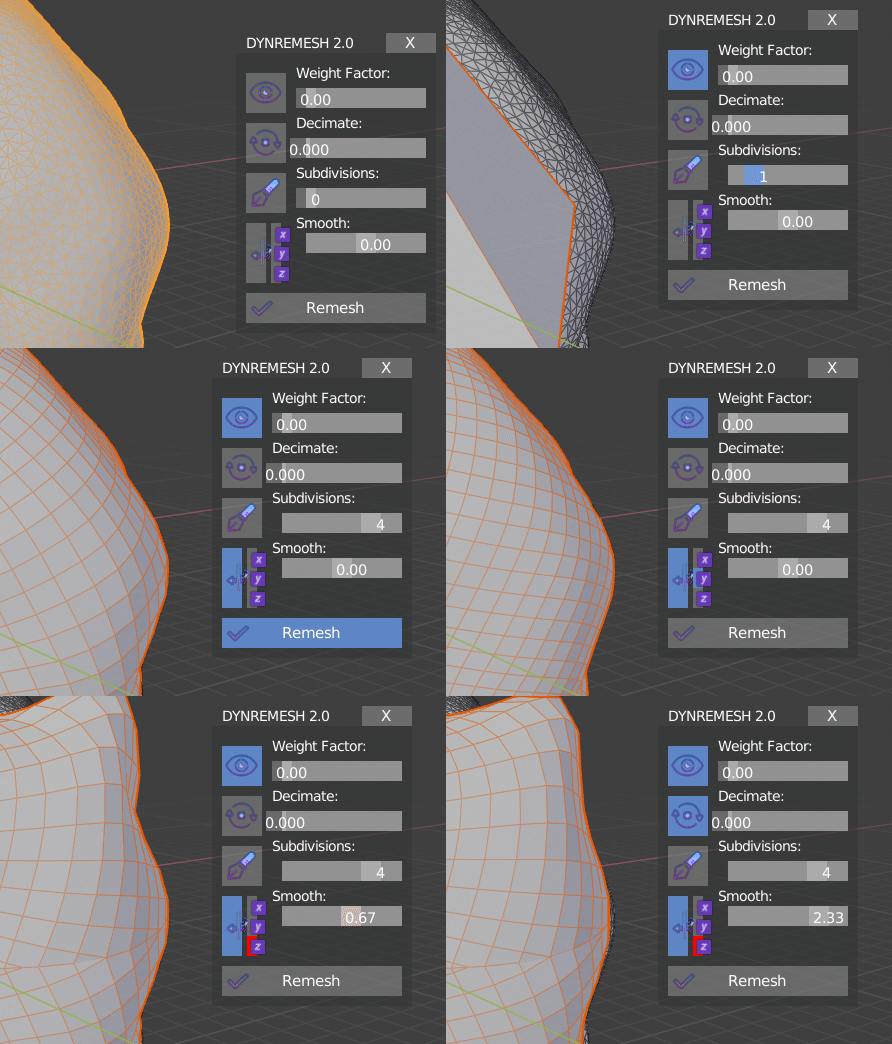 WIP UI Widget(3.0)
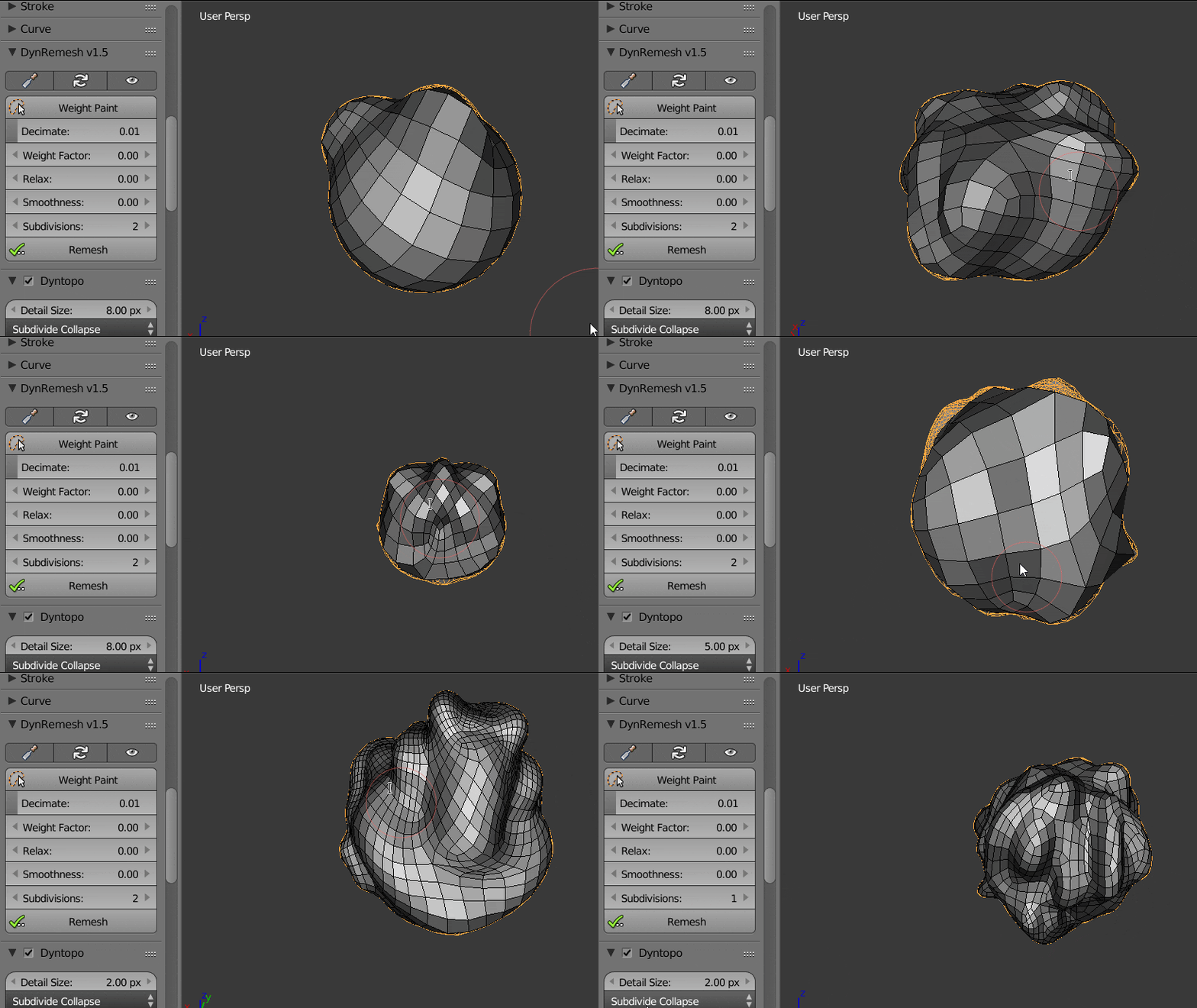 WIP Auto-Retopology as you sculpt with Dynamic topology(3.0)
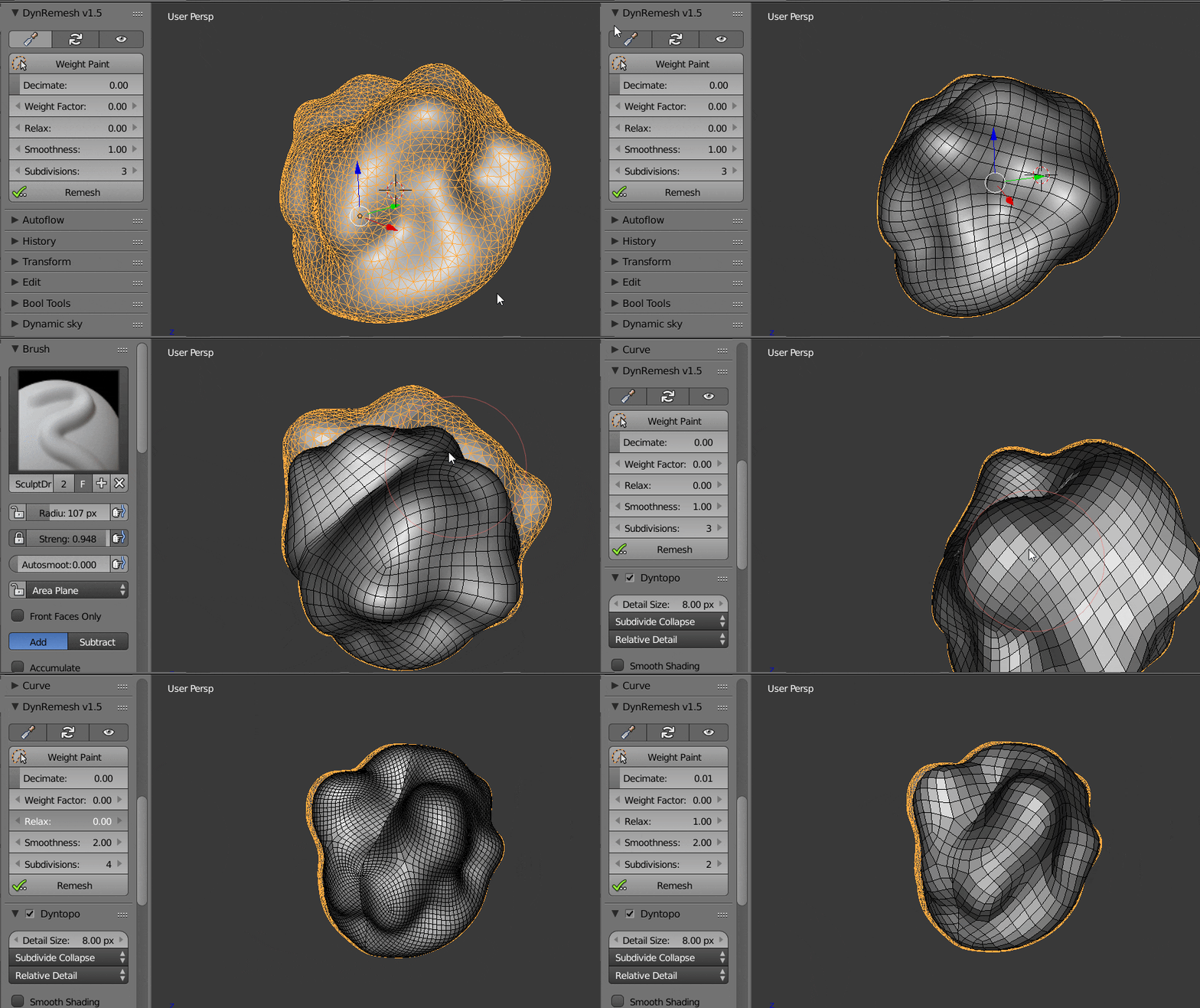 Symmetry Test(2.0)
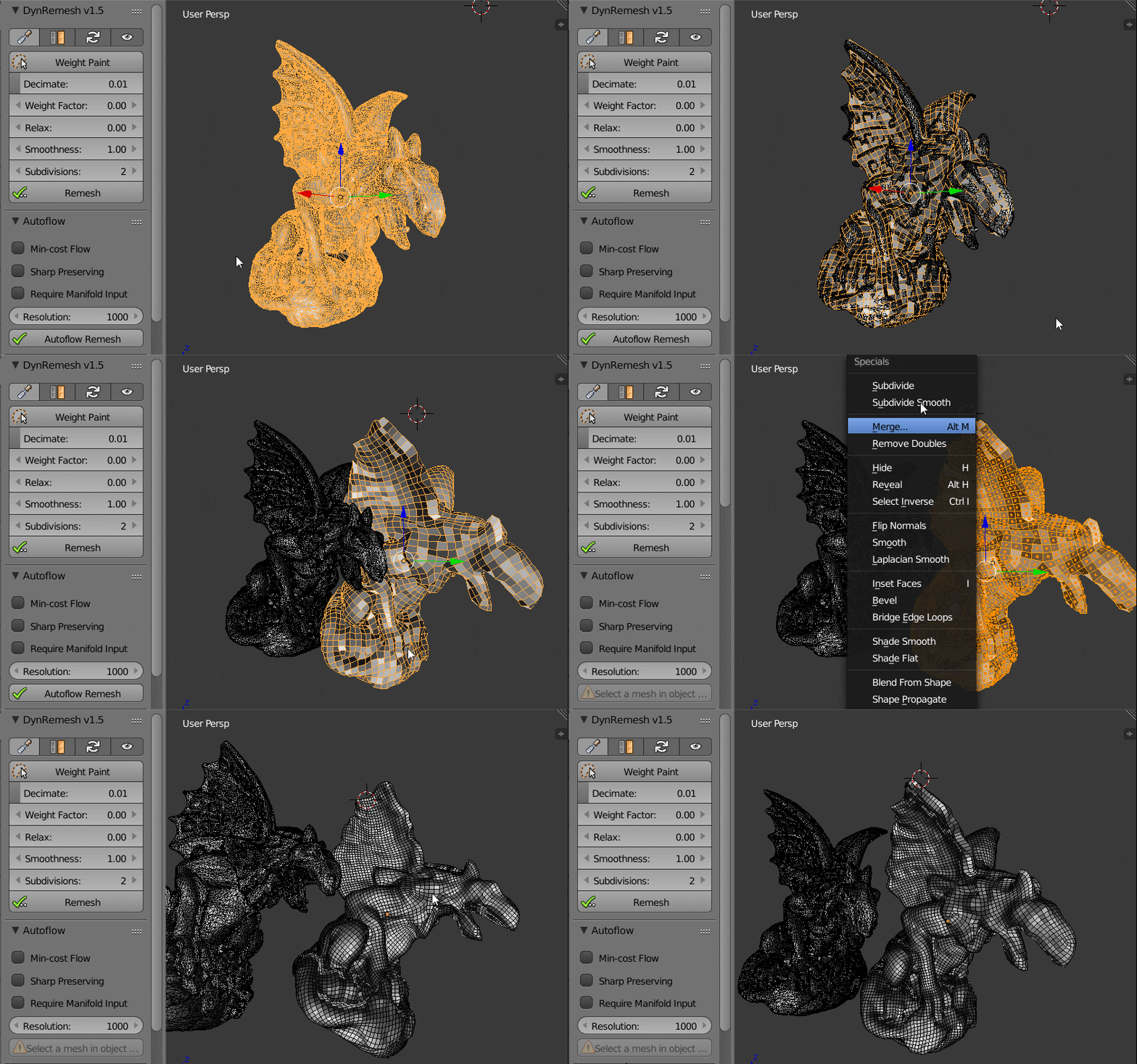 Implementation of QuadriFlow(AutoFlow).
Supercharge your 3D creation workflow with premium selection of Blender Add-ons. Whether you are modeling intricate characters, sculpting realistic environments, or animating cinematic sequences, the right add-on can transform how you work inside Blender. Our curated collection includes powerful tools for UV unwrapping, procedural texture generation, rigging automation, rendering optimization, and more—each rigorously tested for compatibility with the latest Blender versions. Eliminate tedious manual processes and unlock advanced functionality that lets you focus on what matters most: bringing your creative vision to life. Explore our full range of professional Blender plugins today and take your 3D projects to the next level.
➡️ ➡️ For more Blender Plugins 😀 😀
Reviews
There are no reviews yet.