
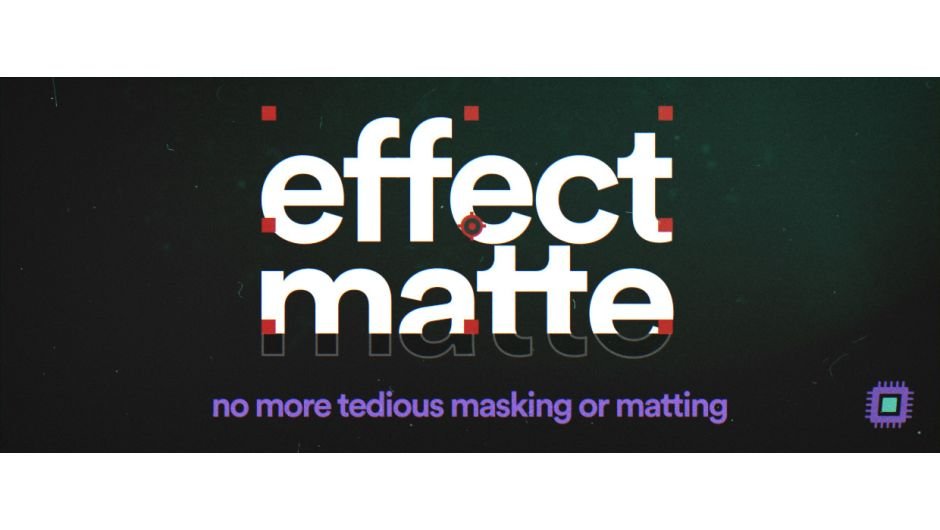
Effect Matte v1.4.0
Primary Keyphrase: matte layer plugin
Description:
Download Effect Matte v1.4.0, a powerful After Effects plugin that adds a perfectly sized and customizable matte directly to your layer—eliminating the need for an additional track matte layer . This essential tool streamlines your compositing workflow by keeping your timeline cleaner and more organized while providing complete control over matte properties .
Effect Matte adds a perfectly sized and customizable matte to your layer, removing the need for an additional layer to act as a track matte.
Effect Matte does the hard work for you in a single click. Simply apply it to any layer, and it automatically generates a perfectly fitted matte that you can customize and animate with intuitive parameters. No more squinting at confusing matte layers or struggling with complex track matte setups .
Version 1.4.0 Key Features:
- Customizable Parameters: Control Expansion (positive and negative values), Roundness, and Feathering with full animation support
- Manual Bounds Adjustment: Fine-tune the matte edges manually for precise control
- Transform Tab: Percentage-based transform controls let you create smooth transitions in seconds
- Invert Matte Option: Quickly invert the matte effect when needed
- MFR Stability Fix: v1.4.0 specifically fixes Multi-Frame Rendering stability issues
- 32bpc Support: Full compatibility with high-bit-depth color workflows
- Auto-Set Feature: Matte automatically applies when added to a layer (v1.3+)
Customer Reactions:
- “Made my comps WAY cleaner, bravo!” — @peggyshrooms
- “Between Effects Masking…and now this new Effect Matte, compositions in AE are becoming a LOT less cluttered than before.” — @Oddernod
Perfect For:
- Motion graphics artists wanting cleaner timelines without extra matte layers
- Compositors needing quick, customizable mattes for text and graphics
- Anyone tired of complex track matte setups and manual layer management
- Designers creating transitions and animated matte effects
System Requirements:
- Adobe After Effects CS6 through 2026
- Windows 10/11 (64-bit) or macOS 10.8+
- 4GB RAM minimum (8GB+ recommended)
- 50MB available disk space
- Requires continuous rasterization enabled on layers
- Parent layer compatibility only in CC2018
- Auto Set Matte feature not compatible with shape layers
Matting in AE is tedious
Effect Matte does the hard work for you in a single click.
Customise and animate these parameters:
- Expansion (both positive and negative)
- Roundness
- Feathering
You can even manually tweak the bounds of the matte.
There’s also a transform tab that’s % based so you can create transitions in seconds.
Requirements & limitations:
- Effect Matte is compatible with layers that have parents, but only on CC2018.
- Effect Matte requires layers to have continuous rasterization enabled.
- “Auto Set Matte” feature is not compatible with shape layers.
Effect Matte is compatible with AE CS6 and up, 32bpc color, with text and video layers. Mac users please note OSX version 10.8 and higher is required
Show Me Everything
Go behind the scenes on why and how we developed Effect Matte
Video Tutorials
Elevate your motion graphics workflow with premium collection of After Effects plugins. Whether you are a seasoned professional or just starting your VFX journey, powerful tools designed to streamline complex tasks, unlock creative possibilities, and save you hours of rendering time. From stunning glitch effects and seamless transitions to advanced 3D extrusion and text animation tools, each plugin in our library is rigorously tested for compatibility with the latest versions of Adobe after Effects. Enhance your video production value today and download industry-leading plugins that help you create breathtaking visuals without the technical headaches. Browse our full range and find the perfect extension to supercharge your editing suite now.
➡️ ➡️ For more after effects Plugins 😀 😀
➡️ ➡️ System requirements AE
Reviews
There are no reviews yet.