
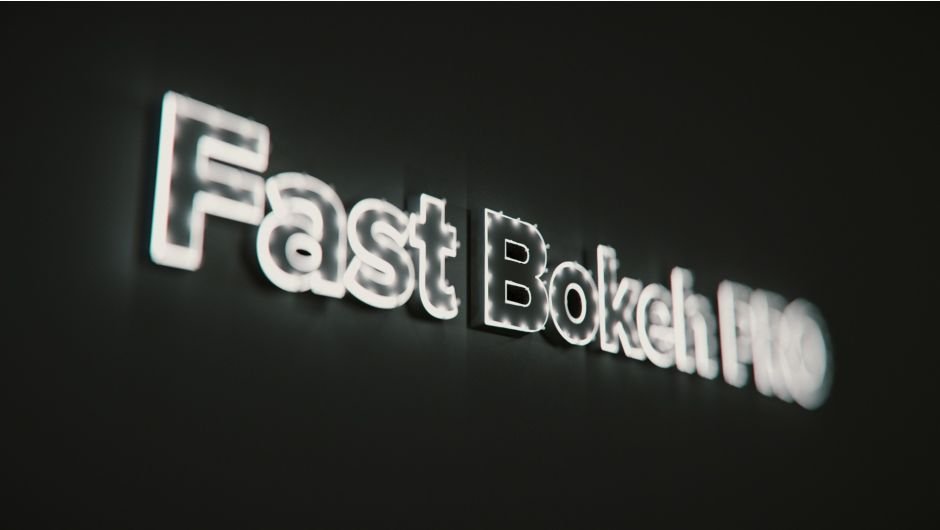
Fast Bokeh for After Effects
Primary Keyphrase: bokeh depth of field plugin
Description:
Download Fast Bokeh Pro v2.1.3, a high-performance depth of field plugin for Adobe After Effects that creates smooth, professional bokeh blur effects using depth maps . This GPU-accelerated plugin delivers exceptional rendering speed with independent blur radius control, making it ideal for adding cinematic focus effects to your footage .
New: Custom Image Bokeh Shapes, Zone Control and optimized GPU Acceleration. Fast Bokeh Pro v2 is a plug-in for After Effects that creates a smooth Depth of Field bokeh blur using a Depth Map. It’s very fast, handles edges properly and easy to use.
Fast Bokeh Pro features excellent edge handling that eliminates common blur artifacts, ensuring clean, realistic results even on complex素材. Choose from multiple blur types including Gaussian, Spherical, and high-quality Polygon modes for versatile creative control . The plugin supports custom image-based bokeh shapes, letting you create unique lens effects by importing your own shape textures. Advanced region controls enable precise area-based blur adjustments for complex scenes .
Version 2.1.3 Key Features:
- GPU Acceleration: Leverages Metal and modern compute technology for dramatically faster rendering
- Multiple Blur Types: Gaussian, Spherical, and Polygon (high-quality) options for diverse visual styles
- Custom Bokeh Shapes: Import any image to create unique lens effects and artistic blurs
- Region Control: Precisely target specific areas for selective blur application
- Excellent Edge Handling: Clean, artifact-free results with proper edge processing
- Radius Independence: Blur size independent of processing speed for consistent performance
- V2.1.3 Fix: Stability improvements for reliable performance
Perfect For:
- Cinematographers adding realistic rack focus and shallow depth of field
- VFX artists creating smooth background separation and atmospheric effects
- Motion graphics designers enhancing text and graphics with lens blur aesthetics
- Anyone needing fast, professional bokeh effects without slow render times
System Requirements:
- Adobe After Effects 2025, 2024, 2023, 2022, 2021, 2020, CC 2019, CC 2018, CC 2017, CC 2015.3, CC 2015, CC 2014, CC, CS6
- Windows 10/11 (64-bit)
- GPU recommended for optimal acceleration
- 4GB RAM minimum (8GB+ recommended)
- 50MB available disk space
Note: Chinese version of After Effects may cause expression errors; English version recommended for optimal performance . Enable “Allow Scripts to Write Files and Access Network” in Preferences > General before use .
Fast Bokeh Pro for After Effects
Fast Bokeh Pro v2 is a plug-in for After Effects that creates a smooth Depth of Field bokeh blur using a Depth Map. It’s very fast, handles edges properly and easy to use.
Why Another Lens Blur Plug-in?
Fast Bokeh Pro is different from all the other Lens Blur plug-ins out there because of the following features:
- Very fast and blur radius independent.
- Handles edges properly.
- Gaussian/Spherical/Polygonal (HQ) Bokeh Blur
- Custom Image Bokeh Shapes
- Zone Control for Segmentation
- GPU Acceleration using Metal/Compute
What’s New In v2.0
Fast Bokeh v2 comes with some great new features like Custom Image Bokeh Shapes, Zone Control and most importantly GPU Acceleration using modern technologies like Metal/Compute.
Blur Radius Independent
Fast Bokeh’s performance only depends on the image size, but not the amount of blur applied, so you can expect a near-constant render performance.
No Hard Edges
Object boundaries are expanded and edges are handled properly as expected. There are still limits because the plug-in doesn’t have information about occluded objects in the render, but it does a reasonable job of avoiding hard edges and halos as much as possible.
Custom Iris Shapes

This plug-in creates a smooth Gaussian-like fast blur or Spherical and Polygonal Iris (Hexagon, Pentagon, Octagon and more) shaped Bokeh Blur. Gaussian-like Aperture Blur is lightning quick while Spherical and Polygonal shaped Aperture Blur is very high quality yet still reasonably quick.
Spherical and Polygonal Bokeh Blur while not as fast as Gaussian, is still radius independent and very performant.
Anamorphic Bokeh

Adjust Iris aspect ratio settings to achieve ‘Anamorphic’ looking Bokeh Blur.
32 bit colors
32 bpc is not only supported but also recommended for best quality.
Focus Point Selection
Use a point parameter to select the focus point automatically without having to enter the focus depth manually.
HQ Rendering
Adjust render quality for Spherical and Polygonal apertures or choose Polygonal HQ option for the best quality.
Linear Color Space
Supports Linear Color Working Space for photo-realistic compositing
Highlights Adjustment
Adjust the brightness and saturation of the blur highlights to get a more cinematic effect.
GPU Acceleration
Fast Bokeh can optionally utilize GPU to accelerate the render. GPU acceleration is built using the latest GPU compute technologies, hence a recent GPU that supports Metal 2 on macOS and GL 4.3 on Windows is required for GPU Rendering.
Zone Control
Fast Bokeh v2 introduces the concept of Zones. You can split the scene into multiple zones and blur them separately. For a quick overview, please watch the video below.
Quick Overview
Here is a quick overview for Fast Bokeh v2
Documentation
Go to Fast Bokeh Documentation to read the latest documentation.
Compatibility
After Effects CS6 and Creative Cloud. Tested with CC 2017, CC 2018, CC 2019, 2020, 2021. macOS 10.14 and above or Windows 7 and above.
Important Note
It is recommended to use Depth Maps without anti-aliasing for best results.
Pro Features
Spherical/Polygonal Aperture Bokeh Blur, Highlights, Anamorphic Bokeh, Linear Color Working Space and Quick Focus Point parameters are ‘Pro’ features and require the plug-in to be registered with a license key. If the plug-in isn’t registered and you’re using the ‘Pro’ features, a watermark is rendered. If you’re not using ‘Pro’ features a watermark isn’t rendered.

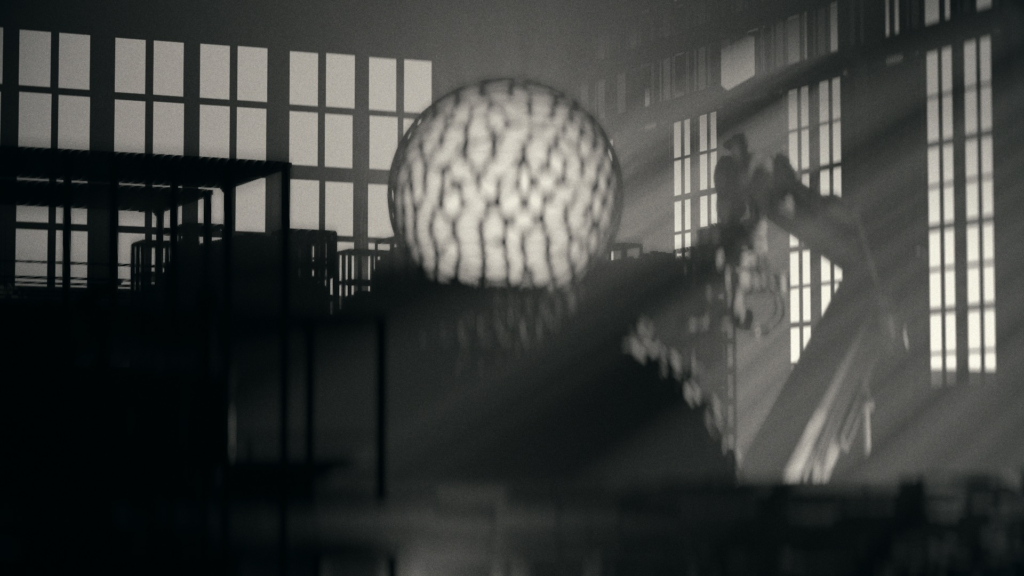
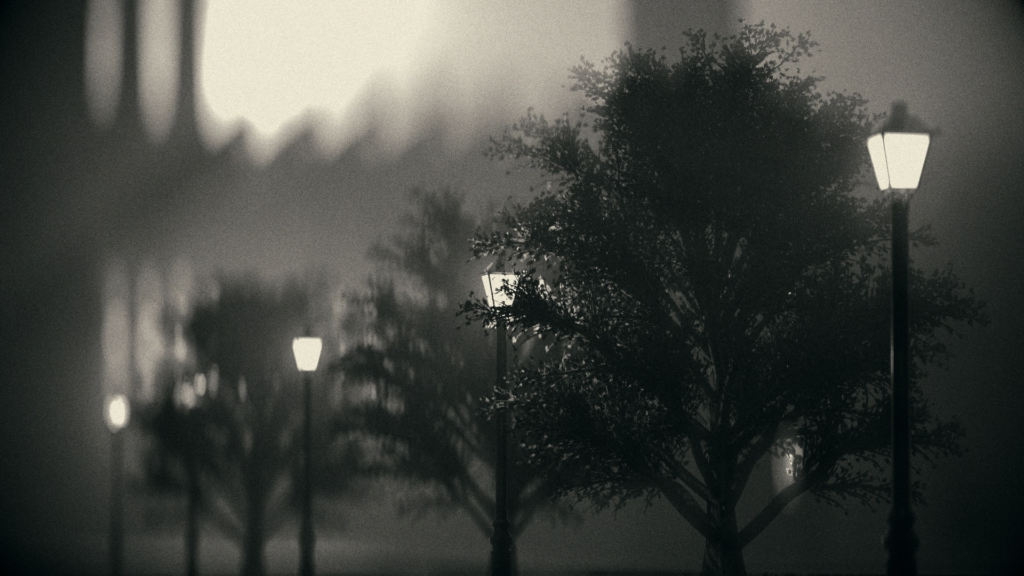












Elevate your motion graphics workflow with premium collection of After Effects plugins. Whether you are a seasoned professional or just starting your VFX journey, powerful tools designed to streamline complex tasks, unlock creative possibilities, and save you hours of rendering time. From stunning glitch effects and seamless transitions to advanced 3D extrusion and text animation tools, each plugin in our library is rigorously tested for compatibility with the latest versions of Adobe after Effects. Enhance your video production value today and download industry-leading plugins that help you create breathtaking visuals without the technical headaches. Browse our full range and find the perfect extension to supercharge your editing suite now.
➡️ ➡️ For more after effects Plugins 😀 😀
➡️ ➡️ System requirements AE
Reviews
There are no reviews yet.