
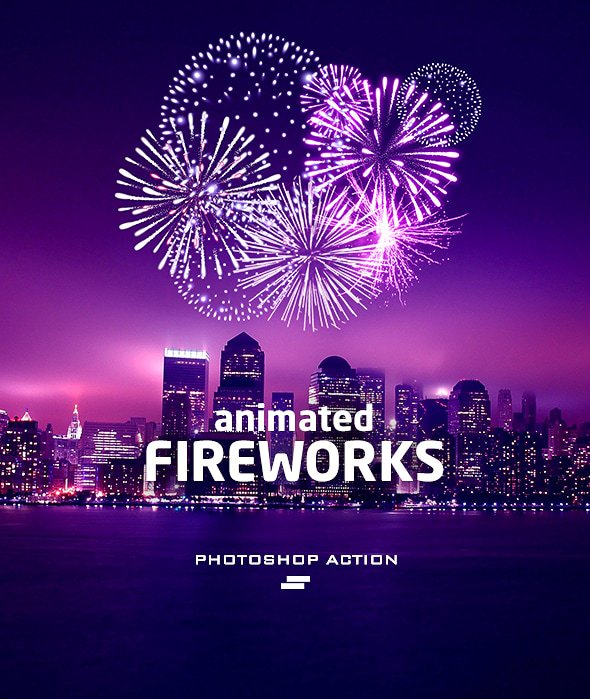
Fireworks Photoshop Action
Photoshop Action Create Animated Fireworks on Images with Video Tutorial from Graphic River | 5.04 MB | ATN & ABR Format
In this series, you will see another example of the effect of images in the form of action and under the title of creating animated fireworks on images along with a video tutorial from River Graphics, which has been placed on the site for download in ATN and ABR formats.

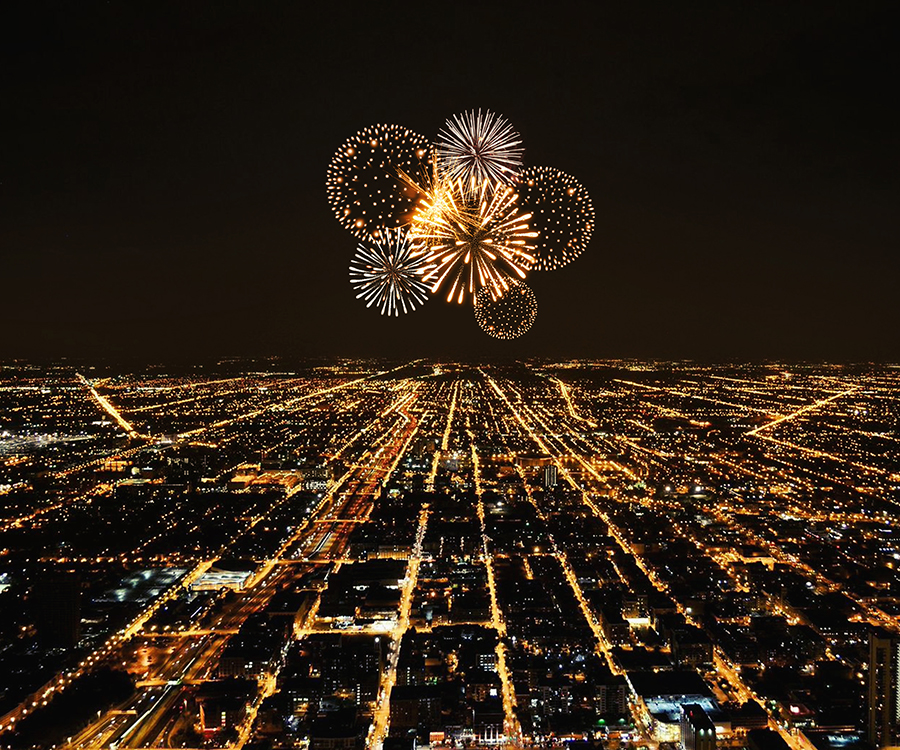

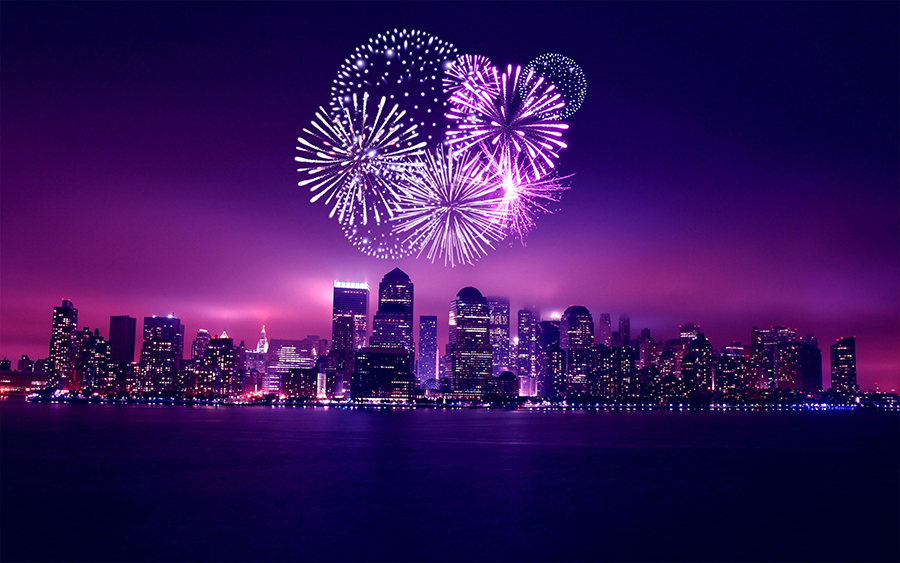
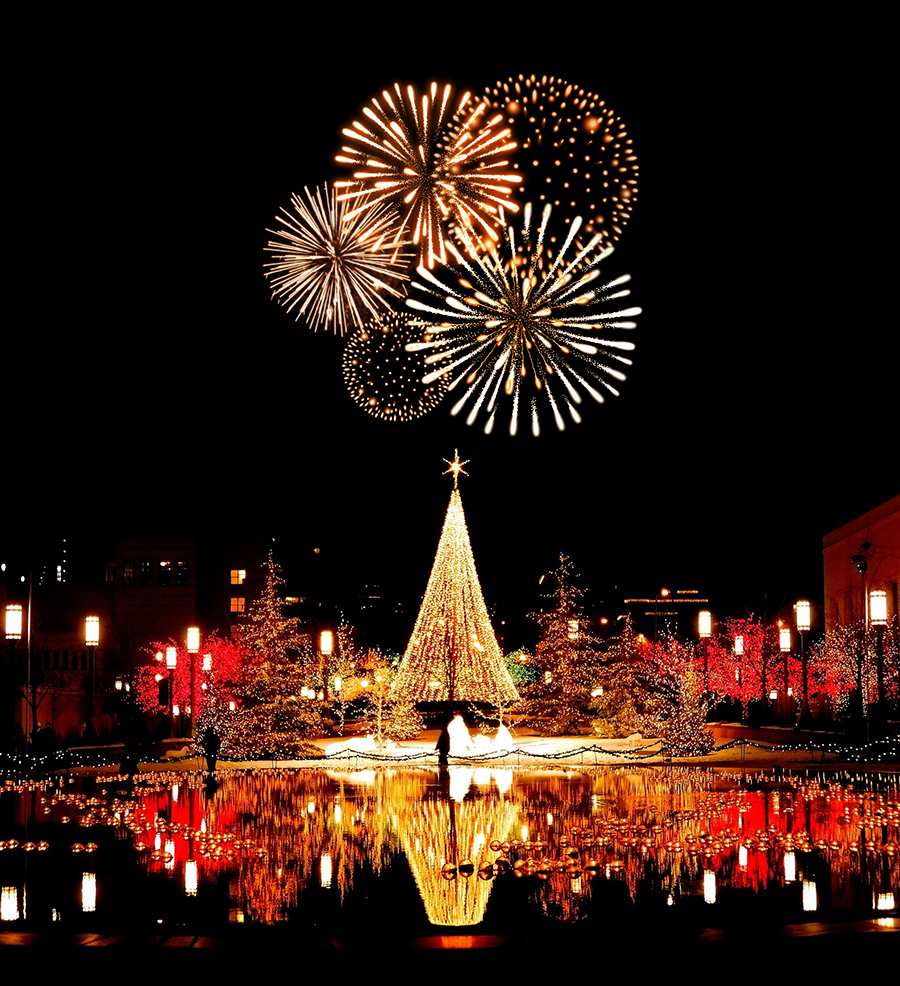
How to configure Photoshop to work with actions.
1. Make sure you are using the English version of Photoshop. Each action has been created to work only with the English version of Photoshop.
How to change language version you can watch HERE. When you will finished your work, then you can to return to your native language.
2. Use the RGB Mode and 8 Bits color. To check these settings, go to Image->Mode and check the “RGB color” and “8 Bits/Channel”.
3. This Action works only with CC+ version of Photoshop.
4. Use a image with resolution 72px/inch or more and in range from 2000-3500 px. If you are using a photo with less than 2000px and 72px/inch, the action will not function correctly. To fix this, go to Image->Image Size and increase the resolution value.
5. Set the Opacity of the brush to 100%. Select the “Brush Tool” and move the opacity slider to 100%.
Why Sreda Photoshop Action
Sreda Animated Photoshop Actions are designed to create new ways of working. Our Photoshop actions are pioneering in these new ways. We`re redefining creating dynamic content for an always-on world where brand experience flows through digital, retail, social, mobile and commerce. You can offers clients a unique and not-available-anywhere-else way to approach the challenges and creating remarkable content.
Time Saving
They are created in a ways that from Photoshop beginners to experts can use, saving you lots of time working on personal, presentation, showcase, events or commercial projects. You don’t need to know the additional program and plug-ins to create similar effects. Save you hours, days, weeks or months of work.
Video guides and orginized layers
In each work there are a well-organized layers and folders. Each layer and folder are named appropriately and color coded to create a neat working environment for you. Each action comes with a detailed video tutorial showing you about how each layer affects the design and how you can make customisations to it.
A Photoshop action is an incredible feature tool that allows you to record a series of steps
To achieve remarkable effects, and then play the sequence back to apply those effects on any image.
Because these actions are reusable you can improve your workflow by chopping countless hours off your design process.
you can transform your images into polished works of art while saving a lot of time and money.
Designed to save you time in the editing process for actions that you do repeatedly and create lots more elements that can be edited manually.
Exclusively designed for graphic designers & photographers .
we’ve cut out the hard work for you by putting the best collection of excellent Premium Photoshop actions!
Photoshop actions are perfect for both beginners and advanced Photoshop users
➡️ ➡️ For More Acions Photoshop 😀 😀
Reviews
There are no reviews yet.