

foxReveal for After Effects
Primary Keyphrase: path reveal script
Description:
Download foxReveal v1.2.0 for After Effects, a powerful script that reveals complex path structures and triggers animations with just one click . Say goodbye to manually adding and moving hundreds of keyframes—this intelligent tool lets you control reveals with two simple keyframes and automatically detects branching paths for effortless, dynamic animations .
Reveal Paths And Animations Within Seconds! NEW: Speed enhancements and compatibility with latest AE and OS.
foxReveal revolutionizes how you work with shape layer paths. Its automatic branching algorithm detects other paths and objects along your first path, analyzing complex branching trees and letting you control them with a single slider. Adjust parameters like branching radius to influence how other paths or objects are triggered .
Key Features of foxReveal v1.2.0:
- One-Click Reveals: Reveal complex path structures from any point with a single click—control the entire animation with just two keyframes and their curves
- Automatic Branching Detection: Automatically identifies other paths and objects along your first path, analyzing complex branching trees without manual grouping
- Trigger Animations: Launch animations when a revealed path reaches them by retiming your original keyframe animation to the exact moment of appearance—making your work more lively and complex
- Intelligent Baking Function: Convert your reveal to regular, editable animation keyframes for complete customization, creating smooth results just like hand-placed keyframes without the manual work
- Simple 4-Step Workflow: Add path objects as shape layers, set a source point to define where reveals start, reveal and trigger animations, and bake to keyframes when needed
- Version 1.2.0 Update (Aug 25, 2025): Speed enhancements and compatibility with macOS Tahoe 26 and Adobe After Effects 2025
Perfect For:
- Motion graphics artists creating complex path-based reveals and animations
- Designers wanting to trigger secondary animations as paths are revealed
- Anyone tired of manually keyframing hundreds of path points
- Studios seeking efficient workflows for intricate shape layer animations
System Requirements:
- Adobe After Effects 2026, 2025, 2024, 2023, 2022, 2021, 2020, CC 2019, CC 2018
- Windows 10/11 (64-bit) or macOS (including Tahoe 26 support)
- 4GB RAM minimum (8GB+ recommended)
- 50MB available disk space
- Requires shape layers with strokes applied

Reveal Your Shapes
with one click
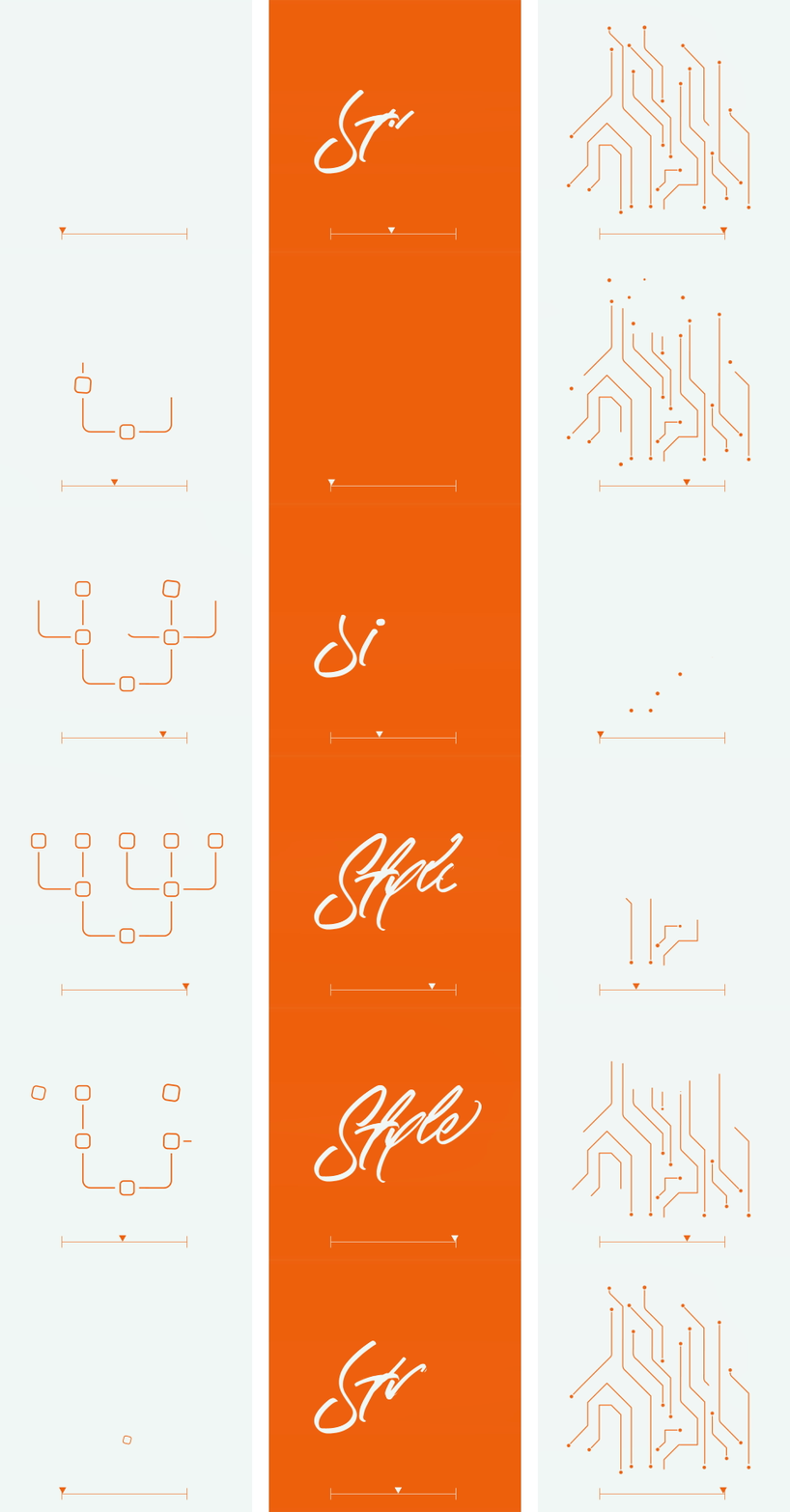
You don’t have to add & move hundreds of keyframes by hand just to reveal a path anymore. With foxReveal you can reveal complex path structures from any point with one click. You control the reveal with two simple keyframes and it’s curve – that’s it!


Automatic Branching
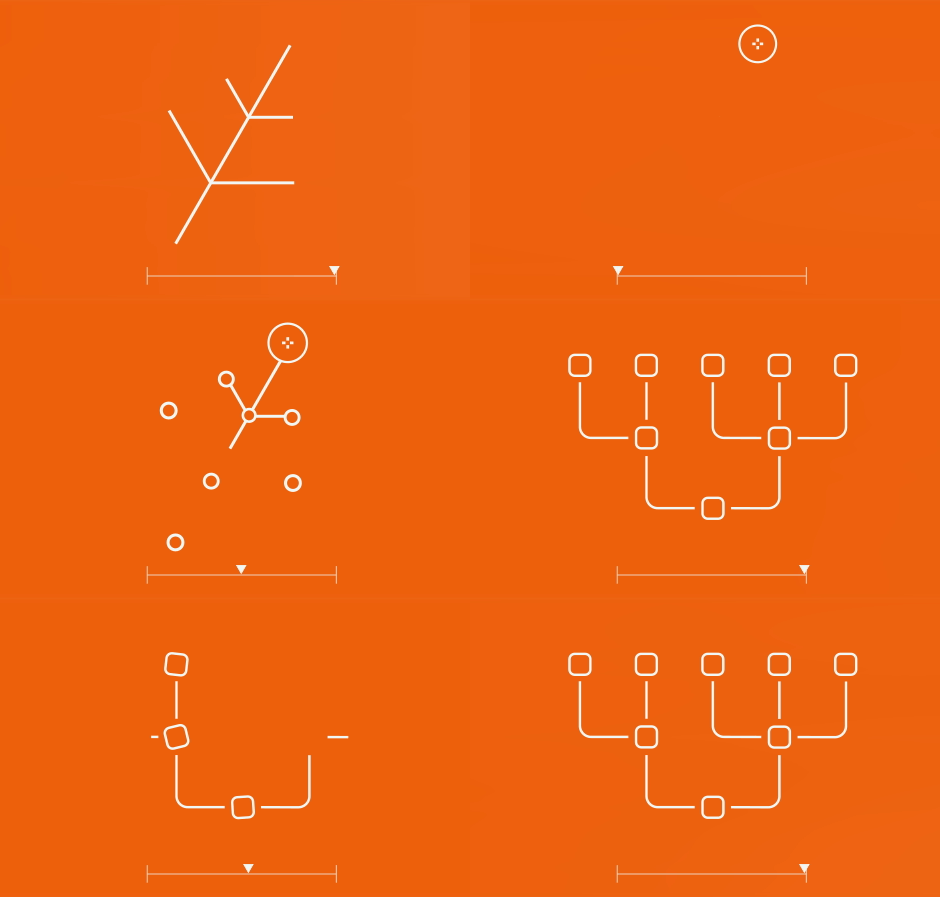
Our branching algorithm automatically detects other paths and objects along your first path. We are able to analyze complex branching trees and reveal them with one simple slider later on. You have several options to influence the way your path is being interpreted. For example, the branching radius, in which other paths or objects should be triggered.
Trigger Animations
The real fun starts when Trigger Animations come into play with your paths! This feature allows you to trigger animations as soon as a revealed path reaches it! This way your animation easily gets more lively, vivid and complex. All of this happens by retiming your original keyframe animation to the exact time of the appearance!

Bake to Keyframes
It’s awesome to have a tool that reveals something for you, but how awesome would it be to have it revealing with you? Our intelligent baking function allows you to customize your reveal, by converting it to regular, editable animation keyframes. Then everything looks just like if you would have done it by hand.. without all the sweat and tears of course!
The Way it Works
Add your path Objects
Add your paths as After Effects Shape Layers or convert them into Shape Layers with a stroke applied to it. They do not have to be especially grouped or layered to be revealed properly. Our branching algorithm will automatically detect all the relations between your paths, without you having to care about it.
Set the Source
Once you are done adding your path, you hit the add a Source Object to your comp to define the point from where to start your reveal. After analyzing the paths you selected, we will automatically find the point on your path that is the closest to your source position and start the reveal from there.
Reveal and Trigger Animations
Your path reveal is now one click away. Once you’ve selected your path you can reveal it from any point you like. If you change your mind on the go or want to play around with it, you can easily update your reveal just the way you added it – by pressing the button. The same goes for all the animations you can trigger after revealing your paths.
Bake your reveal
If you love the flexibility of custom made animations, you will love the baking functionality. As an advanced AE user, this gives you the flexibility of customizing the reveal any way you want, without being limited by the script or the expressions anymore. This is why we spent a lot of attention on a clean baking algorithm that creates smooth, editable keyframes just like you would place them by hand.
Tutorials
Elevate your motion graphics workflow with premium collection of After Effects plugins. Whether you are a seasoned professional or just starting your VFX journey, powerful tools designed to streamline complex tasks, unlock creative possibilities, and save you hours of rendering time. From stunning glitch effects and seamless transitions to advanced 3D extrusion and text animation tools, each plugin in our library is rigorously tested for compatibility with the latest versions of Adobe after Effects. Enhance your video production value today and download industry-leading plugins that help you create breathtaking visuals without the technical headaches. Browse our full range and find the perfect extension to supercharge your editing suite now.
➡️ ➡️ For more after effects Plugins 😀 😀
➡️ ➡️ System requirements AE
Reviews
There are no reviews yet.