
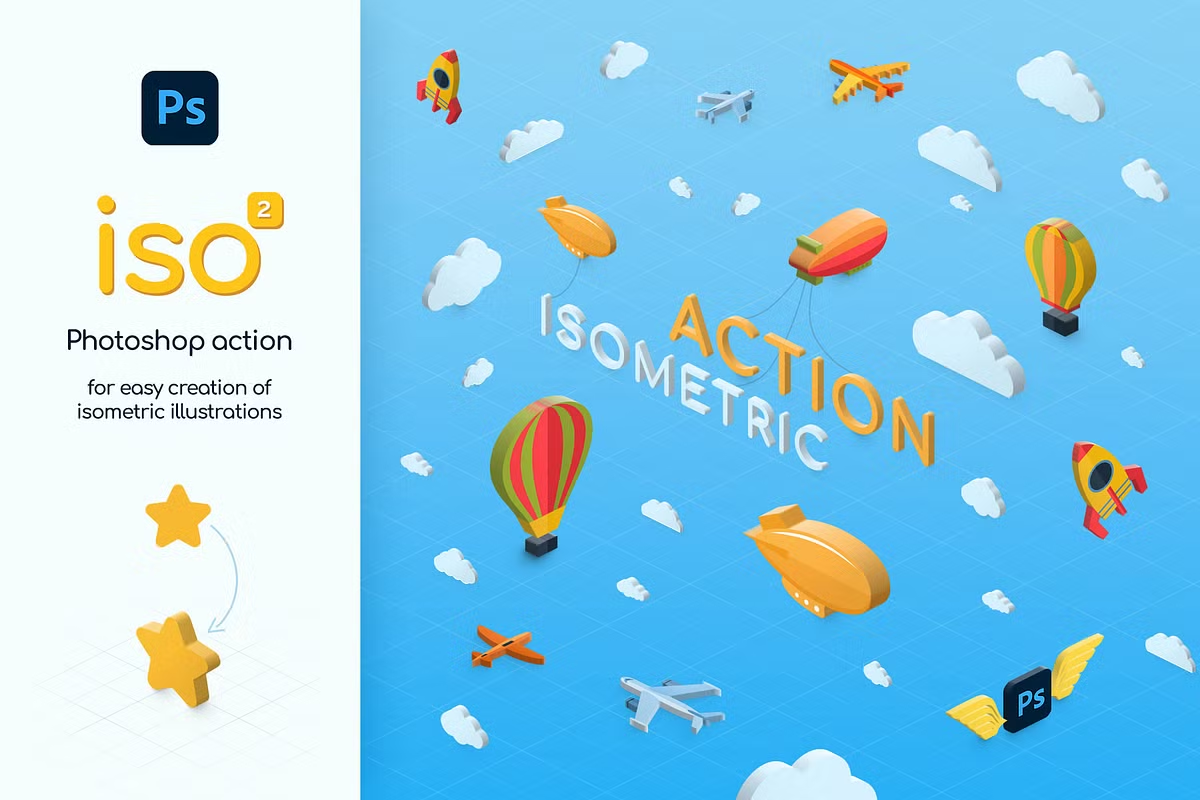
Isometric Illustration Photoshop Action
Photoshop Action and Open Layer Template Converting Images to Isometric Design | 11.1 MB | Comes with Preview | ATN & PSD & JPG FORMAT
In this section, you can see the action of Photoshop and the open-layer template of converting images to an isometric design, which has been placed on the site for download in ATN, PSD, and JPG formats. Isometric is a design style and technique that displays objects in a three-dimensional shape with a fixed and symmetrical angular view. With this action, you can quickly convert your images to isometric and create a unique and attractive design. It also provides features such as changing dimensions, colors, and other details so that you can edit your design with high accuracy and speed.
Create trendy 3D isometric illustrations from shapes, vectors, pixel layers, smart objects, group layers or texts. No 3D required! Make isometric 3D WITHOUT 3D engine!
Join the Isometric World) Creating isometric illustrations is now very easy. Create 3D objects in seconds! Just one click! Collect all the elements in one PSD and apply the action to each. It’s very fast!
Features:
- 4 Isometric Directions
- 10 Depth Sizes (10 PX – 100 PX)
- Global light function
- 40 Actions in total!
- Multilingual action
- Action saves colors and size of your objects
You can use this action many times in one PSD file. So, you can create isometric illustration very quickly. Drag and drop several objects and play action on each of them. You’ll get isometric objects in a minute. Then just place them as you wish and add a background. That’s all!
How it works:
- Choose layer/group
- Choose direction and depth
- Click ‘Play’
Works with any type of layers: shapes, vectors, pixel layers, smart objects, group layers or texts
Technical Requirements: Adobe Photoshop CS5, CS6, CC 2014-2023 and newer versions Any interface language is allowed PC or MAC
What you get:
- ATN file with 40 actions
- 10 Depth sizes for each direction
- PSD template for easy start
- PDF help file
- Video Tutorial
Save
Save
Save
Save
Save
A Photoshop action is an incredible feature tool that allows you to record a series of steps
To achieve remarkable effects, and then play the sequence back to apply those effects on any image.
Because these actions are reusable you can improve your workflow by chopping countless hours off your design process.
you can transform your images into polished works of art while saving a lot of time and money.
Designed to save you time in the editing process for actions that you do repeatedly and create lots more elements that can be edited manually.
Exclusively designed for graphic designers & photographers .
we’ve cut out the hard work for you by putting the best collection of excellent Premium Photoshop actions!
Photoshop actions are perfect for both beginners and advanced Photoshop users
➡️ ➡️ For More Acions Photoshop 😀 😀
Reviews
There are no reviews yet.