
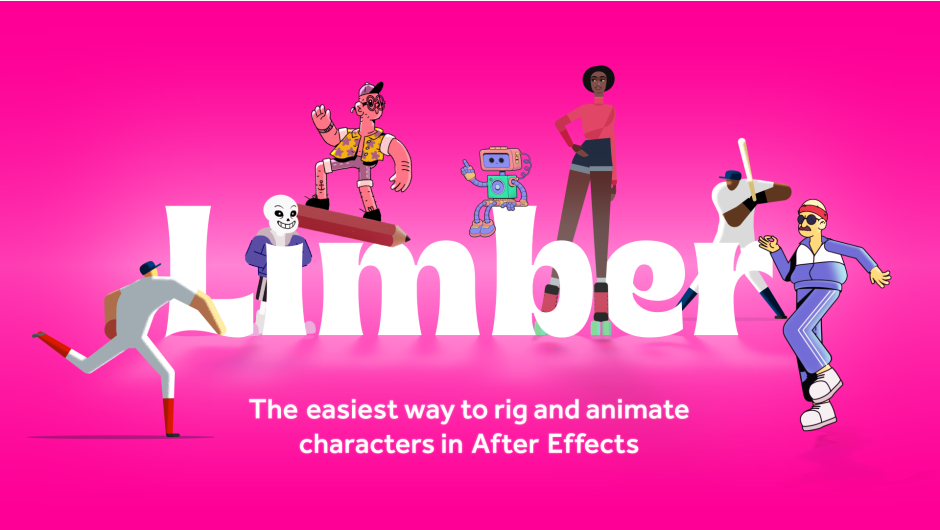
limber for After Effects
limber character rigging script
Limber v2.1.2 for After Effects – Advanced Character Rigging & Limb Animation Toolkit
Download Limber v2.1.2 for After Effects on Windows and Mac, a powerful character rigging system that creates customizable limbs for 2D animation using shape layers. This intuitive IK (Inverse Kinematics) tool simplifies the process of creating and animating flexible limbs, making character animation faster and more accessible than ever before .
Key Features of Limber v2.1.2:
- Complete Limb Rigging System: Create fully articulated limbs with intuitive IK/FK controls, stretchy bones, and customizable curvature—perfect for arms, legs, tails, and more
- Over 100 Built-in Presets: Extensive Limb Library with dynamic online updates and automatic cache clearing for fresh content
- Three Animation Modes: Switch seamlessly between IK (Inverse Kinematics), FK (Forward Kinematics), and FreeK modes for complete animation flexibility
- Advanced Bend Controls: Fine-tune limb curvature, taper, and shape with intuitive parameters—from subtle bends to dramatic curves
- Auto-Flip Algorithm: Intelligent shortest-route auto-rotation for smooth limb positioning without manual adjustments
- Color Customization: Full control over upper, middle, and lower limb colors with split adjustments for detailed styling
- Supports Multiple Layer Types: Works with vector art, raster art, bendable paths, puppet pins, and faux 3D tapering effects
- Seamless Integration: Limb Library features dynamic online updates with automatic thumbnail cache clearing
- Cross-Platform Support: Works on both Windows and Mac systems
Perfect For:
- Character animators creating expressive 2D characters for explainer videos and motion graphics
- Motion designers needing quick, flexible rigging solutions for complex animations
- Anyone wanting to create professional character animation without complex technical setups
- Studios looking to streamline character animation workflows across multiple projects
System Requirements:
- Adobe After Effects 2025, 2024, 2023, 2022, 2021, 2020, CC 2019, CC 2018
- Windows 10/11 (64-bit) or macOS
- 4GB RAM minimum (8GB+ recommended)
- 100MB available disk space
- Enable “Allow Scripts to Write Files and Access Network” in Preferences > Scripting & Expressions
Installation:
Copy the Limber.jsxbin file to your After Effects ScriptUI Panels folder:
- Windows:
C:\Program Files\Adobe\Adobe After Effects [version]\Support Files\Scripts\ScriptUI Panels\ - Mac:
/Applications/Adobe After Effects [version]/Scripts/ScriptUI Panels/
Access via Window menu > Limber
Note: Version 2.1.2 includes stability improvements and enhanced compatibility with recent After Effects versions . A free Lite version is available for testing basic functionality . Limber is widely used by professional animators for creating expressive, flexible character animations with minimal setup time .
The most-loved rigging tool for After Effects.
Simple…
Draw a bendy path, click a button and 💥 – it’s a limb.
Or take three circles and two art layers, click the same button and again – it’s a limb, with perfectly rotating joints. For raster layers you can use either method – no need to move anchor points or parent anything.
Limber 2 does it all: Vector art, raster art, bendy paths, puppet-pins, faux-3D tapers and over 100 presets in the Limb Library.
“Limber is the most intuitive rigging system I’ve used, which was a big help in making the character animation process less daunting to me.” – Ben Marriott
…yet powerful
Our three animation modes make everything a joy to animate, whether you’re a rigging rookie or a crack character animator.
IK – All limbs can be stretchy (or not). Anti-pop will smooth out tricky walk cycles. Easy foreshortening with separate lengths.
FK – For overlapping action, breaking joints, cross-body moves and perfect arcs.
Made by animators…
Limber is passionately designed and maintained by two experienced character animators.
We are Steve and Mike. We were character animators for almost a decade before we figured we could use everything we’d learned to build a tool that works the way an artist needs. Something both simple and powerful.
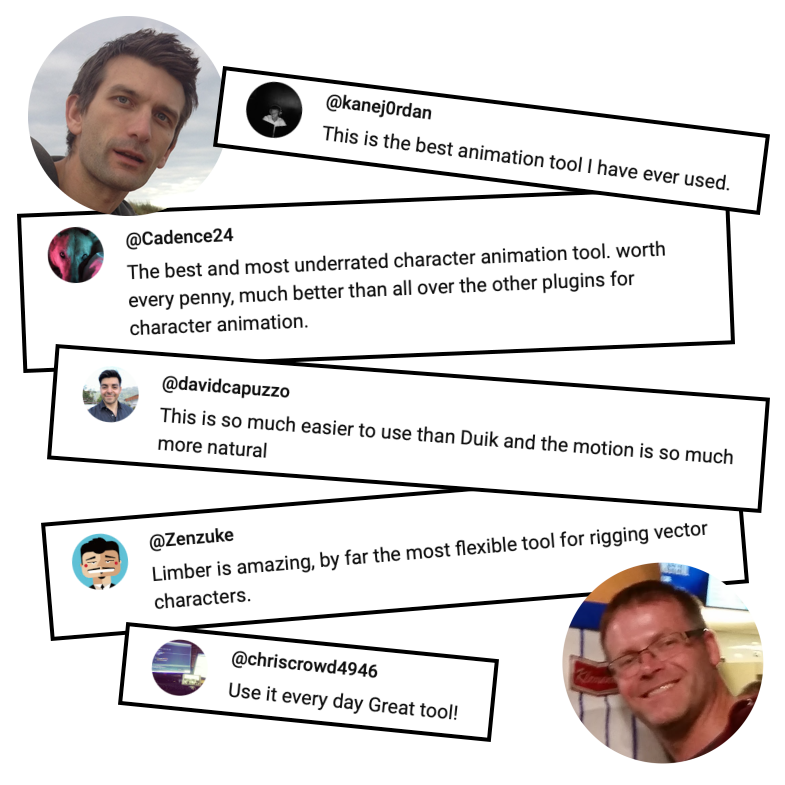
See what some of our users have said about Limber on just one of our YouTube videos:
…for animators
We love animation, and we love supporting animators to make their best work.
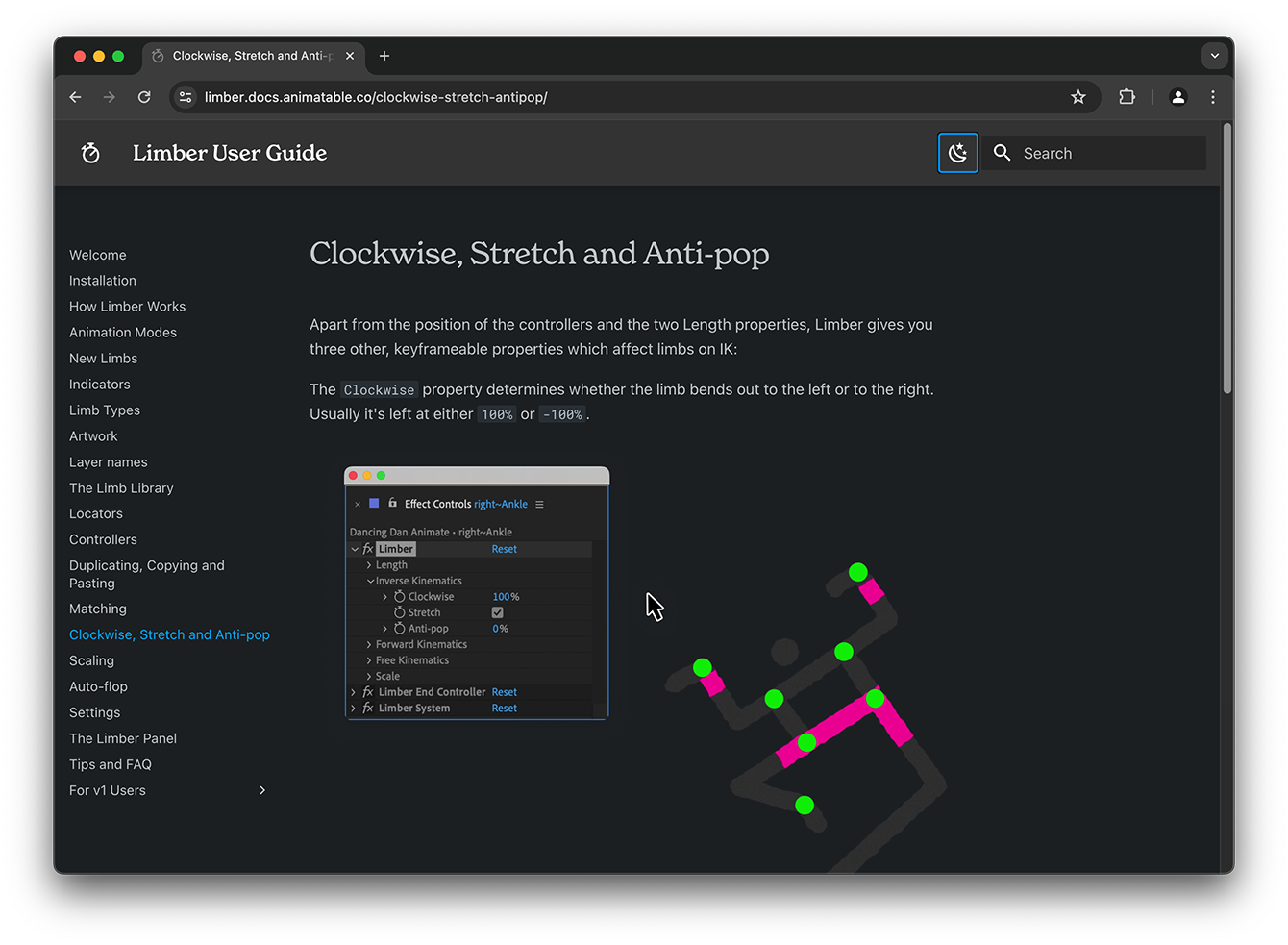
series of YouTube videos will teach you the fundamentals in your coffee breaks. The rich, online User Guide is the definitive reference manual for when you need it (which probably won’t be often).
What’s New ?
Version 2 adds a ton of new features and improvements. Here are just a few of them:
Rig anything
Now you can rig bitmap layers, .ai layers, puppet-pinned layers and precomps – just like you do Shape layers.
Limb Library v2
Now fully integrated and web based. Over 100 limbs and growing. Download them straight to your comp.
FreeK mode
Animate front-facing walk cycles, natural elbows, and moves that would be impossible on IK or FK.
Expanded workflow
Use the Rig & Pose and Path to Bone methods to rig almost any limb – even raster layers.
Auto-flop
Automate the change in limb direction without leaving IK mode.
Simple scaling
It just works. With as much resolution as you choose.
Dynamic UI
Resize the panel and everything adapts. Dialogs are rich with dynamic graphics and helpful text hints.
3-bone limbs
For animals, insects, fingers and more. They’re simple, they feel natural, and they’re easy to animate.
Elevate your motion graphics workflow with premium collection of After Effects plugins. Whether you are a seasoned professional or just starting your VFX journey, powerful tools designed to streamline complex tasks, unlock creative possibilities, and save you hours of rendering time. From stunning glitch effects and seamless transitions to advanced 3D extrusion and text animation tools, each plugin in our library is rigorously tested for compatibility with the latest versions of Adobe after Effects. Enhance your video production value today and download industry-leading plugins that help you create breathtaking visuals without the technical headaches. Browse our full range and find the perfect extension to supercharge your editing suite now.
➡️ ➡️ For more after effects Plugins 😀 😀
➡️ ➡️ System requirements AE
Reviews
There are no reviews yet.