
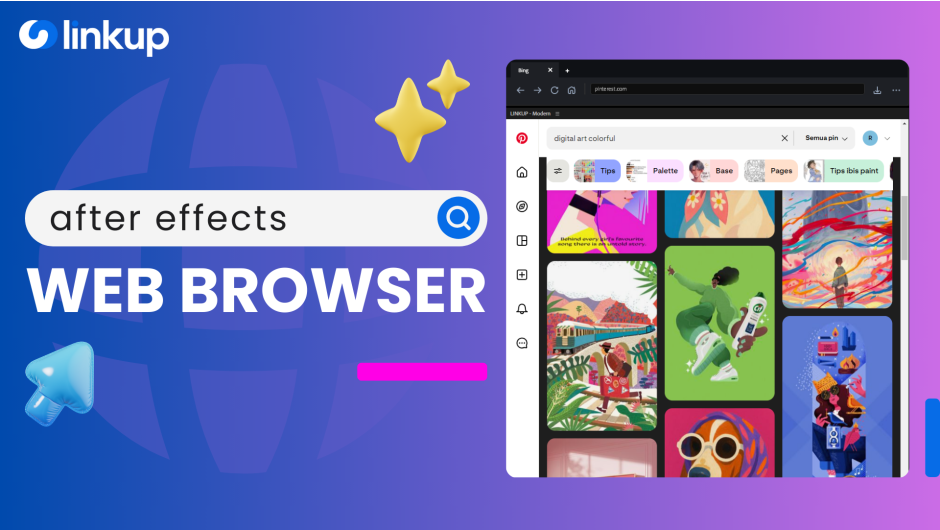
Linkup for After Effects
linkup script
Linkup v1 for After Effects – Automated Parenting & Layer Connection Tool
Download Linkup v1 for After Effects on Windows and Mac, a powerful script that automates parenting relationships and layer connections throughout your project. Instantly establish parent-child hierarchies, link multiple layers to controllers, and manage complex rigging setups with just a few clicks—saving hours of manual pick-whipping and layer linking.
Key Features of Linkup v1:
- Automated Parenting: Instantly parent multiple selected layers to a chosen parent layer—no more pick-whipping each layer individually
- Controller Linking: Connect multiple layers to controller nulls or sliders for unified animation control
- Batch Parent Management: Add, remove, or modify parenting relationships across dozens of layers simultaneously
- Smart Parenting Options: Choose from various parenting modes including “parent to nearest,” “parent by name pattern,” or custom selection-based linking
- Parenting Preview: See parent-child relationships visualized before applying changes
- Unlink with Value Preservation: Remove parenting while maintaining current transform values to prevent unwanted jumps
- Hierarchy Visualization: Clear display of layer relationships helps you understand and manage complex rigging structures
- Cross-Platform Support: Works on both Windows and Mac systems
Perfect For:
- Character animators building complex rigs with multiple parent-child relationships
- Motion graphics artists creating controller-based animation systems
- Anyone tired of manually pick-whipping dozens of layers to parent them
- Studios needing to standardize parenting structures across team projects
- Designers working with complex layer hierarchies that need frequent modification
System Requirements:
- Adobe After Effects 2025, 2024, 2023, 2022
- Windows 10/11 (64-bit) or macOS
- 4GB RAM minimum (8GB+ recommended)
- 10MB available disk space
- Enable “Allow Scripts to Write Files and Access Network” in Preferences > Scripting & Expressions
Installation:
Copy the script file to your After Effects ScriptUI Panels folder:
- Windows:
C:\Program Files\Adobe\Adobe After Effects [version]\Support Files\Scripts\ScriptUI Panels\ - Mac:
/Applications/Adobe After Effects [version]/Scripts/ScriptUI Panels/
Access via Window menu > Linkup
Note: Version 1 is the initial release of this parenting automation tool . The script’s ability to batch parent multiple layers makes it essential for anyone building complex rigging structures or controller-based animation systems .
The ultimate in-app browser designed to keep you in the flow. Use AI tools, watch tutorials, and auto-import assets directly to your timeline with the Smart Download Manager. Includes a built-in Community Hub to discover shared bookmark libraries, discuss ideas, and chat with fellow artists.
NEW: Linkup v1.5 introduces significant architectural changes, including a dual-engine system, a new download manager, and a community hub.
Connect Your Creative World!
The first browser that lives inside After Effects
What’s New in Linkup v1.5?
- 00:00 – Introduction & What’s New
- 00:30 – Dual-Extension Architecture & Instant Switching
- 01:00 – Cache Synchronization (Sync Tool)
- 01:40 – Iframe Mode: New Features
- 02:10 – Download Manager: New Features
- 02:40 – Smart Tags for Shortcut
- 02:55 – Community Hub & Collaboration
What is Linkup?
Complete Walkthrough Guide
Seamless AI Loop
Forget the import dialog. Download assets (Images, Video, Audio) and watch them auto-import directly into your project bin and active timeline.
Direct-to-Timeline
Drag layers from your timeline directly to web-based AI tools (Firefly, Midjourney, Vidu). Download the result, and it loops back instantly.
What You Can Do With Linkup
✦︎ Generate
Drag layers to Web AI & import results.
🔎︎ Search
Find inspiration on Pinterest/Behance.
🕶 Visualize
View Storyboards side-by-side.
ᯤ Browse
Full web access inside your panel.
🗫 Read
Keep scripts & briefs visible.
🖿 Organize
Curate your favorite tools hub.
🡻 Download
Direct to Timeline. No friction.
▶ Watch
Follow tutorials while you work.
Understanding the Engine
Linkup offers flexible modes to ensure compatibility with every website.
Direct Mode
The native browser experience. Use this for general browsing, reading, and watching.
CAPABILITIES
✔ Opens any website: Universal Compatibility for seamless browsing.
✔ Sign in to web: Unrestricted login access for any account.
✔ Fast and stable browsing: Optimized for speed and rerliability
RESTRICTIONS
✖ Sistem isolated: Downloads are disabled or inaccessible
✖ Limited interaction: No smart menus or advanced file handling.
✖ Clipboard Limit: Cannot copy text using native web buttons
Download Mode
The asset hunter. Wraps the browser to intercept files and send them directly to your project.
CAPABILITIES
✔ Download & Save: Grab files from the internet directly onto AE.
✔ Smart context menu: Enables right-click download options.
✔ Fast and stable browsing: Deep integration for automated workflows
RESTRICTIONS
✖ Security blocks: Some sites may refuse to load (blank screen)
✖ Limited interaction: Complex sign-in processes may fail
User Agent: Legacy vs Modern
Legacy (Recommended):
The native AE browser identity. Use this for 95% of your browsing. Maximum stability.
Modern (Google Support):
Disguises the browser as Chrome. Use ONLY if you need to log in to Google Services (YouTube, Drive, Gmail).

1 / 3

1 / 3
Elevate your motion graphics workflow with premium collection of After Effects plugins. Whether you are a seasoned professional or just starting your VFX journey, powerful tools designed to streamline complex tasks, unlock creative possibilities, and save you hours of rendering time. From stunning glitch effects and seamless transitions to advanced 3D extrusion and text animation tools, each plugin in our library is rigorously tested for compatibility with the latest versions of Adobe after Effects. Enhance your video production value today and download industry-leading plugins that help you create breathtaking visuals without the technical headaches. Browse our full range and find the perfect extension to supercharge your editing suite now.
➡️ ➡️ For more after effects Plugins 😀 😀
➡️ ➡️ System requirements AE
Reviews
There are no reviews yet.