

Local Diffusion for After Effects
local diffusion plugin
Download Local Diffusion v2.3.26 for After Effects on Windows and Mac, a revolutionary AI-powered plugin that generates and animates images directly inside AE using Stable Diffusion technology . Simply type a text description, and the plugin creates stunning visuals locally on your machine—no cloud processing required. Perfect for motion designers and VFX artists seeking to integrate cutting-edge AI image generation into their workflow.
Local Diffusion runs natively inside After Effects, acting as both an image generator and interpolator based on text prompts. Version 2.3.26 adds support for NVIDIA 5xxx series graphics cards and resolves loading conflicts with other third-party plugins .
Key Features of Local Diffusion v2.3.26:
- Text-to-Image Generation: Create images directly in AE from simple text descriptions using Stable Diffusion AI
- AI-Powered Animation: Generate subtle micro-animations like eye blinks, hair movement, and natural motion from static images
- Local Processing: All generation runs on your own hardware—no cloud dependency, no privacy concerns
- Advanced Parameter Control: Fine-tune animation speed, range, direction, and apply different settings across layers for complex effects
- Image Enhancement: Improve resolution and reduce noise in existing素材 using built-in AI models
- v2.3.26 Update: Added NVIDIA 5xxx series GPU support; fixed loading conflicts with other plugins
Perfect For:
- Motion graphics artists adding subtle, realistic animations to still images
- VFX creators integrating AI-generated elements into compositions
- Anyone wanting to bring photos to life with automatic micro-animations
- Designers exploring the creative possibilities of local AI image generation
System Requirements:
- Adobe After Effects 2025, 2024, 2023
- Windows: NVIDIA RTX 2000 series or newer GPU with >6GB VRAM (RTX 2070+ recommended)
- Mac: M1/M2 Mac running Ventura with 32GB RAM or more
- 4GB RAM minimum (16GB+ recommended for optimal AI performance)
- 200MB available disk space
Important Note: Local Diffusion is computationally intensive. Test on your system before purchasing to ensure compatibility with your hardware configuration .
Text-to-image generator based on Stable Diffusion.
Local Diffusion will be deprecated on 30th of May 2026 and no further updates will be issued!
Local Diffusion
Local Diffusion is a Stable Diffusion based image generator and interpolator running locally and native inside AE.
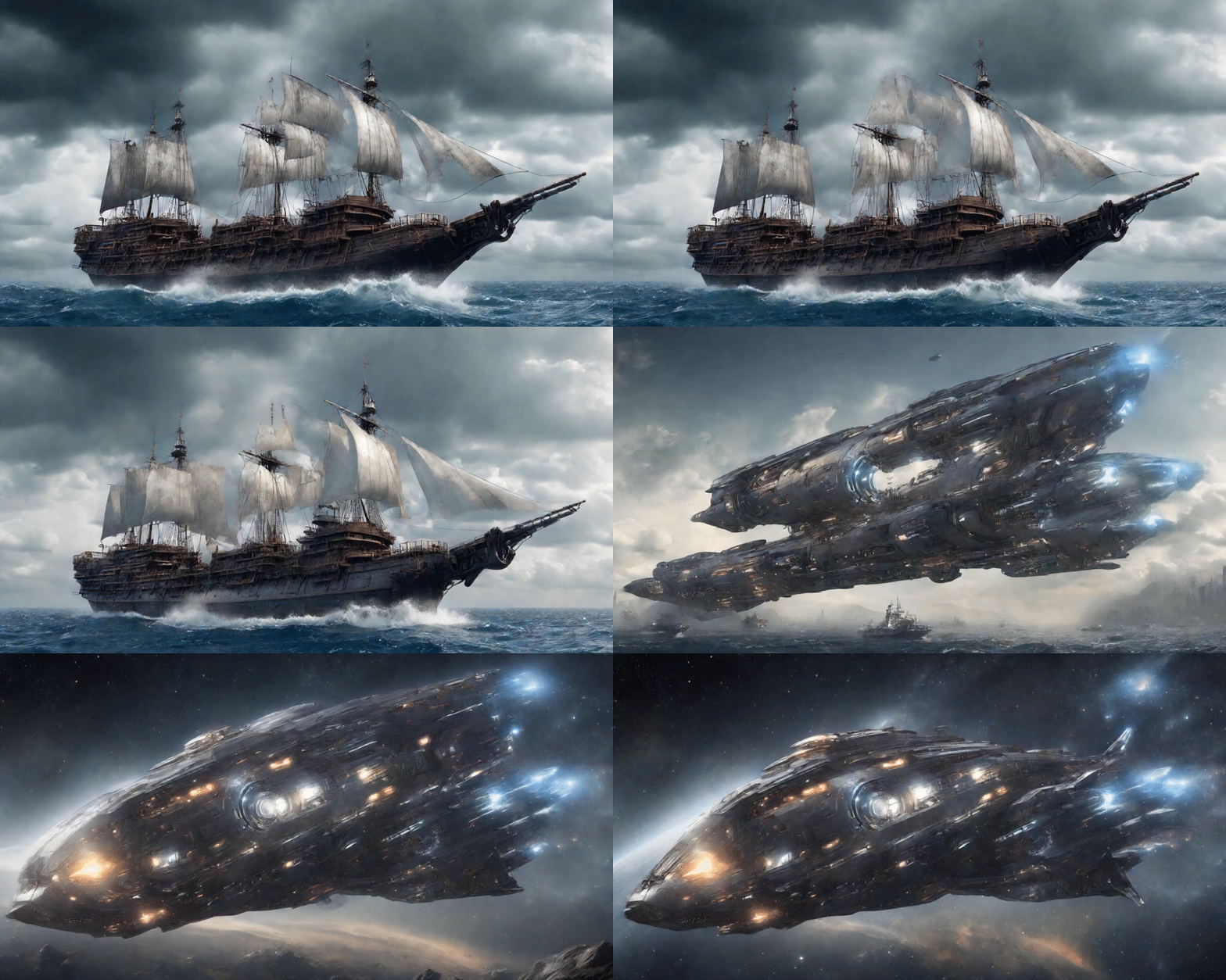 prompt interpolation example using the latest interactive model
Features
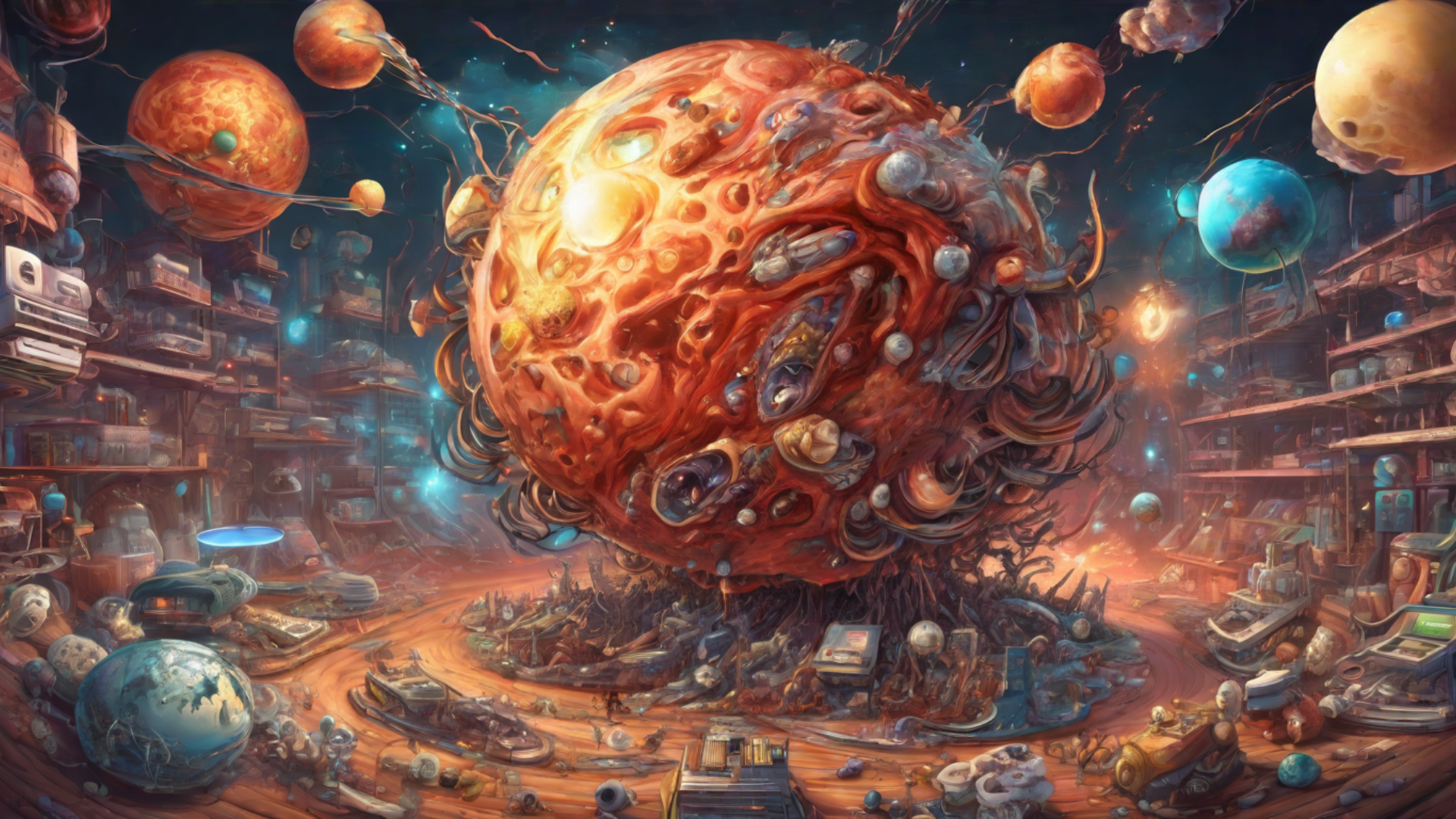
New: Stable Diffusion XL
We now integrate the latest state-of-the-art image model! Use SDXL for unmatched fidelity, details and photorealism.
Versatile prompting
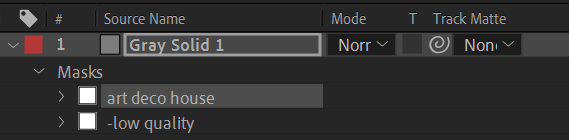
We have implemented a simple and effective prompting mechanism. Prompts are entered via mask names and can be weighted by the masks opacity.

dreamy forest, spring, fairytale vibes, narnia, mystical world, peaceful setting, a calm river, mountains in the background, matte painting panorama, detailed
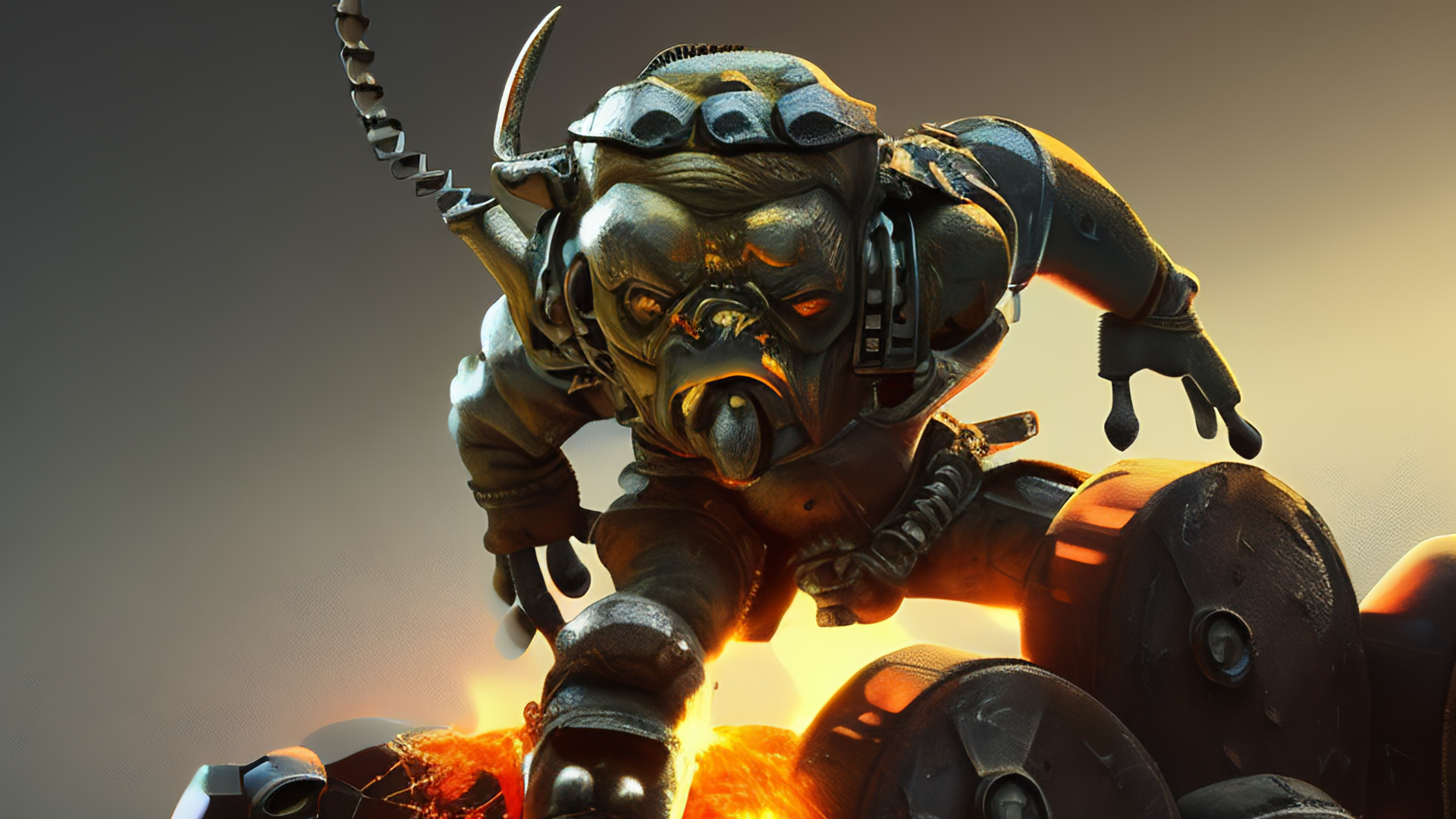
mechanical orc made of metal parts on the battlefield, trending on artstation, dramatic lighting, firesparks

futuristic gigantic city, highly detailed, cinematic, photorealistic rendering, digital skyscrapers, flying cars and spaceships
Interpolate prompts
Keyframe the prompts weight to interpolate between objects and find interesting concepts.
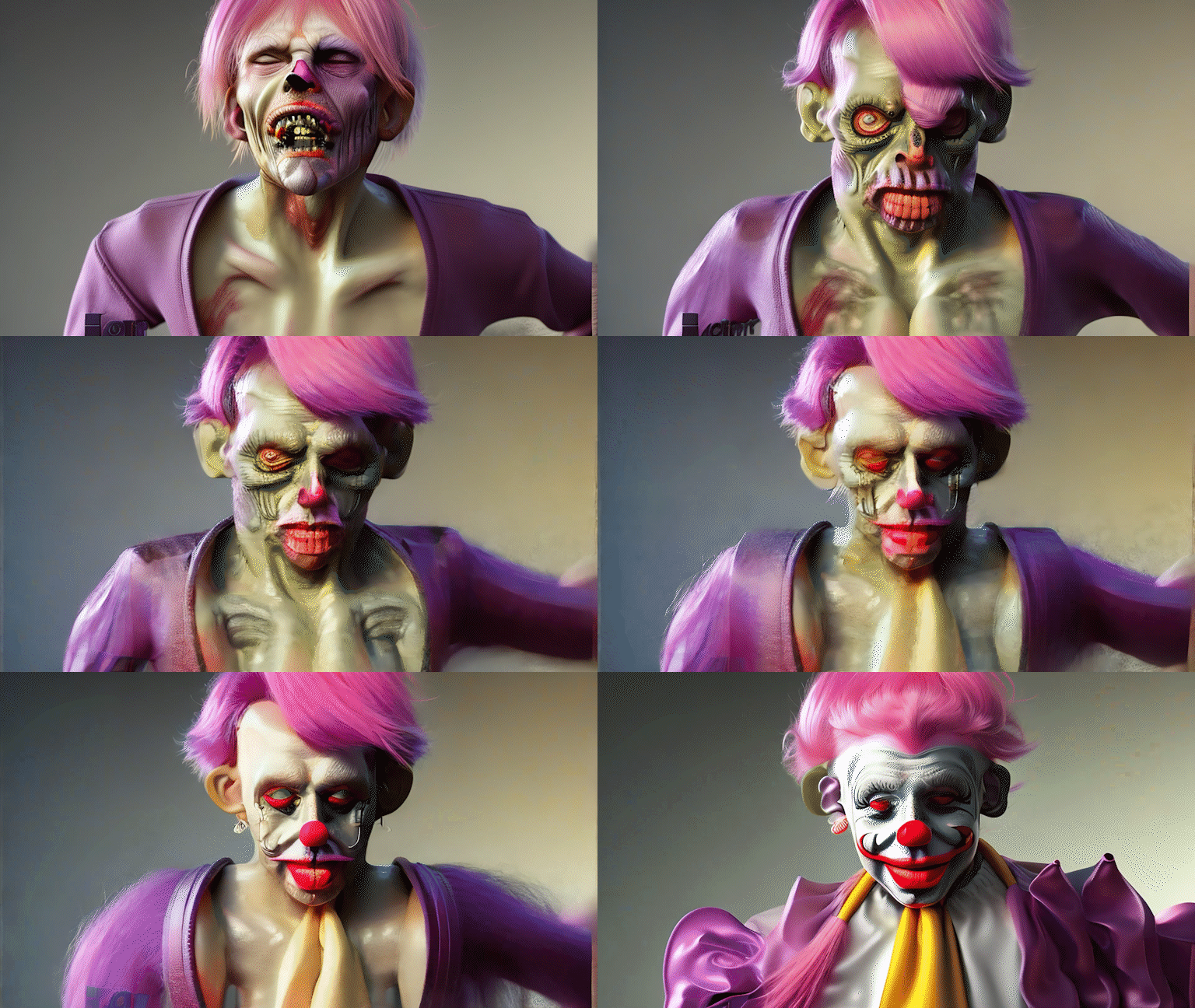 “a zombie” -> “a clown”
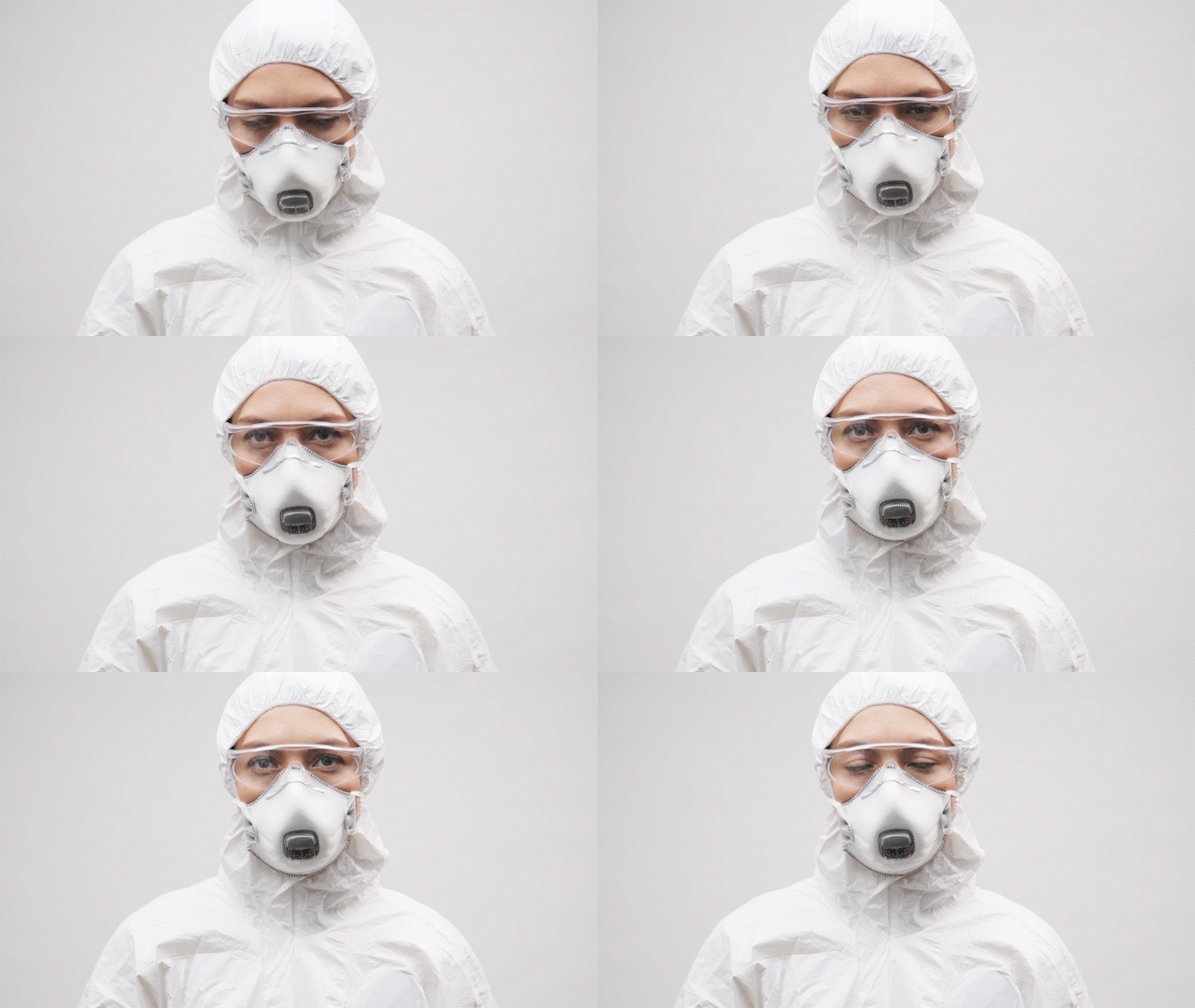
Guide creation by source layer
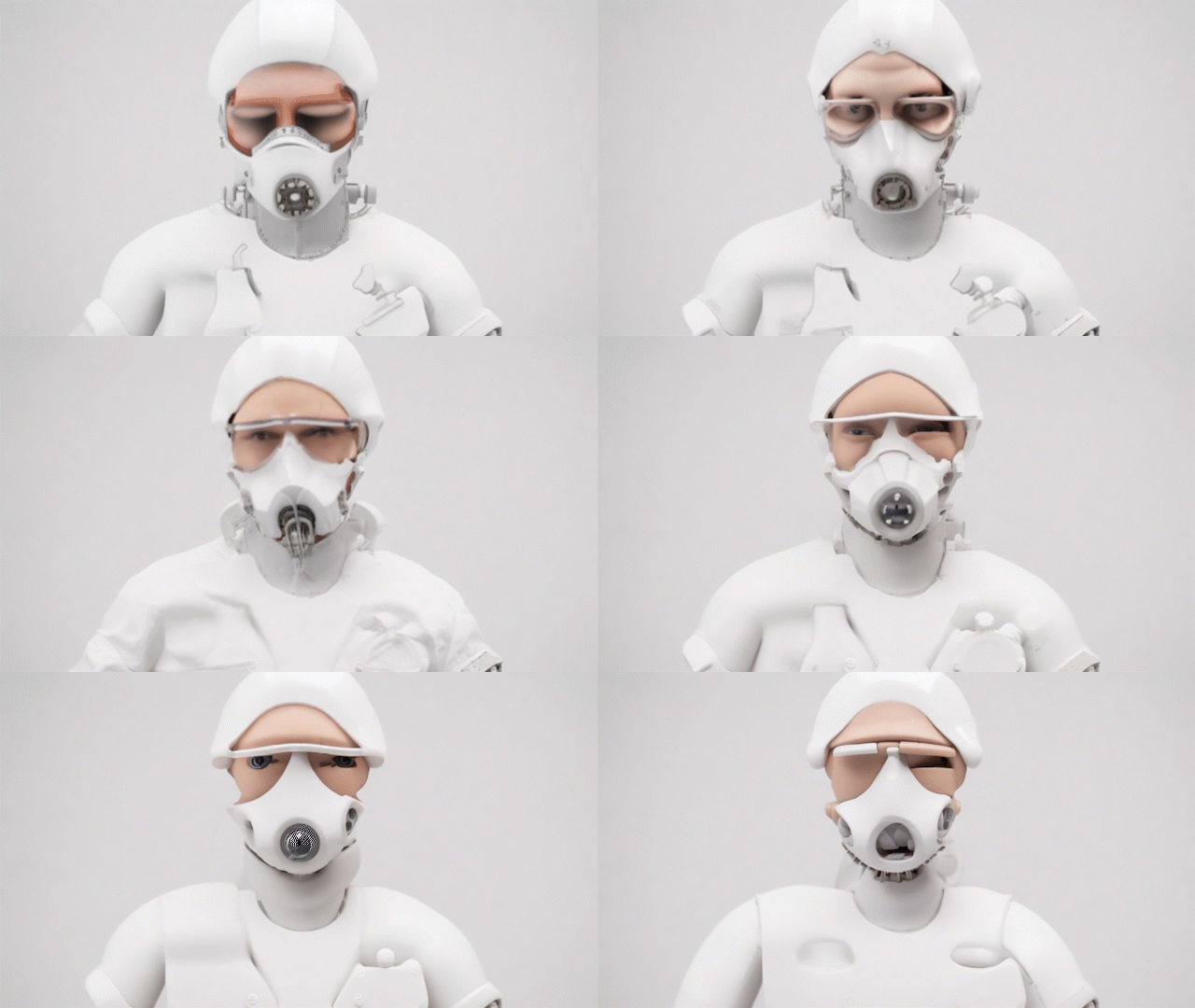
The Source+Text mode allows you to specify a layer which guides the images creation. This way prompting and interpolation can be applied to your own footage.
<- “industrial robot” to “person made of clay”
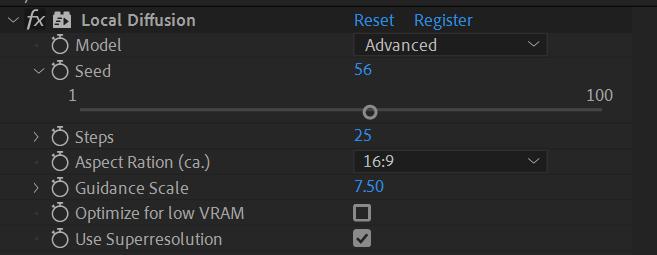
Full control over generation exposed!
You get full control over the model used, the aspect ratio, guidance scale and the seed. This allows for fast iterations and experimentation.
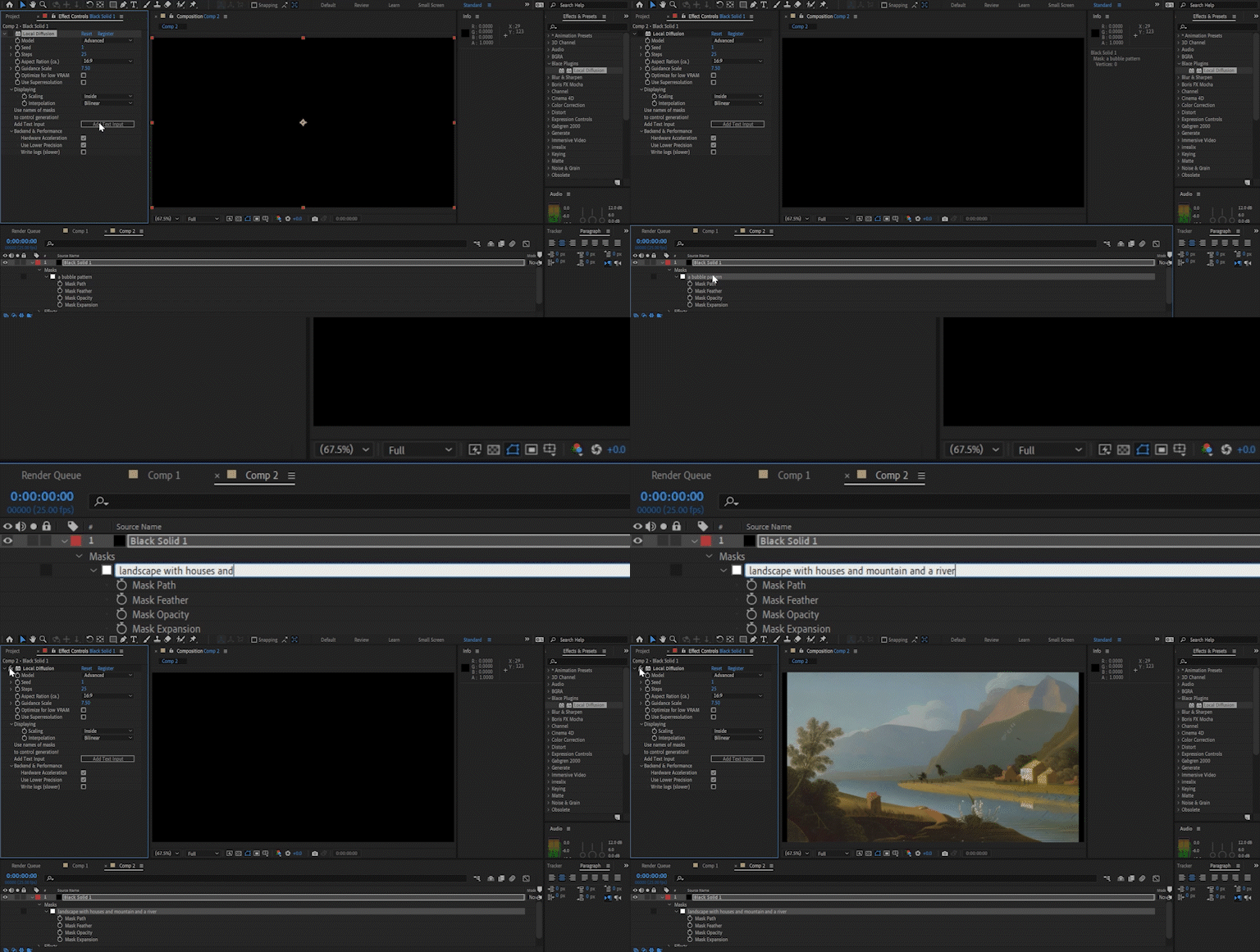
Easy to use and performant
This is a native port into our ai framework and therefore easy to install and use. Local Diffusion makes use of some state-of-the-art performance optimizations and produces images fast!
Integrated Superresolution
We ship an integrated superresolution ai with the plugin. Up to 3072×3072 pixel output!
Negative prompts
Simply add a “-” in front of the text to use it as negative prompt.
More features to come…
While you play with Local Diffusion, we are already working hard on integrating more features 🙂
Hardware support
| cpu mode | hardware acceleration | ||||
| Windows with NVIDIA GPU | ✅ | ✅ | |||
| Windows with other GPU | ✅ | ❌ | |||
| MacOS ≥ 12.3 (M1/M2 or Intel with AMD GPU) | ✅ | ✅ | MacOS ≥ 11.5 | ✅ | ❌ |
Hardware acceleration will run orders of magnitude faster than the cpu mode.
Tutorials & Documentation
Documentation
Additional Infos
Compatibility
It runs on AE 2022 and above. Please test your configuration using the free trial before purchasing.
Limitations
GPU mode may be not as stable as cpu mode.
On Windows an Nvidia graphics card is needed for gpu version of the plugin.
Elevate your motion graphics workflow with premium collection of After Effects plugins. Whether you are a seasoned professional or just starting your VFX journey, powerful tools designed to streamline complex tasks, unlock creative possibilities, and save you hours of rendering time. From stunning glitch effects and seamless transitions to advanced 3D extrusion and text animation tools, each plugin in our library is rigorously tested for compatibility with the latest versions of Adobe after Effects. Enhance your video production value today and download industry-leading plugins that help you create breathtaking visuals without the technical headaches. Browse our full range and find the perfect extension to supercharge your editing suite now.
➡️ ➡️ For more after effects Plugins 😀 😀
➡️ ➡️ System requirements AE
Reviews
There are no reviews yet.