
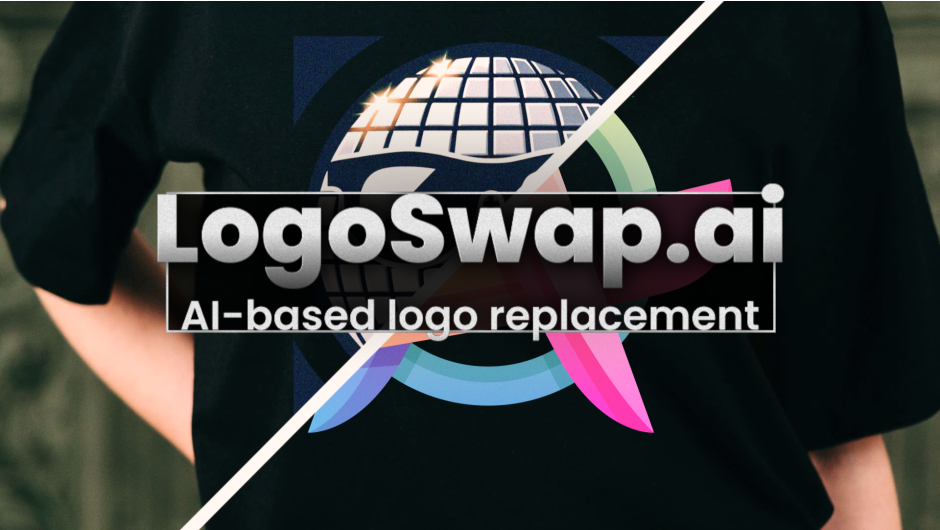
LogoSwap for After Effects
logo swap plugin
Download LogoSwap V1.4.41 for Windows, a revolutionary AI-powered plugin for Adobe After Effects that intelligently removes or replaces logos, watermarks, and icons in your footage. Powered by blace.ai technology, this tool automatically detects logo regions and seamlessly replaces them with your own branding—perfect for content localization, client work, and video repurposing .
LogoSwap enables AI-based logo removal and replacement for easy content branding.
LogoSwap eliminates the tedious manual rotoscoping and tracking required for traditional logo replacement. The AI automatically identifies logo areas, tracks their movement through the frame, and handles perspective changes, rotations, and deformations. Import your replacement logo, and the plugin handles the rest—automatically matching perspective, color, and lighting for seamless integration .
Key Features of LogoSwap V1.4.41:
- AI-Powered Detection: Automatically identifies logo regions without manual masking—clean edge detection with minimal user input
- One-Click Replacement: Import your new logo and let the AI handle tracking, perspective matching, and color correction for seamless integration
- Motion Tracking Intelligence: Handles moving, rotating, and deforming logos that traditional methods can’t manage
- GPU Accelerated: Real-time preview up to 4K resolution with rendering up to 3x faster than manual methods
- Native AE Integration: Works with After Effects’ native effect controls, supporting keyframes, masks, blend modes, and all standard post-production workflows
- Powered by blace.ai: Built on advanced AI technology for reliable, accurate results
Perfect For:
- Video editors removing unwanted brand logos and watermarks from footage
- Content creators replacing logos in sports broadcasts, interviews, and events
- Localization teams adapting content for different markets with regional branding
- Post-production professionals cleaning up素材 with unwanted branding elements
- Anyone needing to quickly swap logos without manual rotoscoping
System Requirements:
- Adobe After Effects 2025, 2024, 2023, 2022
- Windows 10/11 (64-bit)
- GPU recommended for optimal AI performance
- 4GB RAM minimum (8GB+ recommended)
- 200MB available disk space
- Supports Multi-Frame Rendering (MFR)
Version 1.4.41 is the latest stable release with improved AI detection and tracking accuracy . A real-time web version is also available at logoswap.ai for quick testing .
LogoSwap enables AI-based logo removal and replacement for easy content branding.
LogoSwap for After Effects and Premiere Pro
Features
Overview
LogoSwap lets you remove and replace logos in your footage, without manual tracking. The pretrained AI-model (.swp / swap file) automatically detects all instances of the logo(s) it was trained on and replaces them.
All surfaces
The replacement AI will work with moving surfaces very well.
Easily apply animation
Replace static logos with animated footage or compositions with a single click…
Quickly create multiple brand versions
Create multiple versions of your branded footage easily.
For Content creators
Create new sponsorship opportunities by having an easy workflow for content personalization.
For Broadcast and Sports Production
With LogoSwap you can create region-specific versions of the same broadcast.
Use pretrained model
Download default logo and print / put it on your canvases to use with the pretrained swapfile.

Use your own logos
Order a training session (~300$) from us and we will train a custom swapfile based on your logo. Please open a ticket to request a session.

System Requirements
| Windows with NVIDIA GPU >= 8GB | Other Windows | Apple Silicon with MacOS Sequoia or newer and >= 16GB RAM | Other MacOS |
|---|---|---|---|
| ✅ | very slow | ✅ | ❌ |
Documentation & Sample Project
Elevate your motion graphics workflow with premium collection of After Effects plugins. Whether you are a seasoned professional or just starting your VFX journey, powerful tools designed to streamline complex tasks, unlock creative possibilities, and save you hours of rendering time. From stunning glitch effects and seamless transitions to advanced 3D extrusion and text animation tools, each plugin in our library is rigorously tested for compatibility with the latest versions of Adobe after Effects. Enhance your video production value today and download industry-leading plugins that help you create breathtaking visuals without the technical headaches. Browse our full range and find the perfect extension to supercharge your editing suite now.
➡️ ➡️ For more after effects Plugins 😀 😀
➡️ ➡️ System requirements AE
Reviews
There are no reviews yet.