
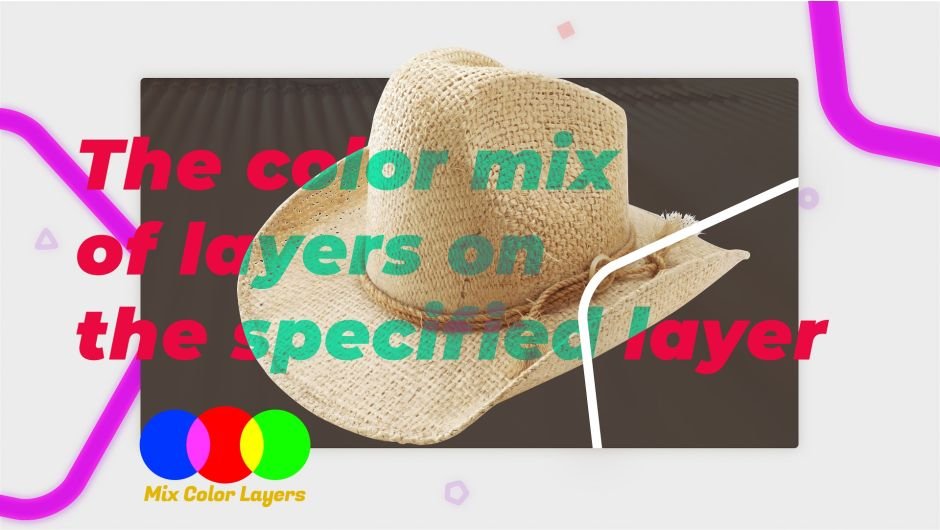
Mix Color Layers for After Effects
mix color layers script
Download Mix Color Layers V1.0 for After Effects on Windows and Mac, a powerful script that blends colors between layers based on position in the layer stack. This innovative tool creates smooth color transitions across multiple layers, perfect for creating gradient backgrounds, color studies, and harmonized color palettes in your compositions.
Key Features of Mix Color Layers V1.0:
- Intelligent Color Blending: Automatically mixes colors between selected layers based on their stacking order
- Multi-Layer Support: Apply to any number of layers simultaneously for complex color transitions
- Gradient Generation: Create smooth, multi-step gradients by blending colors across multiple shape or solid layers
- Color Study Tool: Quickly experiment with color relationships and transitions
- Time-Saving Workflow: Eliminate manual color picking for each layer in a sequence
- Flexible Application: Works with any layer type that supports color properties
- Broad Compatibility: Supports After Effects 2025, 2024, 2023, 2022
Perfect For:
- Motion graphics artists creating gradient backgrounds with multiple layers
- Designers exploring color relationships and harmonic transitions
- Title sequence creators needing smooth color shifts across elements
- Anyone who wants to automatically generate color progressions
- Studios looking to speed up color workflow in complex compositions
System Requirements:
- Adobe After Effects 2025, 2024, 2023, 2022
- Windows 10/11 (64-bit) or macOS
- 4GB RAM minimum (8GB+ recommended)
- 10MB available disk space
- Enable “Allow Scripts to Write Files and Access Network” in Preferences > Scripting & Expressions
Installation:
Copy Mix Color Layers.jsxbin to your After Effects ScriptUI Panels folder:
- Windows:
C:\Program Files\Adobe\Adobe After Effects [version]\Support Files\Scripts\ScriptUI Panels\ - Mac:
/Applications/Adobe After Effects [version]/Scripts/ScriptUI Panels/
Access via Window menu > Mix Color Layers
Note: This is version 1.0, the initial release of this color blending tool .
Color mix layers, and apply transfer modes on a specific layer without affecting other layers.
A Color Combination Operator
You can color mix layers with different transfer modes without affecting other layers, all with intensity controls for each layer mode.
All in a super easy to use drag interface!
Create infinite mix color layers that are easy to see and control.

Features
- Works with Comp, Shape and Text layers.
- Color mix of layers in a single layer
- Control the color mode of layers on the specified layer
- Change the intensity of the layer mode
- Responsive UI

Elevate your motion graphics workflow with premium collection of After Effects plugins. Whether you are a seasoned professional or just starting your VFX journey, powerful tools designed to streamline complex tasks, unlock creative possibilities, and save you hours of rendering time. From stunning glitch effects and seamless transitions to advanced 3D extrusion and text animation tools, each plugin in our library is rigorously tested for compatibility with the latest versions of Adobe after Effects. Enhance your video production value today and download industry-leading plugins that help you create breathtaking visuals without the technical headaches. Browse our full range and find the perfect extension to supercharge your editing suite now.
➡️ ➡️ For more after effects Plugins 😀 😀
➡️ ➡️ System requirements AE
Reviews
There are no reviews yet.