

Particle Pro
particle pro script
Download Particle Pro v1.5.0 for After Effects on Windows and Mac, the easiest way to create professional particle effects with multiple application modes and a vast library of presets. This powerful script lets you generate stunning visuals including fire, smoke, magic, water, text particles, shockwaves, and more—all through an intuitive interface that eliminates complex manual setup.
Key Features of Particle Pro v1.5.0:
- Three Application Modes: Brush, Point, and Channel modes give you complete flexibility in how you create and control particle effects
- Extensive Preset Library: Built-in presets for Flame, Smoke, Dispersion, Graphics, Magic, Water, Text, Dreamy, Shockwaves, Icon Particles, and many more
- Powered by Stardust: Particle effects are generated using the industry-standard Stardust plugin, ensuring professional-quality results with smooth performance
- Intuitive Workflow: Designed for artists of all skill levels—create complex particle animations without diving into technical parameters
- v1.5.0 Updates: Signature issues fixed; framework updated for improved stability and compatibility
- Broad Compatibility: Supports After Effects CC 2019 through 2025 on both Windows and Mac systems
Important Note: Particle Pro requires Stardust plugin to be installed separately—it does not generate particles independently but rather provides an intuitive interface for controlling Stardust’s powerful particle engine .
Perfect For:
- Motion graphics artists creating magical particle effects and transitions
- VFX designers needing quick access to professional particle presets
- Title sequence creators adding dynamic particle elements
- Anyone wanting to create stunning particle visuals without complex manual setup
- Studios looking to streamline particle effect creation across multiple projects
System Requirements:
- Adobe After Effects CC 2019, 2020, 2021, 2022, 2023, 2024, 2025
- Windows 10/11 (64-bit) or macOS
- Must have Stardust plugin installed separately
- 4GB RAM minimum (8GB+ recommended)
- 50MB available disk space
- Enable “Allow Scripts to Write Files and Access Network” in Preferences > Scripting & Expressions
Installation:
Copy the script files to your After Effects ScriptUI Panels folder:
- Windows:
C:\Program Files\Adobe\Adobe After Effects [version]\Support Files\Scripts\ScriptUI Panels\ - Mac:
/Applications/Adobe After Effects [version]/Scripts/ScriptUI Panels/
Access via Window menu > Particle Pro
Note: While Particle Pro simplifies the creation of particle effects, it requires Stardust as its underlying particle engine. Ensure Stardust is properly installed and licensed before using this script .
The easiest way to create professional particle effects in After Effects.



Apply Modes

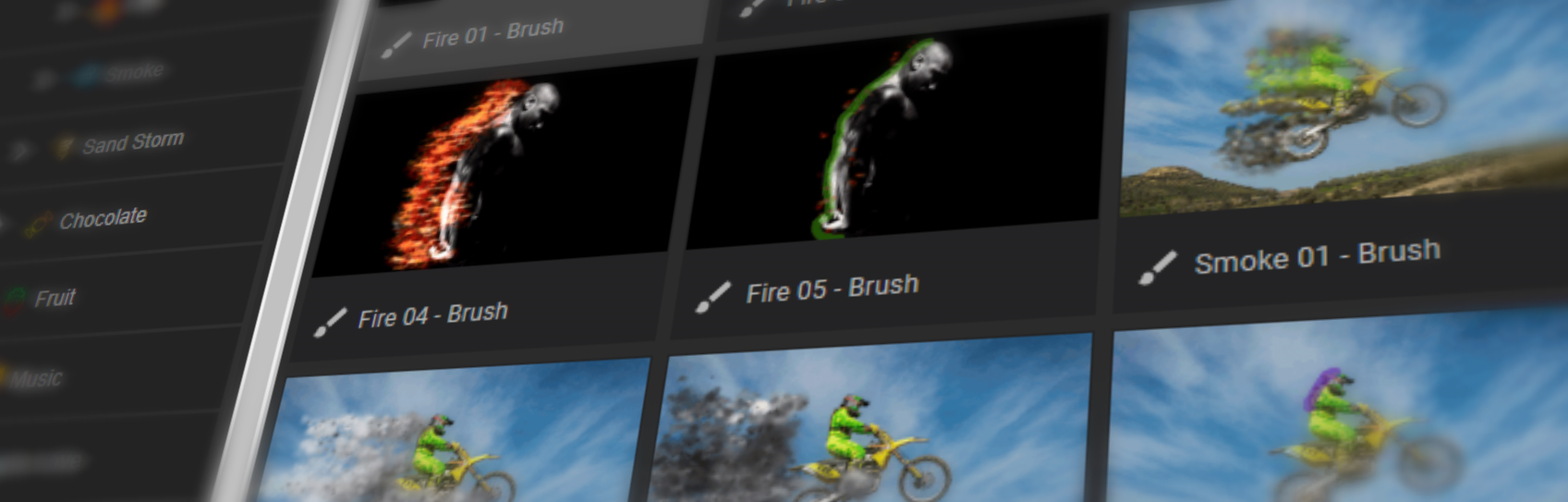
Brush
Brush your desired area
then apply particles.

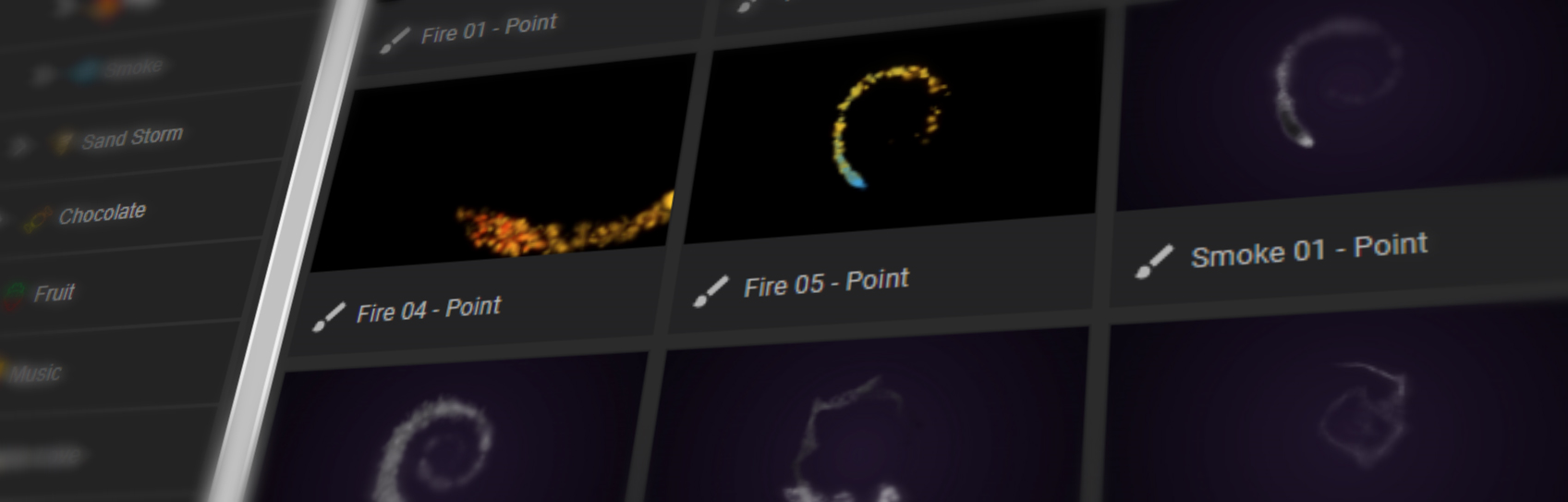
Point
Animated particles through
your desired path.

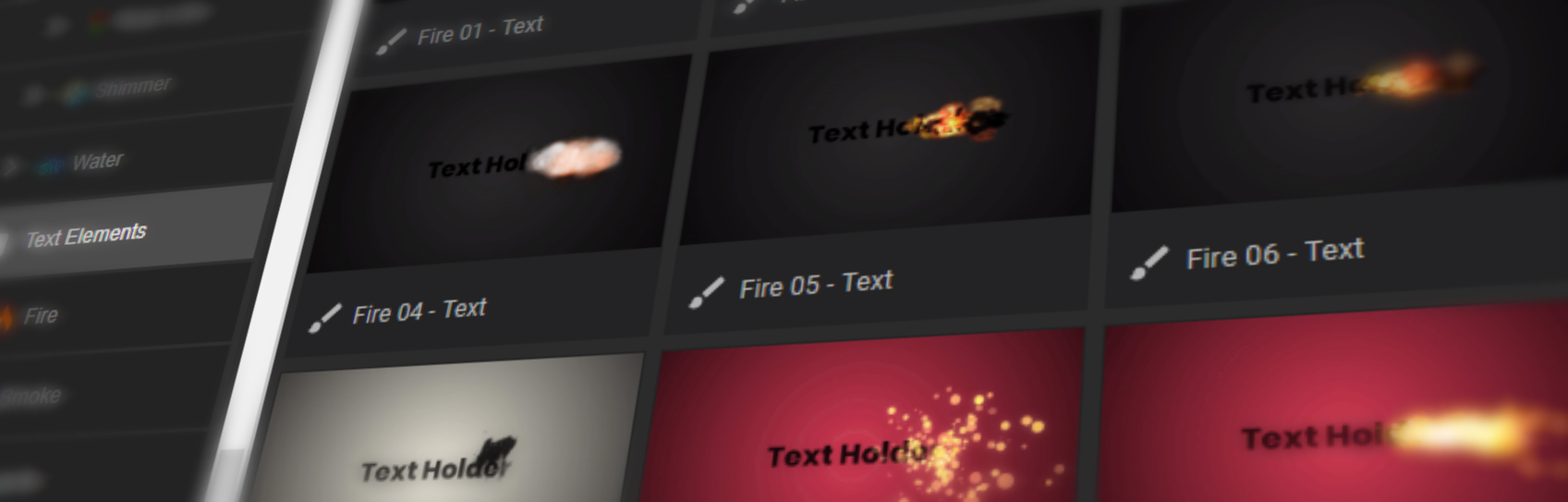
Text Alpha
Apply particles to layers
with transparent alpha chanel.
Brush
Point
Text & Shape Alpha
10 Shockwave Presets
40 Icon Elements

Different Categories
And Styles

Awards

Butterfly

Chocolate

Fire

Fruit

Music

Rose Love

Sands

Sandstorm

Shimmer

Smoke

Water
Handy Settings
Size
Easily change the size of the particles.
Color
Grab color from the footage or totally customize it.
Amount

Control the amount of particles you want to use.
Speed

Take control of the particle speed.
Markers

Set your start and end particles with markers.
All Directions

360 wind lets you choose any direction.
See How It Works
Elevate your motion graphics workflow with premium collection of After Effects plugins. Whether you are a seasoned professional or just starting your VFX journey, powerful tools designed to streamline complex tasks, unlock creative possibilities, and save you hours of rendering time. From stunning glitch effects and seamless transitions to advanced 3D extrusion and text animation tools, each plugin in our library is rigorously tested for compatibility with the latest versions of Adobe after Effects. Enhance your video production value today and download industry-leading plugins that help you create breathtaking visuals without the technical headaches. Browse our full range and find the perfect extension to supercharge your editing suite now.
➡️ ➡️ For more after effects Plugins 😀 😀
➡️ ➡️ System requirements AE
Reviews
There are no reviews yet.