
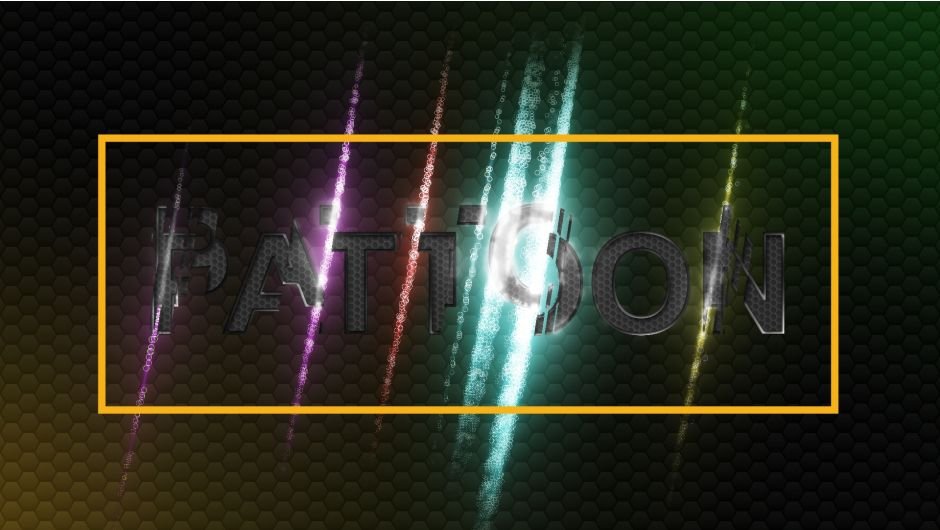
PATTOON 2 for After Effects
pattool 2 script
Download Pattool 2 v2.0.1 for After Effects on Windows and Mac, a powerful script that revolutionizes how you work with pattern layers and repetitive elements. Create, manage, and animate complex patterns with unprecedented ease—perfect for background designs, textile simulations, geometric compositions, and any project requiring systematic arrangements of repeated elements.
Key Features of Pattool 2 v2.0.1:
- Advanced Pattern Generation: Create complex repeating patterns with customizable tile sizes, spacing, and arrangements—from simple grids to intricate geometric layouts
- Multi-Pattern Management: Work with multiple pattern systems simultaneously within the same project for complex, layered designs
- Real-Time Pattern Editing: Modify pattern parameters and see updates instantly across all instances—no manual rebuilding required
- Animation Ready: All patterns are fully animatable—move, scale, rotate, or evolve your patterns over time with keyframe controls
- Layer-Based Architecture: Built on native After Effects layers for maximum compatibility and editability
- Customizable Tile Transformations: Independently control position, rotation, and scale of pattern tiles for organic variations
- Color Management: Apply and update colors across entire pattern systems with a single click
- Performance Optimized: Efficiently handles complex patterns with minimal impact on preview and render times
- Cross-Platform Support: Works on both Windows and Mac systems
Perfect For:
- Motion graphics artists creating dynamic background patterns and textures
- Textile and surface designers simulating fabric and print designs
- Title sequence creators wanting geometric, repetitive elements
- Data visualization specialists building grid-based infographics
- Anyone looking to create professional pattern animations without manual duplication
System Requirements:
- Adobe After Effects 2025, 2024, 2023, 2022
- Windows 10/11 (64-bit) or macOS
- 4GB RAM minimum (8GB+ recommended)
- 50MB available disk space
- Enable “Allow Scripts to Write Files and Access Network” in Preferences > Scripting & Expressions
Installation:
Copy the script file to your After Effects ScriptUI Panels folder:
- Windows:
C:\Program Files\Adobe\Adobe After Effects [version]\Support Files\Scripts\ScriptUI Panels\ - Mac:
/Applications/Adobe After Effects [version]/Scripts/ScriptUI Panels/
Access via Window menu > Pattool 2
Note: Version 2.0.1 includes performance improvements and enhanced pattern management features . The script’s ability to create and animate complex patterns makes it essential for designers working with repetitive elements .
Glitch Displace Engine (improved) Flicker (improved) Turbulence (reworked) Displace Pixelshape(new) Displace Emission (new) Dissolve (new) Distortion (new)
Mix & match to create even more versatile effects. We can’t wait to see what you can do with it.
Texture mapping in Adobe After Effects is finally made easy with PATTOON. Get direct layer access to your textures from Creative Cloud Libraries, Photoshop and more plus a bunch of extra features, textures and presets for all your designing needs.
INTRODUCING Pattoon 2
PATTOON 2! Introducing new features, usability improvements and even more assets ready to use.
NEW MAJOR FEATURES
Check out our new features. We put in some work so you can create even more stunning visuals more easily. See for yourself what the new Glitch, displace, swap and flicker features can do. Mix & match to create even more versatile effects. We can’t wait to see what you can do with it.
GLITCH
A texture driven, simple to use and highly customizable glitch effect. Choose a texture and adjust parameters such as colors, distance and speed. The last glitch plugin you will ever need.

DISPLACE ENGINE
Displace layers based on textures to create many versatile effects. Choose from a wide range of settings to control your displacement. Animate everything in the displacement. The texture driven displace engine gives you 100% freedom in controlling the look and feel of your animation, the limit is your imagination.

DISPLACED PIXELSHAPE
Control the shape of every displaced pixel. You can use any shape to style your displaces pixels. Heart, circle, cross, rectangle the amount is up to you.
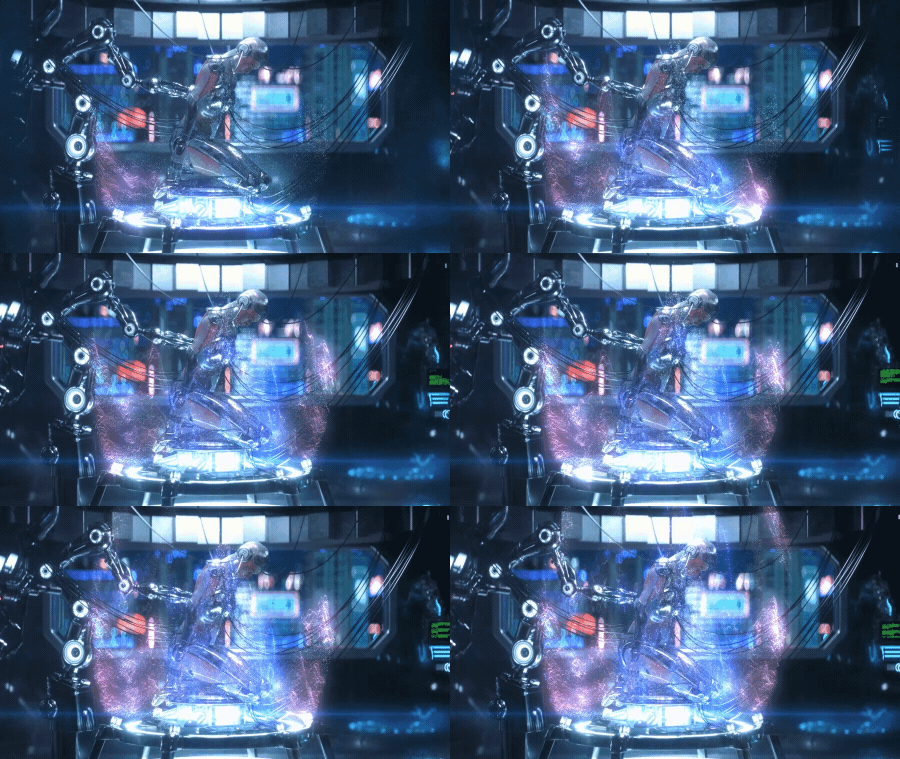
DISPLACEMENT EMMISSION
The new pixel emission system lets you emit pixels from displaced pixels. Sounds weird but is powerful. create waterfalls, fog, dust or any kind of fluid looking styles.
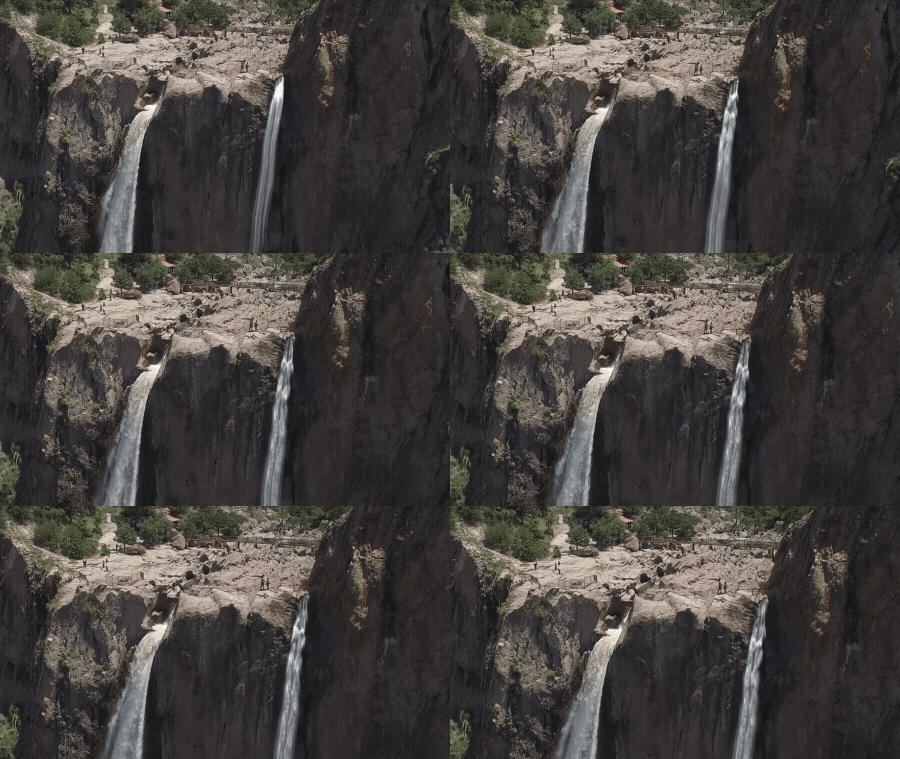
DISSOLVE
Dissolve or reveal your artwork faster and more flexible than ever. Use one of the built in presets and customize the style of your effect. You can also create your own effects from scratch.

DISTORTION
With the texture driven glitch and displayce engine you are able to create unique and stunning distortions. Simply change the look and feel by browsing the integrated texture library.
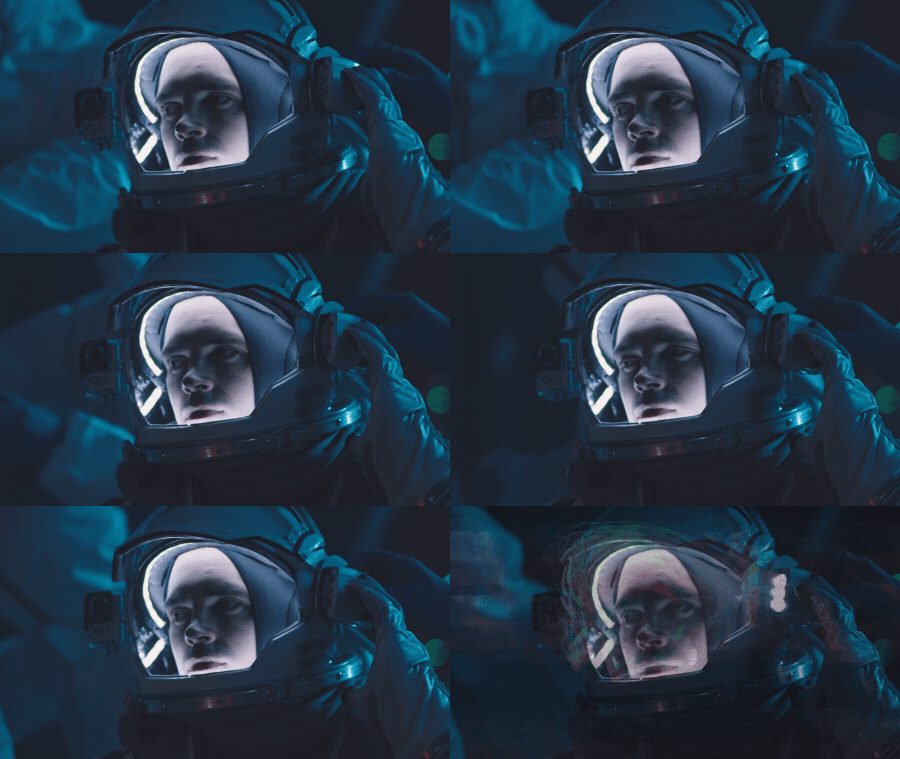
SWAP
Swap textures with a few clicks. Choose textures from a texture library to create a swap effect. Adjust speed and randomness of the effect.
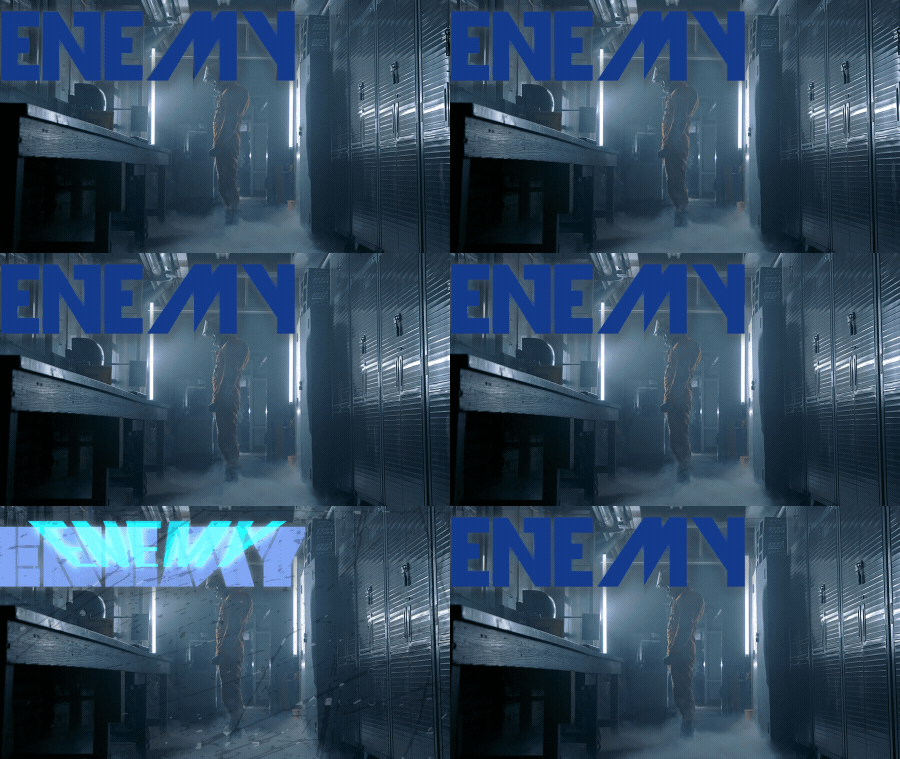
FLICKER
The flickering can be applied to the effect only or to the whole layer. Adjust its speed and randomness.

TURBULENCE
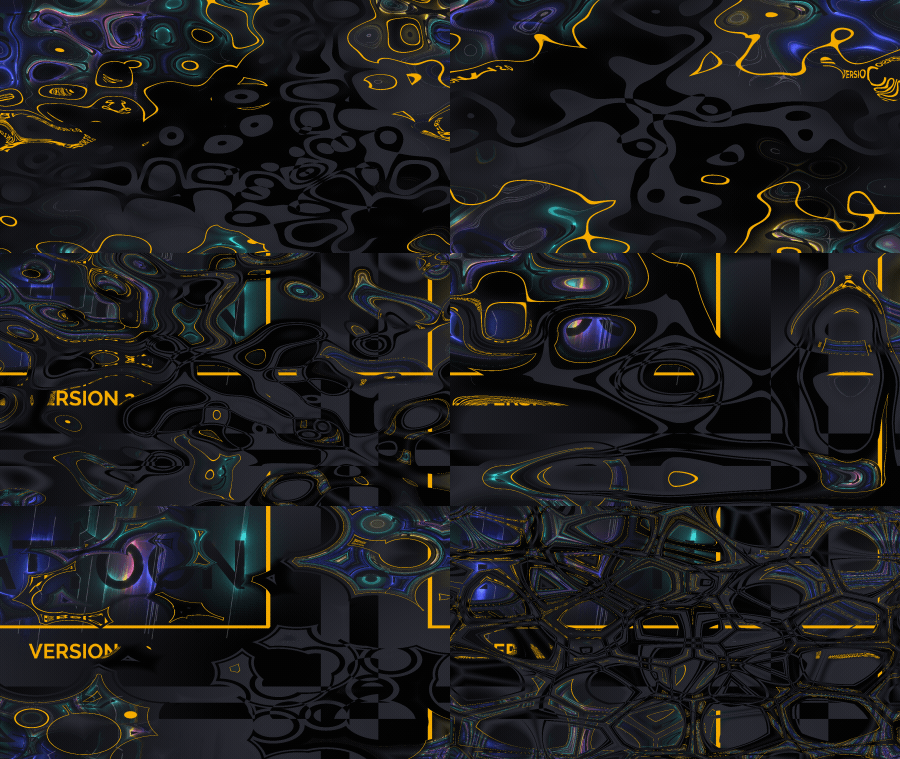
Create a turbulence effect on a layer or texture only (keeps alpha channel). choose from up to 4 different customizable distortion modes.
USABILITY IMPROVEMENTS
We also did some work on the UI based on your suggestions. Thank your for your feedback. It helps us create a better experience for you.
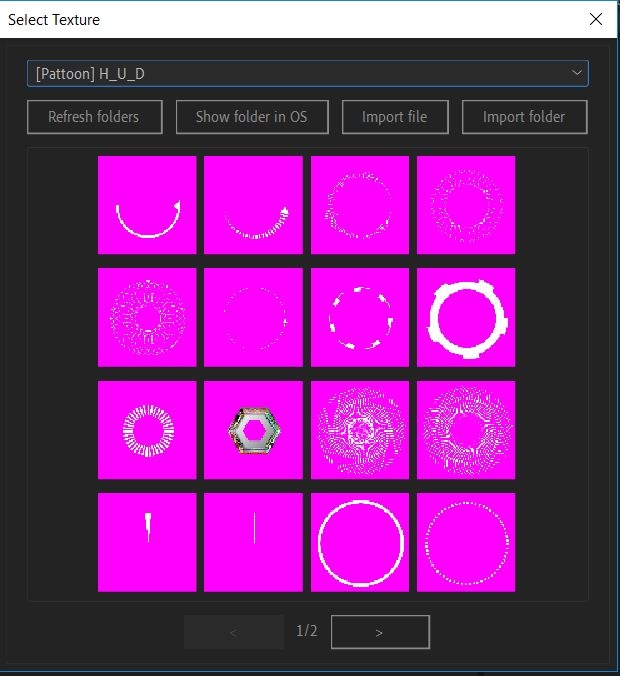
Improved display of PNGs
We improved visibility for textures with a lot of transparency.
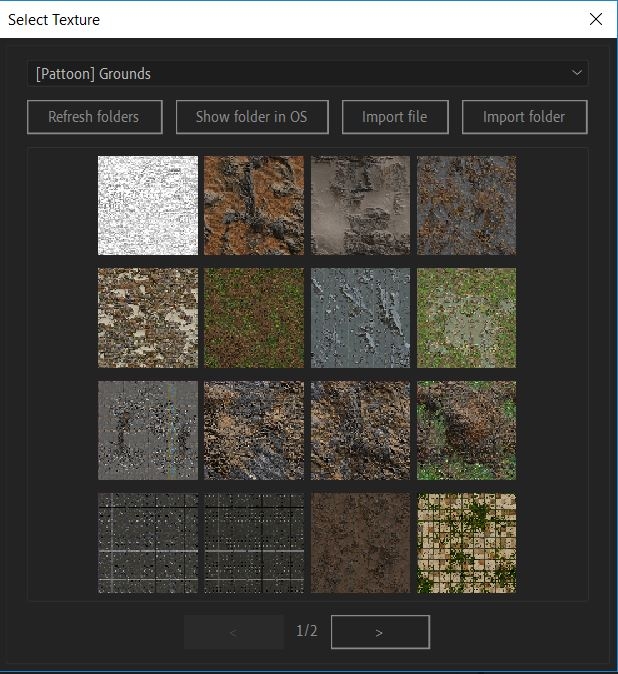
Adjust Thumbnail Grid
There is now an option to change the size of thumbnails and how many are displayed on each page when browsing the textures

BOOST YOUR WORKFLOW
Texture mapping in Adobe After Effects is finally made easy with PATTOON. It’s a fully integrated AfterEffects plugin that comes with a bunch of extra features, textures and presets for all your design needs. Apply Textures to shapes, masks, layers, text, solids and video. Build up your own library in the process.
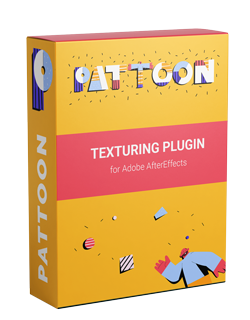
BASIC FEATURES OVERVIEW
You can find the essential PATTOON features here. If you have any suggestions for future versions, please let us know. We appreaciate all feedback.
Texture mapping in AfterEffects
With PATTOON, texturing in AfterEffects is fast, intuitive and efficient – just the way it’s meant to be.

Photoshop Patterns in AfterEffects
Customize them directly in AfterEffects to create stunning effects in no time. Scale, blend, rotate, lock, tint, offset and more!

CC Library support
It’s 2022. You gotta have access to your Creative Cloud assets. We got you!

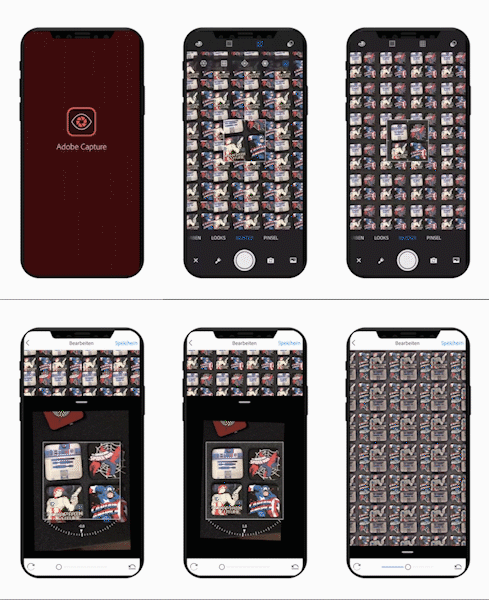
Adobe Capture support
We love the Adobe Capture App so we made sure PATTOON makes use of it. Create a new pattern with the App and watch it appear moments later in AfterEffects – Ready to use and fully customizable.

Preset Effects
PATTOON comes with a bunch of presets to help you create stunning effects. Free to use and to be inspired by.

Multi-Masking
Individually apply textures to different masks within one Layer. Mix your own textures. Enjoy more freedom and less hassle.
HERE’S SOME MORE DETAILS
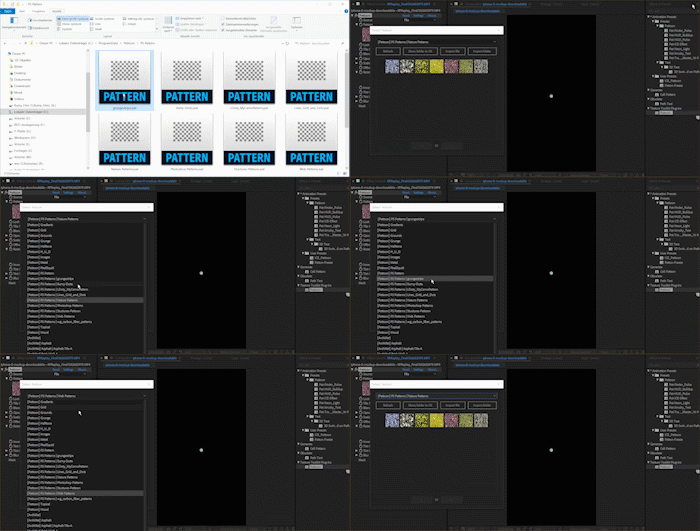
Use your patterns from CAPTURE APP
Pattoon gives you direct access to your Capture CC Patterns while working in Aftereffects. This is usually not possible. Create patterns with your Capture CC App and they will appear moments later in After Effects.
Use your Photoshop Patterns directly in AfterEffects
Load your .*PAT files into AfterEffects and customize them directly in AfterEffects to create stunning effects in no time. Scale, blend, rotate, lock, tint, offset and more!
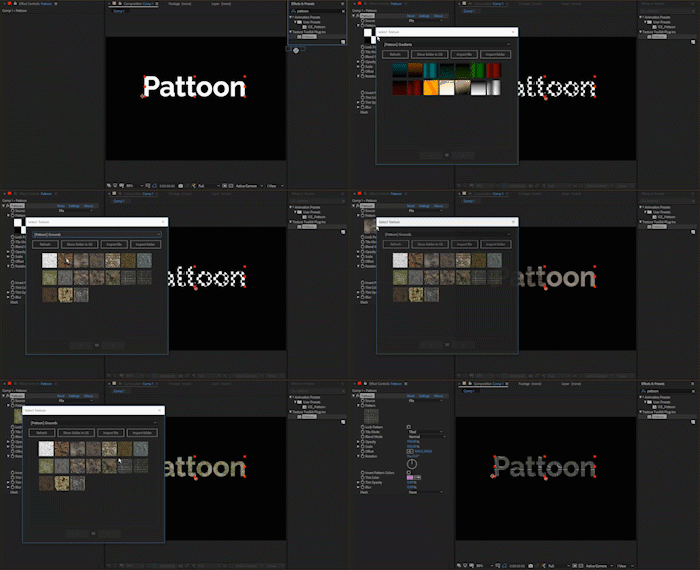
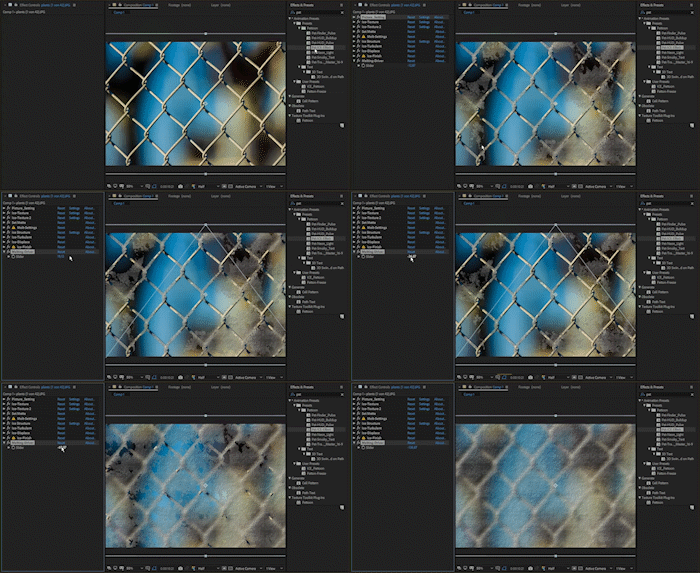
Apply Textures directly to a Layer
Multi-Masking allows yout do Individually apply textures to different masks within one Layer. Mix your own textures. Enjoy more freedom and less hassle.
Get started using our presets
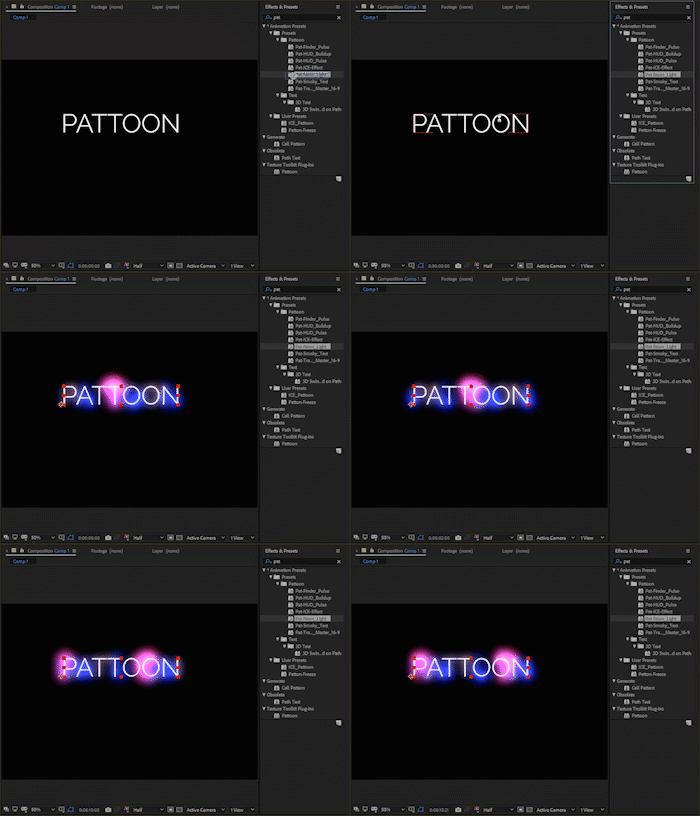
PATTOON comes with a bunch of presets to help you create stunning effects. Free to use and to be inspired by. Check out the Freeze Effect or the Transition Effect. All Effects are customizable to your needs. Dig in deeper and create your own presets. Save them for later and boost your workflow even more. Full list below.
- Freezing Screen
- Transition
- Neon Light
- Virtual H.U.D.
- Camera Tracking Symbols
- Smokey Text
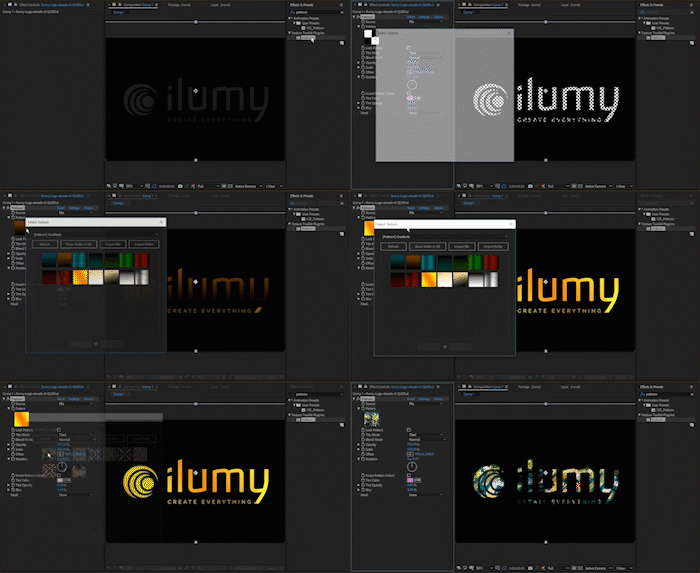
Apply textures to and shapes vector graphics
Applying textures to shapes and vector graphics is just as easy. Use Adobe Illustrator files and get to work – directly in AfterEffects.
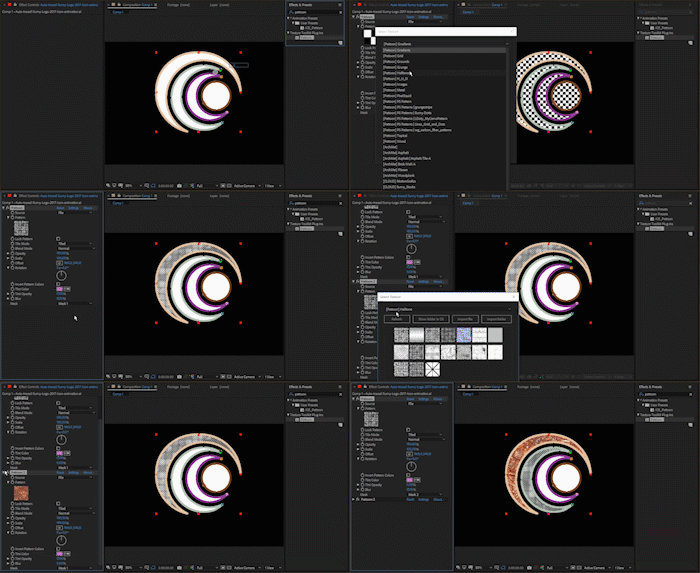
More than 200 maps and patterns
Pattoon ships with over 200 maps and patterns (not included in trial Version) to get you going. Build up your own texture library in AfterEffects and save time when searching for the right texture. All maps are stored within AfterEffects and stay available within a single click.
- Ground Elements
- Grid Pattern
- Grungy Maps
- Lines
- Topical Maps
- Virtual H.U.D Elements
- Virtual CAM Elements
- Wooden Textures
- ect.
Elevate your motion graphics workflow with premium collection of After Effects plugins. Whether you are a seasoned professional or just starting your VFX journey, powerful tools designed to streamline complex tasks, unlock creative possibilities, and save you hours of rendering time. From stunning glitch effects and seamless transitions to advanced 3D extrusion and text animation tools, each plugin in our library is rigorously tested for compatibility with the latest versions of Adobe after Effects. Enhance your video production value today and download industry-leading plugins that help you create breathtaking visuals without the technical headaches. Browse our full range and find the perfect extension to supercharge your editing suite now.
➡️ ➡️ For more after effects Plugins 😀 😀
➡️ ➡️ System requirements AE
Reviews
There are no reviews yet.