

Projection 3D V5 for After Effects
projection 3d plugin
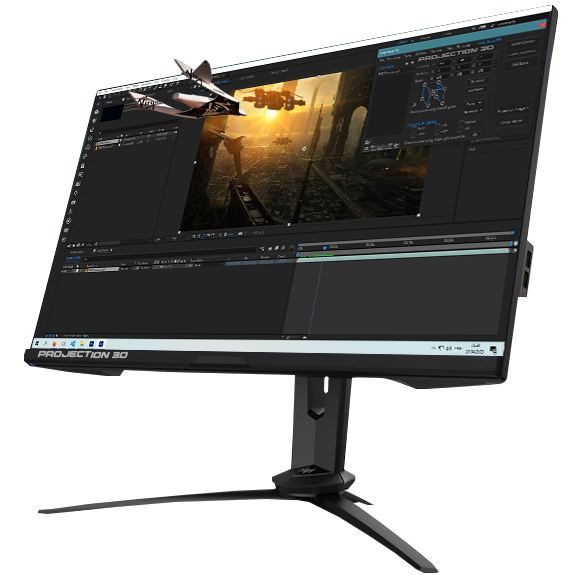
Download Projection 3D V5.0.0 for After Effects on Windows and Mac, a powerful advanced tool for camera projection mapping and photo parallax animation that turns still images into amazing 3D worlds . With this plugin, you can seamlessly integrate green screen actors into virtual environments, remove unwanted objects, and create stunning depth animations with professional results .
Key Features of Projection 3D V5.0.0:
- Camera Projection Mapping: Project 2D images onto simple 3D models created directly in After Effects, allowing you to move a virtual camera around objects for realistic perspective and depth
- Photo Parallax Animation: Create parallax effects by separating foreground, midground, and background elements that move at different speeds as the camera moves—perfect for bringing portraits, architecture, and landscapes to life
- Completely Redesigned UI: Modern, intuitive interface with logically organized tools that helps both beginners and professionals work faster and more efficiently
- 3D-Object Converter & OBJ Edit: Convert 2D layers into 3D objects or import and edit .OBJ files directly without leaving After Effects—eliminating complex intermediate steps between software
- Displace Tool: Create subtle surface distortion effects for realistic textures, making brick walls or other surfaces appear more organic and three-dimensional
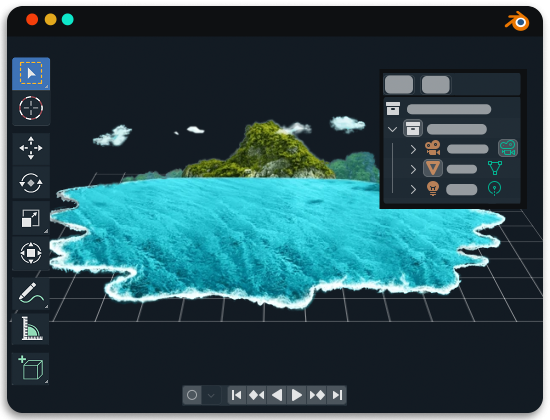
- One-Click Realistic Water Animation: Generate stunning, realistic water surfaces with ripples and light reflections using Blender in the background—all with a single click
- Projection Scenes Library: Extensive collection of pre-set scenes you can use as starting points, learn from, or customize for your projects—saving hours of setup time
- Real-Time Preview: See changes almost instantly without waiting for long renders, allowing you to refine animations and effects dynamically for faster creative decisions
- Modeling Tools: Includes Extrude, Extrude along path, Spherize, Revolve, Mask Modeler, Surface Modeler, and Bend tools for creating complex 3D models
- Export .obj & Camera Animation: Export solids, compositions, masks, and layers as OBJ files, or export camera animation as Python files for use in 3D software
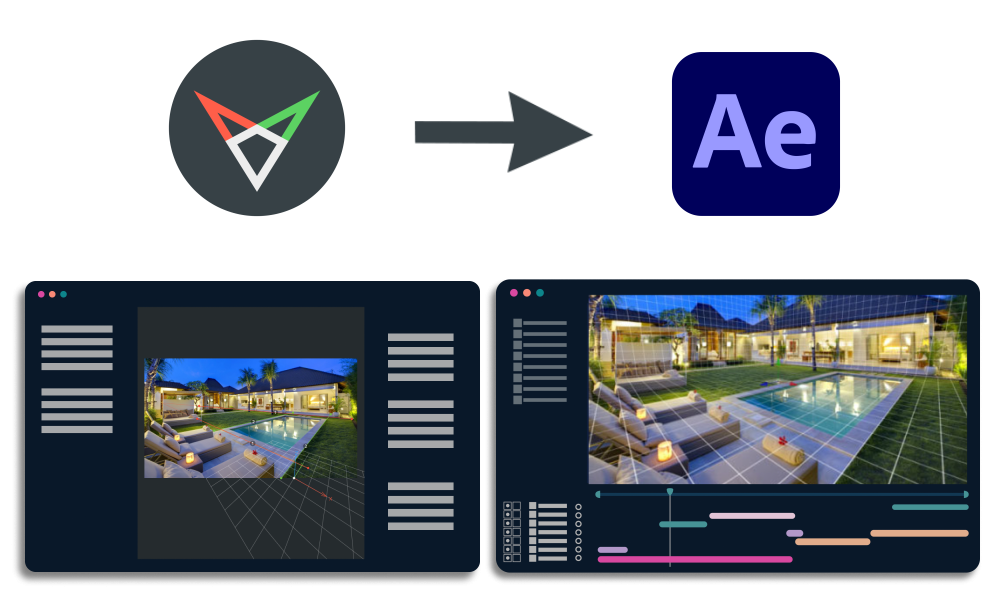
- fSpy Integration: Compatible with the free fSpy camera matching tool for accurate perspective matching
Perfect For:
- Motion graphics designers creating explainer videos, commercials, and dynamic motion graphics
- VFX artists building set extensions and complex visual effects shots
- Video editors adding 3D Ken Burns effects and dynamic camera moves to photo slideshows
- Content creators producing impressive videos for YouTube, Instagram, and social media from still images
- Anyone wanting to transform flat images into living, breathing 3D environments
System Requirements:
- Adobe After Effects 2024, 2025 with Advanced 3D Renderer (v24.2 and above)
- Windows 10/11 (64-bit) or macOS 11+
- GPU with Metal (Mac) or DirectX 12 (Windows) support (OpenGL not supported)
- Important: Some new features require the free Blender application installed for background processing
- fSpy camera matching tool recommended for best results (free)
- 4GB RAM minimum (8GB+ recommended)
- 200MB available disk space
Installation:
Copy the script file to your After Effects ScriptUI Panels folder:
- Windows:
C:\Program Files\Adobe\Adobe After Effects [version]\Support Files\Scripts\ScriptUI Panels\ - Mac:
/Applications/Adobe After Effects [version]/Scripts/ScriptUI Panels/
Access via Window menu > Projection 3D
Version 5.0.0 Updates (June 20, 2025):
- Completely redesigned UI
- New 3D-Object Converter tool
- New Displace tool
- One-click realistic water animation in Blender
- Projection Scenes Library
- OBJ Edit functionality
Advanced tool for camera projection mapping and photo parallax animation in After Effects. New: Totally new UI, 3D Object Converter and Displace tools, One-Click Realistic Water, Projection Scenes Library and OBJ edit.
Important Requirement
These new features use Blender for background processing. To make it work you need to install the fully free Blender application for your operating system.
For best camera match we recommend to download the free fSpy app for your operating system.
System requirements: After Effects v24.2 and above with Advanced 3D Renderer.
System requirements for Advanced 3D renderer
What’s new in Projection 3D v5
1. Completely Redesigned UI.
2. New tool – ‘3D-Object Converter’.
3. New tool – ‘Displace’.
4. One-Click Realistic Water Animation in Blender.
5. Projection Scenes Library.
6. Obj Edit.
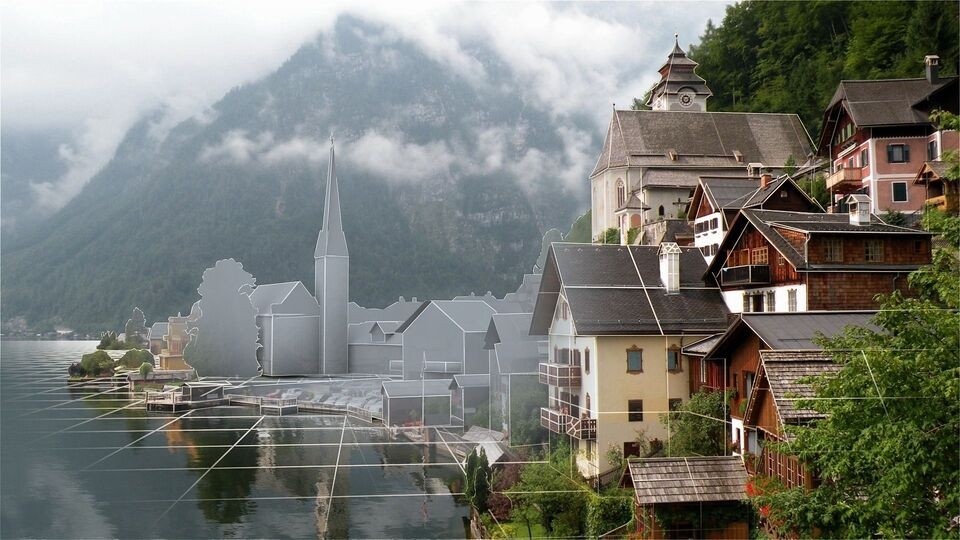
3D GEOMETRY

MODELING TOOLS
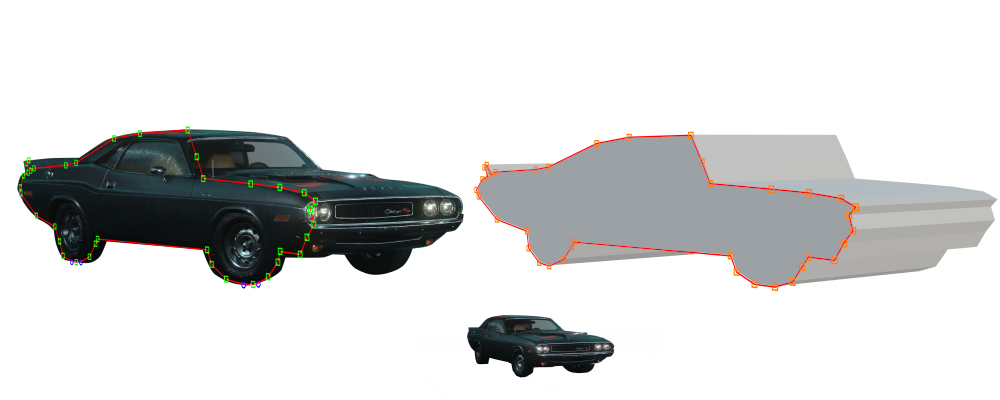
EXTRUDE
Extrude tool allows you to extrude a selected mask(polygon).
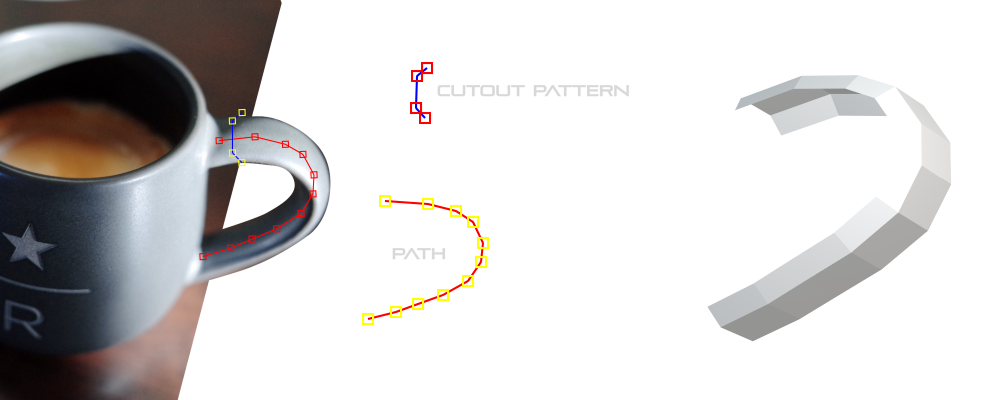
EXTRUDE ALONG PATH
For this tool you will need two masks: the first one is the cutout pattern, and the second one is the selected path.
SPHERIZE
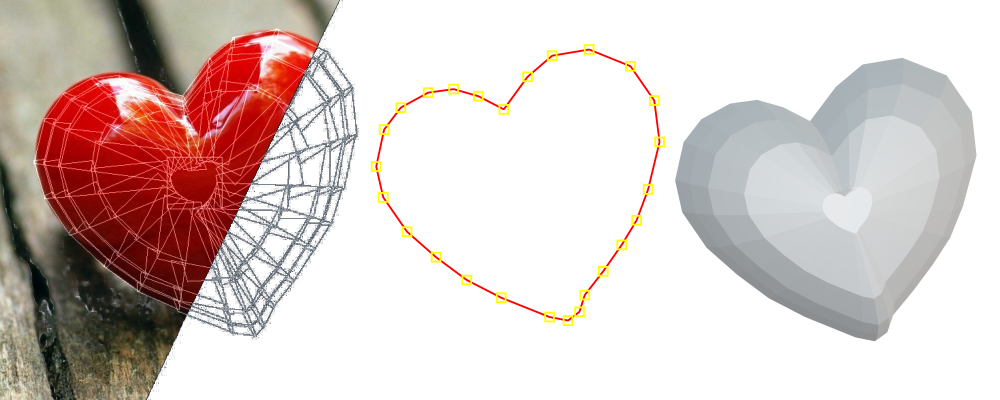
Well suited modeling tool for any type of spherical surfaces.
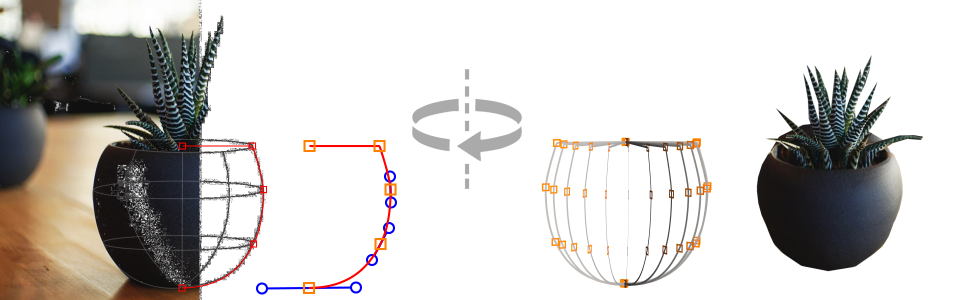
REVOLVE
Simply create a profile curve and revolve it around the pivot point.
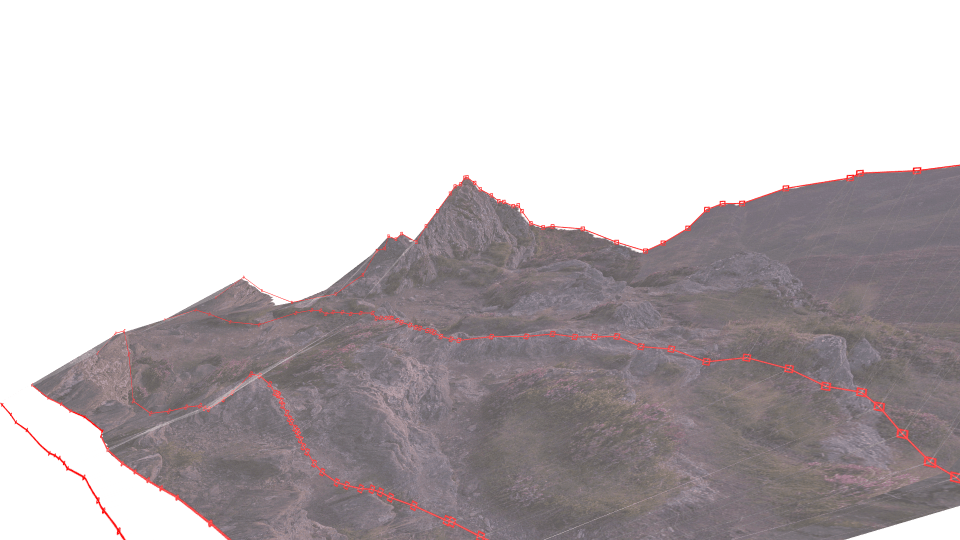
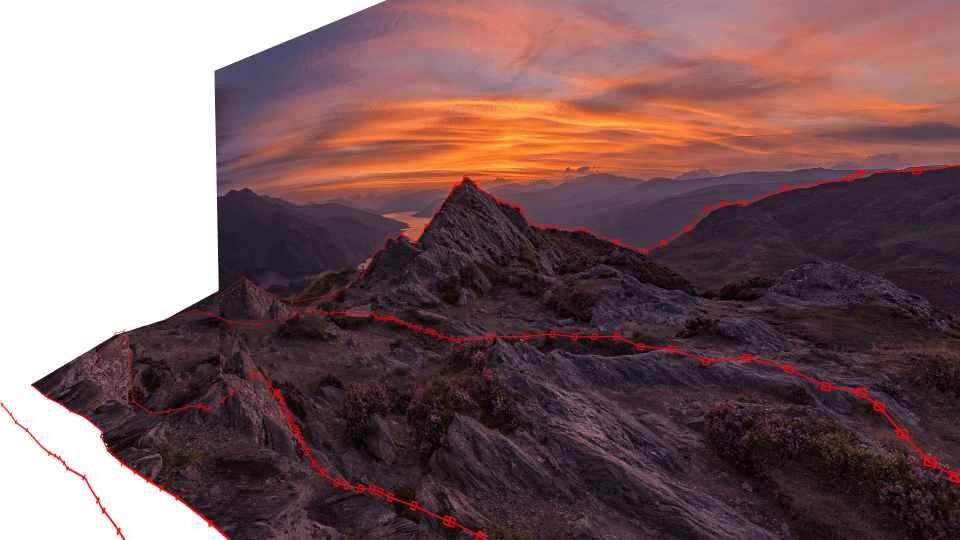
MASK MODELER
This tool is designed to create complex surfaces using masks. Very convenient for creating landscapes, rocks, mountains and any non-standard surfaces.
SURFACE MODELER
Create a 3d models of any complexity.
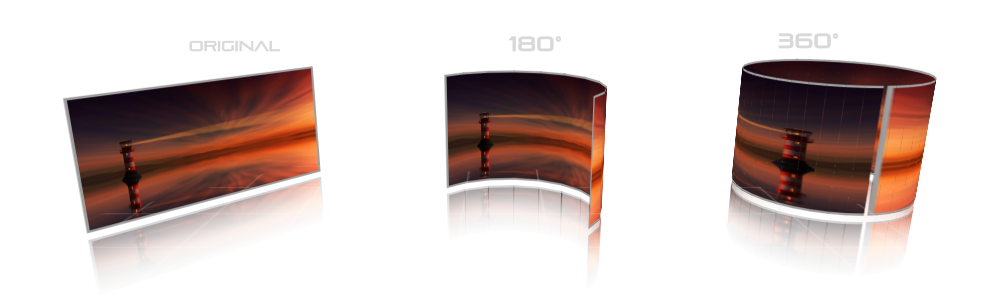
BEND
Bend any layer/image.
STABILIZE 3D MATCHMOVE
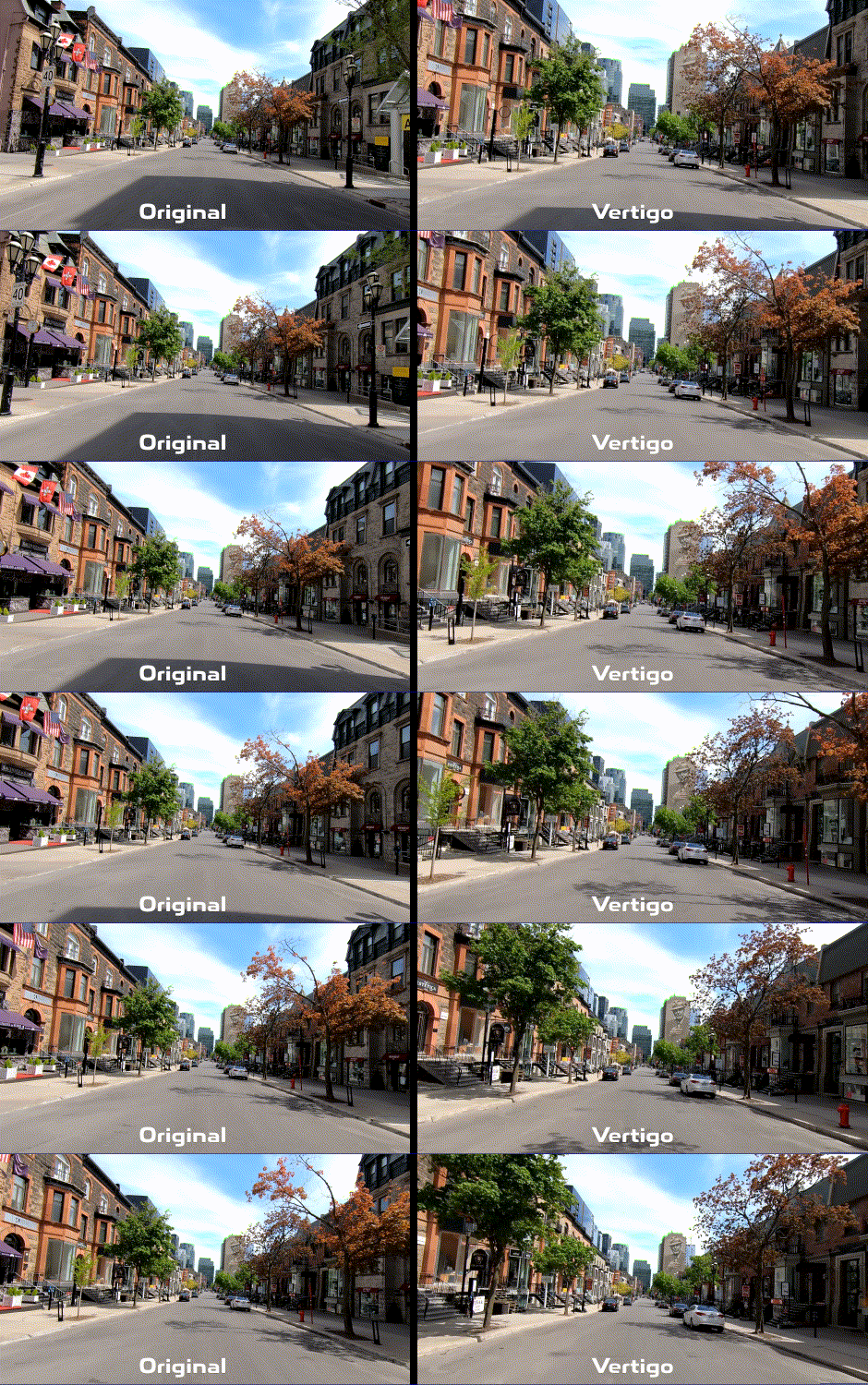
VERTIGO
Create a camera dolly zoom effect.
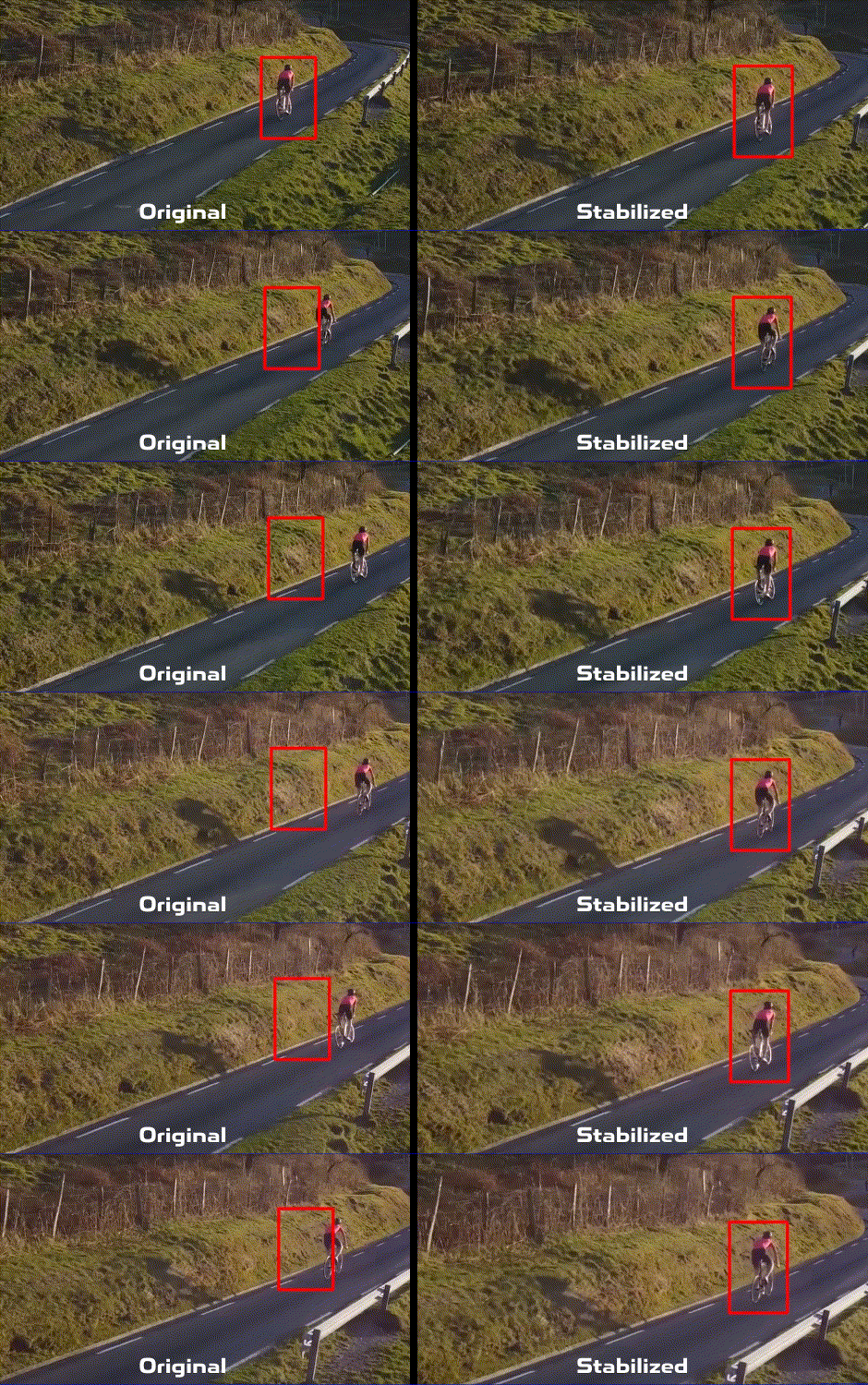
STABILIZE
Stabilize shaky video very ocurate.
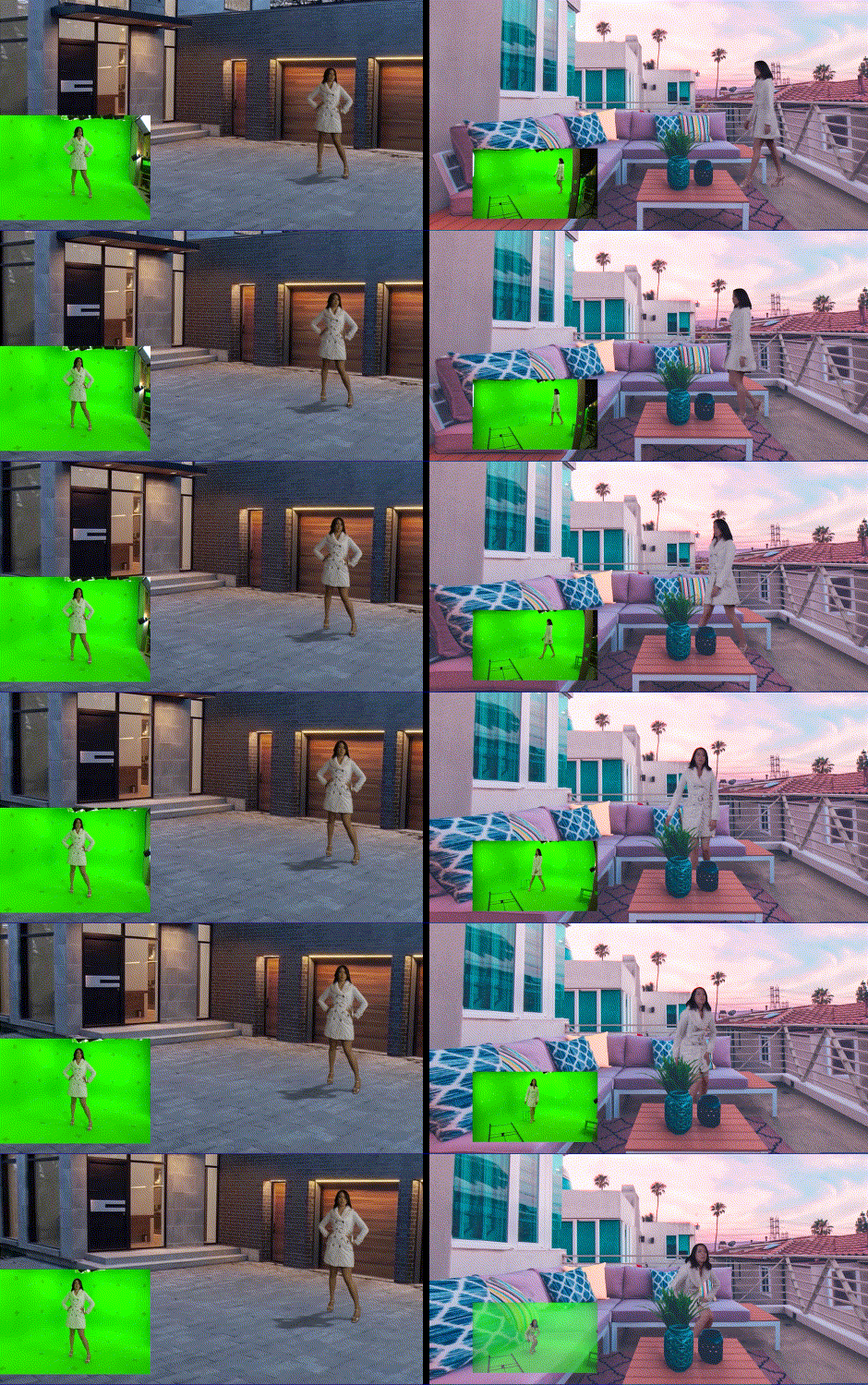
CHARACTER INTEGRATON
Integrate green screen actors to your virtual world.
DISPLACE
DISPLACE OBJECT
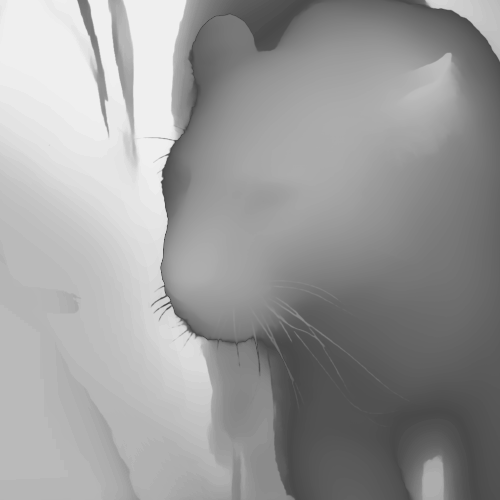
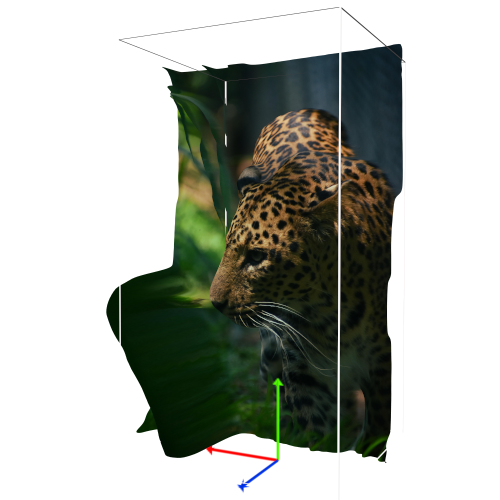
Create a 3d-model using depth-map.
DISPLACE IMAGE
Portrait and photo displacment tool.

CLEAN EDGES
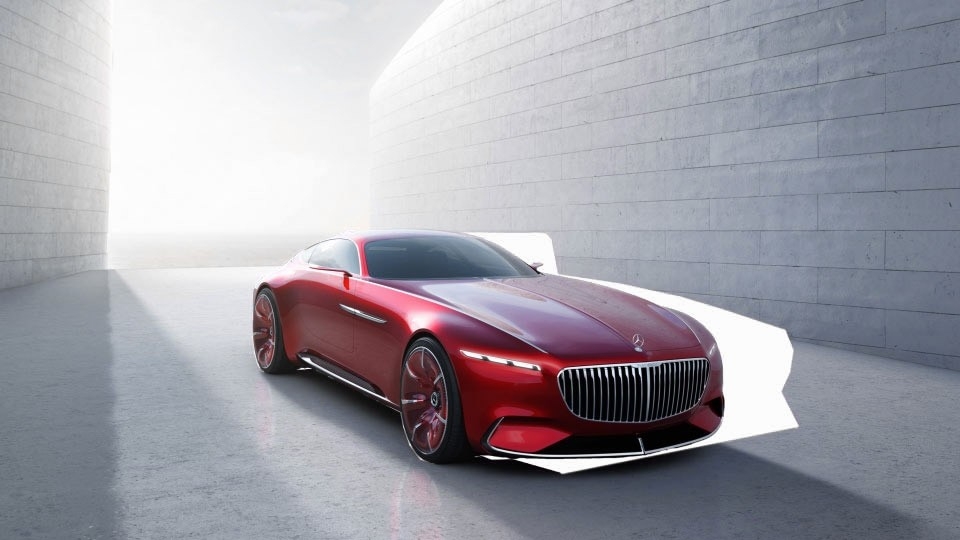
Create rough mesh of a model & clean unwanted edges with one click.

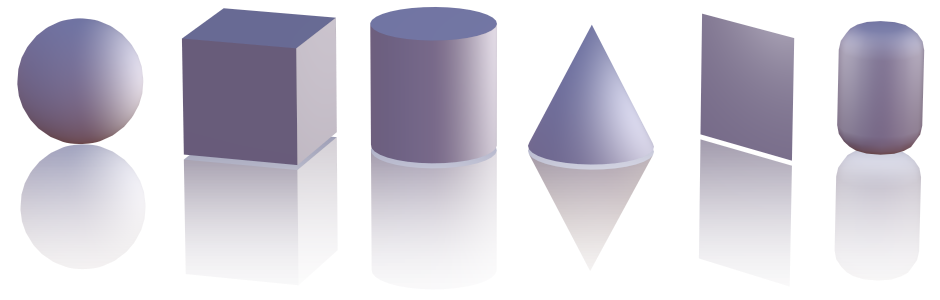
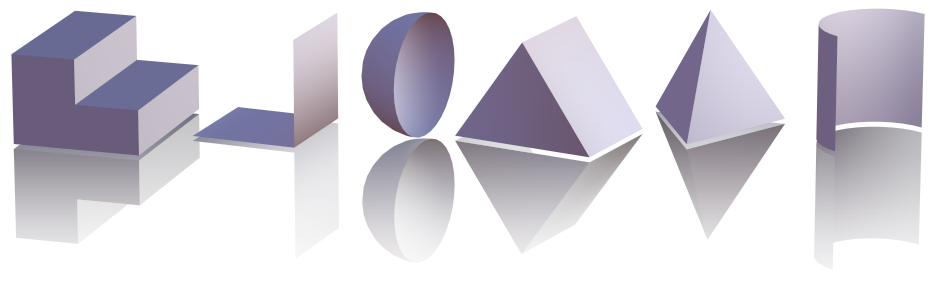
PRIMITIVES
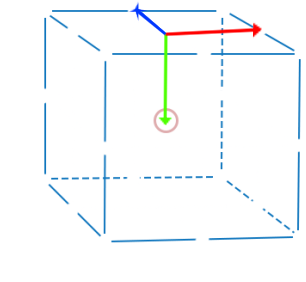
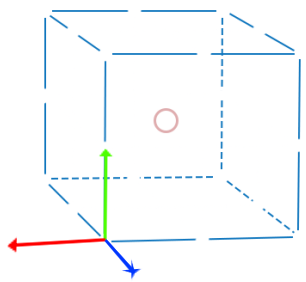
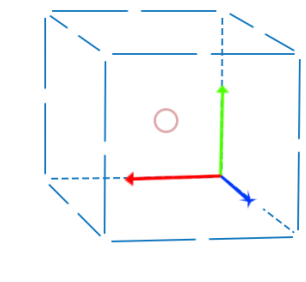
3D Anchor Point Editor
Easily reposition the anchor point of a 3D object, as well as a 2D object.
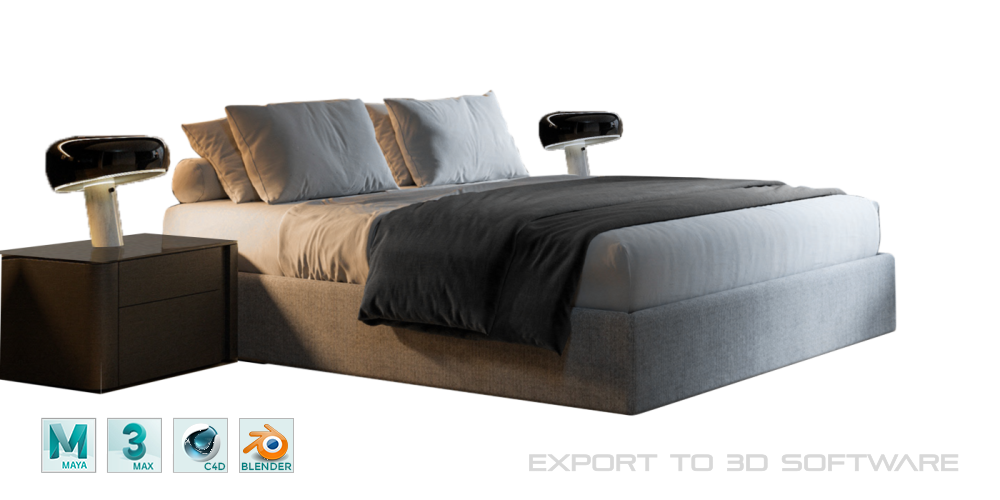
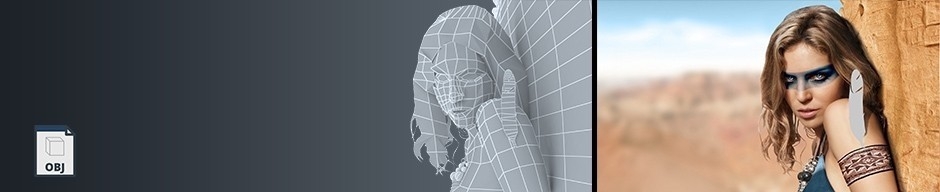
EXPORT .OBJ
You can export your solids,compositions, masks and layers as an OBJ File and open it in 3D Software.
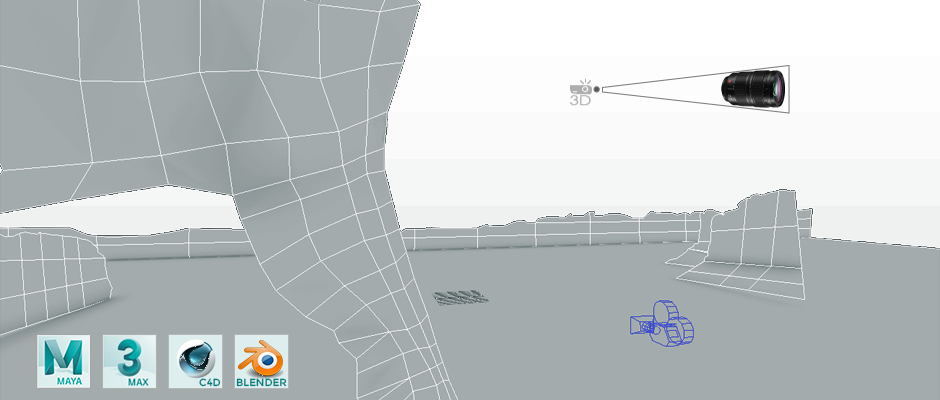
EXPORT CAMERA ANIMATION
You can export your After Effects camera animation as a Python file and open it in 3D Software.
INTEGRATION WITH FSPY CAMERA MATCHING TOOL
WATER ANIMATION
When animating a projection, reflective surfaces such as water will not work properly and the reflection will be distorted, this tool creates a ready-made water animation in Blender and all you have to do is render it.
Get ready-made realistic water animation in Blender with one click and render it.
Tutorials
Tutorial Projects Download
Download — Projection 3D v5 Tutorial Projects and Promo Video Projection Scenes
Elevate your motion graphics workflow with premium collection of After Effects plugins. Whether you are a seasoned professional or just starting your VFX journey, powerful tools designed to streamline complex tasks, unlock creative possibilities, and save you hours of rendering time. From stunning glitch effects and seamless transitions to advanced 3D extrusion and text animation tools, each plugin in our library is rigorously tested for compatibility with the latest versions of Adobe after Effects. Enhance your video production value today and download industry-leading plugins that help you create breathtaking visuals without the technical headaches. Browse our full range and find the perfect extension to supercharge your editing suite now.
➡️ ➡️ For more after effects Plugins 😀 😀
➡️ ➡️ System requirements AE
Reviews
There are no reviews yet.