
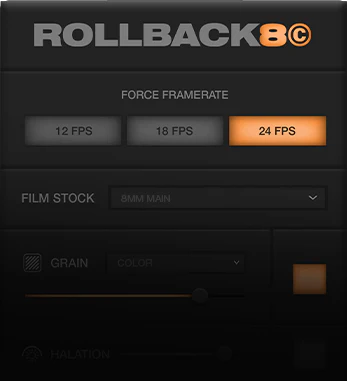
Rollback8 for After Effects
rollback plugin
Rollback8 v2.0.0 for After Effects – Authentic 8-Bit Retro Gaming & Vintage Computer Effects
Download Rollback8 v2.0.0 for After Effects on Windows and Mac, a powerful plugin that transforms your footage into authentic 8-bit and 16-bit retro gaming visuals. Recreate the look and feel of classic consoles like NES, SNES, Game Boy, and vintage computers with complete control over pixelation, color palettes, and CRT effects .
Key Features of Rollback8 v2.0.0:
- Authentic Console Emulation: Precisely recreates the visual characteristics of classic gaming systems including NES, SNES, Game Boy, Game Boy Color, Sega Genesis, and more
- Pixel-Perfect Resolution Scaling: Downscale and upscale footage to authentic console resolutions with proper pixel scaling algorithms
- Classic Color Palettes: Built-in libraries of authentic console color palettes, fully adjustable for custom retro looks
- CRT Simulation: Add authentic CRT artifacts including scanlines, screen curvature, phosphor glow, and color bleeding
- Dithering Effects: Apply period-accurate dithering patterns used in classic game graphics
- Frame Rate Simulation: Emulate the frame rates of classic consoles for authentic motion characteristics
- Animated Pixel Effects: Add retro game-style pixel animations including flicker, sprite limits, and palette swaps
- Real-Time Preview: See retro effects update instantly as you adjust parameters
- v2.0.0 Updates: Complete rewrite with expanded console support, improved CRT simulation, and enhanced performance
- Cross-Platform Support: Works on both Windows and Mac systems
Perfect For:
- Motion graphics artists creating retro gaming aesthetics
- Music video producers seeking 8-bit and 16-bit visual styles
- Game developers creating trailers and promotional content
- Title sequence designers wanting authentic vintage game looks
- Anyone looking to add classic console charm to their projects
System Requirements:
- Adobe After Effects 2025, 2024, 2023, 2022
- Windows 10/11 (64-bit) or macOS
- 4GB RAM minimum (8GB+ recommended)
- 50MB available disk space
Installation:
Copy the plugin file to your After Effects Plug-ins folder:
- Windows:
C:\Program Files\Adobe\Adobe After Effects [version]\Support Files\Plug-ins\ - Mac:
/Applications/Adobe After Effects [version]/Plug-ins/
Note: Version 2.0.0 is a complete rewrite with expanded console support, improved CRT simulation, and enhanced performance . The plugin is perfect for creating authentic retro gaming visuals for music videos, game trailers, and nostalgic content .
One-Click Results
Achieve Ultra-Realistic Super 8 Film Emulations with the press of a button. Play video
 Play video
Works Everytime
Carefully crafted to work on any footage, no matter the camera or time of day. (Supports LOG Footage) Play video
 Play video
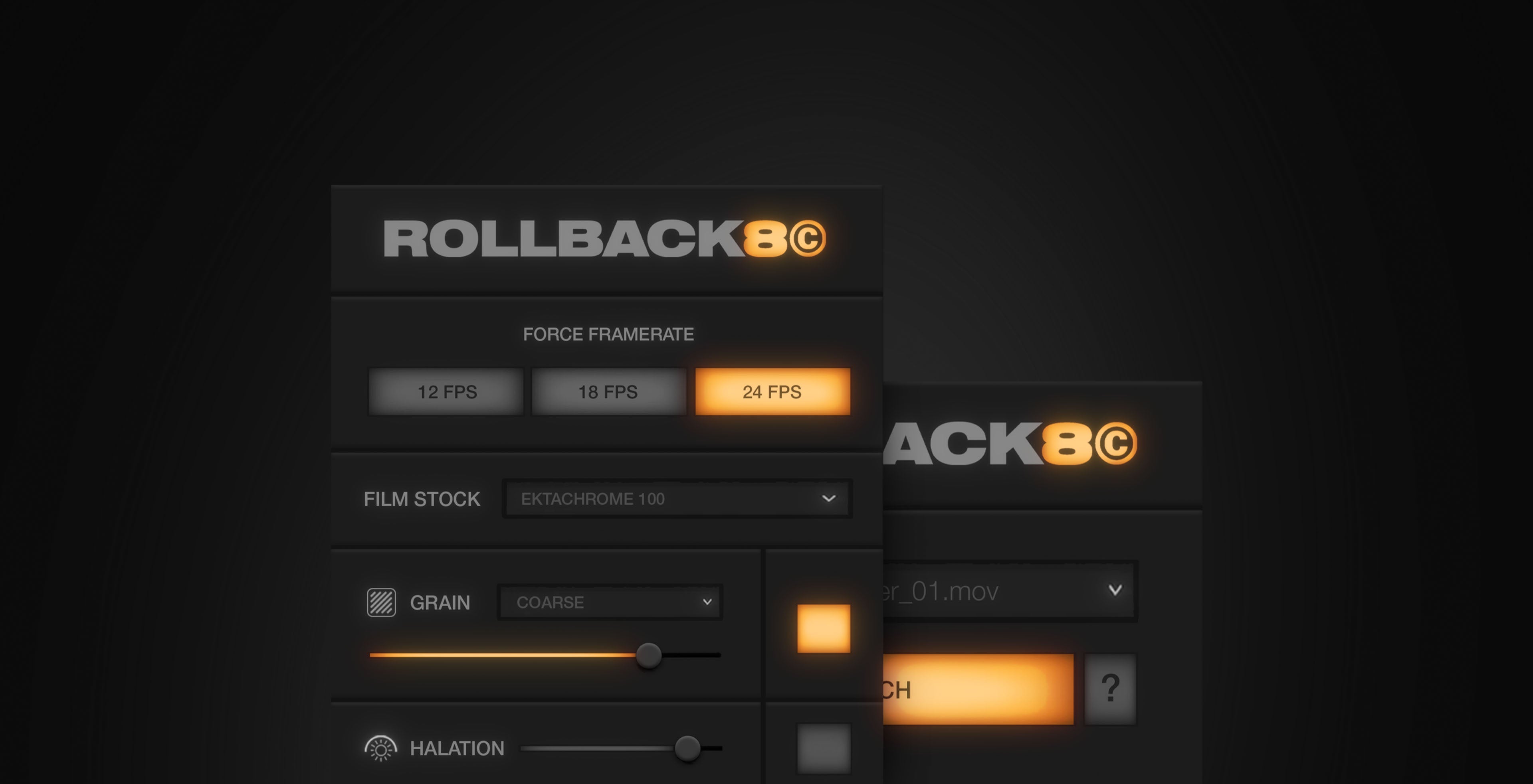
Plugin Overview
Learn how to use and install the Rollback8 plugin.
Elevate your motion graphics workflow with premium collection of After Effects plugins. Whether you are a seasoned professional or just starting your VFX journey, powerful tools designed to streamline complex tasks, unlock creative possibilities, and save you hours of rendering time. From stunning glitch effects and seamless transitions to advanced 3D extrusion and text animation tools, each plugin in our library is rigorously tested for compatibility with the latest versions of Adobe after Effects. Enhance your video production value today and download industry-leading plugins that help you create breathtaking visuals without the technical headaches. Browse our full range and find the perfect extension to supercharge your editing suite now.
➡️ ➡️ For more after effects Plugins 😀 😀
➡️ ➡️ System requirements AE
Reviews
There are no reviews yet.