
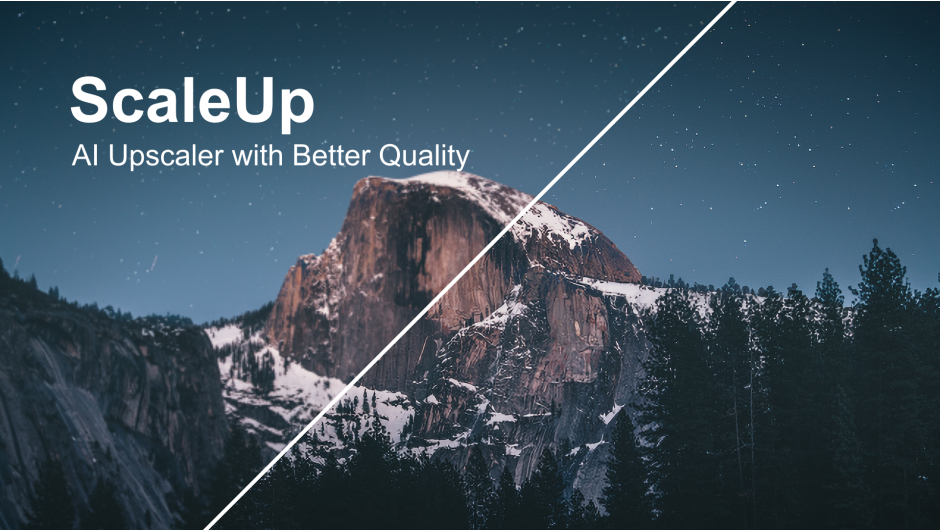
ScaleUP for After Effects
Primary Keyphrase: scale composition script
Description:
Download ScaleUP v1.4.4 for Windows, a powerful After Effects script that instantly resizes your compositions while intelligently adjusting all layers to maintain their relative positions and visual relationships. This essential tool eliminates the tedious manual work of scaling every layer individually when you need to change composition dimensions for different delivery requirements.
ScaleUP goes far beyond simple composition scaling by intelligently analyzing your layer structure and applying smart scaling rules. It preserves the visual relationships between layers—text remains readable, graphics stay properly positioned, and complex animations maintain their intended look—all while adapting to your new composition dimensions with a single click.
Key Features of ScaleUP v1.4.4:
- One-Click Composition Resizing: Instantly scale your entire composition to new dimensions with a single click—no more manual layer adjustments
- Smart Layer Positioning: Automatically calculates new layer positions to maintain visual relationships and composition balance
- Text Layer Protection: Intelligently handles text layers to ensure fonts remain readable and properly scaled
- Effect Parameter Scaling: Scales effect parameters appropriately to maintain visual consistency at new resolutions
- Multi-Format Support: Perfect for adapting projects between social media formats, broadcast standards, and web resolutions
- Preserves Animation: Maintains keyframe timing and motion paths while scaling spatial properties appropriately
- Batch Processing: Apply scaling to multiple compositions simultaneously for efficient workflow
- Cross-Project Consistency: Ensure consistent scaling behavior across all your projects with reliable, predictable results
Perfect For:
- Motion graphics artists adapting projects for multiple delivery formats
- Social media content creators needing different aspect ratios for various platforms
- Broadcast designers reformatting projects for different resolution standards
- Anyone who’s ever spent hours manually resizing layers after changing composition dimensions
- Studios needing to quickly repurpose content across multiple formats
System Requirements:
- Adobe After Effects 2025, 2024, 2023, 2022
- Windows 10/11 (64-bit)
- 4GB RAM minimum (8GB+ recommended)
- 25MB available disk space
- Enable “Allow Scripts to Write Files and Access Network” in Preferences > Scripting & Expressions
Installation:
Copy the script file to your After Effects ScriptUI Panels folder:
- Windows:
C:\Program Files\Adobe\Adobe After Effects [version]\Support Files\Scripts\ScriptUI Panels\
Access via Window menu > ScaleUP
Note: Version 1.4.4 includes performance improvements and enhanced compatibility with recent After Effects versions . The script is essential for anyone who regularly needs to repurpose content for different delivery formats .
Enlarge footage up to 10 times for better quality with AI technology.
ScaleUp is an advanced video enhancing tool, it can enlarge videos by up to 10x with minimal image quality loss.
With the AI-powered technology, ScaleUp tool can not only upscale your footage but also enhance the video quality. It can increase the image resolution while preserving the details.
To enlarge the image, instead of interpolating the pixels using the traditional bilinear / bicubic methods, intelligent AI technology is used to study and analyze the pixels of large amount of images and clips using neural network to improve the image quality, and reduce the noises, even the block effects in the compressed video.
Moreover, ScaleUp plugin is GPU accelerated for Adobe After Effects and Adobe Premiere Pro, and available for Mac and Windows.
Simple and user friendly controls.

Enlarge image while perfectly preserving image quality. (Click on the image for the full sized version.)

Recover lost textures and details from low resolution image intelligently. ScaleUp creates stunningly sharp images with just one click, simple as build-in detail-preserving upscale, but with much higher quality.

Intelligent AI technology analyzes the pixels of large amount of images and clips using neural network to improve the image quality, and reduce the noises, even the block effects in the compressed video.

Sharp mode provides better perceptual quality with fine details to make the images look more realistic.

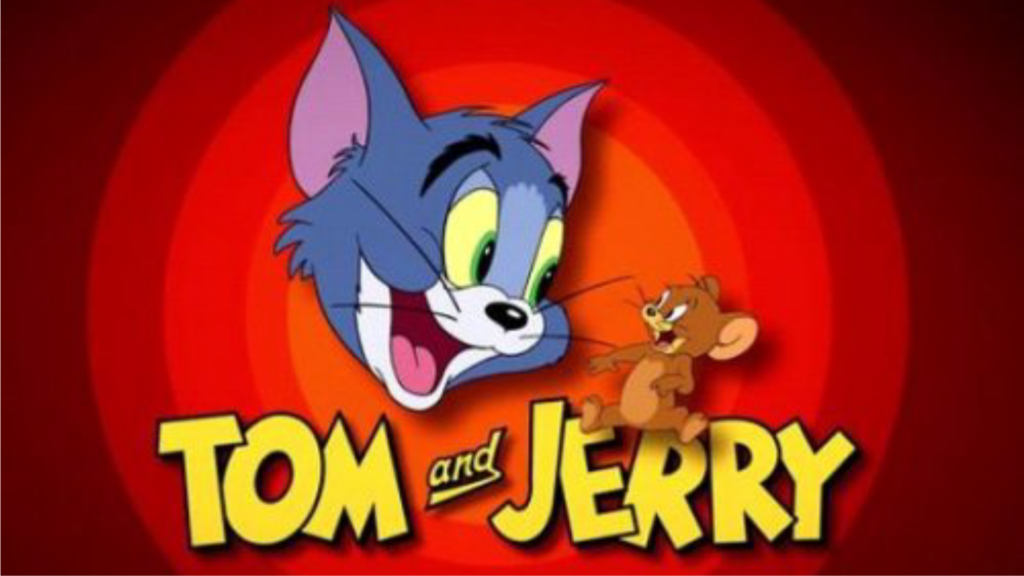
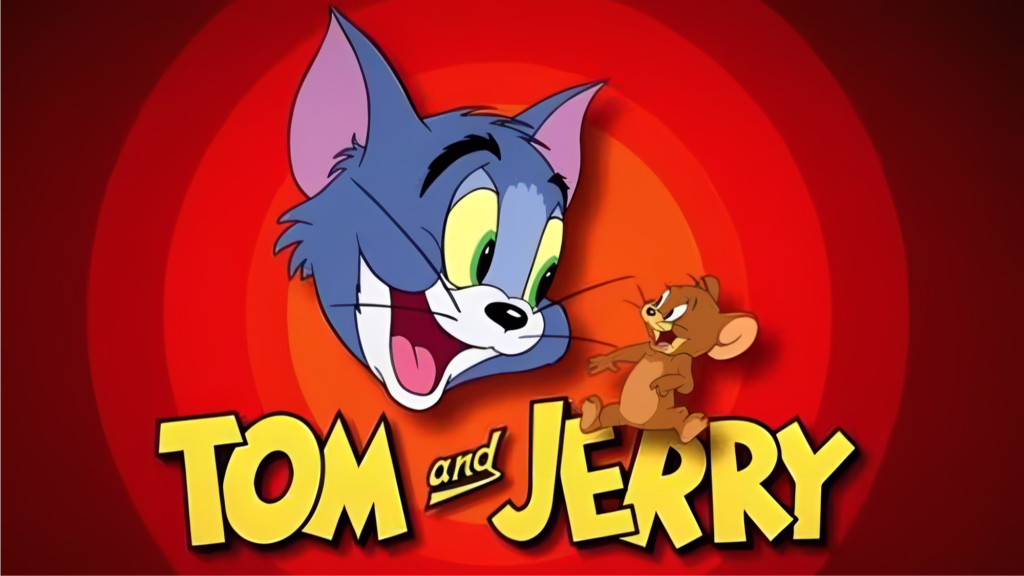
Cartoon mode is ideal to upscale cartoon videos, it can preserve and enhance edges while eliminating the compression artifacts.

Bicubic vs. ScaleUp
















Elevate your motion graphics workflow with premium collection of After Effects plugins. Whether you are a seasoned professional or just starting your VFX journey, powerful tools designed to streamline complex tasks, unlock creative possibilities, and save you hours of rendering time. From stunning glitch effects and seamless transitions to advanced 3D extrusion and text animation tools, each plugin in our library is rigorously tested for compatibility with the latest versions of Adobe after Effects. Enhance your video production value today and download industry-leading plugins that help you create breathtaking visuals without the technical headaches. Browse our full range and find the perfect extension to supercharge your editing suite now.
➡️ ➡️ For more after effects Plugins 😀 😀
➡️ ➡️ System requirements AE
Reviews
There are no reviews yet.