
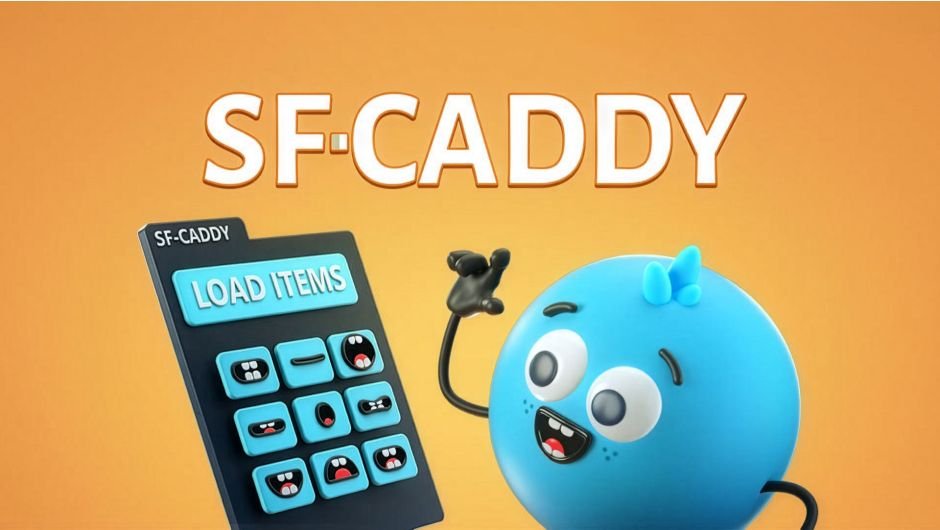
SF Caddy for After Effects
Primary Keyphrase: character animation script
Description:
Download SF Caddy v2.9.3 for Adobe After Effects on Windows and Mac, a powerful character animation and lip-sync tool that lets you instantly swap mouth shapes, hand gestures, props, and other layered assets with a single click. This essential script streamlines the entire animation workflow by allowing you to load libraries of replacement items and switch between them directly in the timeline—automatically adding keyframes at each swap for perfect synchronization.
Key Features of SF Caddy v2.9.3:
- One-Click Asset Replacement: Simply select the items you want to replace, click “LOAD ITEMS,” and instantly access your entire library of mouth shapes, expressions, props, and accessories
- Automatic Keyframe Generation: Every click in the panel automatically adds a keyframe to the timeline, making lip-sync and expression changes perfectly timed and editable
- Ideal for Lip-Sync Animation: Load multiple mouth shapes for different phonemes and click through them in sync with your audio track—creates smooth, professional dialogue animations without manual keyframe adjustments
- Versatile Character Animation: Beyond lip-sync, swap hand gestures, eye expressions, clothing items, glasses, hats, and any other interchangeable character elements
- Streamlined Workflow: Eliminate the tedious process of manually revealing and hiding layers or adjusting layer properties for each character pose change
- v2.9.3 Update: Fixed bug for improved compatibility with non-English versions of After Effects
- Cross-Platform Support: Works seamlessly on both Windows and Mac systems
- Broad Compatibility: Supports After Effects 2025, 2024, 2023, 2022, 2021, 2020, CC 2019, CC 2018, CC 2017
Perfect For:
- Character animators creating dialogue-driven animations with lip-sync requirements
- Motion graphics artists building modular characters with interchangeable features
- Anyone producing animated explainer videos with talking characters
- Studios looking to streamline character animation workflows across multiple projects
- Creators who want to focus on performance instead of technical layer management
System Requirements:
- Adobe After Effects 2025, 2024, 2023, 2022, 2021, 2020, CC 2019, CC 2018, CC 2017
- Windows 10/11 (64-bit) or macOS
- 4GB RAM minimum (8GB+ recommended)
- 25MB available disk space
- Enable “Allow Scripts to Write Files and Access Network” in Preferences > Scripting & Expressions
Installation:
Copy the script files to your After Effects ScriptUI Panels folder:
- Windows:
C:\Program Files\Adobe\Adobe After Effects [version]\Support Files\Scripts\ScriptUI Panels\ - Mac:
/Applications/Adobe After Effects [version]/Scripts/ScriptUI Panels/
Access via Window menu > SF Caddy
Note: SF Caddy is specifically designed for character animation workflows where you need to quickly swap between different versions of layered artwork. Set up your character with multiple mouth positions, eye expressions, or prop layers, load them into SF Caddy, and animate by simply clicking through the options—the script handles all the technical layer management behind the scenes .
Now lip-sync using markers. SF-Caddy is a quick assets replacement tool for After Effects. Super handy for character animation and lip-sync.
SF-Caddy is a tool that allows on-click replacement of items in After Effects.
Super handy for character animation and lip-sync.
1. Select the item you wish to replace, then click “LOAD ITEMS”.
2. Clicking an item in the panel switches to that item and adds a keyframe to the timeline.
It’s soooooooo easy to do lipsync using SF-CADDY

SF-Caddy can replace anything


Customize the tool
Scale the buttons
Resize the tool
Change button color background
Change button name
Cool stuff made with the help of SF-CADDY
https://www.instagram.com/p/CR6PQIanA-l/embed/captioned/?cr=1&v=14&wp=460&rd=https%3A%2F%2Faescripts.com&rp=%2Fsf-caddy%2F#%7B%22ci%22%3A0%2C%22os%22%3A9826.800000011921%2C%22ls%22%3A2072.899999976158%2C%22le%22%3A9818.300000011921%7D
https://www.instagram.com/p/CQN_xnlnV9T/embed/?cr=1&v=13&wp=460&rd=https%3A%2F%2Faescripts.com&rp=%2Fsf-caddy%2F#%7B%22ci%22%3A1%2C%22os%22%3A9836.399999976158%2C%22ls%22%3A2072.899999976158%2C%22le%22%3A9818.300000011921%7D
Features
- Supports Mac and Windows.
- Very useful for Character Lipsync
- Useful for anything that requires replacing
Tutorials
Elevate your motion graphics workflow with premium collection of After Effects plugins. Whether you are a seasoned professional or just starting your VFX journey, powerful tools designed to streamline complex tasks, unlock creative possibilities, and save you hours of rendering time. From stunning glitch effects and seamless transitions to advanced 3D extrusion and text animation tools, each plugin in our library is rigorously tested for compatibility with the latest versions of Adobe after Effects. Enhance your video production value today and download industry-leading plugins that help you create breathtaking visuals without the technical headaches. Browse our full range and find the perfect extension to supercharge your editing suite now.
➡️ ➡️ For more after effects Plugins 😀 😀
➡️ ➡️ System requirements AE
Reviews
There are no reviews yet.