

shifter 2 for After Effects
Primary Keyphrase: layer shifting script
Description:
Download Shifter 2 v2.0.4 for After Effects on Windows and Mac, a powerful script that gives you complete control over how and when your layers start and end. With six intuitive shifting modes, Shifter 2 lets you quickly align, offset, and rearrange layers in time—saving hours of manual dragging and timeline adjustment .
Key Features of Shifter 2 v2.0.4:
- Six Shifting Modes: Shift layers by time shift (positive or negative), duration shift (fit to work area), match shift (match layers to work area), layer shift (offset in/out points), and shift by layer duration for complete timeline control
- Automatic Logic: If only one layer is selected, the work area is used; if two layers are selected, shifting occurs between them; with three or more layers, shifting is based on the first two selected
- Smart Arrangement Options: Arranges layers automatically using methods like stacking, moving to CTI (Current Time Indicator), and staggering with adjustable gap
- Bake Function: Turn expressions into keyframes with a single click for final delivery or compatibility
- Cross-Platform Support: Works seamlessly on both Windows and Mac systems
- Broad Compatibility: Supports After Effects CC 2019 through 2025
Perfect For:
- Motion graphics artists needing precise control over layer timing
- Animators who frequently adjust layer in/out points
- Anyone tired of manually dragging layers in the timeline
- Studios wanting to speed up timeline organization workflows
- Editors working with complex multi-layer animations
System Requirements:
- Adobe After Effects CC 2019 through 2025
- Windows 10/11 (64-bit) or macOS
- 4GB RAM minimum (8GB+ recommended)
- 25MB available disk space
- Enable “Allow Scripts to Write Files and Access Network” in Preferences > Scripting & Expressions
Installation:
Copy the script file to your After Effects ScriptUI Panels folder:
- Windows:
C:\Program Files\Adobe\Adobe After Effects [version]\Support Files\Scripts\ScriptUI Panels\ - Mac:
/Applications/Adobe After Effects [version]/Scripts/ScriptUI Panels/
Access via Window menu > Shifter 2
Note: Version 2.0.4 includes performance improvements and enhanced compatibility with recent After Effects versions . The script is essential for anyone who regularly needs to organize and retime multiple layers in their compositions .
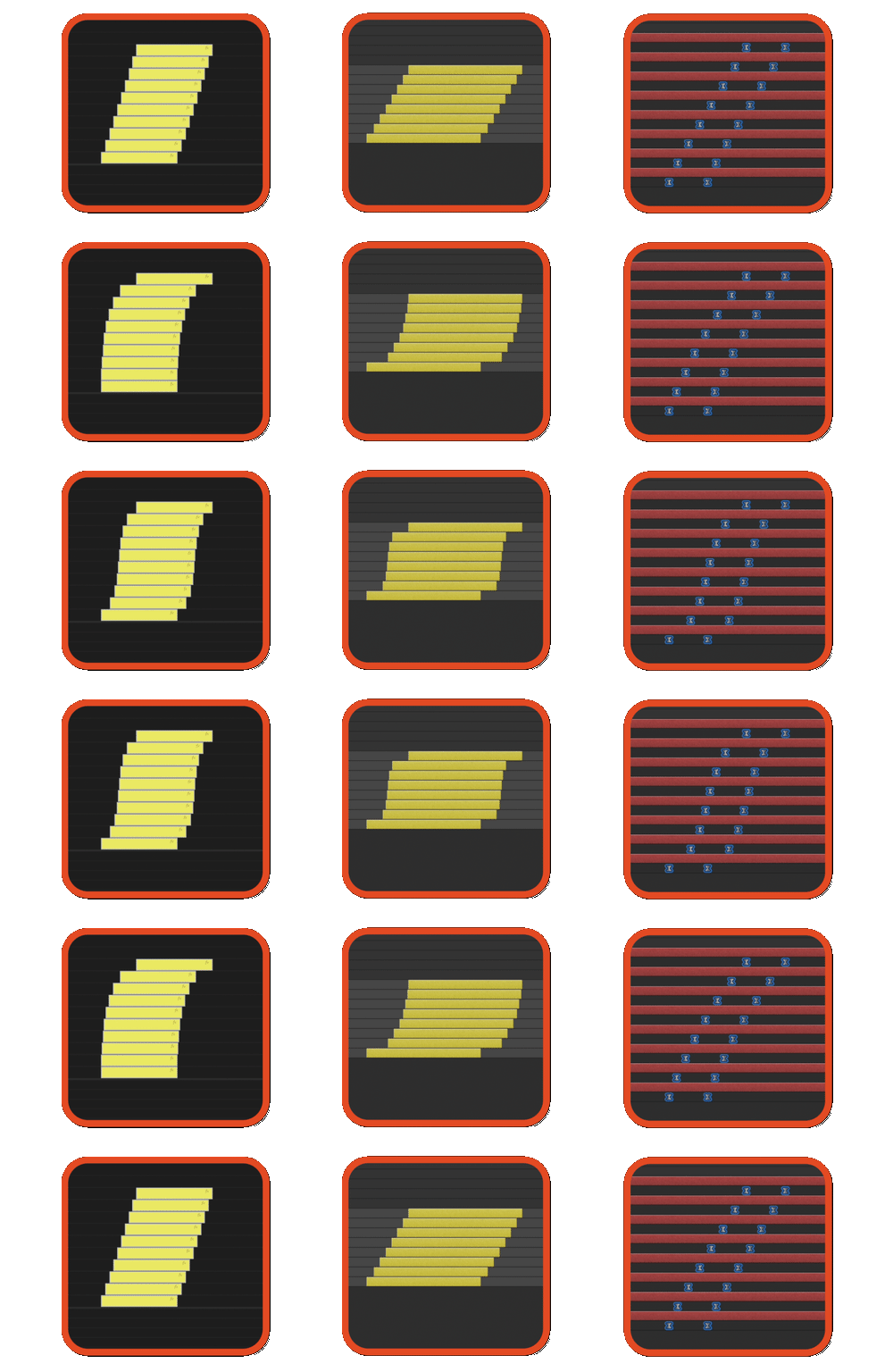
Staircase items in Pr and AE. NEW: offset in/out points, more responsive UI, better visual graph, spell book integration, import/export presets and performance improvements
Staircase Clips in Premiere Pro and Layers or Keyframes in After Effects
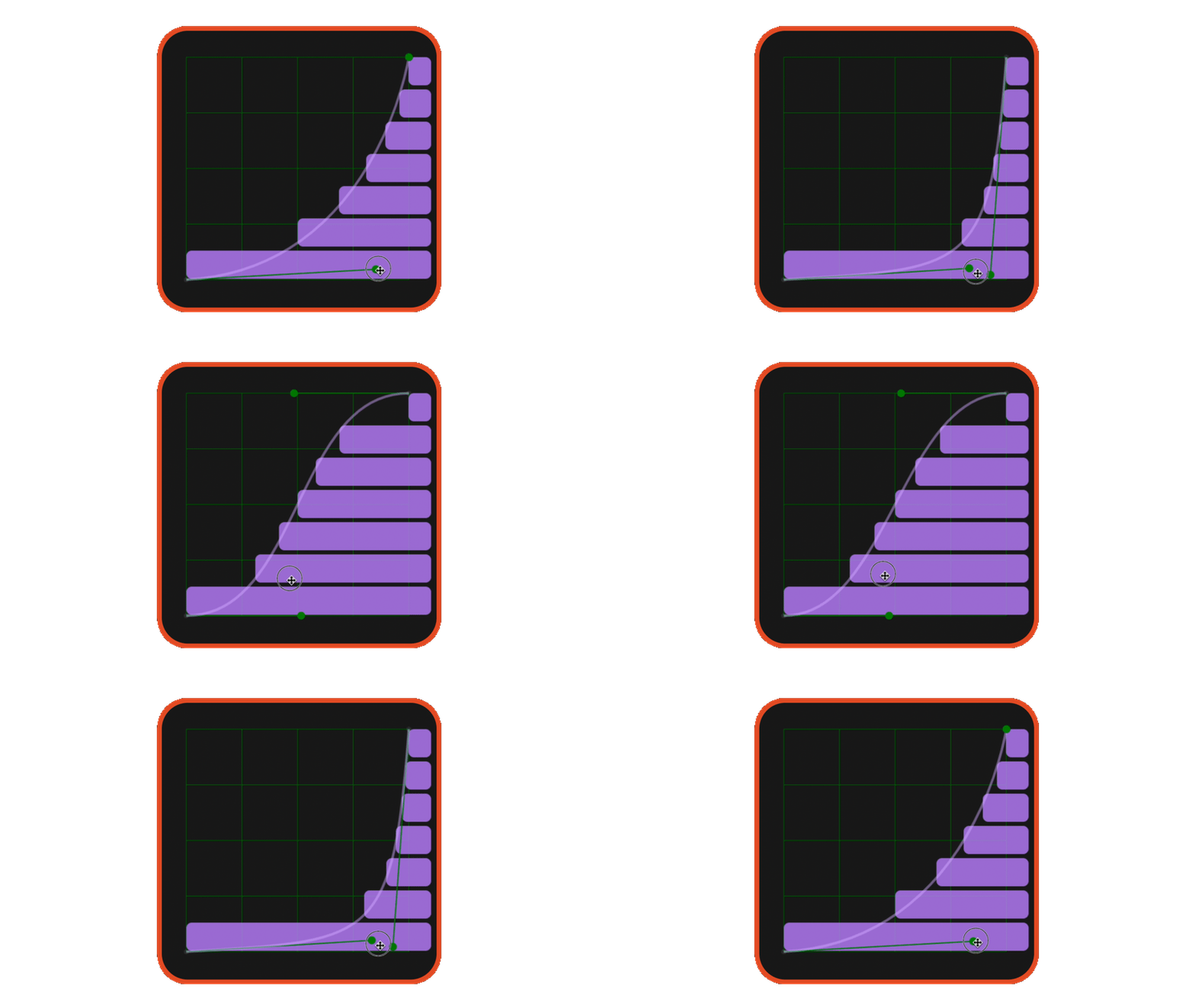
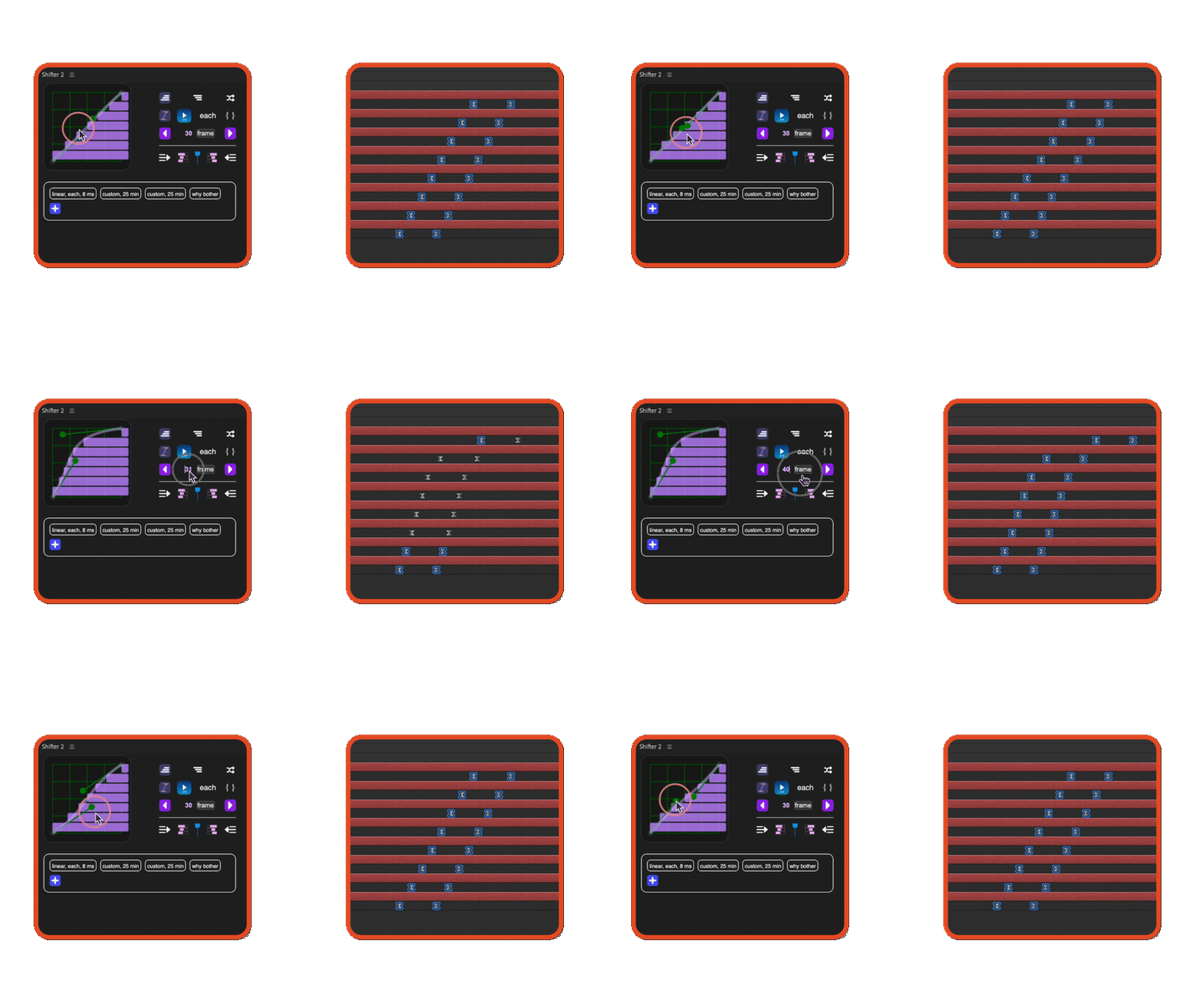
Customize easing with an intuitive graph
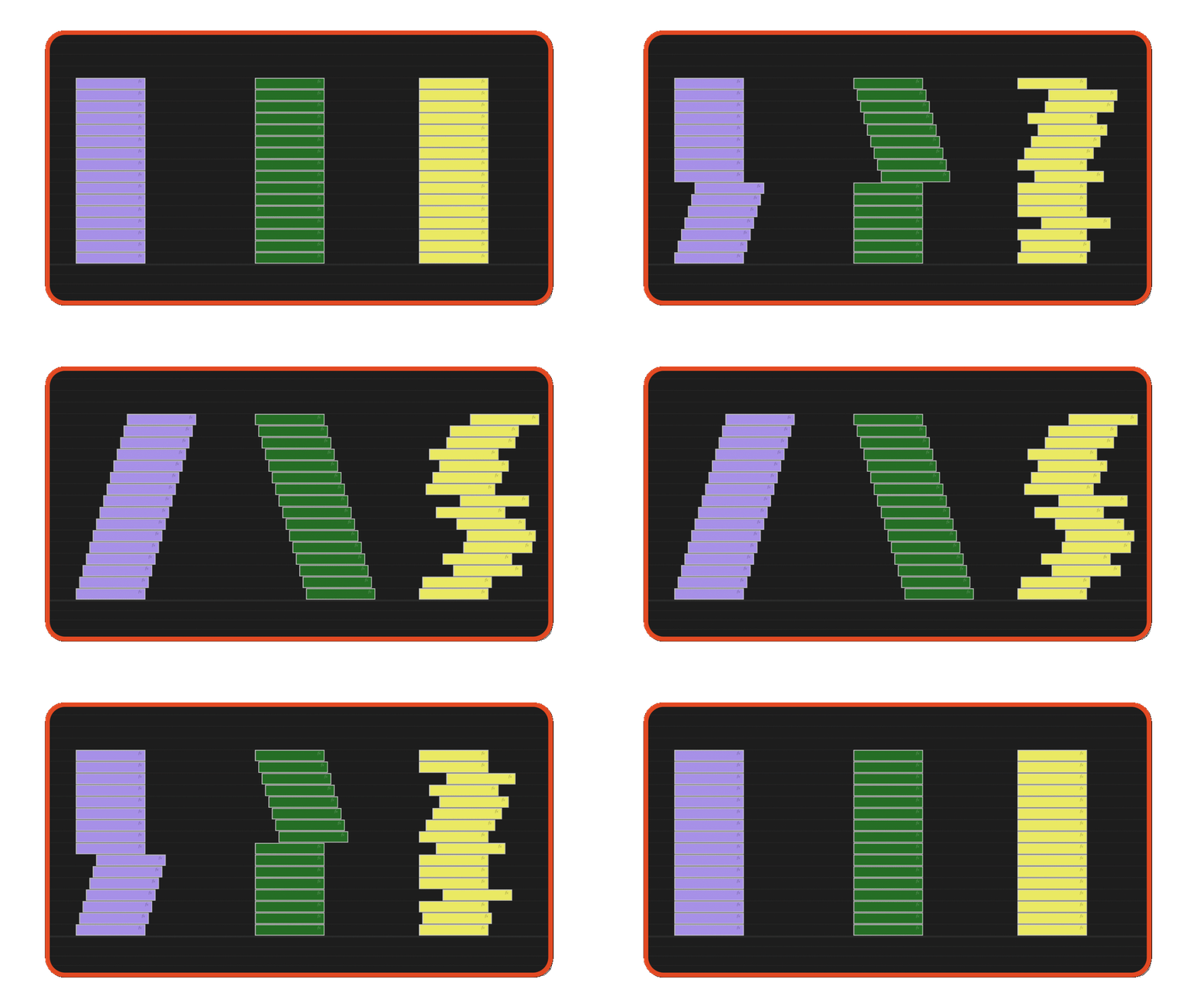
Choose orientation: ascending, descending or random
Use In and Out points to determine the duration or set interval for each item
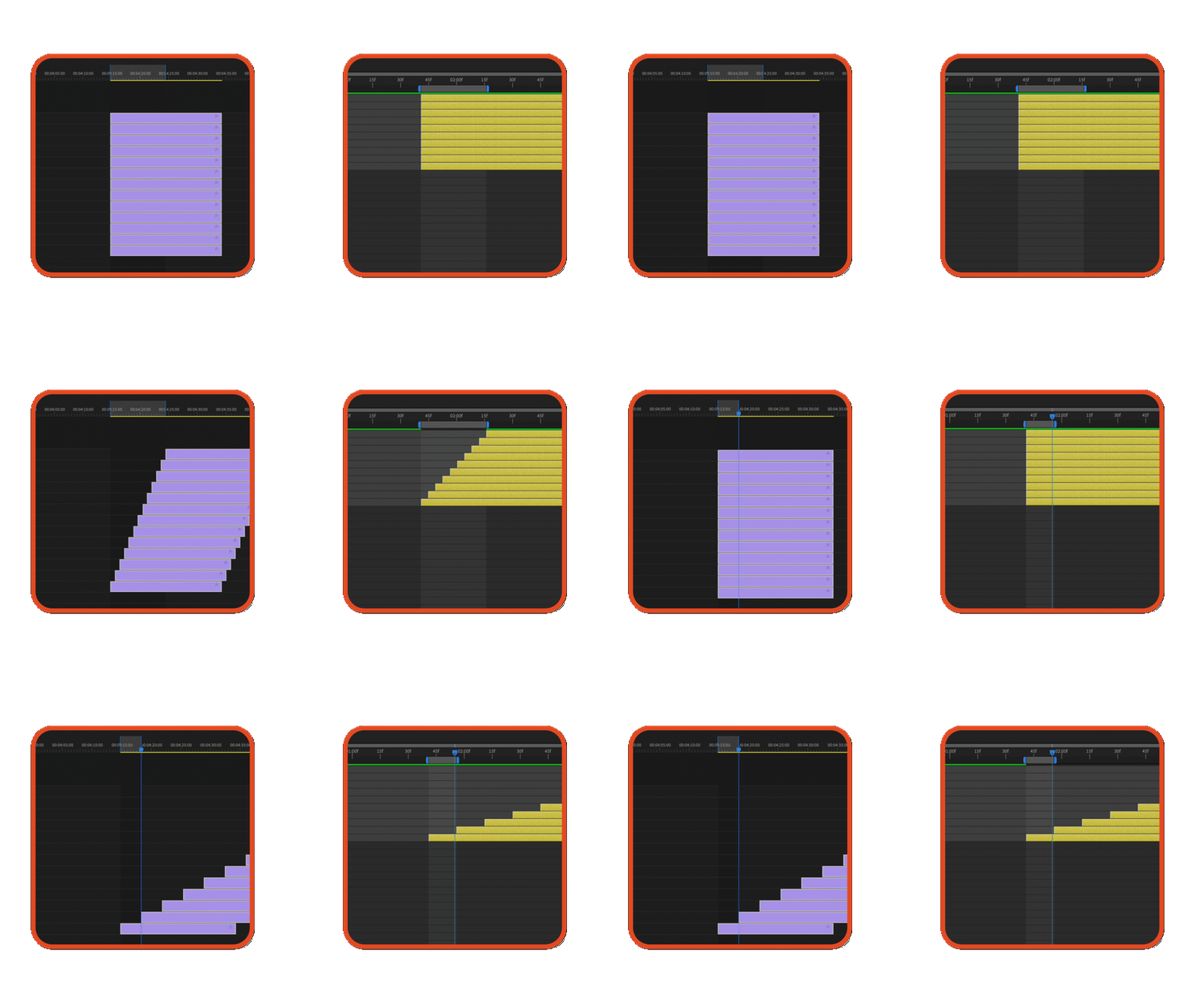
See your adjustments instantly with the live preview
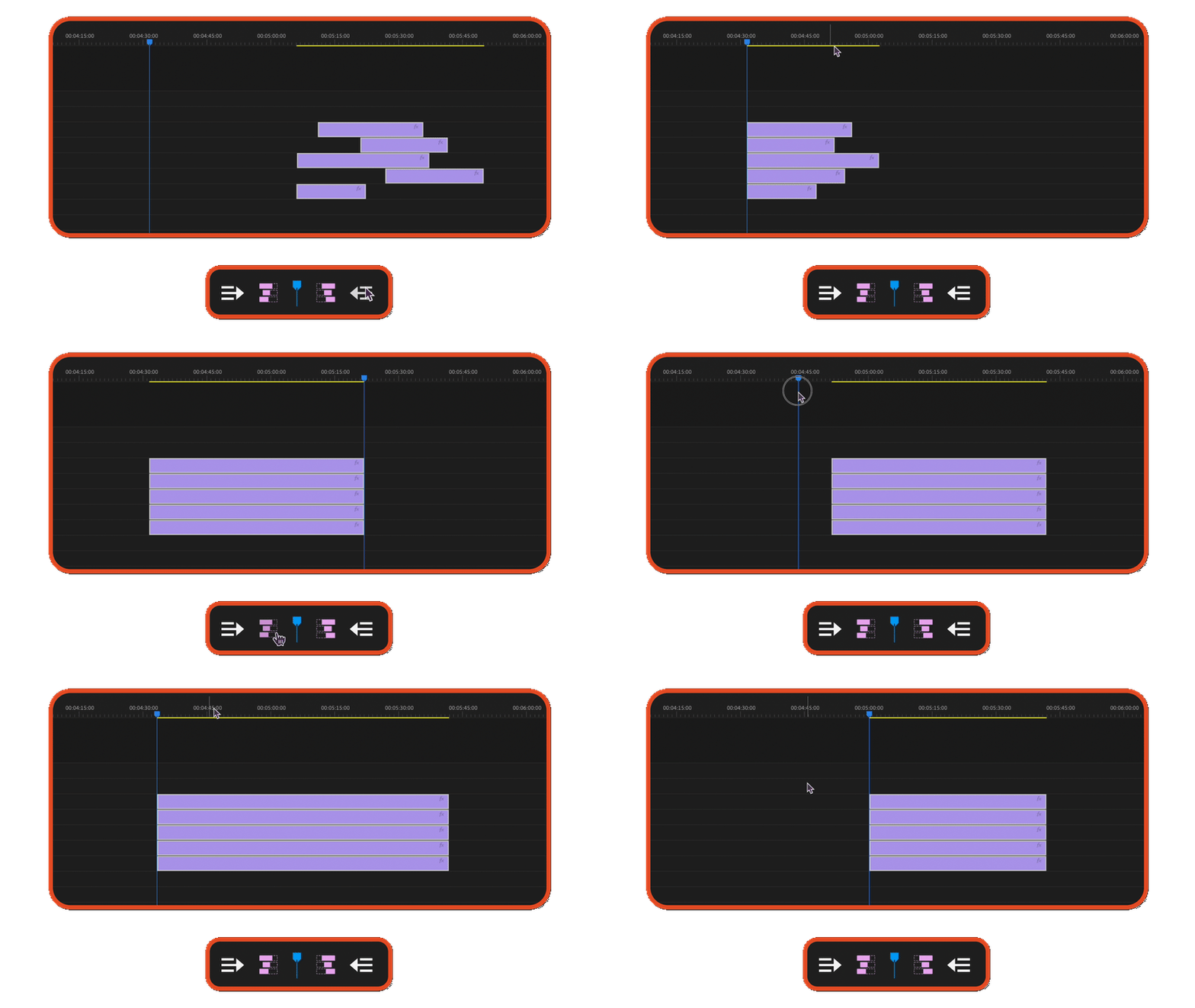
Move items around for quick organization
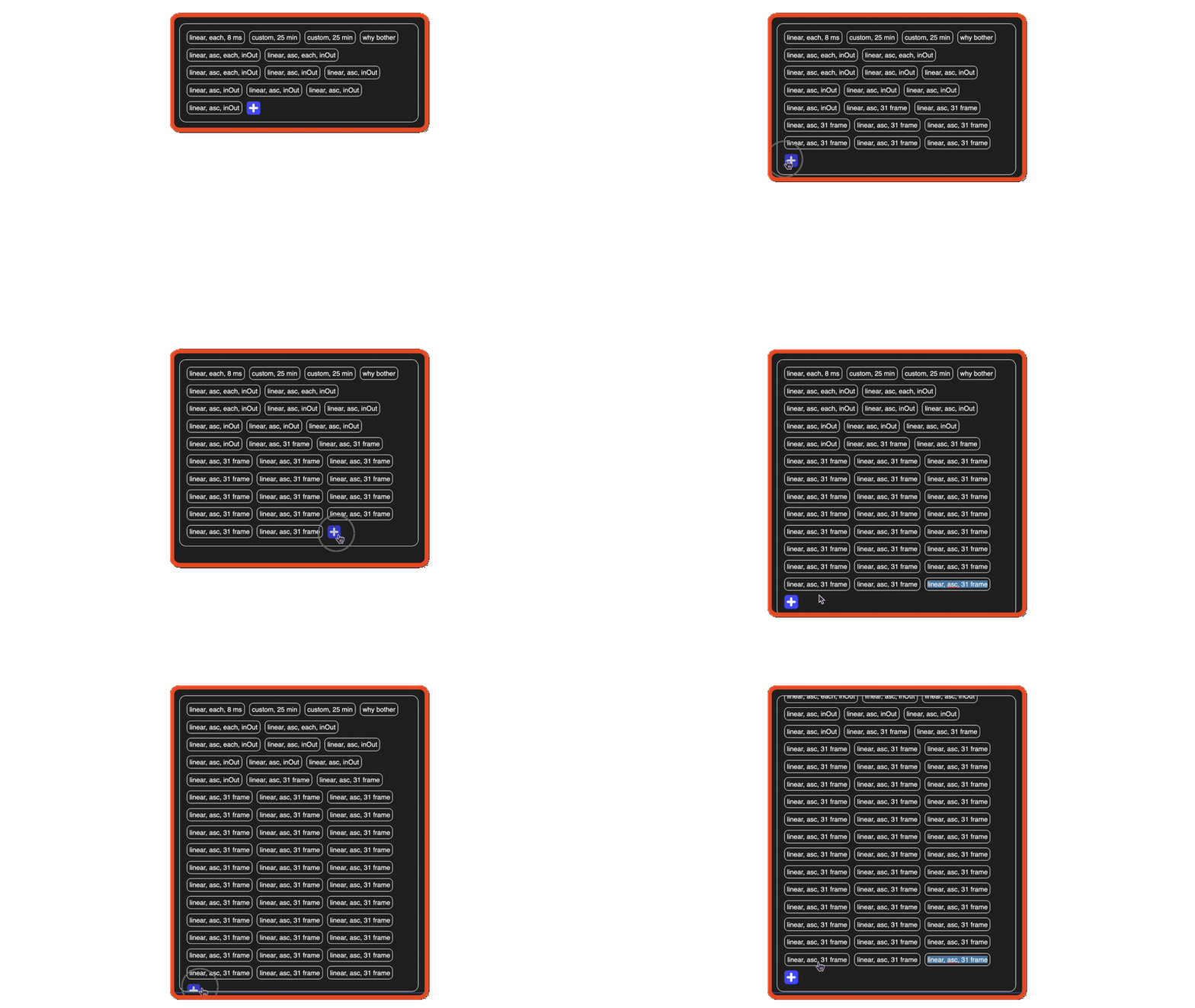
Save unlimited number of presets
Elevate your motion graphics workflow with premium collection of After Effects plugins. Whether you are a seasoned professional or just starting your VFX journey, powerful tools designed to streamline complex tasks, unlock creative possibilities, and save you hours of rendering time. From stunning glitch effects and seamless transitions to advanced 3D extrusion and text animation tools, each plugin in our library is rigorously tested for compatibility with the latest versions of Adobe after Effects. Enhance your video production value today and download industry-leading plugins that help you create breathtaking visuals without the technical headaches. Browse our full range and find the perfect extension to supercharge your editing suite now.
➡️ ➡️ For more after effects Plugins 😀 😀
➡️ ➡️ System requirements AE
Reviews
There are no reviews yet.