
SnapFrame for After Effects
Primary Keyphrase: frame navigation script
Description:
Download SnapFrame v1.3 for After Effects on Windows and Mac, a powerful script that lets you instantly snap your current time indicator (CTI) to any point in your timeline with precision and ease. Whether you need to jump to the start or end of layers, compositions, markers, keyframes, or work areas, SnapFrame puts essential navigation tools at your fingertips for faster, more efficient timeline movement.
Key Features of SnapFrame v1.3:
- Snap to Layer Edges: Instantly jump to the in-point or out-point of any selected layer
- Snap to Markers: Quickly navigate to composition markers or layer markers with one click
- Snap to Keyframes: Jump directly to the first or last keyframe of selected properties
- Snap to Work Area: Instantly move the CTI to the start or end of your work area
- Snap to Composition Edges: Navigate to the very beginning or end of your composition
- Custom Navigation Options: Choose to snap based on selected layers or current CTI position
- Time-Saving Workflow: Eliminate manual scrubbing and zooming to find specific timeline positions
- Cross-Platform Support: Works seamlessly on both Windows and Mac systems
Perfect For:
- Motion graphics artists who frequently need to navigate complex timelines
- Animators working with multiple layers, markers, and keyframes
- Editors wanting to speed up their timeline navigation workflow
- Anyone tired of scrubbing back and forth to find specific points
- Studios looking to make timeline navigation more efficient
System Requirements:
- Adobe After Effects 2025, 2024, 2023, 2022
- Windows 10/11 (64-bit) or macOS
- 4GB RAM minimum (8GB+ recommended)
- 10MB available disk space
- Enable “Allow Scripts to Write Files and Access Network” in Preferences > Scripting & Expressions
Installation:
Copy the script file to your After Effects ScriptUI Panels folder:
- Windows:
C:\Program Files\Adobe\Adobe After Effects [version]\Support Files\Scripts\ScriptUI Panels\ - Mac:
/Applications/Adobe After Effects [version]/Scripts/ScriptUI Panels/
Access via Window menu > SnapFrame
Note: Version 1.3 includes performance improvements and enhanced compatibility with recent After Effects versions . This simple but powerful tool eliminates the need to manually scroll through complex timelines to find specific positions .
One-click frame export as an image in After Effects.
With SnapFrame, you can easily and quickly save any frame from the timeline as an image with one click.
User interface:
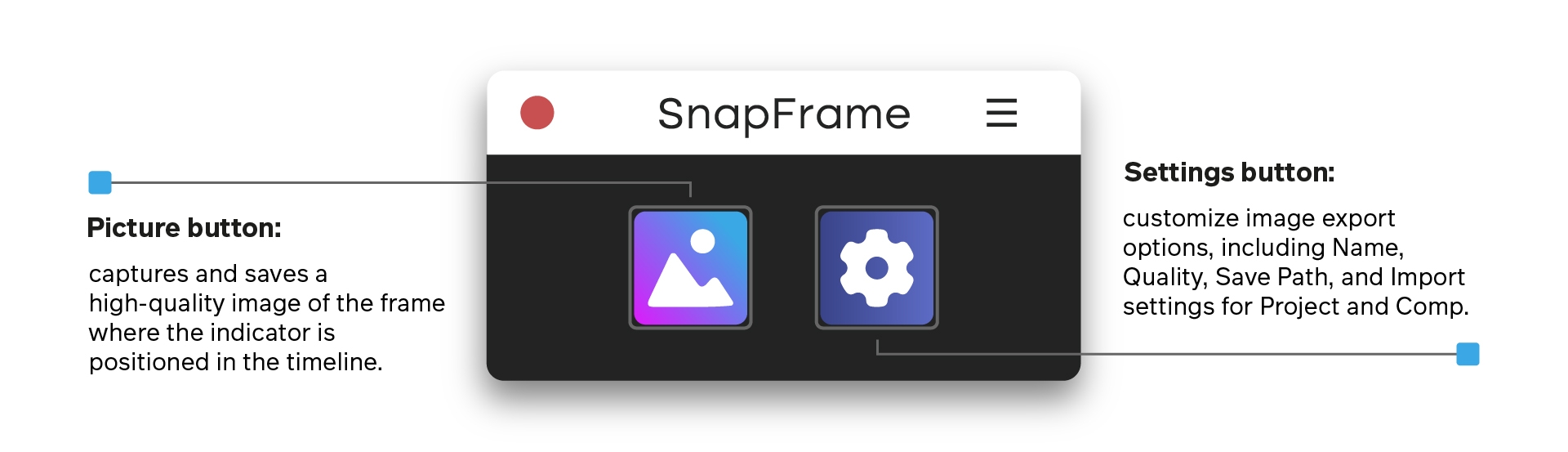
How to use SnapFrame:
Position the time indicator on the desired frame in the timeline and click the Image button.SnapFrame will export a high-quality image and automatically save it to your project folder.
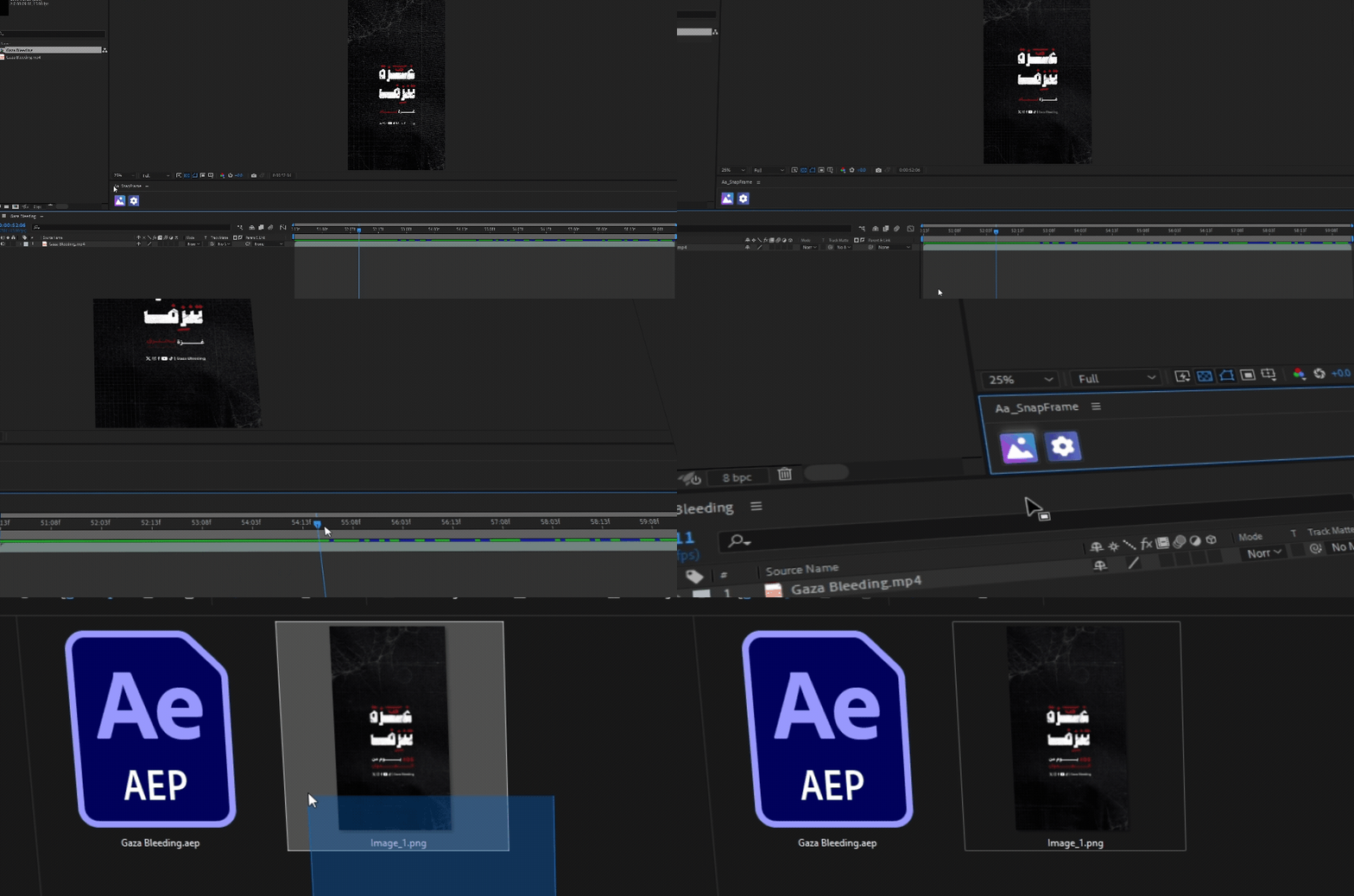
Custom settings:
The Settings button lets you customize export options to fit your needs. Clicking it will open a settings window where you can adjust the details for your image export.
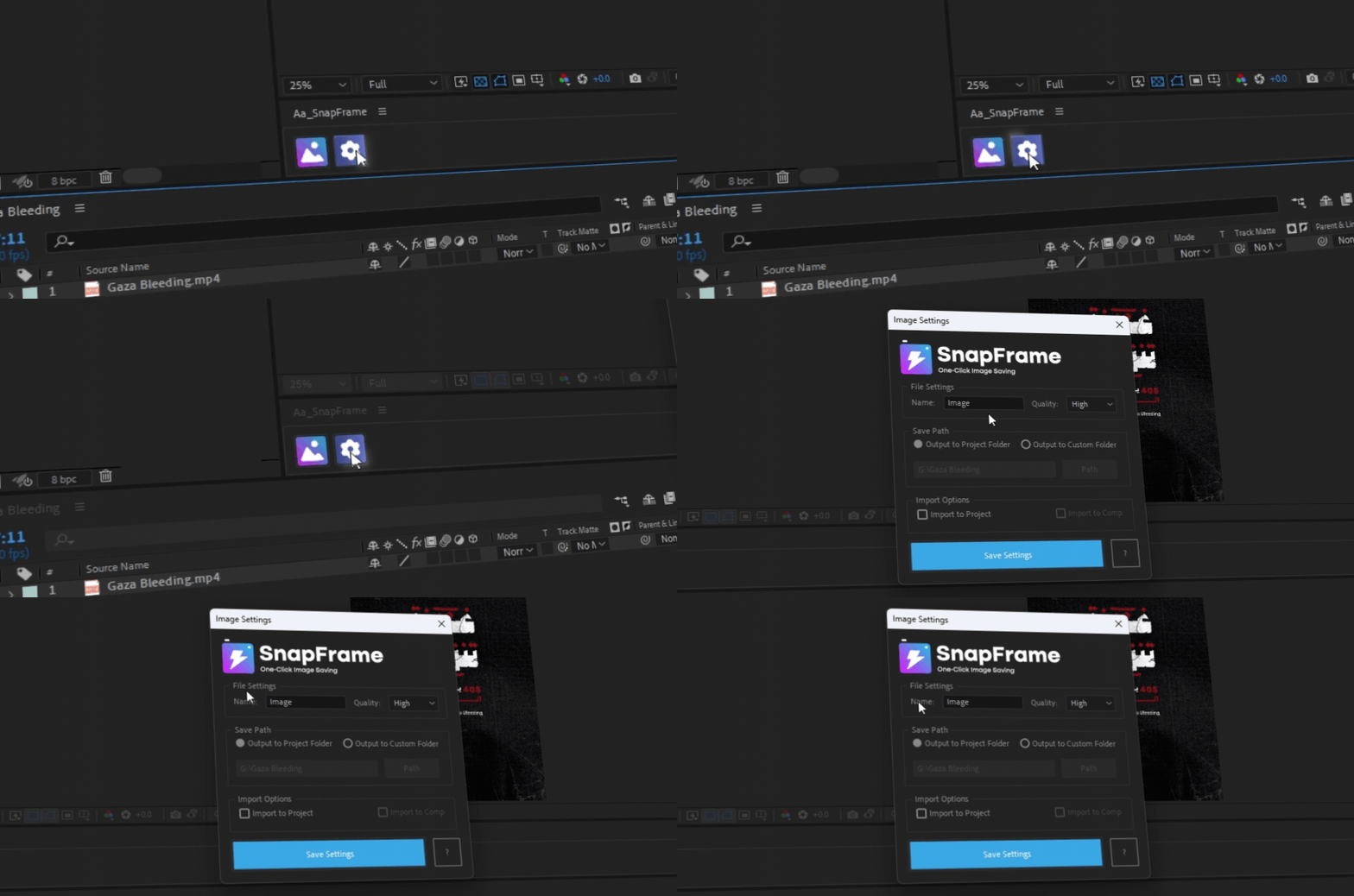
Customizable settings for the exported image include:
Name:
You can write the name of the image you want in this box.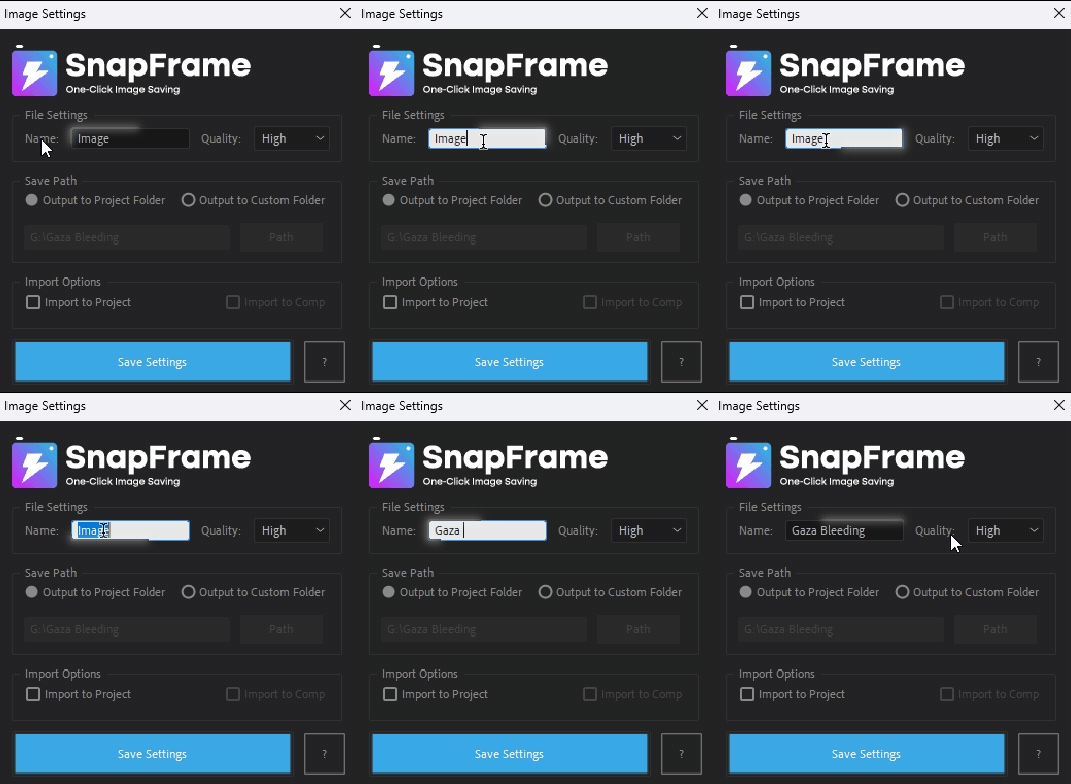
Quality:
Select the desired image quality from this menu.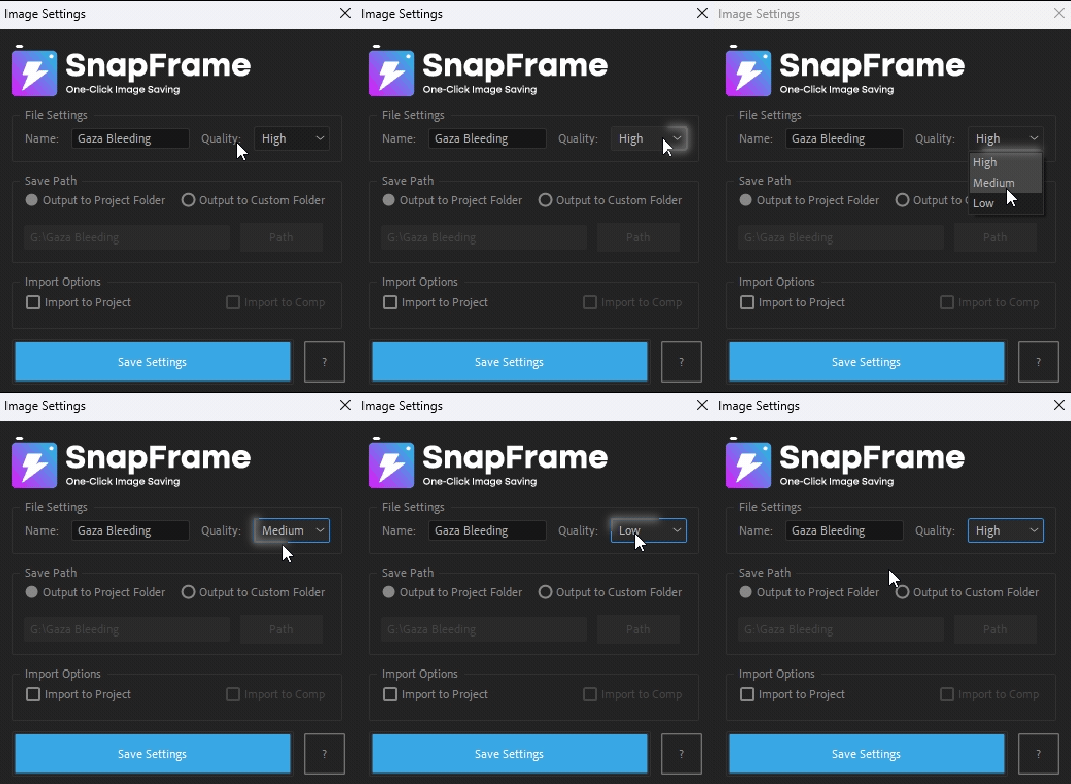
Output to Project Folder:
Automatically saves the image to the After Effects
project’s folder.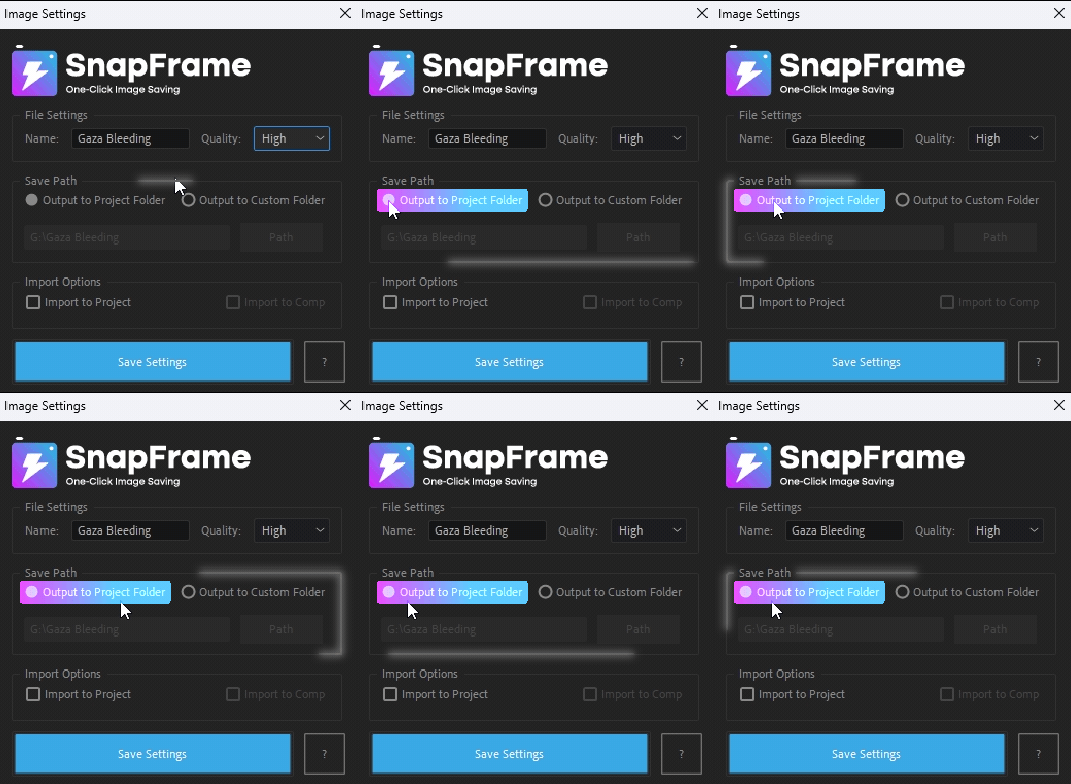
Output to Custom Folder:
Specify the save location using the Path button
or manually enter it.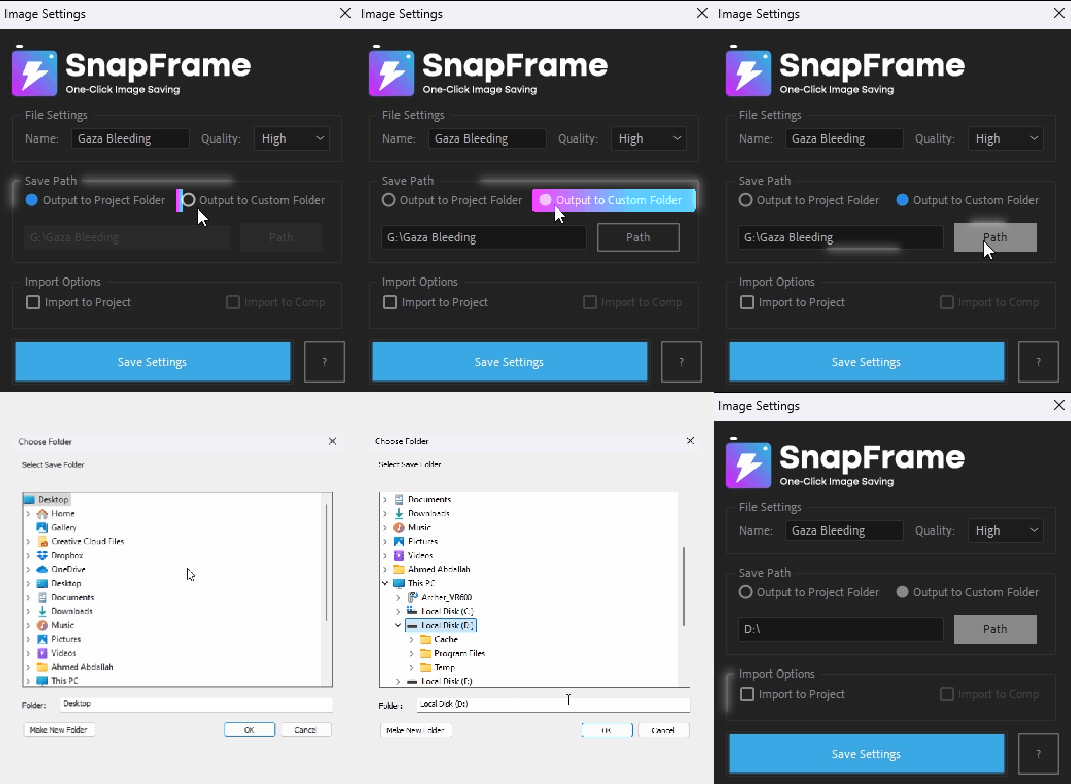
Import to Project:
Automatically imports the exported image into
the After Effects Project panel.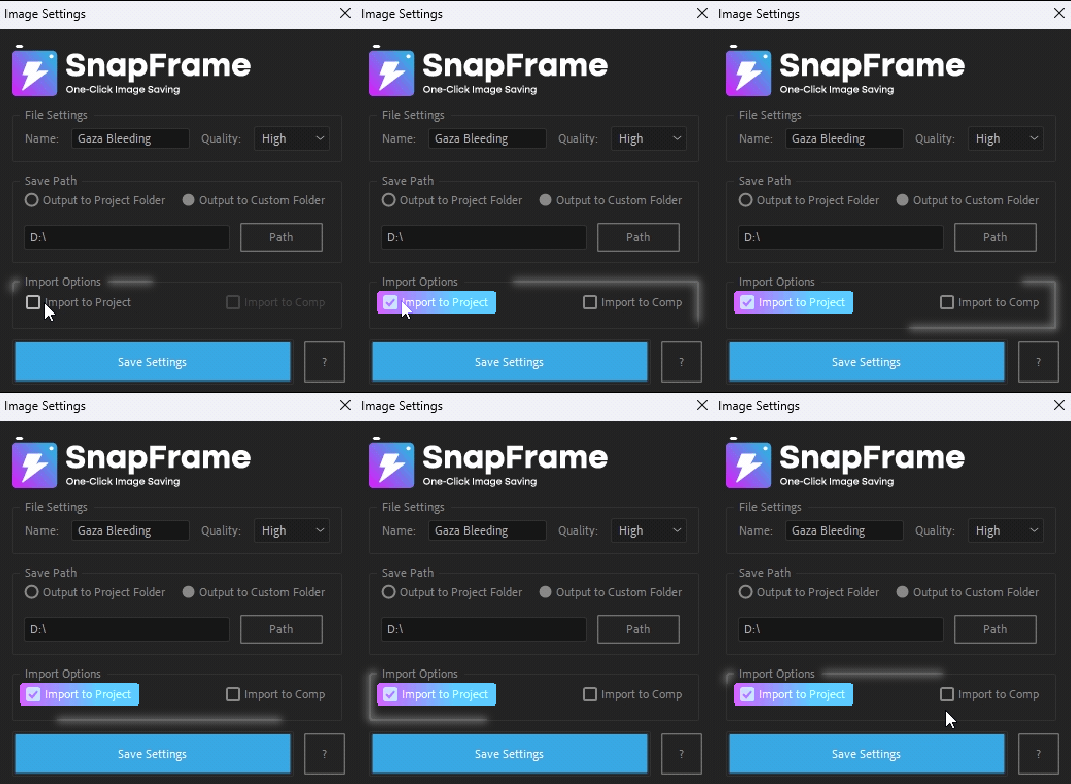
Import to Composition:
Directly imports the exported image into
the active composition in After Effects.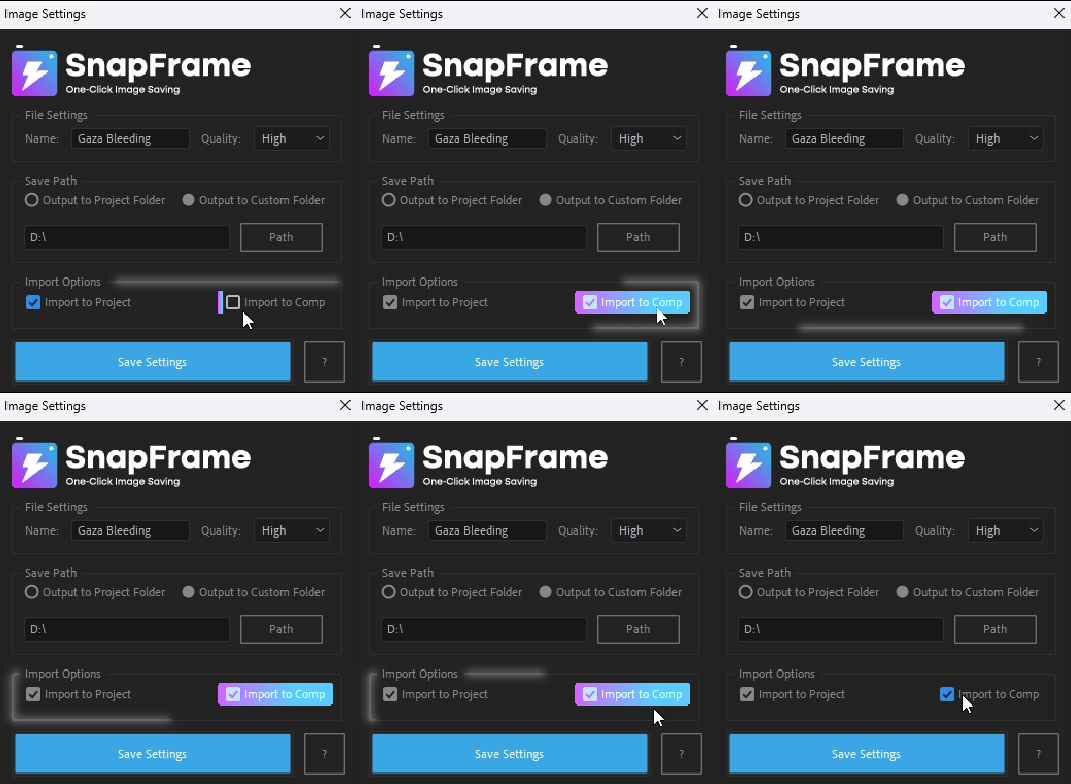
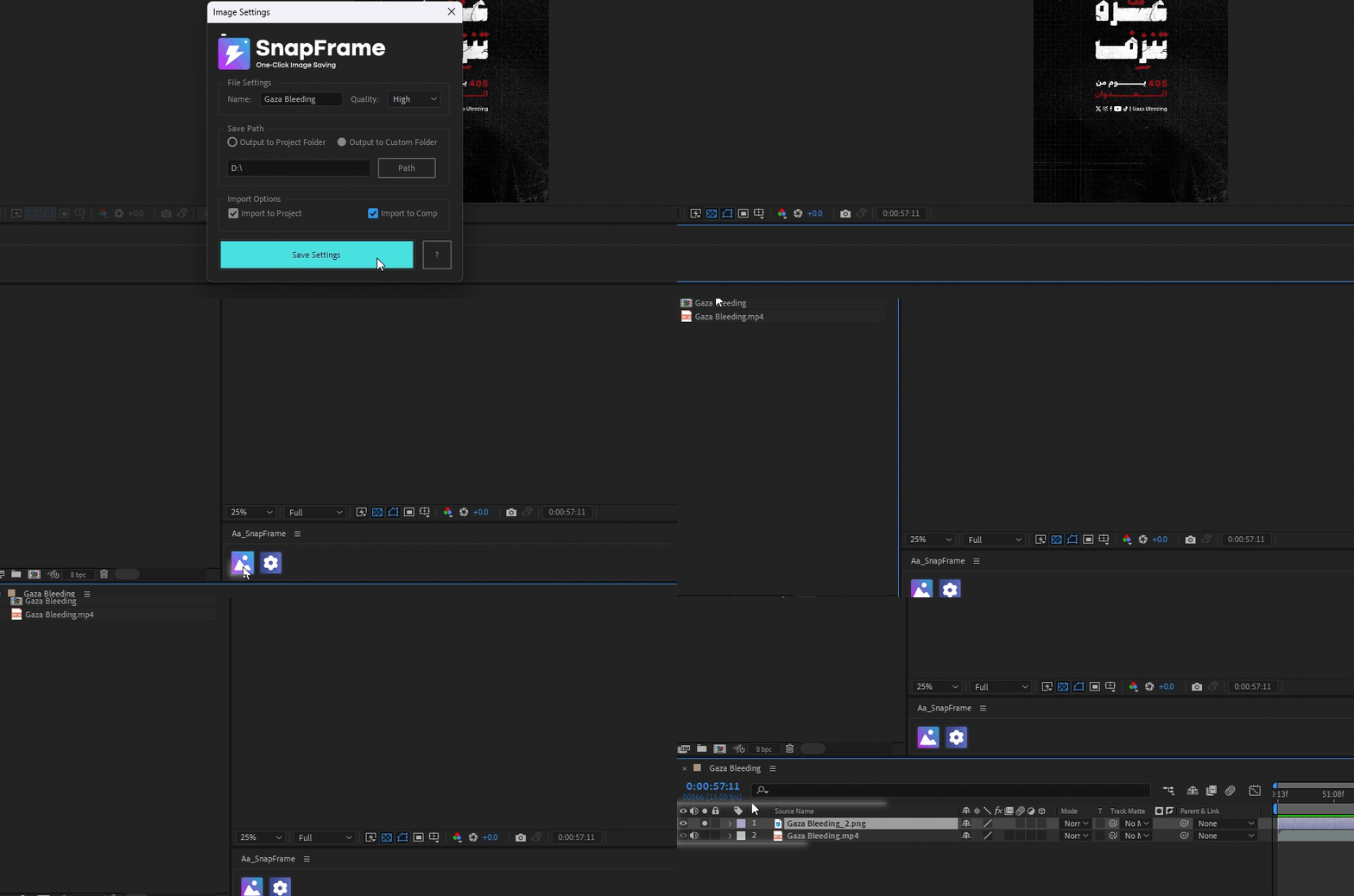
Save Settings:
After selecting your preferred settings, click the Save Settings button, then click the Image button to export the frame corresponding to the indicator’s position on the timeline as an image with the selected settings.
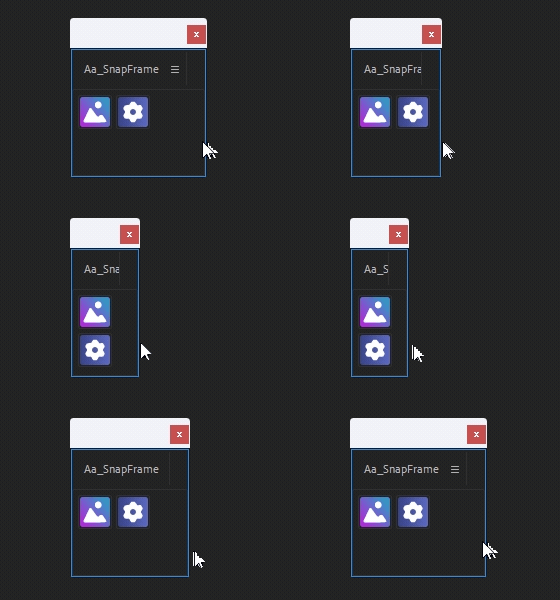
Ui interface flexibility
The SnapFrame script’s UI flexibility adapts to both portrait and landscape formats, automatically adjusting the layout to optimize space.
Tutorial:
Learn all about SnapFrame by watching this video.
Elevate your motion graphics workflow with premium collection of After Effects plugins. Whether you are a seasoned professional or just starting your VFX journey, powerful tools designed to streamline complex tasks, unlock creative possibilities, and save you hours of rendering time. From stunning glitch effects and seamless transitions to advanced 3D extrusion and text animation tools, each plugin in our library is rigorously tested for compatibility with the latest versions of Adobe after Effects. Enhance your video production value today and download industry-leading plugins that help you create breathtaking visuals without the technical headaches. Browse our full range and find the perfect extension to supercharge your editing suite now.
➡️ ➡️ For more after effects Plugins 😀 😀
➡️ ➡️ System requirements AE
Reviews
There are no reviews yet.