
TextDelay for After Effects
text delay script
TextDelay V1.8.0 for After Effects – Advanced Kinetic Typography & Text Animation Toolkit
Download TextDelay V1.8.0 for After Effects on Windows and Mac, a powerful script that creates dynamic text animations with precise control over character, word, and line delays. Perfect for kinetic typography, title sequences, and engaging social media content—TextDelay gives you complete creative freedom over how your text animates .
Key Features of TextDelay V1.8.0:
- Multiple Delay Modes: Animate text by characters, words, or lines with precise timing control for professional kinetic typography
- Customizable Animation Styles: Choose from fade, slide, scale, rotate, blur, and custom animation styles for each text element
- Directional Control: Animate from start to end, end to start, center outward, or random order for creative variety
- Easing Controls: Apply smooth easing curves to each animated element for natural, professional motion
- Preset System: Save and reuse favorite animation configurations for consistent results across projects
- Interactive Timeline: Visual timeline shows exactly when each element will animate for precise timing adjustments
- Live Preview: See text animations update instantly as you adjust parameters
- Multi-Layer Support: Apply text delays to multiple text layers simultaneously
- v1.8.0 Updates: New animation styles, improved performance, and enhanced compatibility
- Cross-Platform Support: Works on both Windows and Mac systems
Perfect For:
- Motion graphics artists creating kinetic typography and title sequences
- Music video producers animating lyrics with dynamic text effects
- Content creators building engaging text animations for social media
- Anyone wanting professional text animations without complex manual keyframing
- Studios looking to speed up text animation workflows
System Requirements:
- Adobe After Effects 2025, 2024, 2023, 2022
- Windows 10/11 (64-bit) or macOS
- 4GB RAM minimum (8GB+ recommended)
- 25MB available disk space
- Enable “Allow Scripts to Write Files and Access Network” in Preferences > Scripting & Expressions
Installation:
Copy the script file to your After Effects ScriptUI Panels folder:
- Windows:
C:\Program Files\Adobe\Adobe After Effects [version]\Support Files\Scripts\ScriptUI Panels\ - Mac:
/Applications/Adobe After Effects [version]/Scripts/ScriptUI Panels/
Access via Window menu > TextDelay
Note: Version 1.8.0 includes new animation styles and improved performance . The script’s intuitive delay controls make it essential for creating professional kinetic typography without complex manual keyframing .
A native plugin that delays your text animation by character, word or line. Unlike the default text animator, it inherits your animation’s easing so you can be creative with curves or easing expressions.
TextDelay is a native After Effects plugin that delays your text transformations by character, word or line. Unlike the default text animator, it inherits your animation’s easing so you can be creative with curves or easing expressions.
Core Features
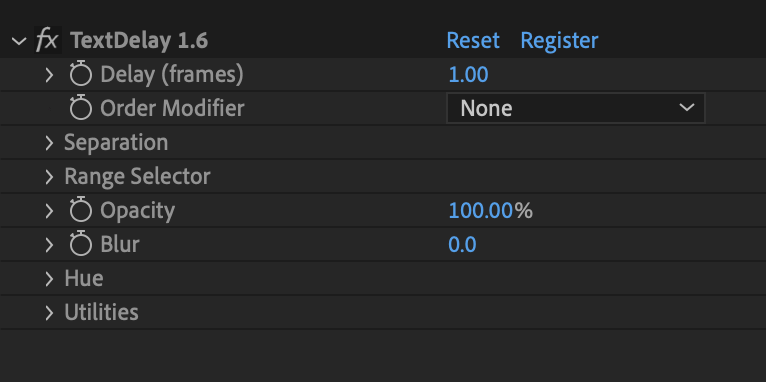
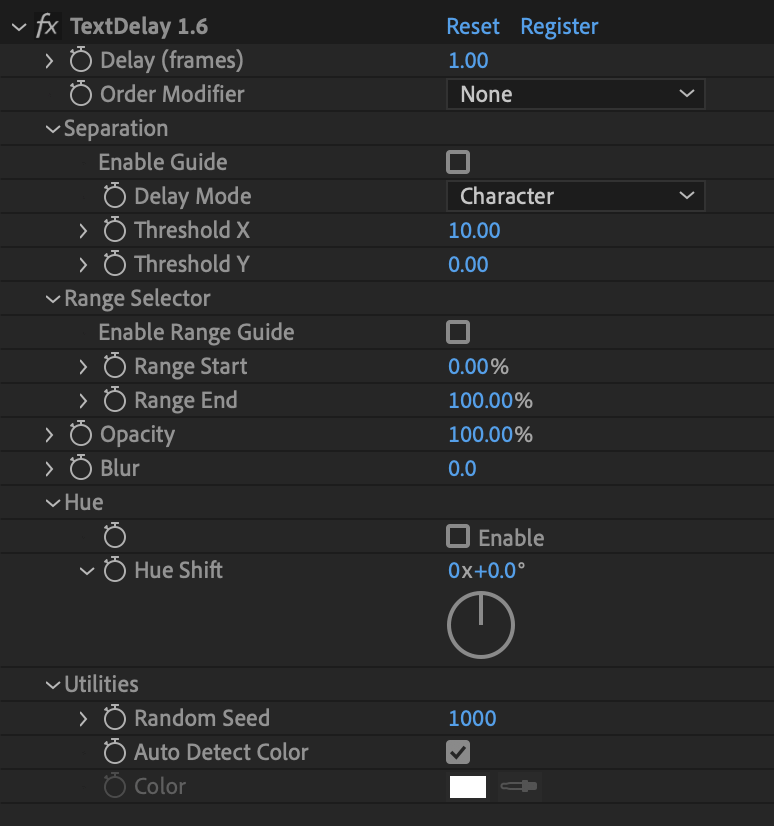
- 5 order modifiers
- Delay position, anchor, scale, opacity, hue & blur
- Compatible with motion blur
- Range selector to control which characters/words/lines receive delay and which don’t
- Compatible with parented transforms (CC2018 and newer)
- Compatible with paragraph text
& increment
Make your text animations shine by adding delay
Pair with creative easing expressions & keyframe curves
New Features Out Now
Create faux depth of field effects using blur delay. Play with order modifiers to create interesting results.
New delay modes: inside out & outside in.
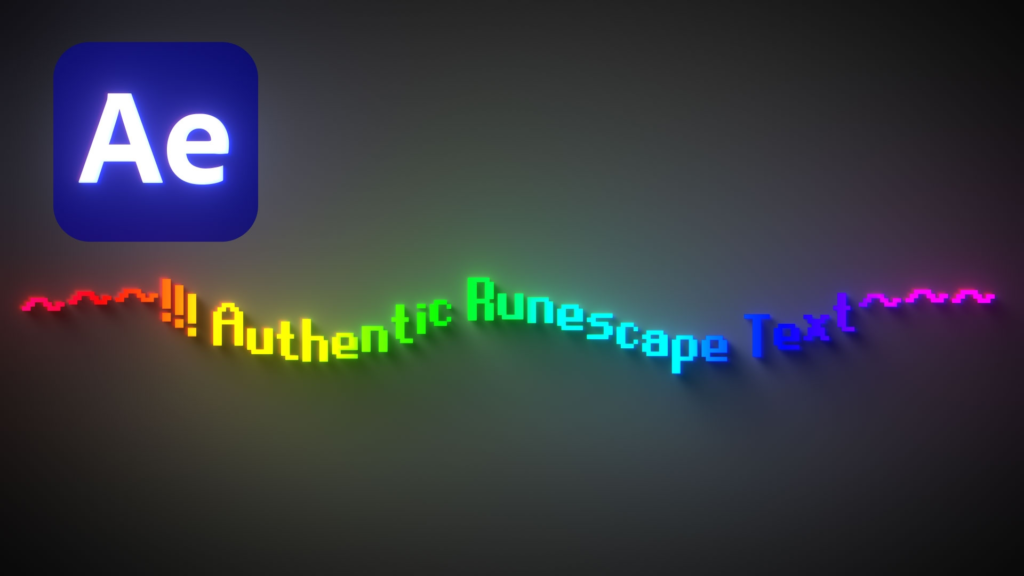
Delay hue to create stylish rainbow effects. This example combines TextDelay, Cartoon Moblur & Deep Glow
See it in Action
What’s supported?
- Transformations: X&Y Position, anchor, scale
- Parented transforms
- Text with stroke outline
- Bold and italic text
- Motion blur
What’s not supported?
- Transformations: Z position, rotation
- Multicoloured text
- Faux bold, faux italics
Video Tutorials
Elevate your motion graphics workflow with premium collection of After Effects plugins. Whether you are a seasoned professional or just starting your VFX journey, powerful tools designed to streamline complex tasks, unlock creative possibilities, and save you hours of rendering time. From stunning glitch effects and seamless transitions to advanced 3D extrusion and text animation tools, each plugin in our library is rigorously tested for compatibility with the latest versions of Adobe after Effects. Enhance your video production value today and download industry-leading plugins that help you create breathtaking visuals without the technical headaches. Browse our full range and find the perfect extension to supercharge your editing suite now.
➡️ ➡️ For more after effects Plugins 😀 😀
➡️ ➡️ System requirements AE
Reviews
There are no reviews yet.