
TextFlex for After Effects
textflex script
Download TextFlex v1.0 for After Effects on Windows and Mac, a powerful text animation tool designed to break down text animations by characters, words, or lines, offering precise control and flexibility without the need to keyframe .
Key Features of TextFlex v1.0:
- Character/Word/Line Animation: Effortlessly animate text by individual characters, complete words, or entire lines for versatile kinetic typography
- No Keyframing Required: Create smooth, professional text animations without manual keyframe manipulation—just choose your settings and let TextFlex handle the work
- Multiple Animation Styles: Choose between “Overshoot” (elastic/bounce) and “Ease” (smooth) animation styles for different visual effects
- Precise Control: Adjust animation properties including duration, delay, direction (right-to-left, center-to-out, etc.), position, scale, and other text attributes
- Marker Synchronization: Add markers to seamlessly sync text animations with voiceovers, music, or other audio elements
- In/Out Animation Support: Create dynamic text entrances and exits with matching animation styles for polished transitions
- Cross-Platform Support: Works on both Windows and Mac systems
Perfect For:
- Motion graphics artists creating kinetic typography and dynamic title sequences
- Video editors needing professional text animations for lower thirds and captions
- Content producers building engaging promotional videos with animated text
- Anyone looking to create sophisticated text animations without complex manual keyframing
- Studios wanting to speed up text animation workflows while maintaining creative control
System Requirements:
- Adobe After Effects 2025, 2024, 2023, 2022, 2021, 2020, CC 2019, CC 2018, CC 2017, CC 2015
- Windows 10/11 (64-bit) or macOS
- 4GB RAM minimum (8GB+ recommended)
- 25MB available disk space
- Enable “Allow Scripts to Write Files and Access Network” in Preferences > Scripting & Expressions
Installation:
Copy the script file to your After Effects ScriptUI Panels folder:
- Windows:
C:\Program Files\Adobe\Adobe After Effects [version]\Support Files\Scripts\ScriptUI Panels\ - Mac:
/Applications/Adobe After Effects [version]/Scripts/ScriptUI Panels/
Access via Window menu > TextFlex
TextFlex is a powerful text animation tool for After Effects that is designed to break down text animations by Characters, words, or lines, offering precise control and flexibility without the need to keyframe.
What is TextFlex ?
This powerful text animation tool for After Effects is designed to break down text animationsby Characters, words, or lines, offering precise control and flexibility without the need to keyframe.
What you can do with TextFlex ?
With TextFlex, you can:
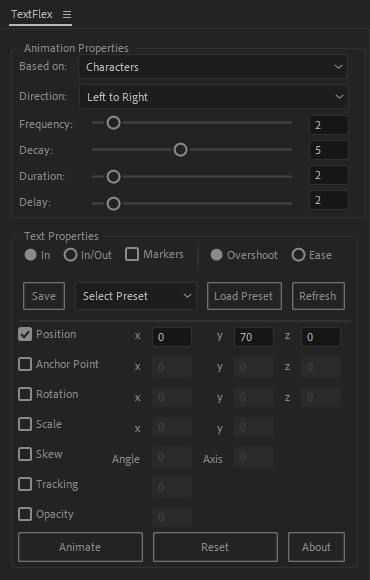
– Choose between Overshoot and Ease animation styles.
– Control animation properties like duration and delay.
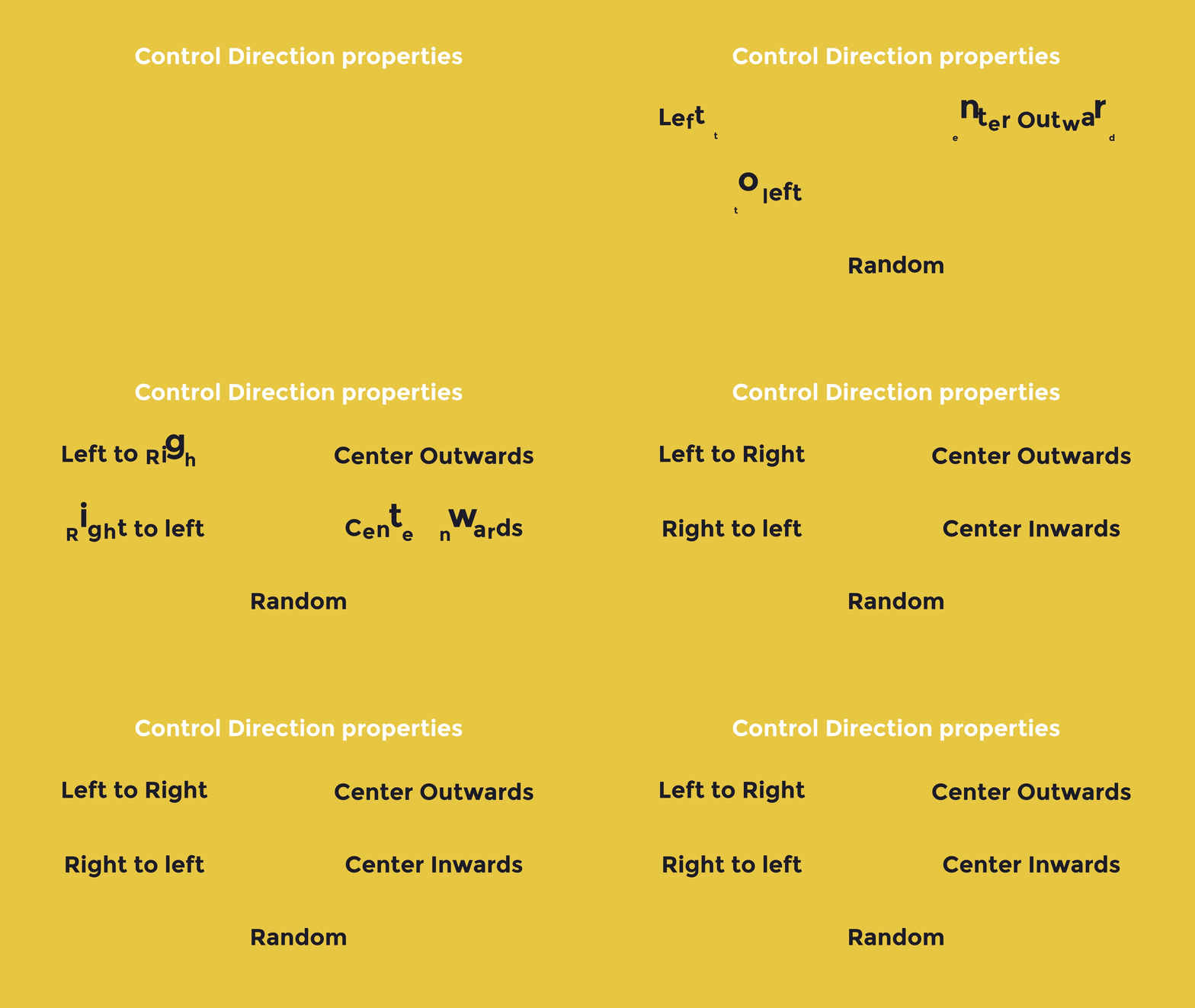
– Control Direction properties like Right to left or Center Outwords, and more.
– Customize all text properties, including position, scale, and more.
– Add markers to synchronize animations with voiceovers.
– Seamlessly create In and Out animations for dynamic effects and transition.
– You can apply and edit text animations across multiple layers effortlessly.
Features
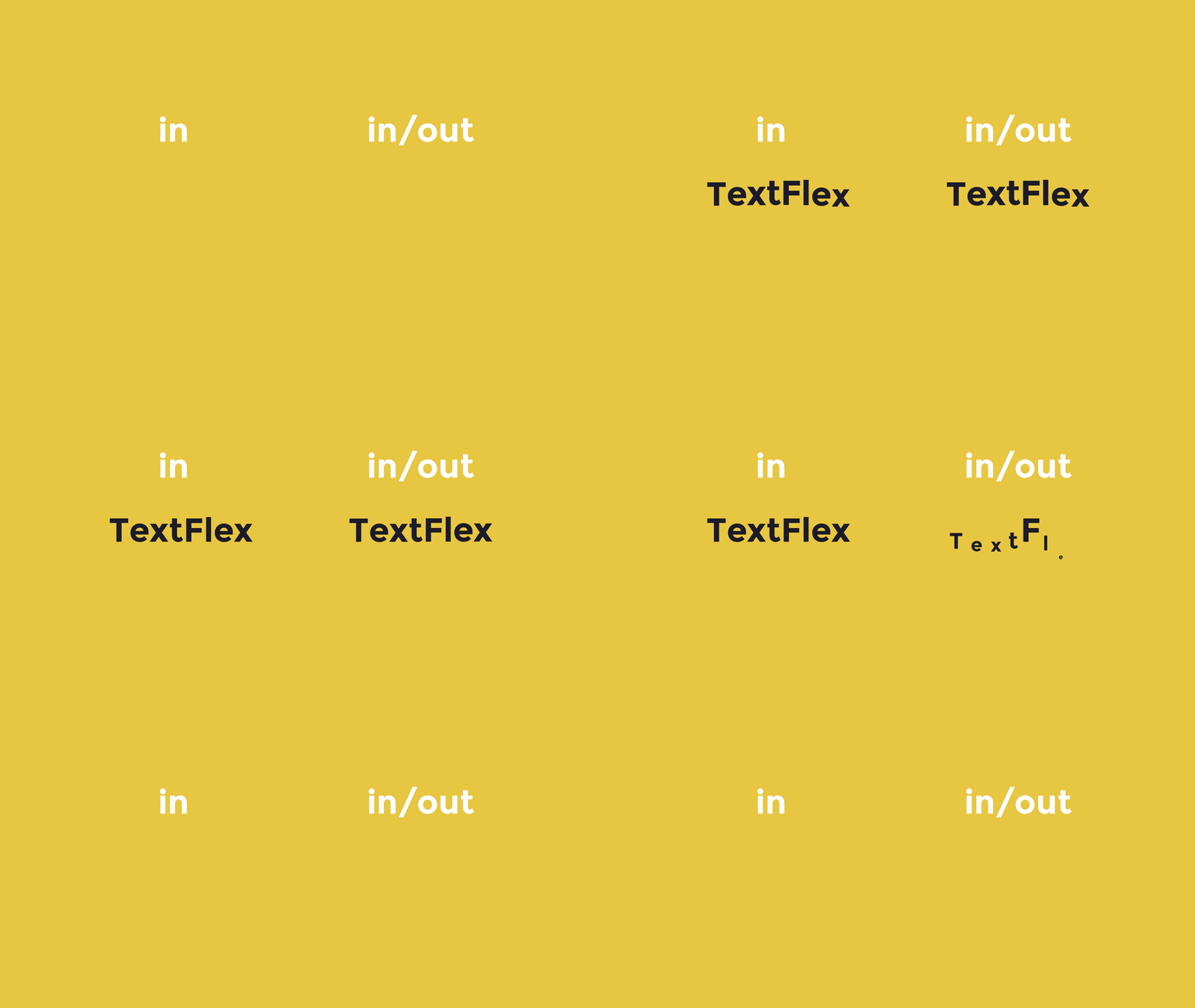
In :
This option, selected by default, ensures the animation starts at the beginning of the text layer. It’s a straightforward way to apply animations without additional configuration.
In/Out :
Selecting this option enables both “In” and “Out” animations. The “Out” animation is automatically applied at the end of the text layer, allowing seamless entry and exit animations for your text.
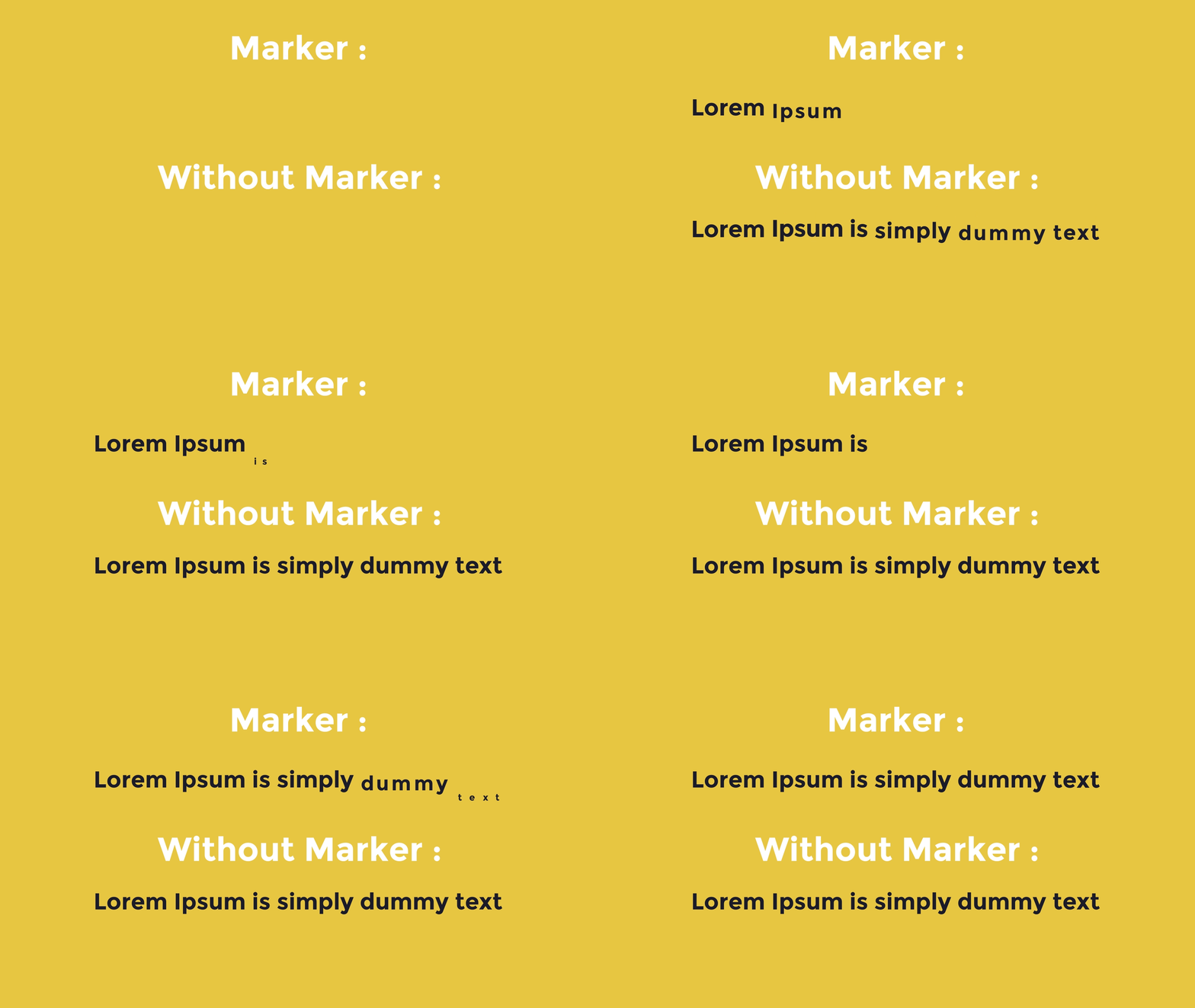
Markers :
By checking this box, you can add markers to your text layer. These markers allow you to synchronize animations with voiceovers or customize timing according to your specific preferences.
Ease :
This option applies a simple, smooth ease-in and ease-out animation style, perfect for subtle and polished effects.
Overshoot :
This option provides dynamic, bounce-like animation effects, giving your text a lively and energetic feel.

Control Direction properties :
Preset Section

The Preset Section of TextFlex provides intuitive tools to save, load, and manage your custom animation presets. Here’s a breakdown of its functionality:
Save Button:
Use this button to save your current animation settings as a preset. To save a preset, ensure you have a text layer with TexFlex animations or animators applied. The parameters and values of the selected text layer will be saved for future use.
Select Preset Dropdown Menu:
This menu allows you to view and select from your saved presets. Simply choose the desired preset from the dropdown list to prepare it for loading or editing.
Load Preset Button:
Once a preset is selected from the dropdown menu, pressing this button applies the preset’s settings to the currently selected text layer. This makes it easy to reuse your favorite animation configurations.
Refresh Button:
If you open After Effects and don’t see your saved presets or if you’ve added new presets externally, use this button to refresh the dropdown menu. It ensures that all available presets are loaded and ready for use.
For more information, read the documentation
Elevate your motion graphics workflow with premium collection of After Effects plugins. Whether you are a seasoned professional or just starting your VFX journey, powerful tools designed to streamline complex tasks, unlock creative possibilities, and save you hours of rendering time. From stunning glitch effects and seamless transitions to advanced 3D extrusion and text animation tools, each plugin in our library is rigorously tested for compatibility with the latest versions of Adobe after Effects. Enhance your video production value today and download industry-leading plugins that help you create breathtaking visuals without the technical headaches. Browse our full range and find the perfect extension to supercharge your editing suite now.
➡️ ➡️ For more after effects Plugins 😀 😀
➡️ ➡️ System requirements AE
Reviews
There are no reviews yet.