
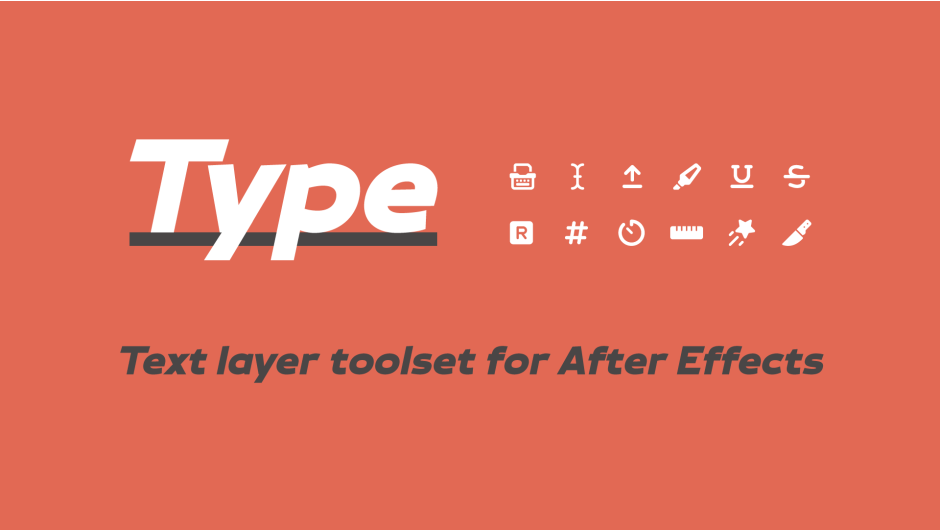
Type for After Effects
type script
Download Type v1.6.1 for After Effects on Windows and Mac, a powerful text animation toolset that lets you highlight text, add blinking cursors, format numbers, create typing animations, and more—all without complex expressions or manual keyframing .
Key Features of Type v1.6.1:
- Typing Animations: Animate text by character, word, or line with the Typewriter+ function. Add a customizable blinking cursor (Blinky) that automatically tracks your text—perfect for authentic typing effects
- Text Markup: Highlight, underline, or strikethrough any text—apply to entire layers or specific character ranges. Hold Shift + Click to animate these effects automatically
- Auto-Resizing Text Boxes: Create smart rectangles around your text that automatically adapt as you change content. Perfect for lower thirds and caption backgrounds
- Number & Counter Rigs: Convert any text layer into a powerful number counter with one click. Format numbers for any locale, add symbols, abbreviate large values (K/M/B), or create time counters that track layer duration
- Monospacing: Make any text monospace regardless of font. Control spacing precisely and add variable spacers to target specific character ranges
- Split Text: Instantly split text layers by character, word, or line—all while maintaining 100% editable text layers with pixel-perfect positioning
- Text Motion Blur: Add simulated motion blur when characters change—works perfectly with Typewriter+, Number Rigs, and Counters
- Vertical Text Flow: Make text flow upward instead of down as line breaks are added—ideal for animating text messages or chat conversations
- Convert Text to Shape Layers: Transform animated text into shape layers while preserving all keyframes and expressions—perfect for Lottie/Bodymovin exports
v1.6.1 Updates:
- Input Tags: Automatically add markers each time text changes
- Counter Pause Function: New pause functionality for time counters (Shift + Click)
- Preserves Character Styles: Typewriter/Blinky now retains character-level styling
- Improved Multi-Line Support: Better Blinky behavior with paragraph text
- Optional Leading Zeros: Choose between “5:000” or “05:000” formats
- UI Preferences: Interface updates immediately based on your settings
- Expression Improvements: Enhanced performance and stability
Perfect For:
- Motion graphics artists creating kinetic typography and title sequences
- Video editors needing professional lower thirds and caption animations
- Content producers building engaging promotional videos with animated text
- UI/UX designers prototyping text interactions and counters
- Anyone who wants to create sophisticated text animations without complex manual keyframing
System Requirements:
- Adobe After Effects 2025, 2024, 2023, 2022, 2021, 2020
- Windows 10/11 (64-bit) or macOS
- 4GB RAM minimum (8GB+ recommended)
- 25MB available disk space
- Enable “Allow Scripts to Write Files and Access Network” in Preferences > Scripting & Expressions
- Set Expression Engine to JavaScript (File > Project Settings)
Installation:
- Copy
Type v1.6.1.jsxbinto your After Effects ScriptUI Panels folder :
- Windows:
C:\Program Files\Adobe\Adobe After Effects [version]\Support Files\Scripts\ScriptUI Panels\ - Mac:
/Applications/Adobe After Effects [version]/Scripts/ScriptUI Panels/
- Enable scripting access in Preferences
- Restart After Effects and access via Window menu > Type v1.6.1
Note: Type combines the functionality of the original Blinky and Monotize scripts into one comprehensive text animation toolkit .
A powerful toolset for animating text layers in After Effects. Highlight & underline text, add a blinking cursor, format numbers, add monospacing, create a text box, split text by word, and more. NEW: Typing tags + Improved Typewriter, Blinky Highlight, Leading 0s and more!
The type of tool you always wanted
Maximum power, minimal design. All to help you animate text in After Effects.


Make things write
Animate text being typed out by character, word, or line.
Make text flow up, or from the middle.
Add a customizable blinking cursor that automatically tracks with your text.

There’s a lot to highlight
Select the text you want to highlight, underline, or strikethrough then press the button. Target layer(s) or a specific range of text.
Hold shift to animate automatically.
Out-of-the box simplicity, unlimited customization.

Box it up
Make a smart rectangle around your text that automatically adapts as the type changes.
Or make a perfectly sized track matte around your text.
Customize either rectangle however you want.

Easy as 1, 2, 3
Add a powerful number rig with a click of a button. Automatically format numbers to any locale, add symbols, and abbreviate big numbers.
Or create an automatic time counter that precisely tracks with the time of the layer itself.
You can even add a text motion blur.

M O N O S P A C E
Make any text monospaced (regardless of font).
Control the spacing and add variable spacers to target and customize a specific range of your text.
Based on a technique by Thor Sarup.

Slice up your type
Split any text layer by word, line, or character. 100% editable text layers. Retain pixel-perfect positioning & effects.
Advanced parenting preferences available for even more control.
Learn Type in 2 minutes
Easy to use right away.
Watch the full tutorial for a more in-depth look.
Elevate your motion graphics workflow with premium collection of After Effects plugins. Whether you are a seasoned professional or just starting your VFX journey, powerful tools designed to streamline complex tasks, unlock creative possibilities, and save you hours of rendering time. From stunning glitch effects and seamless transitions to advanced 3D extrusion and text animation tools, each plugin in our library is rigorously tested for compatibility with the latest versions of Adobe after Effects. Enhance your video production value today and download industry-leading plugins that help you create breathtaking visuals without the technical headaches. Browse our full range and find the perfect extension to supercharge your editing suite now.
➡️ ➡️ For more after effects Plugins 😀 😀
➡️ ➡️ System requirements AE
Reviews
There are no reviews yet.