
Vectory for After Effects
vectory script
Download Vectory v1.0 for After Effects on Windows and Mac, a powerful vector graphics importer that brings Adobe Illustrator, PDF, and EPS artwork directly into After Effects as fully editable shape layers. No more rasterization or complex conversion workflows—just clean, scalable vectors ready for animation.
Key Features of Vectory v1.0:
- Direct Vector Import: Import Adobe Illustrator, PDF, and EPS files as native After Effects shape layers—fully editable and infinitely scalable
- Preserves Editable Text: Text elements from your original artwork remain fully editable after import, allowing quick typography adjustments
- Maintains Vector Quality: All paths, shapes, and gradients retain their vector properties—no pixelation when scaling
- Layer Structure Preservation: Keeps your original layer organization intact for easy animation and management
- Clean Import Results: No extra masking layers, nulls, or complex hierarchies—just clean shape layers ready to animate
- Time-Saving Workflow: Eliminate the tedious process of manually recreating vector artwork inside After Effects
- Cross-Platform Support: Works on both Windows and Mac systems
- Broad Compatibility: Supports After Effects 2025, 2024, 2023, 2022
Perfect For:
- Motion graphics artists animating logo files from Illustrator
- Character animators importing vector illustrations for rigging
- Designers who need to work with client-supplied vector artwork
- Anyone tired of rasterizing or manually recreating vector files in AE
- Studios looking to streamline the design-to-animation pipeline
System Requirements:
- Adobe After Effects 2025, 2024, 2023, 2022
- Windows 10/11 (64-bit) or macOS
- 4GB RAM minimum (8GB+ recommended)
- 25MB available disk space
- Enable “Allow Scripts to Write Files and Access Network” in Preferences > Scripting & Expressions
Installation:
Copy the script file to your After Effects ScriptUI Panels folder:
- Windows:
C:\Program Files\Adobe\Adobe After Effects [version]\Support Files\Scripts\ScriptUI Panels\ - Mac:
/Applications/Adobe After Effects [version]/Scripts/ScriptUI Panels/
Access via Window menu > Vectory
Note: Version 1.0 is the initial release of this vector import tool . The script’s ability to maintain editable text and clean shape layers makes it an essential addition to any motion designer’s toolkit .
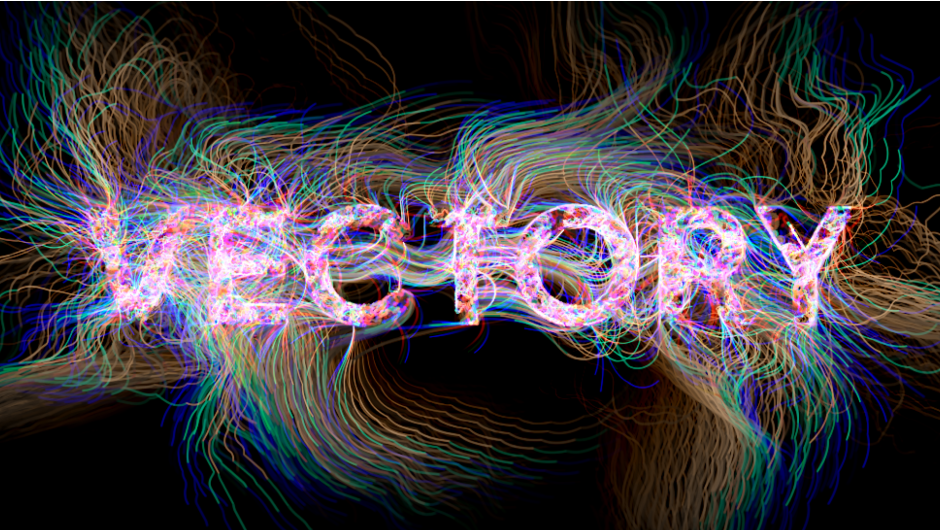
Vectory transforms any image into a living network of moving lines. Thousands of particles travel across your image, changing direction based on pixel brightness and forming dynamic, evolving patterns. Perfect for creating organic motion graphics and abstract textures.
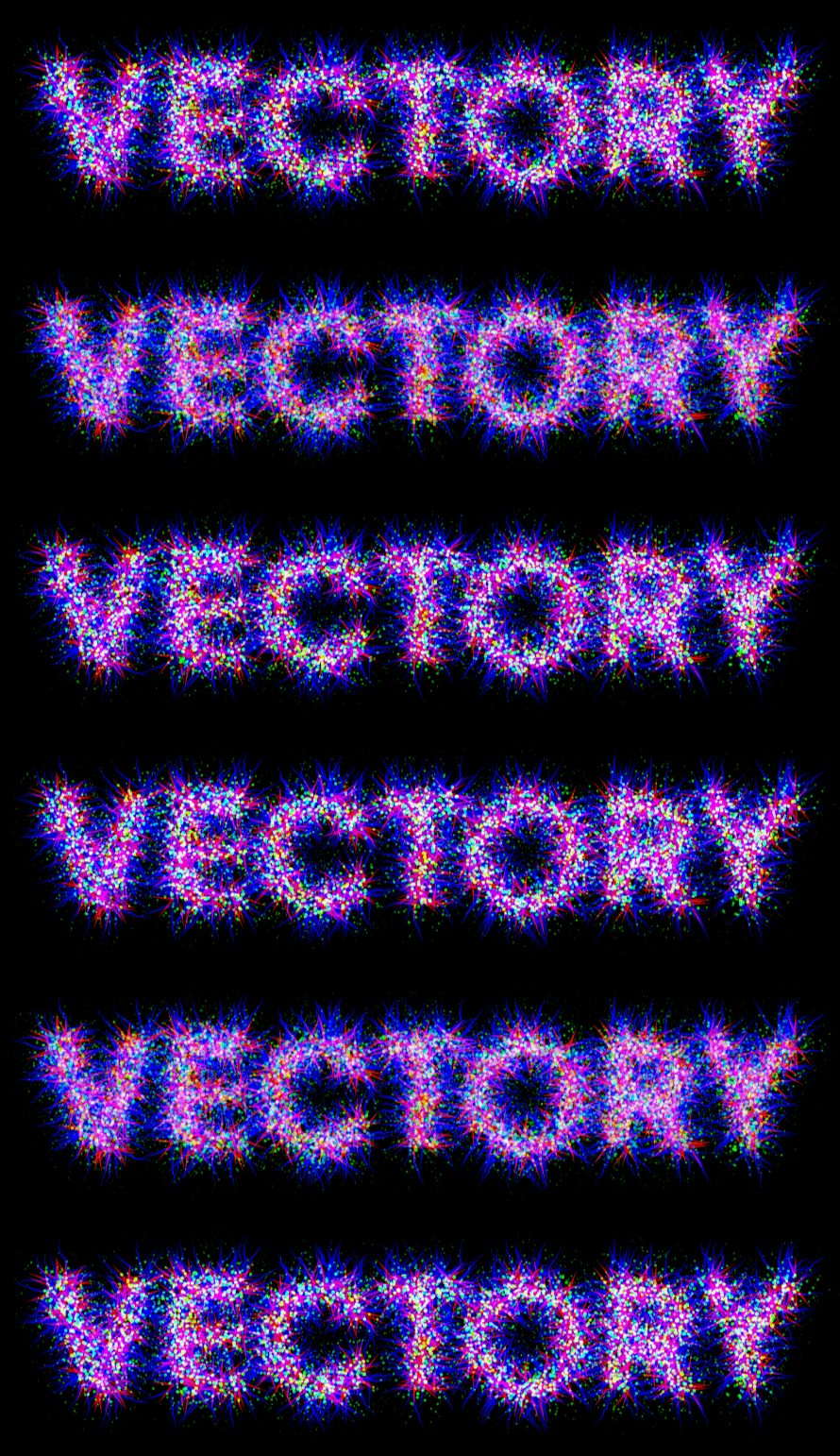
We use particle-based vector algorithms to transform images into dynamic line drawings. Thousands of agents are spawned directly on your source image, each one moving step by step across the pixels. At every step, the agent reads the brightness of the pixel it stands on and changes its direction according to that brightness value. When multiplied by thousands, these micro-movements generate complex trails and structures that reconstruct the source image in a completely new, organic way.
The plugin offers three unique modes: Particles, Static Trails, and Trails. In Particles mode, you see the raw moving points acting as agents. In Static Trails mode, their entire paths are rendered as still lines, creating a vectorized drawing of your image. In Trails mode, the particles move continuously, leaving fading streaks behind them for a flowing, animated effect
Vectory comes with a wide range of parameters for artistic control. You can randomize particle movement, adjust global direction, remap colors, and even influence trajectories with Gravity Points that either attract or repel agents. This makes it possible to generate effects ranging from delicate textures to explosive particle bursts.
The plugin works perfectly in combination with other Zaebects tools like Modulation 2, JPEG Glitch, and Signal. Together, they form a toolkit for pushing video and image processing into experimental and artistic territories.
Features:
- Particle system based on pixel brightness scanning
- Three main modes: Particles, Static Trails, Trails
- Adjustable movement randomness and global direction
- Customizable particle size and lifetime
- Color control with options to keep, shift, or remap over time
- Gravity Points for interactive attraction/repulsion forces
Parameters:
- Spawn and CountControl how many agents are created per second and their distribution over the source image. Adjust brightness cutoff to define where particles can spawn.
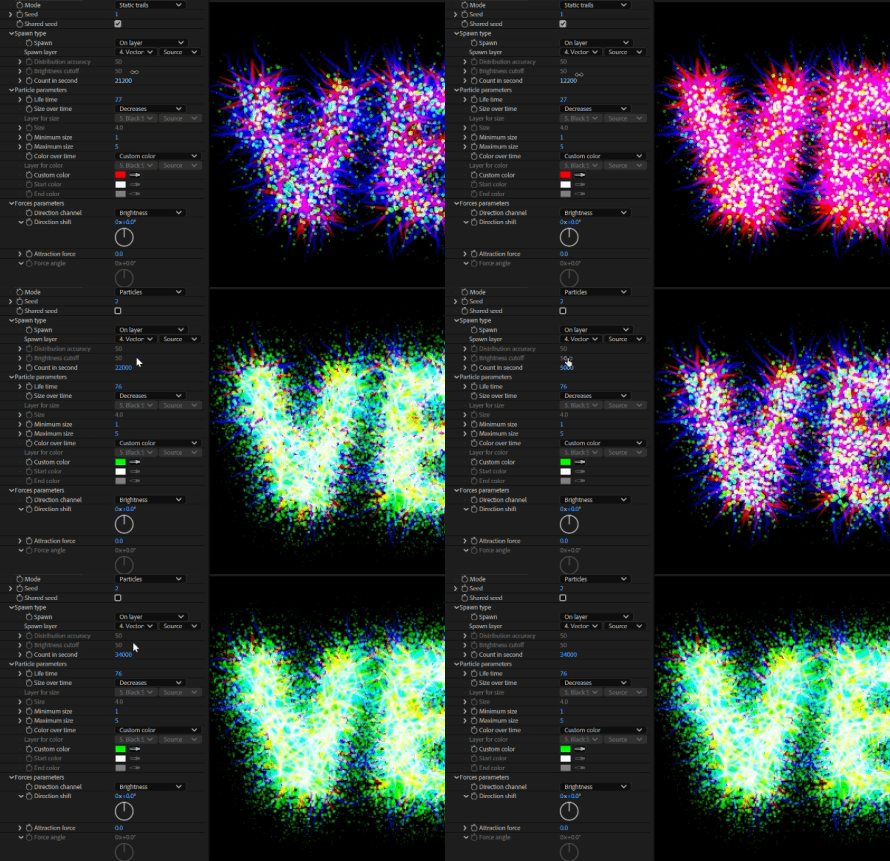
- Particle Lifetime and SizeSet how long each agent exists, whether its size changes over time, and how trails are drawn.
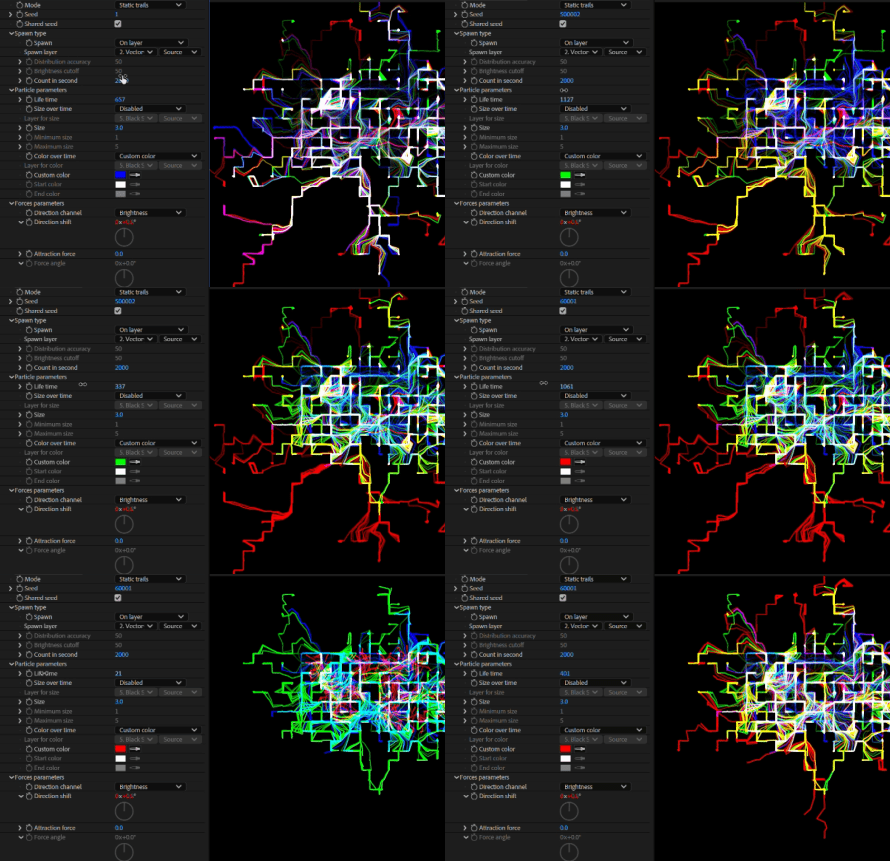
- Movement and ForcesTune the particle speed, add directional bias, or apply attraction and repulsion using Gravity Points. Perfect for shaping the overall flow of the trails.
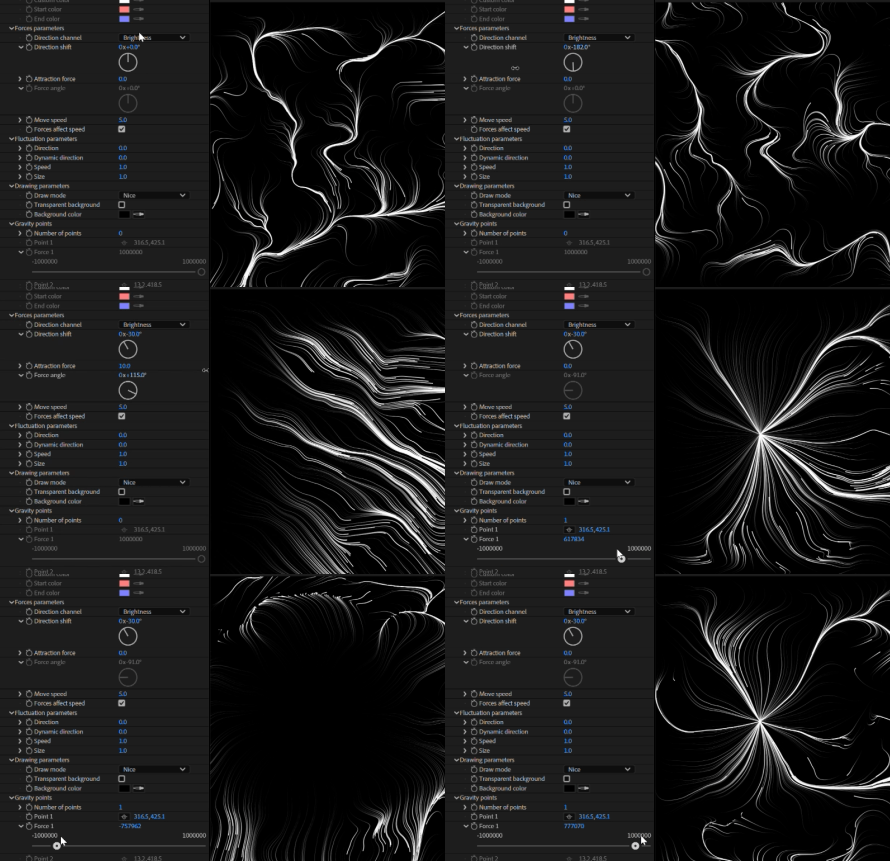
- FluctuationAdd jitter and variation to the movement for more chaotic, energetic results.

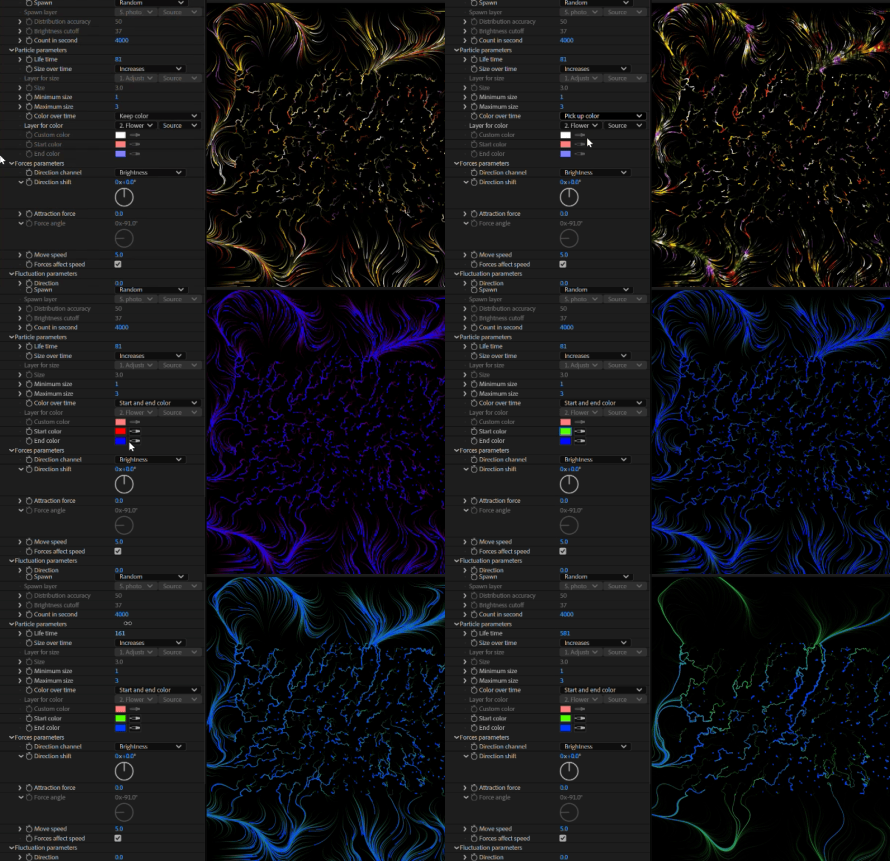
- Color OptionsKeep the original image colors, use custom palettes, or animate color transitions over time.
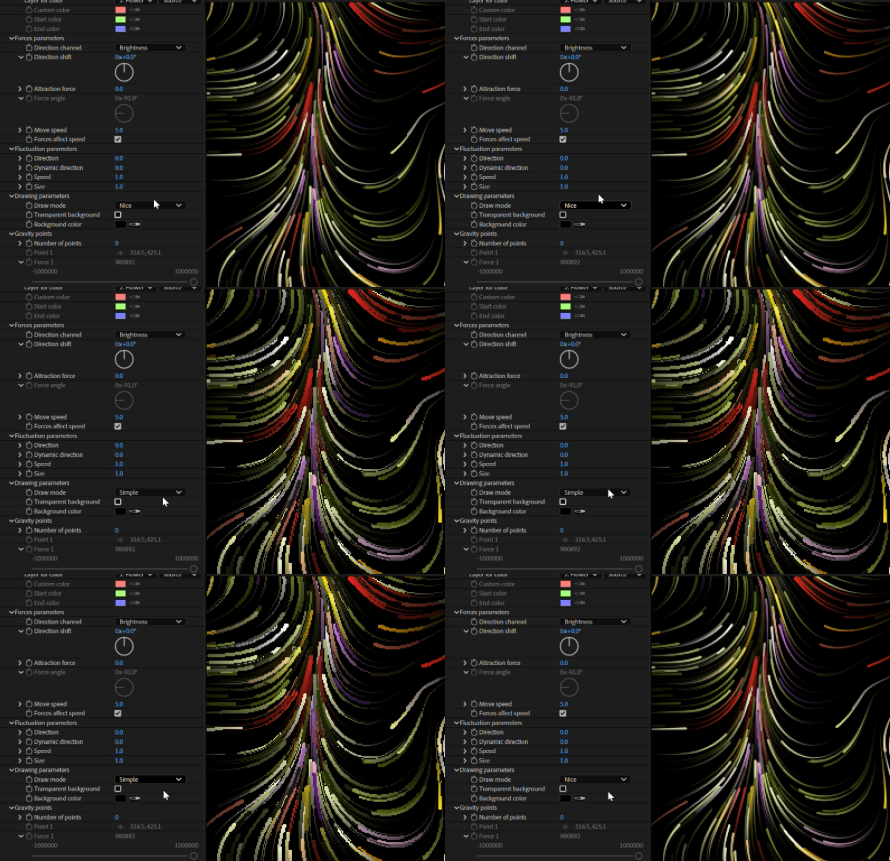
- Drawing ModeSwitch between Nice and Simple rendering, with optional transparency and background color control.
Elevate your motion graphics workflow with premium collection of After Effects plugins. Whether you are a seasoned professional or just starting your VFX journey, powerful tools designed to streamline complex tasks, unlock creative possibilities, and save you hours of rendering time. From stunning glitch effects and seamless transitions to advanced 3D extrusion and text animation tools, each plugin in our library is rigorously tested for compatibility with the latest versions of Adobe after Effects. Enhance your video production value today and download industry-leading plugins that help you create breathtaking visuals without the technical headaches. Browse our full range and find the perfect extension to supercharge your editing suite now.
➡️ ➡️ For more after effects Plugins 😀 😀
➡️ ➡️ System requirements AE
Reviews
There are no reviews yet.