
xCloner for After Effects
xcloner script
Download xCloner v1.3.2 and xCloner v1.3.8 and xCloner v1.3.9 win for After Effects on Windows and Mac, a powerful script that clones layers with customizable patterns, offsets, and randomization. Create complex multi-layer animations, particle-like arrays, and intricate repeating patterns with complete control over every duplicate—saving hours of manual duplication and positioning work .
Version 1.3.2 , Version 1.3.8 , Version 1.3.9 Key Features:
- Flexible Cloning Patterns: Create copies with custom X, Y, and Z offsets, rotation increments, scale variations, and opacity changes—all configurable through an intuitive interface
- Randomization Options: Add controlled randomness to clone positions, rotations, scales, and colors for organic, natural-looking arrangements
- Multi-Axis Control: Independently control offset amounts on all three axes for precise 3D positioning
- Real-Time Preview: See cloning results update instantly as you adjust parameters, enabling rapid experimentation
- Multi-Layer Support: Clone multiple selected layers simultaneously for complex, coordinated arrangements
- Color Variation: Randomize colors across clones for vibrant, dynamic compositions
- Time Staggering: Add time offsets to create cascading, sequential animations
- Cross-Platform Support: Works on both Windows and Mac systems
- Broad Compatibility: Supports After Effects 2025 down through CC 2019 on both Windows and Mac
Perfect For:
- Motion graphics artists creating particle arrays and repetitive patterns
- Title sequence designers building complex multi-element animations
- VFX artists needing scattered elements and organic arrangements
- Anyone tired of manually duplicating and positioning dozens of layers
- Studios looking to speed up pattern-based animation workflows
System Requirements:
- Adobe After Effects 2025, 2024, 2023, 2022, 2021, 2020, CC 2019
- Windows 10/11 (64-bit) or macOS
- 4GB RAM minimum (8GB+ recommended)
- 25MB available disk space
- Enable “Allow Scripts to Write Files and Access Network” in Preferences > Scripting & Expressions
Installation:
Copy the script file to your After Effects ScriptUI Panels folder:
- Windows:
C:\Program Files\Adobe\Adobe After Effects [version]\Support Files\Scripts\ScriptUI Panels\ - Mac:
/Applications/Adobe After Effects [version]/Scripts/ScriptUI Panels/
Access via Window menu > xCloner
Note: Version 1.3.2 includes performance improvements and enhanced randomization controls . The script’s ability to create complex, randomized clones makes it essential for creating organic particle systems and intricate pattern animations .
xCloner is an After Effects plugin that clones any type of layer exceptionally fast. NEW: Path & Object Cloning.
xCloner v1.3 is a massive new update, introducing two powerful new modes:Path Cloning and Object Cloning!
Path Cloning
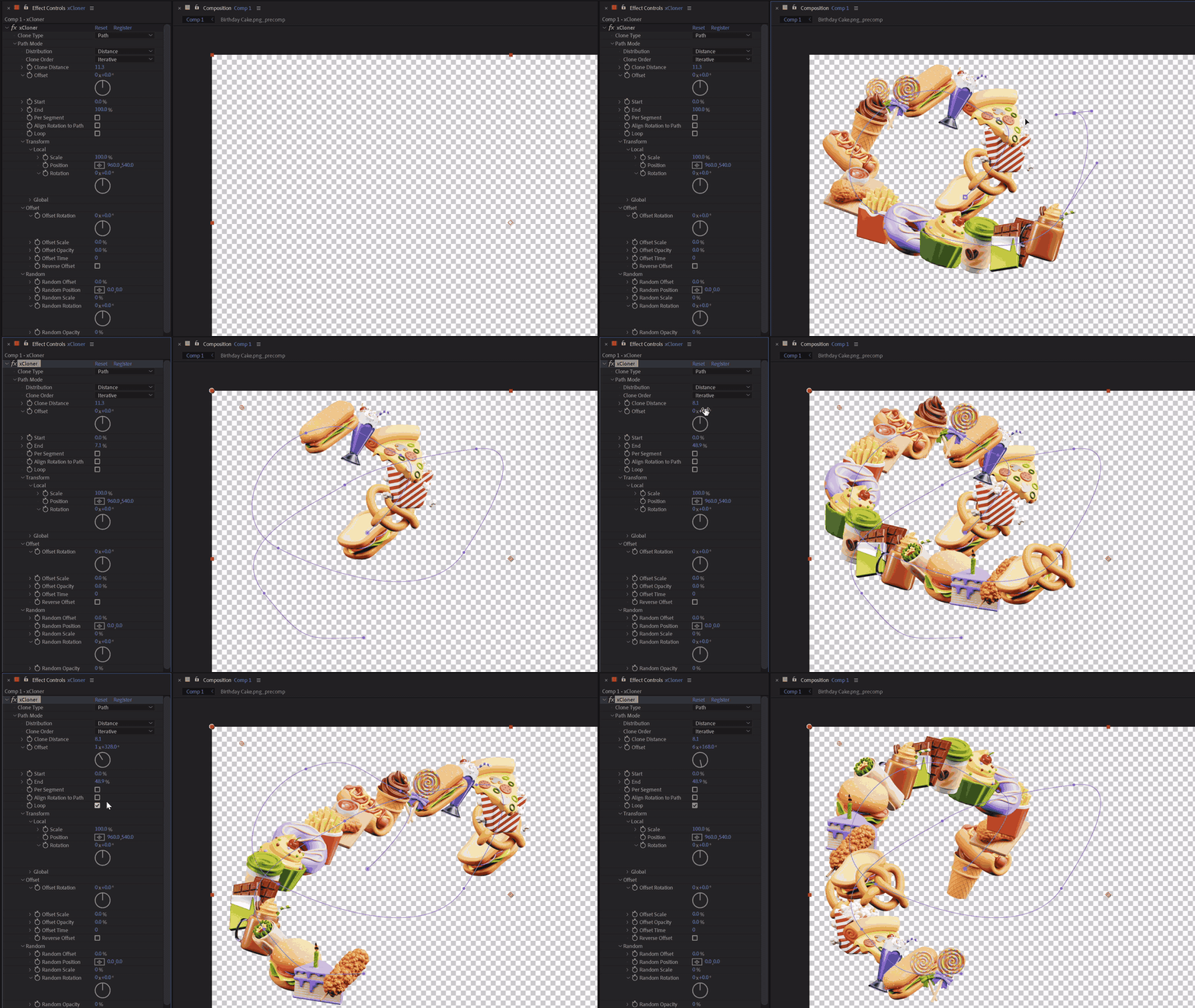
With Path mode, draw or paste any number of masks and clone directly along their paths. Path cloning lets you distribute clones in three different ways; Count, Distance and Vertex. You can choose to clone on individual masks or all masks combined, loop clones along paths, set clone rotation to follow path direction, randomize and offset transformations and much more!
Object Cloning
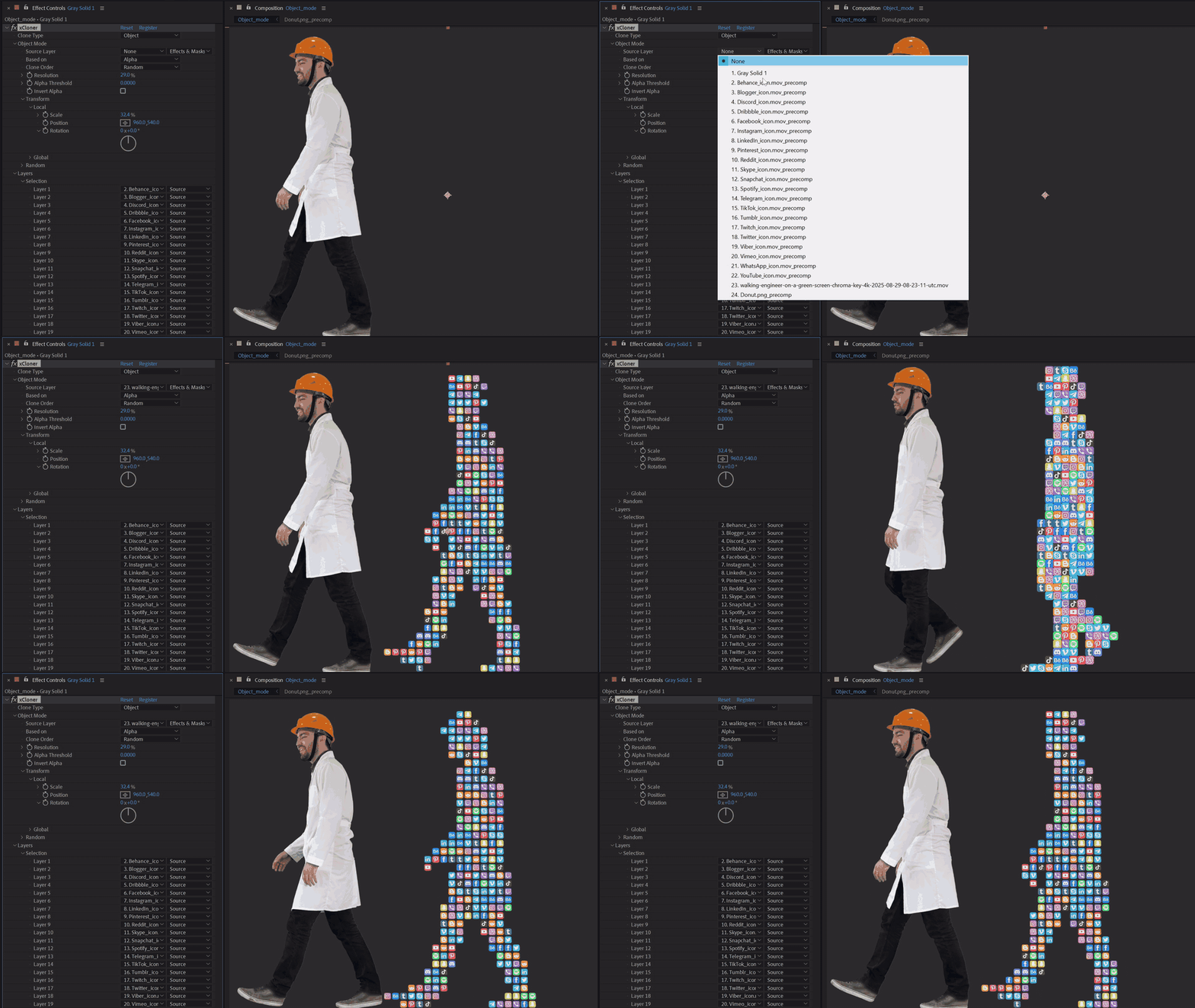
Object Mode lets you clone based on any source layer’s alpha or luma channels. Fine-tune with resolution, threshold, and other advanced controls to achieve exactly the look you want.
5 Cloning Modes
Linear Mode

Radial Mode
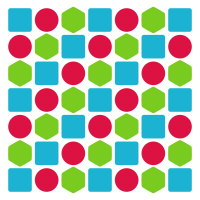
Grid Mode
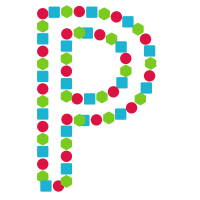
Path Mode
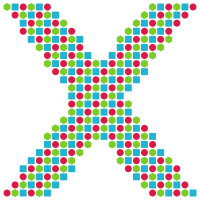
Object Mode
Intuitive UI
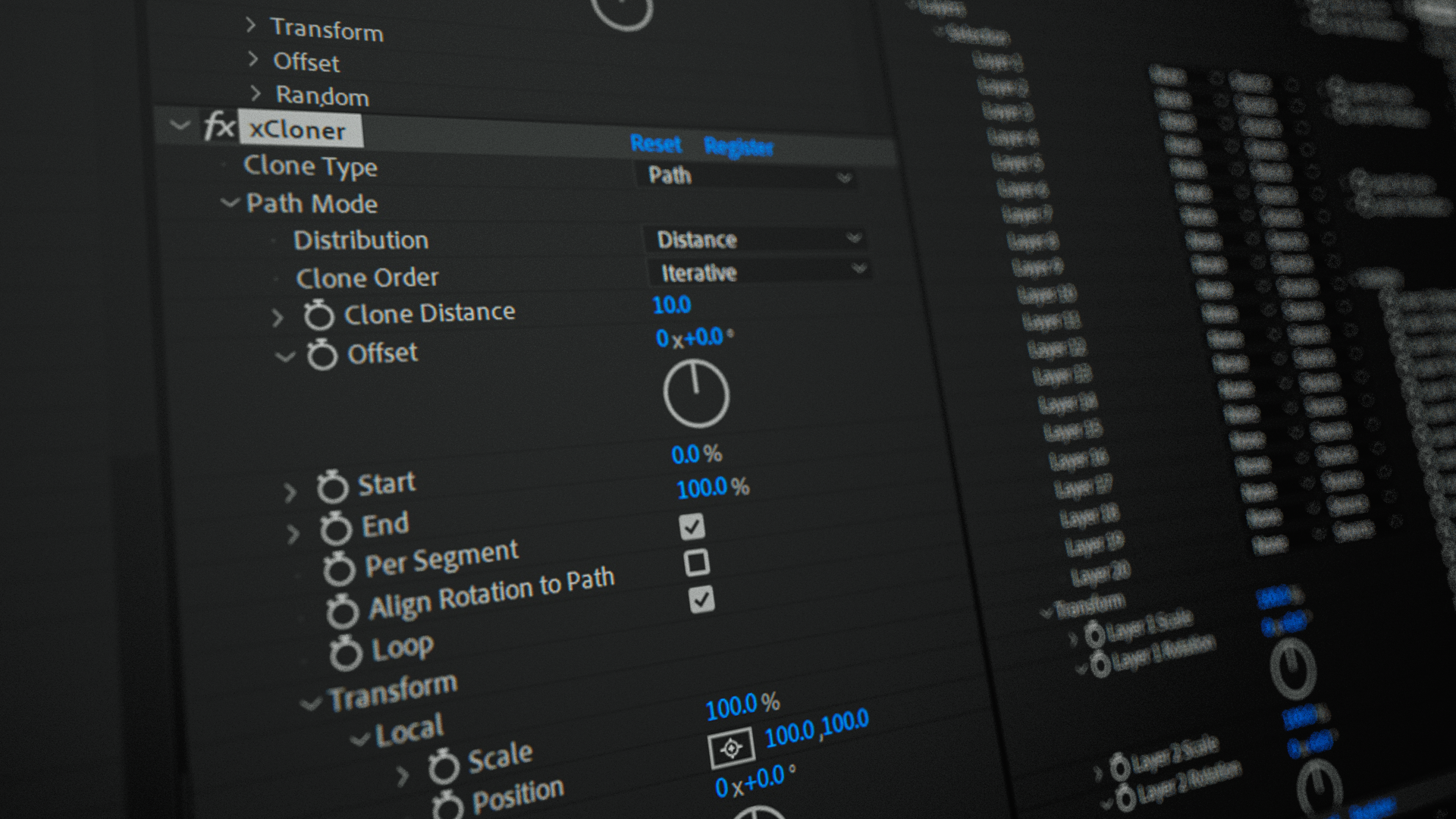
A modern, easy-to-understand, and logically structured User interface.
Built for performance
xCloner is fast. Cloning a few thousand clones in any mode, isn’t an issue for this plugin. This simply isn’t possible with standard layer duplication.
Benchmark – 320 x 4K Layers (Render time per frame)
Expression based
25s
Script duplication
15s
xCloner
0.2s
Custom Layers
Choose up to 20 custom layers for cloning. Set their transformation, blending mode and visibility.
Detailed documention
Includes step-by-step documentation that guides you through installation, setup, and every feature in xCloner.
Technical features:Works with Adobe After Effects CS6 and aboveWorks on Mac OS & Windows5 Cloning ModesDetailed DocumentationMulitiframe renderingWorks with 32 bit color
Tutorial:
Compatibility
After Effects
2026, 2025, 2024, 2023, 2022, 2021, 2020, CC 2019, CC 2018, CC 2017, CC 2015.3, CC 2015, CC 2014, CC, CS6
Elevate your motion graphics workflow with premium collection of After Effects plugins. Whether you are a seasoned professional or just starting your VFX journey, powerful tools designed to streamline complex tasks, unlock creative possibilities, and save you hours of rendering time. From stunning glitch effects and seamless transitions to advanced 3D extrusion and text animation tools, each plugin in our library is rigorously tested for compatibility with the latest versions of Adobe after Effects. Enhance your video production value today and download industry-leading plugins that help you create breathtaking visuals without the technical headaches. Browse our full range and find the perfect extension to supercharge your editing suite now.
➡️ ➡️ For more after effects Plugins 😀 😀
➡️ ➡️ System requirements AE
Reviews
There are no reviews yet.