
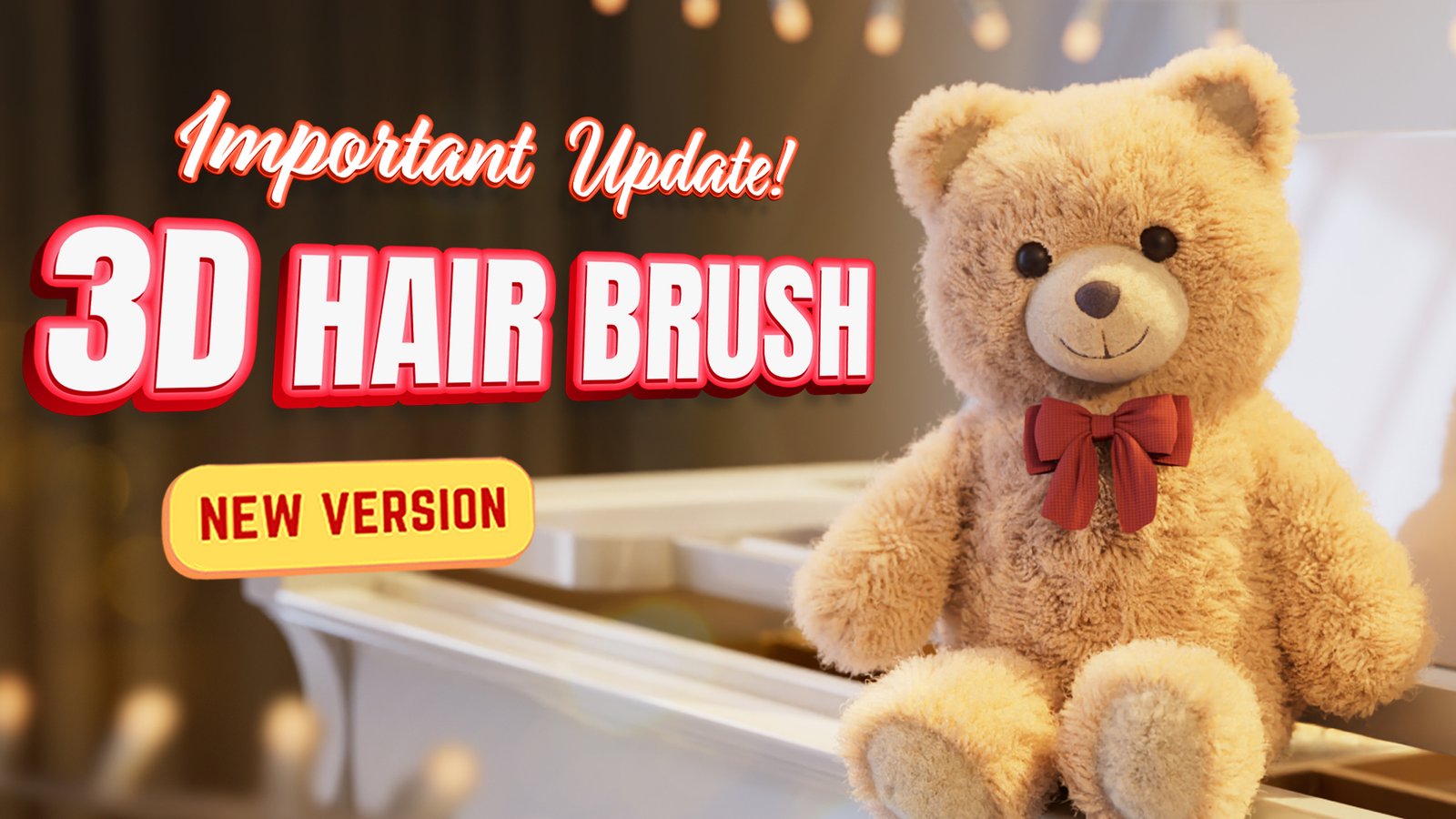
3D Hair Brush for Blender
3D Hair Brush v4.7.1 for Blender
The Ultimate Hair Creation Tool
Download the 3D Hair Brush v4.7.1 addon today. Therefore, you can sculpt realistic hair instantly. Because character creation requires detailed hair, you need proper tools. However, manual hair particle grooming takes weeks. Consequently, this powerful addon solves that problem completely. Furthermore, it provides an intuitive brush-based workflow. Thus, you can generate complex hairstyles in minutes.
Intuitive Brush-Based Modularity
First, the core of this addon is its brush system. Specifically, you can paint hair directly onto your mesh. Furthermore, the addon automatically generates realistic hair curves. Additionally, you can adjust thickness and length seamlessly. Thus, you can build endless hairstyle variations easily. Moreover, you can create stylized or hyper-realistic looks. Consequently, your character models will look highly professional.
Advanced Grooming and Styling Features
Ultimately, great hair requires advanced styling control. Therefore, this addon includes powerful grooming tools. Specifically, you get comb, smooth, and clump brushes. Furthermore, the normal maps capture fine strand details. Additionally, the materials simulate realistic light scattering. Consequently, your hair will look incredibly lifelike. Thus, the strands react beautifully to scene lighting.
Real-Time Optimization and Performance
However, high hair density can slow down your viewport. Therefore, the addon is perfectly optimized for performance. Specifically, it utilizes Blender’s efficient curve systems. Consequently, you can render thousands of strands easily. Meanwhile, your viewport frame rate remains completely stable. Ultimately, this ensures a smooth and fast workflow.
Perfect for Character Artists
Additionally, this addon is ideal for character modelers. Furthermore, it suits stylized and realistic game developers. Moreover, concept artists will love the rapid iteration. Ultimately, it accelerates your entire 3D character pipeline.
System Requirements and Formats
Specifically, the addon requires Blender 3.6 or newer. Furthermore, it supports both Cycles and Eevee render engines. Additionally, you get regular free updates from the developer. Therefore, it works perfectly across all major operating systems. Moreover, you will need a standard workstation. Thus, 16GB of RAM is highly recommended. Consequently, a modern GPU ensures smooth viewport playback.
Installation and Usage Guide
First, download the zip file from your library. Next, open Blender and go to Edit Preferences. Then, select Add-ons and click Install. After that, enable the 3D Hair Brush addon. Finally, start painting hair directly onto your mesh. Thus, your character hair will build very quickly.
What is Included Inside?
Specifically, the pack contains multiple custom hair brushes. Furthermore, it includes preset hair material nodes. Additionally, you get several stylized hair clump variants. Moreover, there are detailed video tutorial guides. Ultimately, you receive everything for professional hair creation.
Final Thoughts on the Addon
Ultimately, great hair evokes profound character realism. Therefore, this addon provides the ultimate creative foundation. Furthermore, you can build dynamic fantasy hairstyles. Alternatively, you can create subtle realistic grooming. Consequently, your character vision becomes a stunning reality.
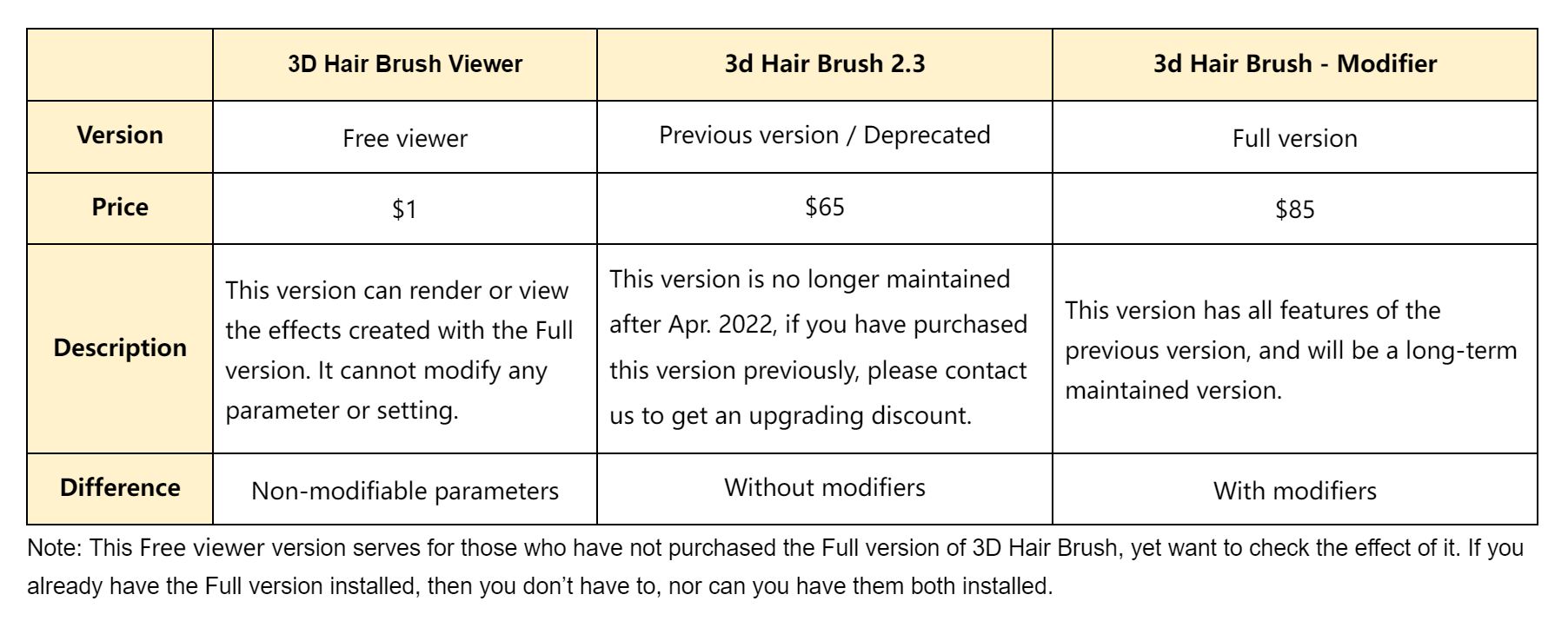
4 well-made human hair presets for free! Only Blender 3.1 or above is supported.
Download 3D Hair Brush Free Viewer and get free hairstyles! Load with one click, it’s so easy to use.
This add-on is just a viewer of 3D Hair Brush, if you want more hairstyles and more features, please purchase the full version to unlock all features
Full version
Introduction
3D Hair Brush is a powerful hair grooming tool that fully supports the new hair system, allowing users to easily achieve stunning hairstyles and animal fur effects. The addon offers a variety of hair brushes, children modifiers, preset libraries, CyclesHair Render, and efficient hair grooming tools. With its user-friendly interface and diverse functionalities, even beginners can easily use this tool. Using this addon can enhance the efficiency of hair grooming and styling adjustments in Blender, while achieving a professional level of quality. 3D Hair Brush is undoubtedly the productivity tool for 3D artists.
Features1. 3D BrushesGet rid of traditional 2D brushes and bring users brand-new 3D brushes that perfectly support the new hair system. Multiple new hair brushes are provided for both the old and new hair systems, making hair grooming more efficient.
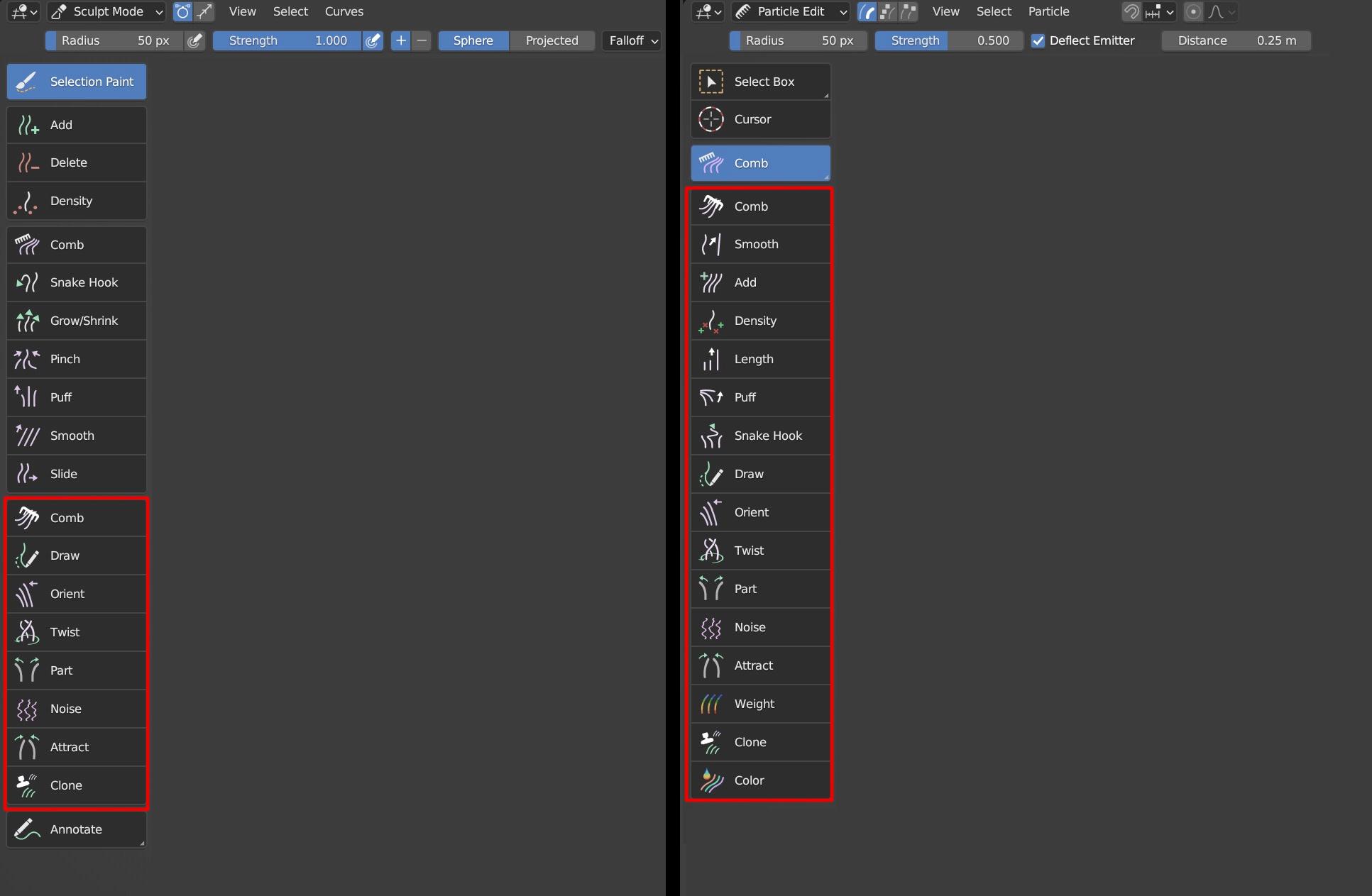
New hair system brush tutorial
Old hair particle system brush tutorial
User Manual
https://docs.vfxgrace.com/3d-brush/3-1-brush.html
2. Modifiers
This feature provides users with the ability to modify the shape of hair children using modifiers such as Length, Noise and Clump. The modifier is managed in a hierarchical mode that is non-destructive and reversible, allowing users to modify all parameters according to the desired effect and making hair styling more flexible and controllable.
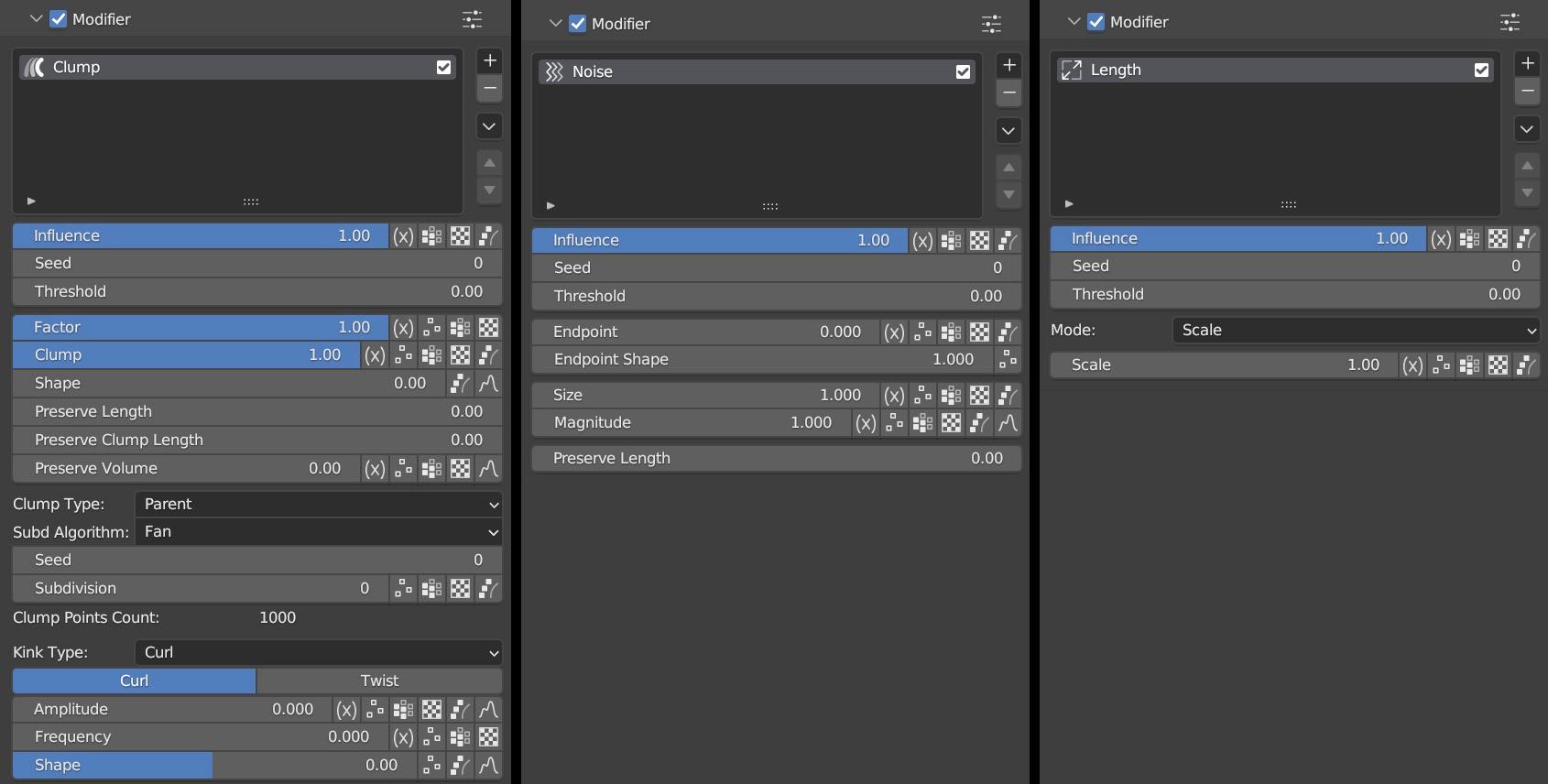
tutorial
User Manual
https://docs.vfxgrace.com/3d-brush/4-1-modifier.html
3. Preset Library
The preset library provides users with 32 high-quality hairstyle presets for both male and female characters, each with complete materials and particle systems. Various features are also provided to help users quickly switch between different hairstyles for their characters. Users can also create their own preset libraries using the preset panel.
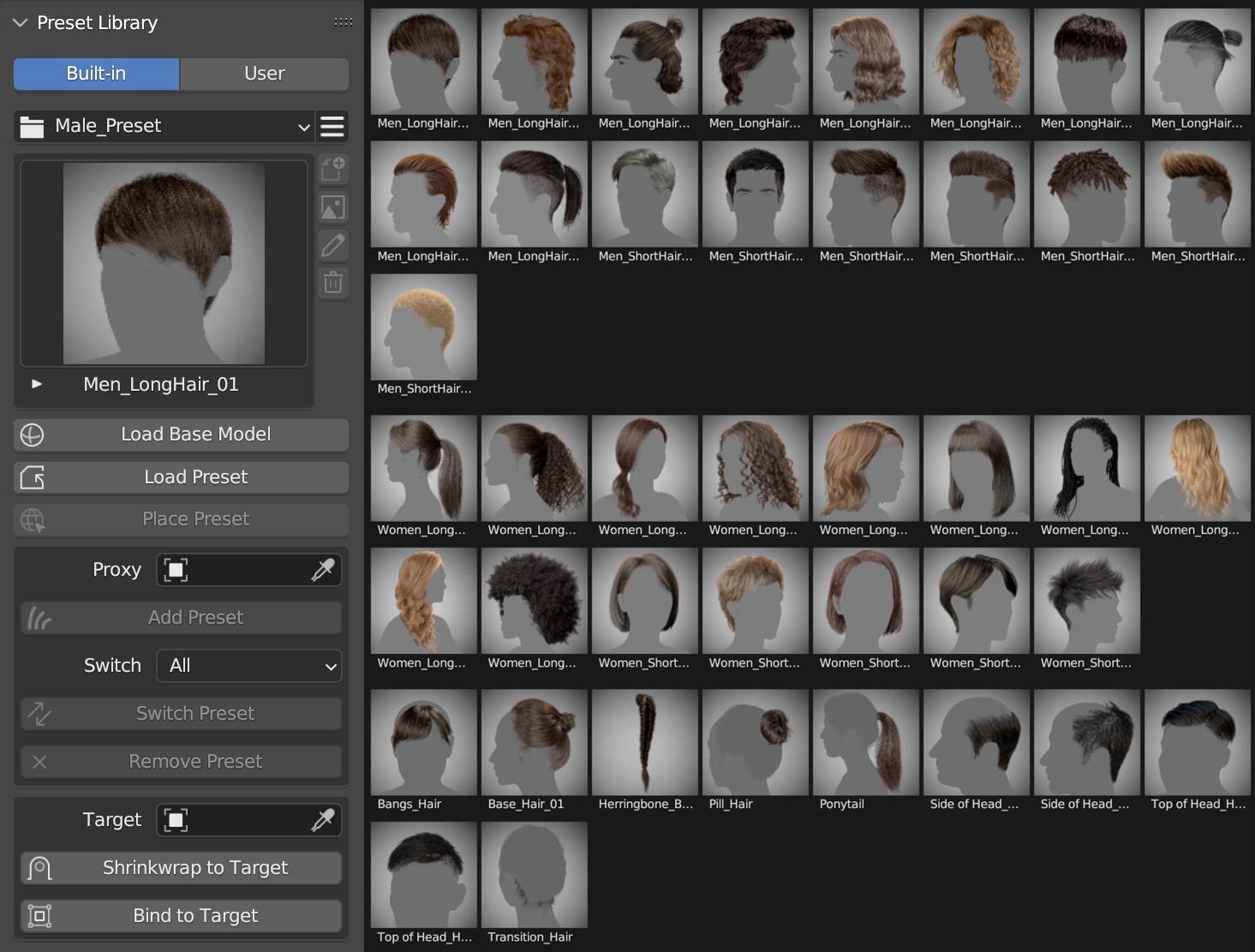
Tutorial
3D Hair Brush is a powerful hair tool, including 3D brushes with Pie Menu, Use Radius Curve, Use Diameter Random, and Hair Modifier
3D brushes can distinguish complex muscle surfaces of models and provide artists with a wonderful experience of grooming hairstyles in Blender; With multiple well-designed brushes presets, it gives efficient solutions to making varying hairstyles;
Using Radius Curve makes it convenient for us to control hair shape;
Using Diameter Random makes it possible to randomize the thickness of hair in just one particle system.
Modifier gives us an opportunity to add modifiers layer by layer until we get a good result and it doesn’t destroy any hair shape we created before.
https://docs.vfxgrace.com/3d-brush/5-preset-library.html
4. Hair to Hair Cards
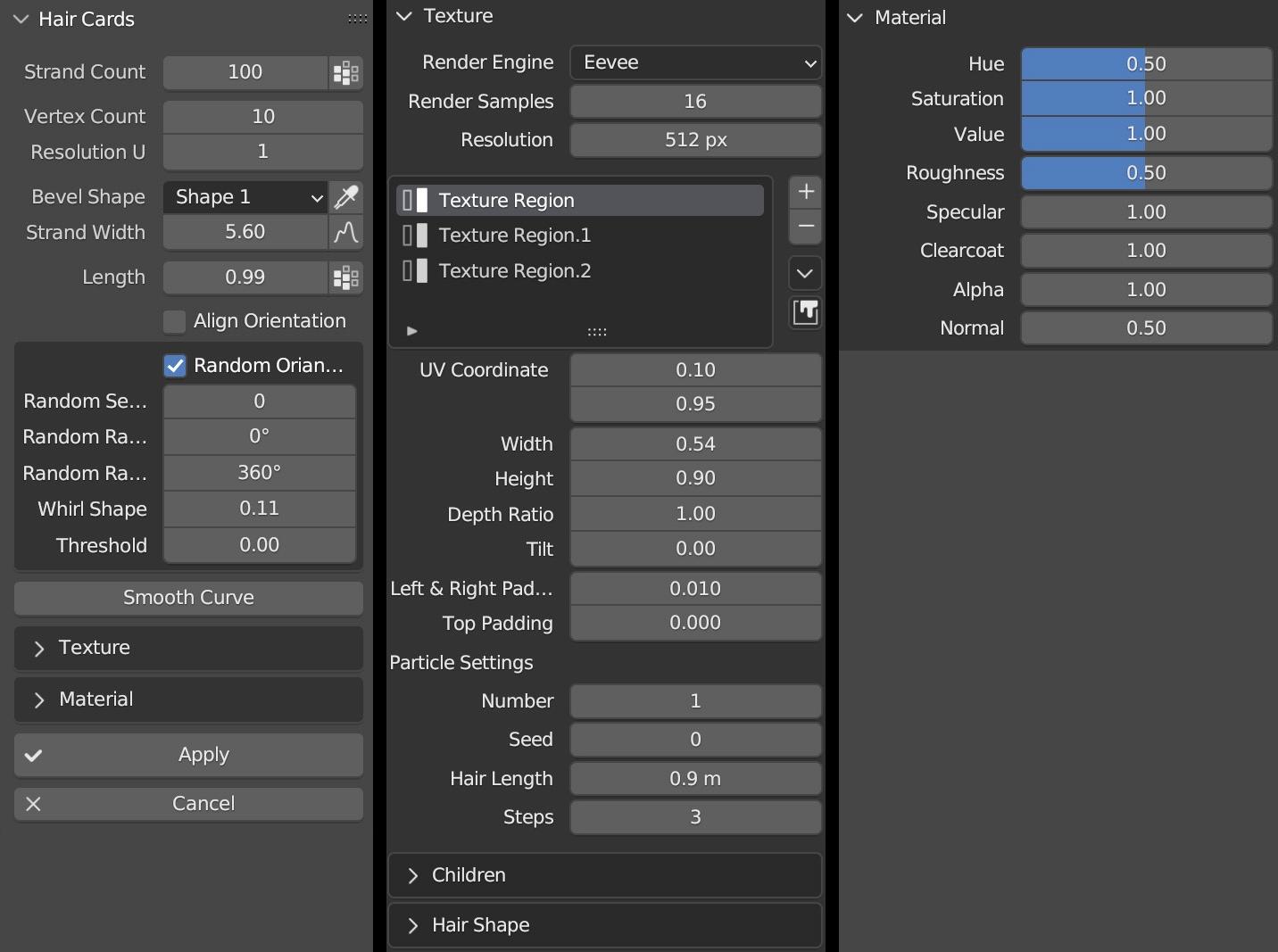
This feature enables users to quickly convert particle hair to hair cards. Based on Eevee and Cycles renderers, hair texture can be adjusted in real time, and the shape of hair in the texture can be modified directly via hair modifiers. This intuitive and fast conversion method opens up new possibilities for creating hair in Blender.
Tutorial
User Manual
5. CyclesHair Render
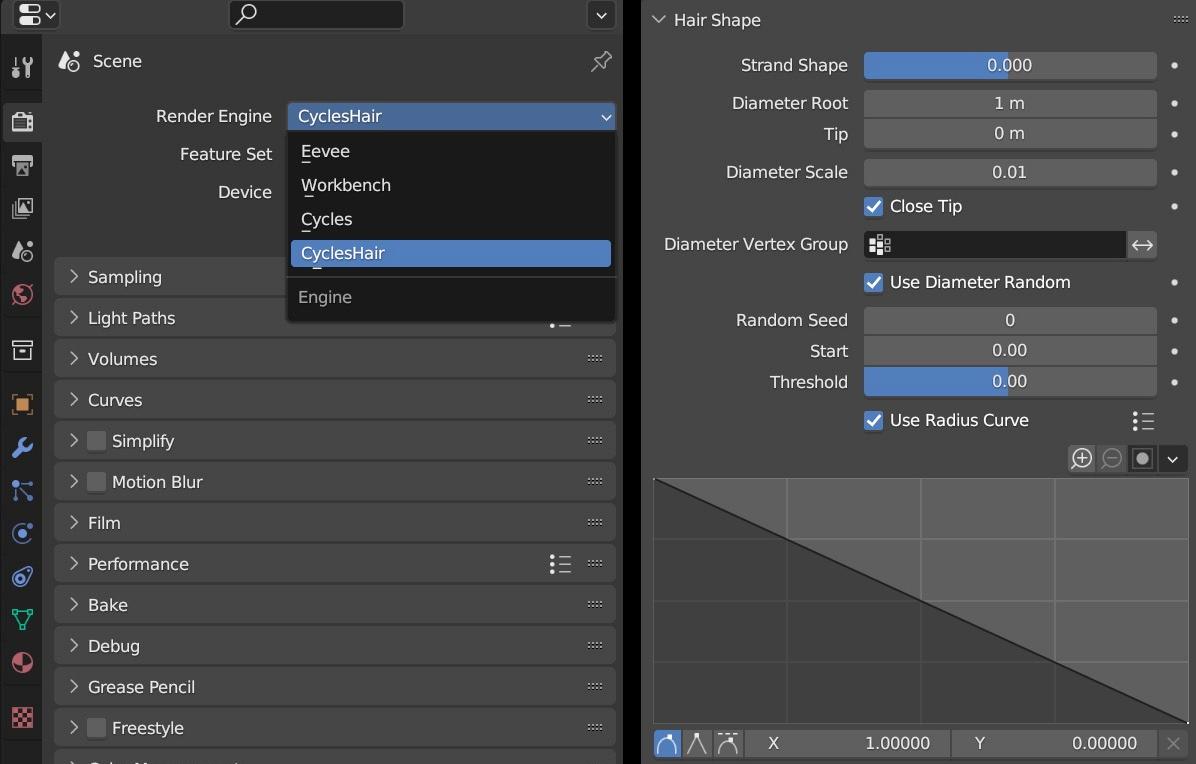
Cycles Hair Renderer is a rendering engine developed based on the Cycles renderer. It is fully compatible with the Cycles renderer and provides users with functions such as Use Radius Curve, Use Diameter Random, change hair thickness by weight, and real-time display of color groups.
User Manual
https://docs.vfxgrace.com/3d-brush/6-4-cycles-hair-render.html
6. Hair Tools
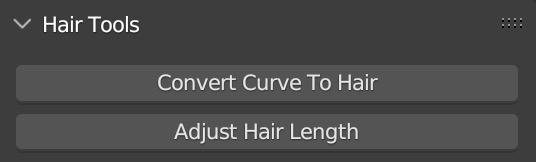
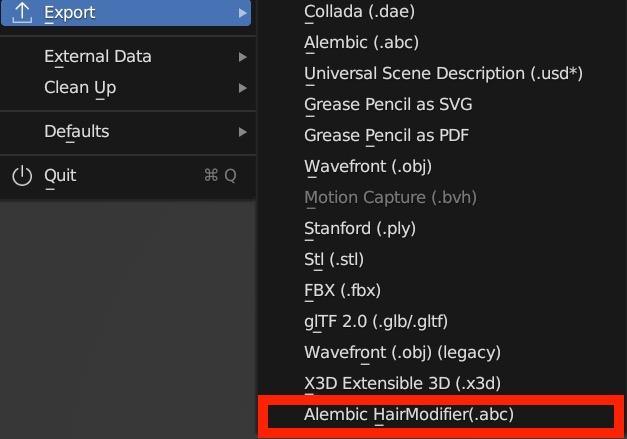
The hair tools that come with the addon can quickly convert curves to hair and modify the overall hair length. It also provides an option to export abc files, allowing you to perfectly export hair effects created with modifiers.
User Manual
https://docs.vfxgrace.com/3d-brush/6-2-convert-curve-to-hair.html
https://docs.vfxgrace.com/3d-brush/6-3-export-abc.html
Installation
Click Edit -> Preferences -> Add-ons -> Install, select the Zip file, and hit Install Add-on.
Uninstallation
Disable this add-on.
Save Preference settings, which is done automatically by default.
Restart Blender, and then remove this add-on.
Supercharge your 3D creation workflow with premium selection of Blender Add-ons. Whether you are modeling intricate characters, sculpting realistic environments, or animating cinematic sequences, the right add-on can transform how you work inside Blender. Our curated collection includes powerful tools for UV unwrapping, procedural texture generation, rigging automation, rendering optimization, and more—each rigorously tested for compatibility with the latest Blender versions. Eliminate tedious manual processes and unlock advanced functionality that lets you focus on what matters most: bringing your creative vision to life. Explore our full range of professional Blender plugins today and take your 3D projects to the next level.
➡️ ➡️ For more Blender Plugins 😀 😀
Reviews
There are no reviews yet.