
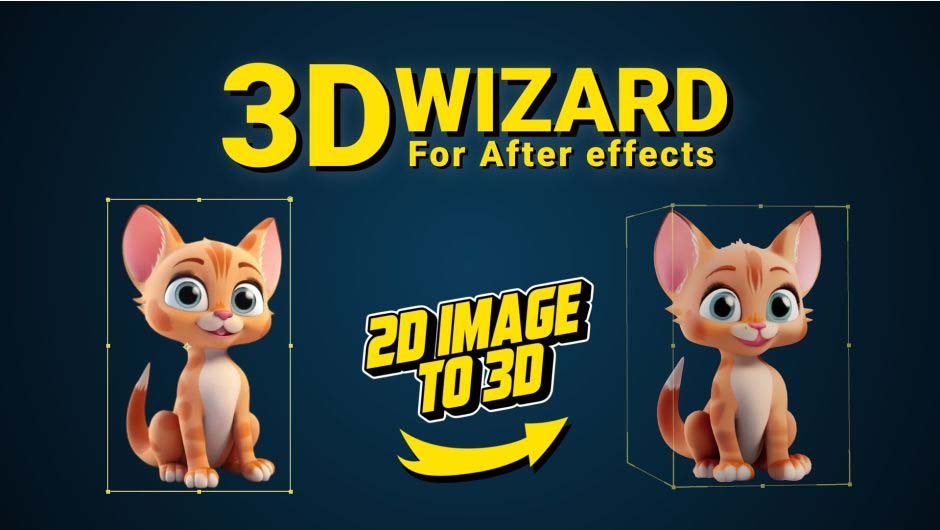
3D Wizard for After Effects
Download 3D Wizard 2.5.2, a powerful After Effects extension that uses artificial intelligence to transform any 2D image into a fully realized 3D model directly within your timeline. This innovative tool automates the complex process of creating six different perspectives from a single image, then processes them with advanced AI to generate a complete 3D model you can control and animate .
Turn any 2D image into stunning 3D models directly in After Effects. Powered by AI, it generates, edits, and converts images effortlessly.
Perfect for creators ready to elevate their projects.
Key Features of 3D Wizard 2.5.2:
- AI-Powered 2D to 3D Conversion: Drag and drop your image, and the extension generates six different views processed by AI to create a complete 3D model
- Automatic Background Removal: Effortlessly removes image backgrounds to ensure clean, focused subject isolation for optimal 3D conversion
- Six-View Generation: Creates multiple perspectives of your image as the foundation for accurate 3D modeling
- Seamless Timeline Integration: Final 3D models import directly into your composition, ready for immediate use
- AI Image Editing: Generate or modify 2D images using text prompts, then convert them to 3D models for further refinement
- Full 3D Control: Manipulate depth, lighting, and camera interaction within After Effects
- Cross-Platform Support: v1.4.6 now compatible with both Windows and macOS systems
- Latest AE Compatibility: Fully supports Adobe After Effects 2024 and 2025
- Enhanced Performance: Reduced limitations due to parallel space usage with improved stability
Perfect For:
- Motion graphics artists creating dimensional animations from flat artwork
- Visual effects compositors needing quick 3D elements from 2D sources
- Dynamic poster and title sequence designers
- Anyone wanting to add depth and dimension to illustrations and photographs
System Requirements:
- Adobe After Effects 2024 or 2025
- Windows or macOS (v1.4.6 adds macOS compatibility)
- 8GB RAM minimum (16GB+ recommended)
- GPU recommended for optimal AI processing performance
- 500MB available disk space
Version 1.4.6 Updates (June 2025) :
- Added macOS compatibility
- Reduced limitations due to parallel space usage
- Various bug fixes and performance improvements

| 3D Wizard |
|---|
| A powerful tool for transform 2D images into 3D models, seamlessly integrating them into your timeline.Simply drag and drop your image, and let the extension generate six different perspectives.The extension initially removes the background of the subject in an impressively effective way.These perspectives are then processed by an advanced AI to create a fully-realized 3D model.With 3D Wizard, you can bring your 2D designs to life in three dimensions with just a click. |
How It Works
1Input Your Image: Choose an image from a layer, composition frame, folder, or simply drag and drop a file into the extension.
2Remove Background: The background of the image is completely removed, ensuring a clean and focused subject for 3D conversion.
3Generate Six Perspectives: The extension creates six different views of the image from various angles, preparing it for 3D modeling.
4Convert to 3D Model: Using advanced AI, the six perspectives are transformed into a fully-realized 3D model.
5Import to Timeline: The final 3D model is seamlessly imported into your timeline, ready for use in your project.
6Edit and Enhance: Use AI-powered tools to generate or modify 2D images from text prompts in any language, then convert them into 3D models for further refinement.
Turn a single image or multi-angle images into a 3D model:

Input Image or Images
The user can input either a single image or multiple images into the extension. Images can be imported from a selected layer source, a PNG frame of a composition, a folder, or by simply dragging and dropping them.

Generate 3D Model
The extension uses AI to remove the background of the subject and generates images of the subject from various angles. Using advanced AI, the extension creates a 3D model based on the input images.

Import to Timeline
Finally, the 3D model is directly imported into the timeline, allowing the user to transform a 2D image into a fully-realized 3D model.
Generate and edit images using prompts, and convert them into a 3D model:

Image Generation Using Prompts:
By entering a prompt In any language, you can generate your desired images. The generated images are optimized for conversion into 3D models.

Editing and Modifying Images:
You can also use additional prompts to edit and modify the generated images.

Converting into 3D Models:
Finally, you can transform the images you’ve created into an impressive 3D model, ready to be added to your timeline.
Some samples

Compatibility
After Effects
2026, 2025, 2024
Elevate your motion graphics workflow with premium collection of After Effects plugins. Whether you are a seasoned professional or just starting your VFX journey, powerful tools designed to streamline complex tasks, unlock creative possibilities, and save you hours of rendering time. From stunning glitch effects and seamless transitions to advanced 3D extrusion and text animation tools, each plugin in our library is rigorously tested for compatibility with the latest versions of Adobe after Effects. Enhance your video production value today and download industry-leading plugins that help you create breathtaking visuals without the technical headaches. Browse our full range and find the perfect extension to supercharge your editing suite now.
➡️ ➡️ For more after effects Plugins 😀 😀
➡️ ➡️ System requirements AE
Reviews
There are no reviews yet.