
bool tool for Blender
Bool Tool v1.1.3 for Blender
The Ultimate Boolean Workflow Tool
Download the Bool Tool v1.1.3 addon today. Therefore, you can perform boolean operations instantly. Because hard surface modeling requires complex cuts, you need proper tools. However, manual mesh cleanup takes many frustrating hours. Consequently, this powerful addon solves that problem completely. Furthermore, it provides a fast boolean workflow. Thus, you can create complex shapes in seconds.
Fast Boolean Operations
First, the core of this addon is speed. Specifically, it executes union and difference cuts instantly. Furthermore, you can intersect multiple objects easily. Additionally, the tool auto-hides the cutter objects seamlessly. Thus, you can build complex hard surface models quickly. Moreover, you can apply modifiers non-destructively. Consequently, your 3D models will look highly professional.
Advanced Mesh Cleanup Features
Ultimately, boolean operations often create messy topology. Therefore, this addon includes smart mesh cleanup tools. Specifically, you get automatic vertex merging features. Furthermore, the algorithms remove internal faces perfectly. Additionally, the tools recalculate normals automatically. Consequently, your models will remain incredibly clean. Thus, the workflow reacts beautifully to your creative input.
Real-Time Optimization and Performance
However, heavy boolean calculations can slow down your viewport. Therefore, the addon is perfectly optimized for performance. Specifically, it utilizes Blender’s efficient native modifier stack. Consequently, you can process complex scenes easily. Meanwhile, your viewport frame rate remains completely stable. Ultimately, this ensures a smooth and fast workflow.
Perfect for Hard Surface Artists
Additionally, this addon is ideal for hard surface modelers. Furthermore, it suits mechanical and vehicle designers perfectly. Moreover, game developers will love the rapid prototyping. Ultimately, it accelerates your entire 3D production pipeline.
System Requirements and Formats
Specifically, the addon requires Blender 3.6 or newer. Furthermore, it supports all standard viewport shading modes. Additionally, you get regular free updates from the developer. Therefore, it works perfectly across all major operating systems. Moreover, you will need a standard workstation. Thus, 16GB of RAM is highly recommended. Consequently, a modern GPU ensures smooth viewport playback.
Installation and Usage Guide
First, download the zip file from your library. Next, open Blender and go to Edit Preferences. Then, select Add-ons and click Install. After that, enable the Bool Tool addon. Finally, select your objects and press the hotkeys. Thus, your perfectly cut mesh will be ready quickly.
What is Included Inside?
Specifically, the pack contains multiple boolean operation presets. Furthermore, it includes smart mesh cleanup algorithms. Additionally, you get several custom hotkey variants. Moreover, there are detailed video tutorial guides. Ultimately, you receive everything for professional hard surface modeling.
Final Thoughts on the Addon
Ultimately, clean boolean geometry evokes profound professional quality. Therefore, this addon provides the ultimate creative foundation. Furthermore, you can build detailed mechanical assets. Alternatively, you can create complex vehicle parts. Consequently, your hard surface vision becomes a stunning reality.
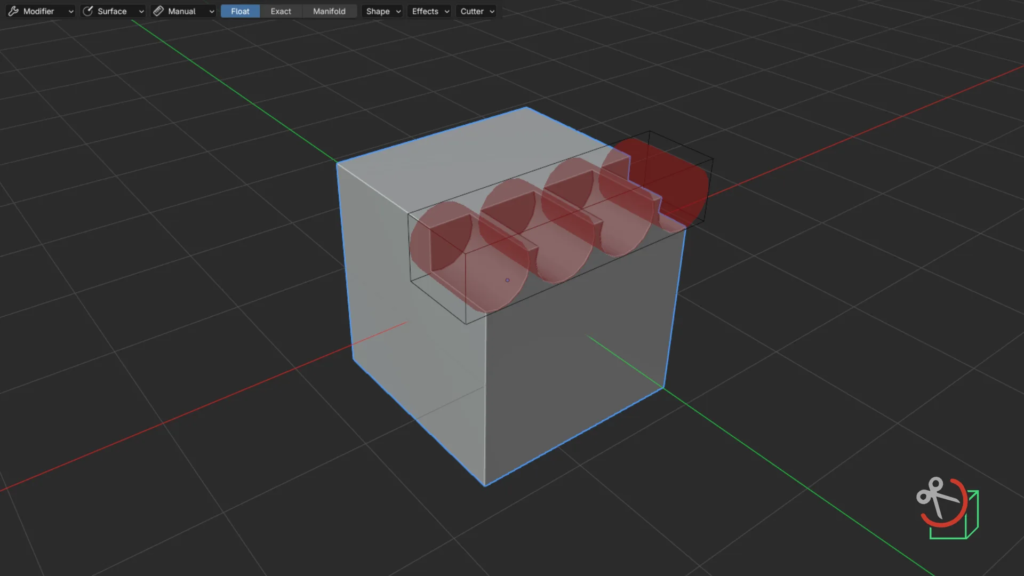
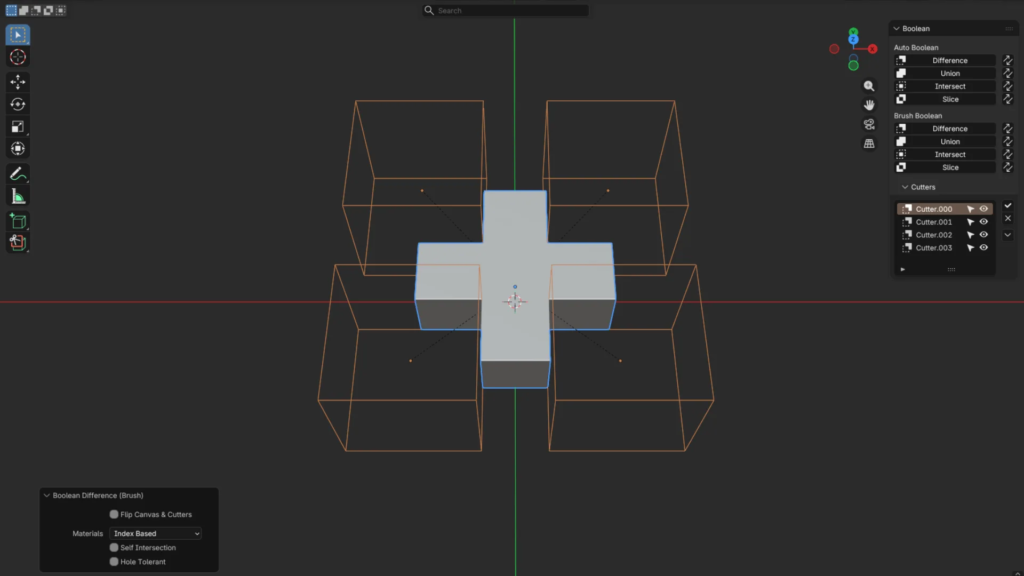
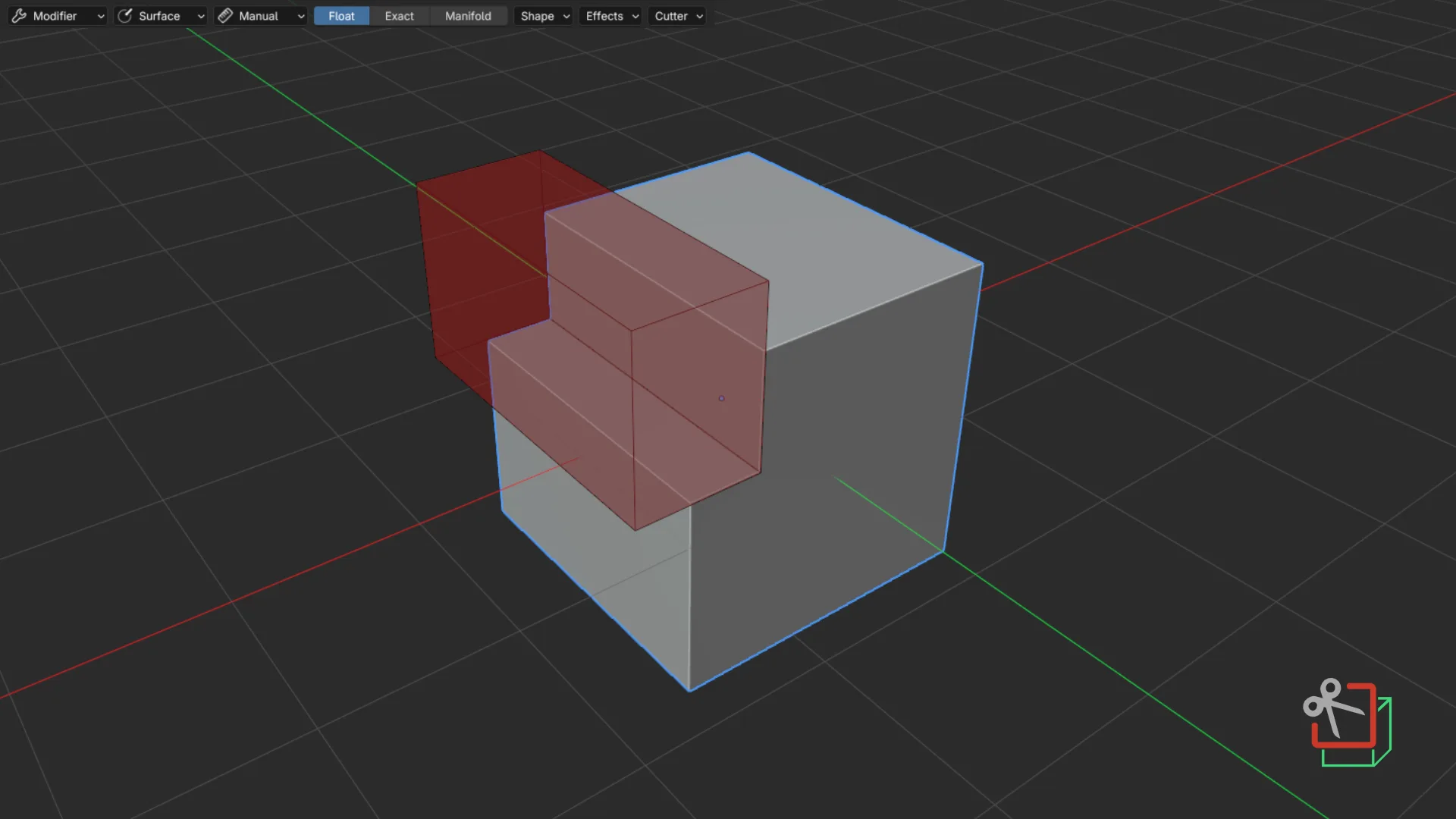
Bool Tool is a historical add-on for Blender that aims to simplify hard-surface modeling operations specifically related to Booleans. Bool Tool doesn’t offer any alternatives to existing Boolean solvers in Blender (therefore, it doesn’t offer faster Booleans), nor does it invent any new systems. Bool Tool simply offers tools for quickly adding, managing, and applying Boolean modifiers (and cutters that they use).
While Bool Tool also offers numerous smaller tools and enhancements, like a manageable list of Boolean cutters, collection management, and others, the main content that Bool Tool adds to Blender can be split into three categories:
- Boolean operators (for quickly adding modifiers & setting up cutter objects)
- Utility operators (for managing existing cutters and canvases: toggle, select, apply…)
- Carving tools (for creating cutters interactively and using them for Boolean operations)
📕 You can read (way too) detailed documentation of the add-on here!
Supercharge your 3D creation workflow with premium selection of Blender Add-ons. Whether you are modeling intricate characters, sculpting realistic environments, or animating cinematic sequences, the right add-on can transform how you work inside Blender. Our curated collection includes powerful tools for UV unwrapping, procedural texture generation, rigging automation, rendering optimization, and more—each rigorously tested for compatibility with the latest Blender versions. Eliminate tedious manual processes and unlock advanced functionality that lets you focus on what matters most: bringing your creative vision to life. Explore our full range of professional Blender plugins today and take your 3D projects to the next level.
➡️ ➡️ For more Blender Plugins 😀 😀
Reviews
There are no reviews yet.