
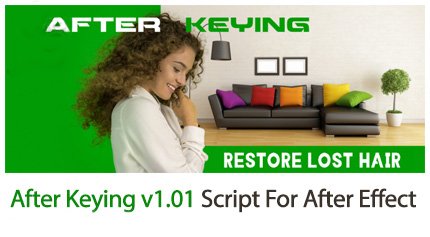
After Keying v1.02 Script For After Effect
After Keying v1.02 script to remove the green screen in After Effects
This section contains the After Keying script version 1.02 for After Effects software, which is located on the site for download. You can use this script to display the details of the part that you deleted with the help of the Keylight plugin. For example, with the help of this plugin, you removed the green curtain, but parts such as the character’s hair have also been removed, which you can restore. Or you removed the green curtain and now you want to composite with the main environment. That is, if there is light in the scene, it makes the same light for the character to look like.
After Keying v1.02 Script For After Effect
Bring your green screen compositing to the next level with After Keying
Restore lost hair with the Refine Details feature and integrate any object to your scene by adding Atmosphere in one click.
YOUR NEXT LEVEL COMPOSITING SKILLS



RESTORE HAIR OR OTHER DETAILS IN A FEW CLICKS



CREATE A FEELING OF PRESENCE



TUTORIALS
3D Plugins are a way to extend the functionality of your video editing software. They can be used for anything from color correction to 3D animation and compositing…
3D Plugins are a set of utilities for after effects, premiere, cinema 4D.., created specifically for the professional needs of video Editors artists.
➡️ ➡️ For more 3D Pluggins 😀 😀
System Requirement For adobe after effects


Reviews
There are no reviews yet.